Starting the WFH project at atwork

There is a lot of news about the worldwide spread of Covid-19 and the effects on all of us. In order to prevent a rapid spread, the usual life should be restricted. People should stay at home if possible and work should be done from home if possible. We at atwork Vienna decided today in the team to do home office in the next few days and possibly weeks. The cloud and tools such as Microsoft Teams make it possible. We will report here which technology works and what needs improvement. ...

March 11, 2020 · 4 min · Toni Pohl
Delegate365 changelog 9.1-Intune

Delegate365 changelog 9.1-Intune

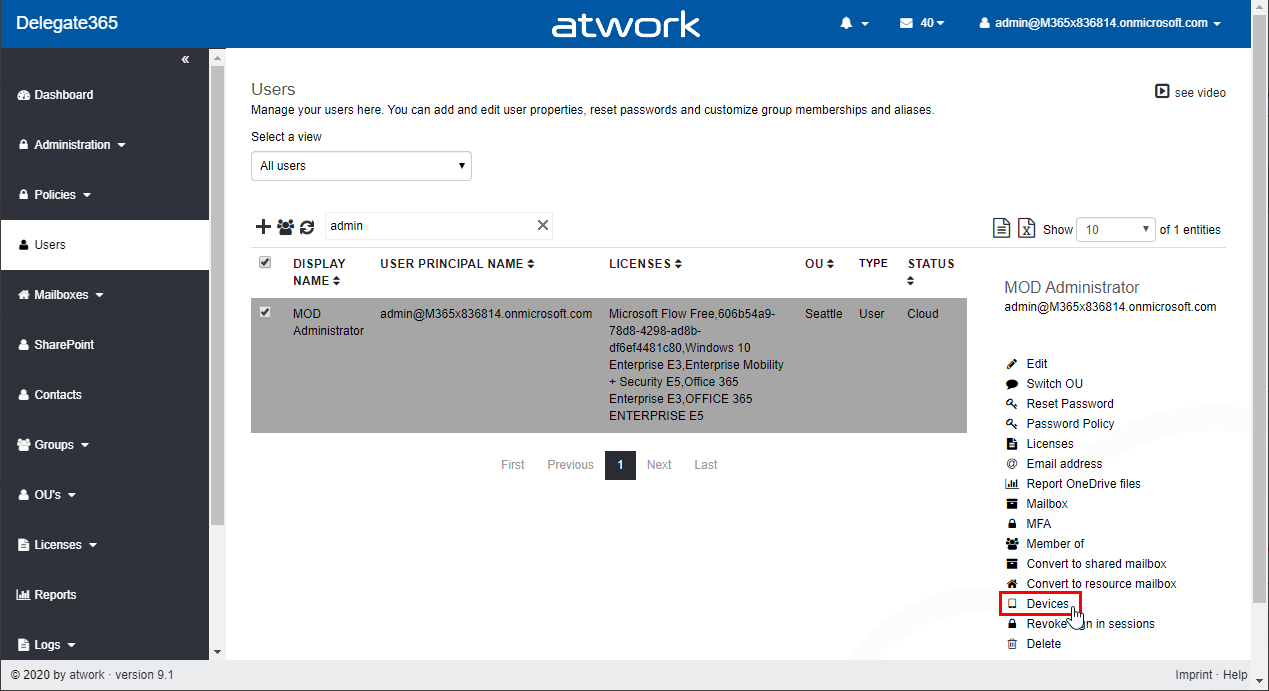
Delegate365 v9.1 provides basic device management of devices for Scope admins with Microsoft Intune. See a description of the new features here. Setup Intune To connect devices to Microsoft Intune, see an overview at Enroll devices in Microsoft Intune. For Android devices: Connect your Intune account to your Managed Google Play account. For Apple devices: Tutorial: Use Apple’s Corporate Device Enrollment features in Apple Business Manager (ABM) to enroll iOS/iPadOS devices in Intune. ...

March 6, 2020 · 4 min · Toni Pohl
Delegate365 changelog 9.1-many new features

Delegate365 changelog 9.1-many new features

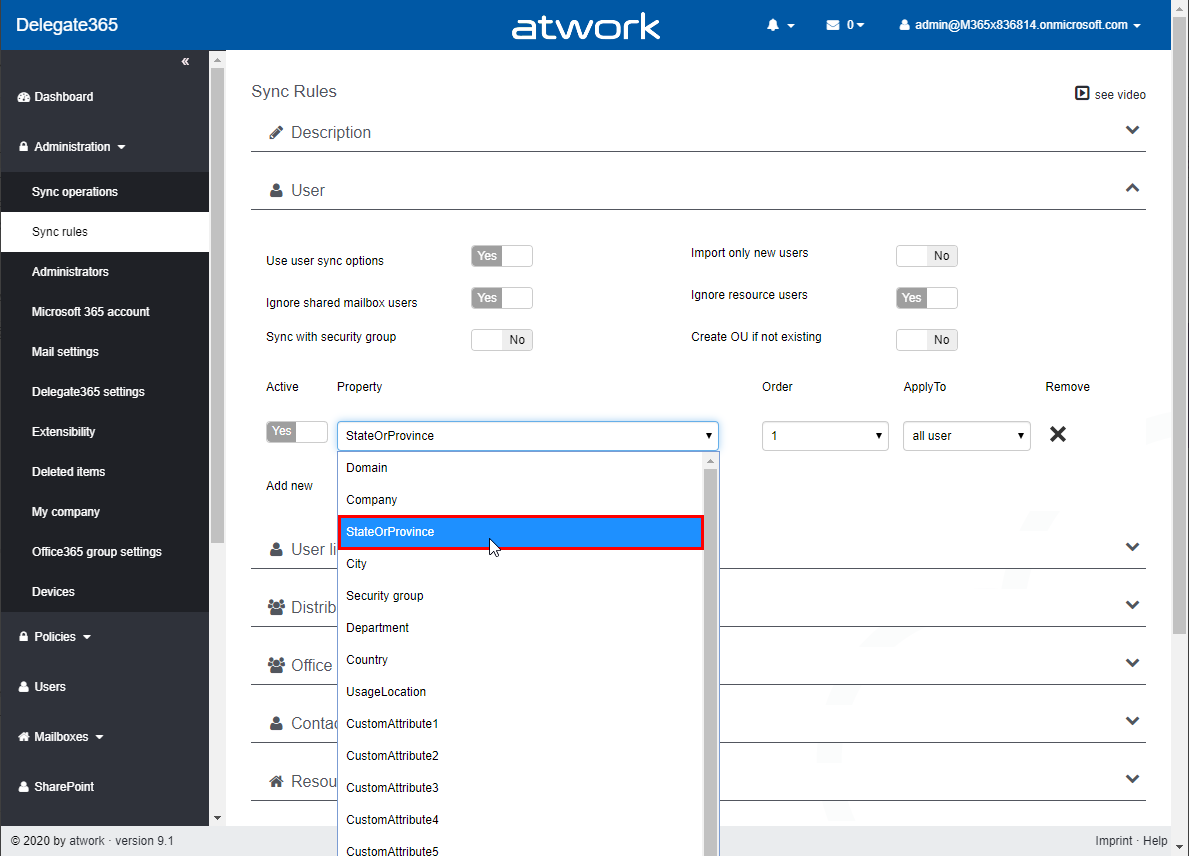
Delegate365 v9.1 comes with many new features. This version immediately follows version 8.5 and this is a major version with many large and small updates. It includes new functions such as Teams improvements, SharePoint sites management, basic device management with Intune, Invite guests, notifications, the new smart sync option, license quotas, new reports and much more. See a description of the new features here. Run a setup: Since new permissions are required for the Delegate365 app, an administrator needs to run the Delegate365 setup after the upgrade process. We will propose an update date to every customer. After the update, an administrator needs to run the Delegate365 setup once. See the How-To at Delegate365-(Re)run the setup. ...

March 5, 2020 · 12 min · Toni Pohl
Delegate365 changelog 9.1-SharePoint Online

Delegate365 changelog 9.1-SharePoint Online

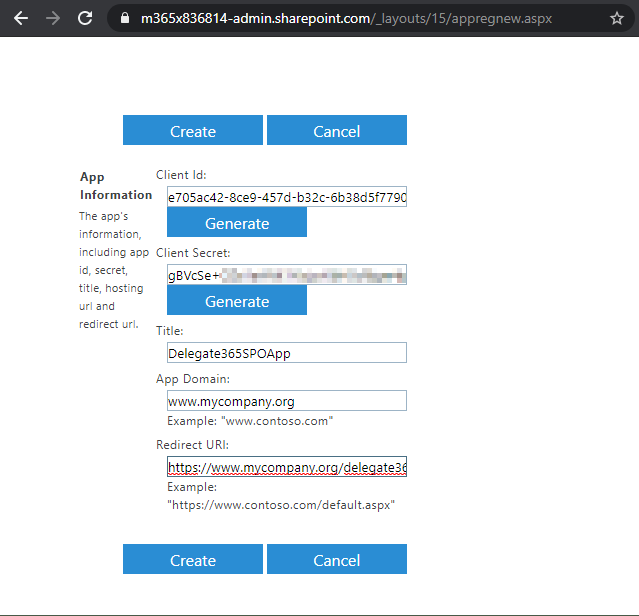
Delegate365 v9.1 provides basic management of SharePoint Online (SPO) sites that are assigned to an OU. See the prerequisites (part 1) and the features (part 2) here. Part one - Create the SPO app once Register the SPO app and to add that data in Delegate365. This needs to be done once by a Global Admin of the tenant. Important: Do the SPO app setup FIRST: To allow communication between Delegate365 and the SPO system, an app is required. Follow the steps described at Register SharePoint Add-ins to create the app or follow the step-by-step instructions here. ...

March 4, 2020 · 7 min · Toni Pohl

CU at SharePoint Conference 2020 in May!

We are looking forward to this year´s SharePoint Conference (SPC) in Las Vegas in May! Sharepoint Conference 2020 offers over 200 sessions, panels and workshops covering all topics around SharePoint, Teams, and the Power Platform. This is an event for everyone working in the Microsoft 365 workspace. We from atwork look forward to being there again. Plus, get a discount for SPC 2020 here! There will be an amazing line-up with more than 150 top-speakers delivering lots of news and insights into the SharePoint ecosystem. In addition to Microsoft speakers, there are also a lot of speakers from the community. We from atwork are honored to speak there with colleagues like Andrew Connell, Laura Rogers, Tony Redmond, Benjamin Niaulin, Daniel Glenn, David Warner, Dux Raymond Sy, Heather Newman, Laura Kokkarinen, and many more! ...

March 3, 2020 · 1 min · Martina Grom
Try the VSCode Docs Authoring Pack extension

Try the VSCode Docs Authoring Pack extension

Today´s a very quick tip: If your are writing documentation in MarkDown with Visual Studio Code, try out the Docs Authoring Pack extension! Install the Docs Authoring Pack extension for VSCode. Once installed, you can use the shortcut ALT + M to access the MarkDown commands, such as the Preview function or to insert formatting. Happy documenting with the Docs Authoring Pack extension for VSCode.

February 28, 2020 · 1 min · Martina Grom
Delegate365-Read audit logs

Delegate365-Read audit logs

Whenever a user or the synchronization makes a change in Delegate365, this is logged. Logging is a collection of changed properties of an object. Since many different things can happen, logging depends on the action. See more here. Delegate365 protocols the changed object properties or assignments to an object. Through the service-oriented architecture, it can take up to 5 minutes till actions are visible in the audit logs. Logs are available for users who have permission to the corresponding Logs modules. For scope admins, usually the Quick Audit OU´s menu is available to see changes of their own objects as follows. ...

February 21, 2020 · 4 min · Martina Grom
Azure Logic Apps Toolbox 2-Send text and files multipartform-data to SharePoint Online

Azure Logic Apps Toolbox 2-Send text and files multipartform-data to SharePoint Online

Using an Azure Logic app is often a quick fix for small computing tasks. So my scenario is as follows: I want to use a form on a website to offer text fields and file upload. The submit button is intended to send the data to a Logic App. The Logic App receives the data and writes it to a SharePoint Online list and sends a notification if necessary. See the implementation here. ...

February 17, 2020 · 8 min · Toni Pohl
Learn more about the Governance Toolkit 365 as an applied cloud story

Learn more about the Governance Toolkit 365 as an applied cloud story

The Governance Toolkit 365 (GT365) is a software-as-a-service solution that offers insights into a Microsoft 365 tenant and is part of the Microsoft Applied Cloud Stories initiative (#AppliedCloudStories). GT365 reads cloud data, stores the data and offers IT administrators monitoring and reporting functions to get a tenant overview at a glance, for example as a newsletter, in Power BI, as API or as a Bot that can be integrated in Microsoft Teams. The GT365 workloads are fully processed in Microsoft Azure using serverless computing. Here are some architectural insights on how to avoid throttling and how to use fan-out functions. ## The application ...

February 4, 2020 · 7 min · Toni Pohl
Delegate365 - Methods of getting license statistics

Delegate365 - Methods of getting license statistics

There are several ways to get the number of assigned Microsoft 365 licenses in Delegate365, depending on the administrator´s permissions policy and the OU assignments. See all methods listed here. Licenses / License report: This module shows den current status of licenses per OU as shown here. First, the Delegate365 licenses are shown. Below, every OU is listed in a box with it´s numbers per object type (such as Users, Groups, Shared Mailboxes, etc.) and the numbers of Microsoft 365 licenses that are assigned to users in that OU. If there are license quotas set, the quota is shown as well. This module is aimed at administrators, the Delegate365 licenses and number of managed objects are shown as well. Licenses / License statistics: This module is aimed for Scope Admins and shows the numbers of used Microsoft 365 licenses as follows. Licenses / License aggregation: For customers, it is often important to know later, on which day in which unit how many licenses are assigned. To enabled such a reporting, Delegate365 stores the assigned Microsoft 365 licenses on a daily basis. In the License aggregation module, administrators can filter for their OU´s and a date range. In the result list, all assigned Microsoft 365 licenses are shown for the OU and per day. This list can be easily exported using the CSV and Excel symbols in the top right of the list as shown in the screenshot below. This list shows a very detailed historical use of the licenses and quotas. Note: In this chronicle you can go back to the beginning where you started working with Delegate365, not only 30 or 90 days as Microsoft 365 stores data! Reports / Delegate365: The report License statistics in the Delegate365 section at the end of the report´s list shows the numbers of assigned Microsoft 365 licenses as well. License statistics: This reports is an exported list including the current numbers of assigned licenses and quotas per OU as shown in the Excel export here. Note: If you are interested, what objects are assigned to an OU, check out the OU overview report. This export includes all objects in a line per OU: users, groups, etc. The report Active user detail in the Office 365 section shows assigned licenses per service for a simple analysis: Note: To see a list of available reports with samples, see Delegate365 on GitHub Reports / Delegate365 / notifications: Note that every admin can choose when to receive a report in the Schedule dropdown. Available options are* Run now, Run weekly (each Monday) *and Run monthly (each 1st). This allows to automate the report generation on a individual user basis. Note: The Portal admins controls how the notification is sent to the users: Send notification with link to the Delegate365 reports page, Send notification with the report as attachment, and Send a notification with a direct download link to the report, which is valid for 24 hours. Our recommend method is to use the last option with the 24-hours link. See more at Delegate365 changelog version 8.4 - New Report notification settings. User properties / Notifications: Another option is to set the Daily Notifications to Yes in the user properties. Click on your user name in the top right corner and select Properties. Turn on the daily notifications and enter the email address to send the report to (usually that would be your work account address you use to manage Delegate365). Then, click Save. The daily notification function generates a report every night that is sent to the provided mailbox. The admin gets an overview of the assigned users of his assigned OU´s. The email is sent with the subject “D365 daily notification” and looks similar as here. This notification includes a section for every OU showing the current numbers of assigned Microsoft 365 licenses and managed objects on a daily basis automatically. Every admin can select this option if needed. So, Delegate365 provides several methods to get and to export license statistics, even historical data. ...

February 1, 2020 · 4 min · Martina Grom