Tips for PowerApps-When does a user need a license?

Tips for PowerApps-When does a user need a license?

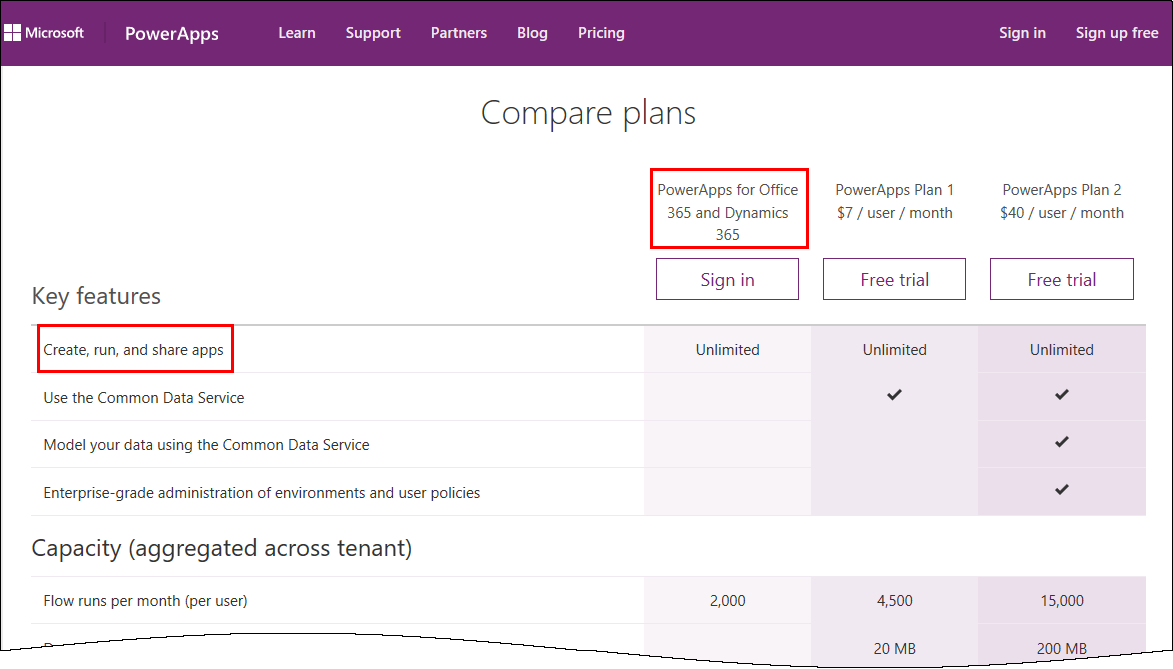
PowerApps is licensed in the Office 365 environment and offers three license plans: PowerApps for Office 365 and Dynamics 365, PowerApps Plan 1 and PowerApps Plan 2. Since it often is not clear, if end users who want to use (and not create) a PowerApps app need a license or how licensing works with data sources, I want to inform about licenses, show some samples and clarify that topic here. ...

January 5, 2017 · 6 min · Toni Pohl
Tips for PowerApps-A drivers logbook

Tips for PowerApps-A drivers logbook

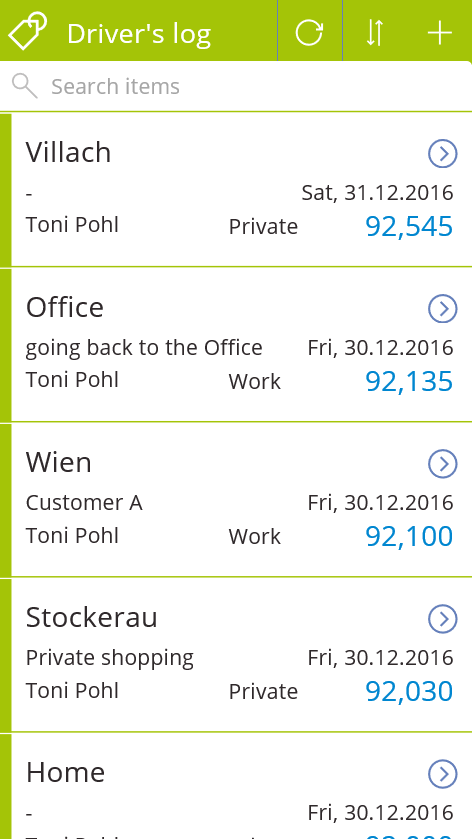
PowerApps are a great way to accomplish simple tasks by end users. A new PowerApp is usually done in minutes (if the underlying data source is existing and working). Nevertheless, it often takes much more time to polish the app and to find and modify details. So I decided to post from time to time some tips when stumbling upon any topics in PowerApps. A driver’s log I wanted to use a very simple custom SharePoint Online list to allow colleagues to log their travels with a company car. At every destination, the user shall simply protocol his location and the mileage, and optional some information about the customer or the appointment. Very little fields, just to keep it handy. ...

January 4, 2017 · 3 min · Toni Pohl
Microsoft MVP awards 2017 for Martina Grom and Sigi Jagott

Microsoft MVP awards 2017 for Martina Grom and Sigi Jagott

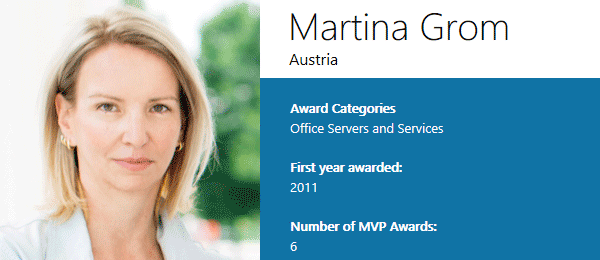
We are very happy to announce that our both CEO’s, Martina Grom, CEO of atwork.at, and Siegfried Jagott, CEO of atwork.de, have been reawarded with the Microsoft MVP Award! Martina and Sigi have expertise in Microsoft Office 365 and are recognized experts, book authors and conference speakers. See Martina’s MVP profile. Martina was awarded as Microsoft Regional Director as well in 2015 (see here and the new RD website) Martina (@magrom) is recognized as an expert in Microsoft Office Online Services solutions and was worldwide one of the first 8 Microsoft MVP’s awarded in 2011 for her expertise in Office 365. Martina is doing consulting companies on their way to the cloud. Her expertise is related to online technologies especially in Microsoft cloud services with Azure and Office 365. She helps companies in architecture planning toward cloud solutions. Martina has authored numerous books, articles and blogs and is a well known conference speaker. See Martina’s about page. ...

January 1, 2017 · 2 min · Toni Pohl
Our Technical Summit 2016 sessions on channel9

Our Technical Summit 2016 sessions on channel9

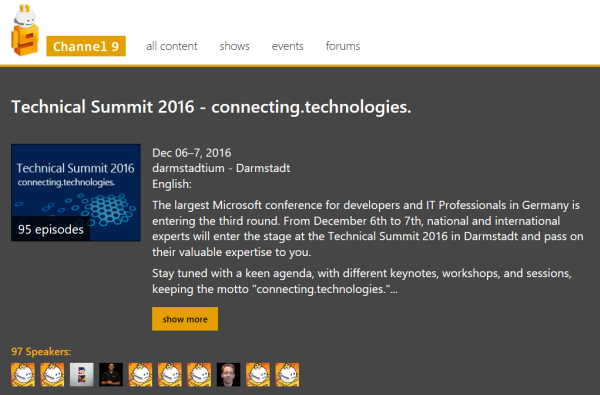
Check out the sessions of Technical Summit 2016 in Darmstadt here! All sessions are online now at https://channel9.msdn.com/Events/microsoft-techncial-summit/Technical-Summit-2016 Find the sessions by atwork on channel9 here: Martina Grom Toni Pohl Siegfried Jagott Christoph Wilfing Enjoy!

December 31, 2016 · 1 min · Toni Pohl
How to develop an Office App in real world-part 2

How to develop an Office App in real world-part 2

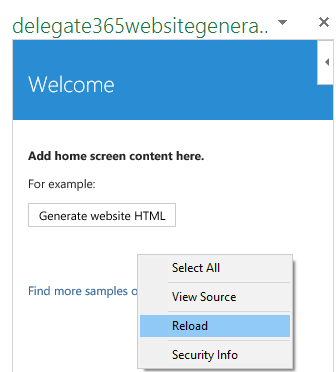
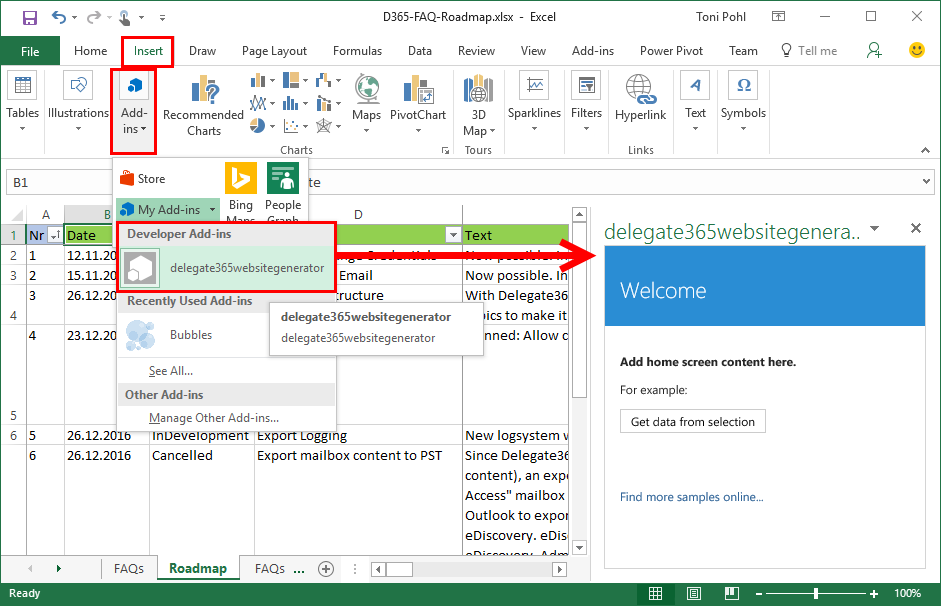
After part 1, we now look into the app side of our Excel solution. I want to point out some basics here to make it easy for developers to create their first Office App (with Excel). Here we go. Working with the API To easily access the Excel or Word functions with JavasScript, Microsoft provides an object with an anonymous function and a context (*ctx *here) as parameter. So, accessing Excel works basically as here: ...

December 30, 2016 · 4 min · Toni Pohl
How to develop an Office App in real world

How to develop an Office App in real world

Sometimes, it’s the small things that cost (unnecessarily) time. Recently, I wanted to create a quick Office App for an existing Excel file to loop through rows and do some transformation for the values. I was stumbling over some topics when developing in real world. So here’s my short How To for working with Visual Studio and Office Apps with helpful tips. Set the start document If you are not used to develop Office Apps often, this maybe isn’t easy to find: How to set an existing document as start file. ...

December 29, 2016 · 4 min · Toni Pohl
Azure Active Directory PowerShell Module V2 is available

Azure Active Directory PowerShell Module V2 is available

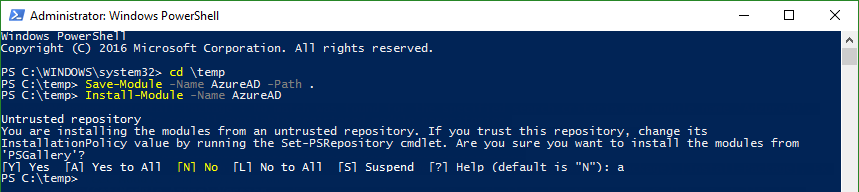
Today, just a short info for Azure Active Directory guys: #AzureAD PowerShell V2.0 is now GA! In this blogpost, Alex Simons and Rob de Jong inform that the PowerShell Azure AD v2.0 cmdlets are now generally available (GA). See the details at the Technet Blog and at Azure Active Directory V2 PowerShell Module - General Availability Release 2.0.0.33. Prerequisites Azure Active Directory V2 PowerShell Module can be installed on Windows starting with versions of Windows 7 SP1 and Windows Server 2008 R2 SP1 and up. ...

December 21, 2016 · 2 min · Toni Pohl
Microsoft announced BUILD 2017

Microsoft announced BUILD 2017

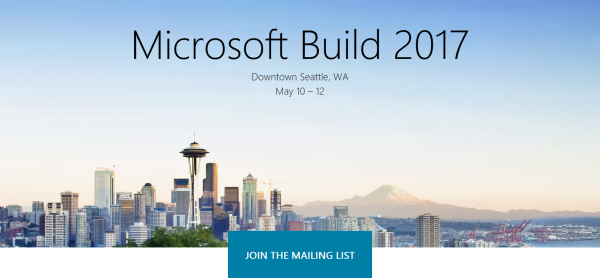
The next Microsoft BUILD conference will be held from May 10th to 12th 2017, this time no longer in San Francisco, but in Seattle. It seems Microsoft wants to simplify their organization, so they now pick the region of their headquarter. See https://build.microsoft.com/ CU there!

December 9, 2016 · 1 min · Toni Pohl
Microsoft WPC becomes Microsoft Inspire

Microsoft WPC becomes Microsoft Inspire

Oh, Microsoft is rebranding it’s events: PDC became BUILD in 2011, TechEd became Ignite in 2015 and in 2017, WPC becomes Inspire! The Microsoft Worldwide Partner Conference (WPC) now will be named Microsoft Inspire, while the content and targets will stay the same: Connect Microsoft Partners worldwide. Microsoft states: “Microsoft Inspire welcomes both active Microsoft partners and those seeking to partner with us. With a primarily executive audience, Microsoft Inspire is the ideal conference for business and channel leaders in SMB, Corporate Accounts and Enterprise markets.” ...

December 9, 2016 · 1 min · Toni Pohl
Join us at Technical Summit 2016 in Darmstadt

Join us at Technical Summit 2016 in Darmstadt

According to the principle “Technical Summit 2016: Mehr Technologie geht nicht”, this year’s Technical Summit 2016 is happening next week in Darmstadt, Germany. The event lasts from Tuesday, 6th to Wednesday, 7th of December with an optional additional workshop day on Thursday, 8th. This events features prominent Microsoft speakers as Scott Guthrie, Donovan Brown and more. We from atwork are pleased to be part of this event with four sessions! ...

December 2, 2016 · 1 min · Toni Pohl