Get real world answers to your burning Office365 questions at MSIgnite Office365 MVP experts panel

Get real world answers to your burning Office365 questions at MSIgnite Office365 MVP experts panel

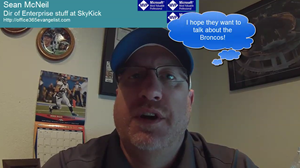
Are working with Office 365 and are you attending Microsoft Ignite conference in Chicago in some days? Here’s your chance to engage six Office 365 MVP’s in an open Q&A panel discussion, see Microsoft Office 365 MVP Panel! See this astonishing promotion video here! Office365 MVP experts panel at Microsoft Ignite including @S_McNeill, @DarrellCWebster, @magrom, @JPBruzzese, @jseghers and @bretthill. Many thanks to @bretthill for this great video cut! Update: Video-URL links changed to YouTube. CU there at the Microsoft Office 365 MVP Panel!
April 25, 2015 · 1 min · Toni Pohl
Delegate365 changelog version 3.5-major updates

Delegate365 changelog version 3.5-major updates

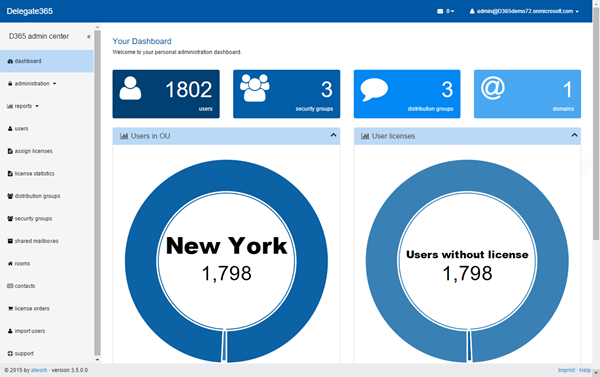
Delegate365 version 3.5 is another major release. There are many new features like support for resources/rooms, contacts, sync-updates, support for restoring soft deleted users, management of members of all OU’s, mailbox delegation, user’s MFA when creating users, new restrictions for licenses for admins and some more updates. Let’s start with the description of the last changes. Delegate365 version 3.5 comes with the new dashboard we updated in version 3.4. Users / new user: Now it’s possible to set Multi factor Authentication immediately when creating a new user. Simply set the MFA dropdown and save the new user. Info: With MFA the user creation can take some seconds. In previous versions the user needed to be created first and MFA could only be activated later with editing. ...

April 23, 2015 · 6 min · Toni Pohl
Windows 10 Technical Preview Build 10061 ist da

Windows 10 Technical Preview Build 10061 ist da

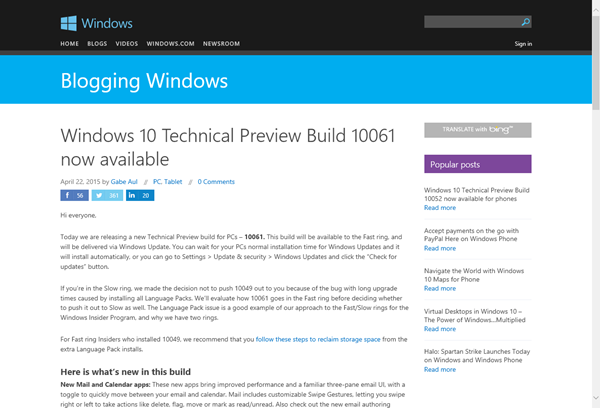
Wer bereits Windows 10 Technical Preview installiert hat, kann seit heute die neueste Version Build 10061 herunterladen und installieren. Diese Meldung wurde vor kurzem in Blogging Windows veröffentlicht: Windows 10 Technical Preview Build 10061 now available. Hierzu muss in den Settings der Windows Update-Mechanismus auf “Fast ring” eingestellt sein. Nach dem Download kann dann Version “fbl_impressive Enterprise (oder Professional) 10061” installiert werden. Das Ganze dauert natürlich ein wenig. ...

April 23, 2015 · 1 min · Toni Pohl
Using Azure ServiceBus for Debugging SharePoint 2013 Apps with Remote Event Receiver-Part 1

Using Azure ServiceBus for Debugging SharePoint 2013 Apps with Remote Event Receiver-Part 1

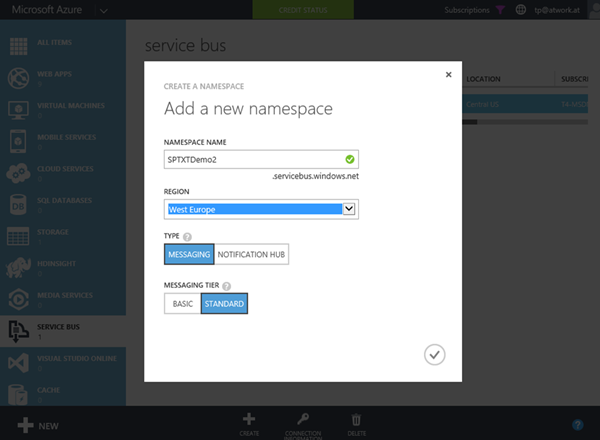
The new app model has a lot of benefits, especially for Web Developers who are writing solutions for Microsoft SharePoint Server 2013 or SharePoint Online. A very common request of Line-of-Business (LOB) apps is that actions in SharePoint lists shall trigger special operations, for example to start a workflow or to exchange data with other, external systems. This can be accomplished with “Remote Event Receivers” in SharePoint. With SharePoint 2013 the new concept uses Azure ServiceBus to transport events and data between the SharePoint Server system and a remote App (which while developing usually is running on “localhost”). ...

April 20, 2015 · 4 min · Toni Pohl
Azure Media Services mit dem Azure Media Player konsumieren

Azure Media Services mit dem Azure Media Player konsumieren

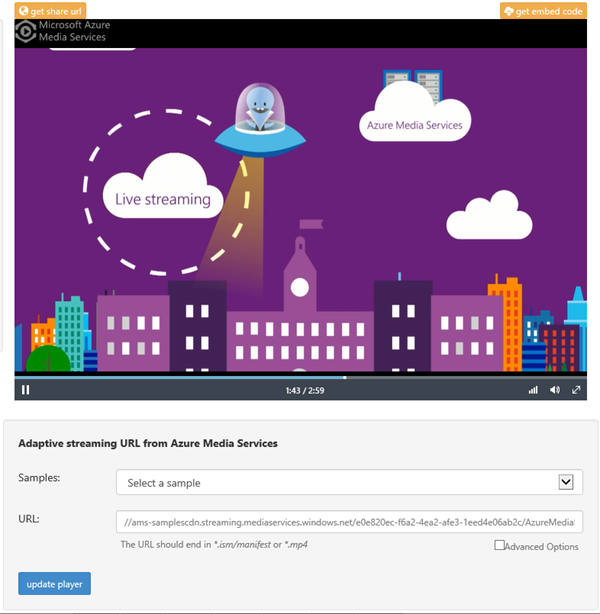
Gestern wurde der Azure Media Player im Azure-Blog angekündigt. Announcing Azure Media Player Der Azure Media Player dient dazu, Media Streams von den Azure Media Services auf verschiedensten Geräten wiederzugeben. Im O-Ton liest sich das so: “Azure Media Player utilizes industry standards, such as HTML5 (MSE/EME) to provide an enriched adaptive streaming experience.” **Wichtig: **Der Azure Media Player unterstützt ausschließlich Media Streams von den Azure Media Services. Unter der Adresse https://aka.ms/azuremediaplayer kann der Azure media Player live ausprobiert werden. Es können sogar eigene Videos (URLs) aus den Azure Media Services durch Einfügen des .ism/manifest files in die URL und “update player” verwendet werden. Hier gehts zur Ankündigung im Blog. ...

April 16, 2015 · 1 min · Toni Pohl
SharePoint 2016 Roadmap

SharePoint 2016 Roadmap

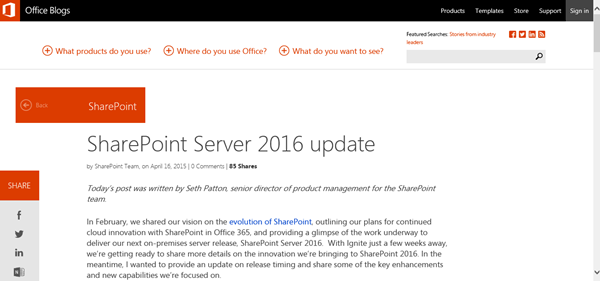
Viele Unternehmen setzen SharePoint als Intranet, App- und Zusammenarbeits-Plattform ein. Heute hat Microsoft im Office Blog die erste offizielle Roadmap zur nächsten Version, SharePoint Server 2016, bekanntgegeben, siehe SharePoint Server 2016 update. Seth Patton, Senior Director of Product Management for the SharePoint Team, hat die Timeline veröffentlicht. Demnach wird SharePoint Server 2016 im Q2 2016 öffentlich verfügbar sein. Eine Public Beta ist für Q4 2015 geplant. Weiters stellt Microsoft klar, dass es für die nächste Zukunft eine on premises Version von SharePoint geben wird. ...

April 16, 2015 · 1 min · Martina Grom
Delegate365 changelog version 3.4-MFA and more

Delegate365 changelog version 3.4-MFA and more

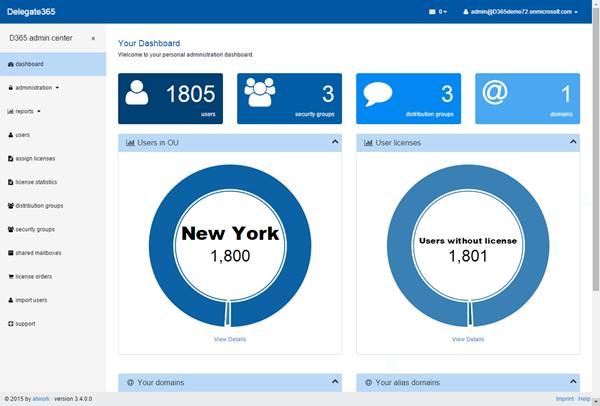
Delegate365 version 3.4 (which was pre-announced here) comes with some new features: New dashboard: The start page now shows charts with the admin’s OU’s and how many users within the OU’s are assigned an Office 365 license. Dashboard Performance with large tenants: The new interactive dashboard now shows more overview information. The performance is better too, since it was necessary to move time consuming tasks (like the OU license assignment list) into to the administrator dashboard. The start page of D365 now displays cached information or data that can be read very fast, thus the dashboard performance with large tenants now is much better. ...

April 9, 2015 · 2 min · Toni Pohl
Check out our new Delegate365 videos

Check out our new Delegate365 videos

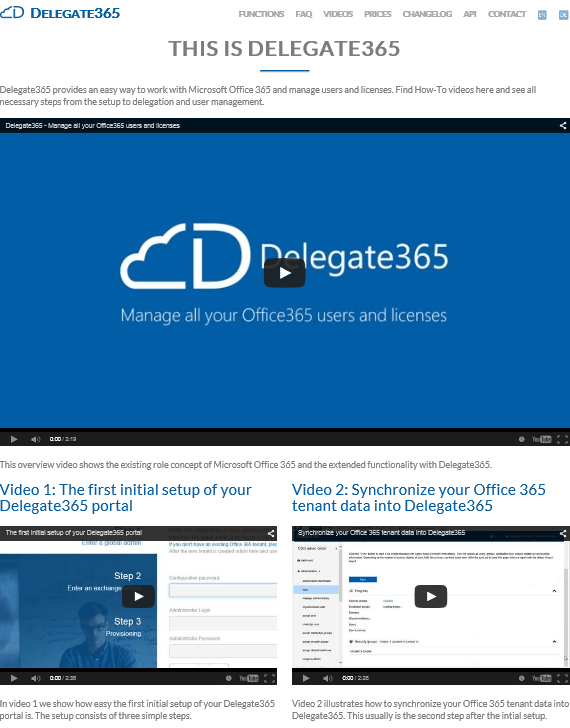
We produced new videos showing the ease-of-use of Office 365 user and license management with Delegate365. On https://delegate365.com/videos there is one overview video and 10 videos explaining setup and the management with delegated administrators. Check out the videos on our Delegate365 product-website!

April 8, 2015 · 1 min · Toni Pohl
Azure Resource Explorer

Azure Resource Explorer

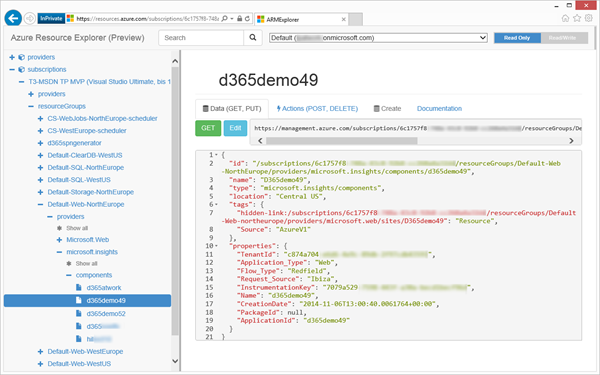
Heute gibt es ein kleines Ostergeschenk für alle Developer, die mit Azure entwickeln, nämlich den ganz neuen Azure Resource Explorer. Das Azure Resource Explorer Tool steht als Website unter https://resources.azure.com/ zur Verfügung. Damit können die Azure Management-API’s angesehen und ausprobiert werden. Nach der Authentifizierung mit dem Azure-Login liest das Tool die damit verknüpften Providers und Subscriptions aus. Diese werden links in einem Tree aufgelistet. Beim Anklicken eines Knoten wird das korrespondierende HTTP Kommando rechts generiert und der Output sogleich im JSON-Format darunter angezeigt – wie ein Explorer eben. ...

April 5, 2015 · 1 min · Toni Pohl
How to add custom branding to your Office 365 login page

How to add custom branding to your Office 365 login page

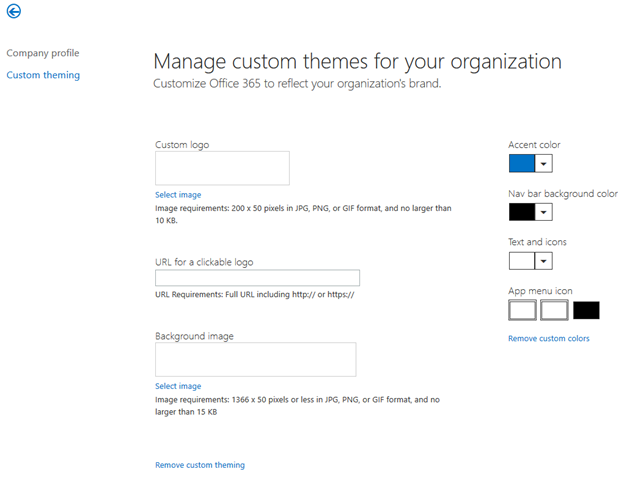
Office 365 is moving fast – each week we find new and interesting stuff in the service. One of the long awaiting features is custom branding. This was first only exclusive to customers who use their own ADFS service and afterwards only to those customers who have an additional Azure AD subscription. Gladly this feature is now available also for Office 365 customers, together with the self-service password reset option for all users (not only Office 365 administrators). ...

April 5, 2015 · 3 min · Martina Grom