Learn from the MVPs Inside Microsoft Teams - Season 4

Learn from the MVPs Inside Microsoft Teams - Season 4

One thing is for sure - every day is a great day to learn something new from Microsoft Teams’ MVPs. Within the latest episode, “Microsoft Teams’ Most Valuable Professionals (MVPs)- Learn from the experts”, you can learn from MVPs in the fields of planning, deploying, adopting, managing, and securing Teams. Stephen Rose (@stephenlrose), Senior Marketing Manager at Microsoft Teams and host of the “Inside Microsoft Teams” series, invited several experts around the world share their favorite tips and tricks on Microsoft Teams. ...

October 13, 2021 · 2 min · Mercedes Orasch
Ways to work with Power BI licenses

Ways to work with Power BI licenses

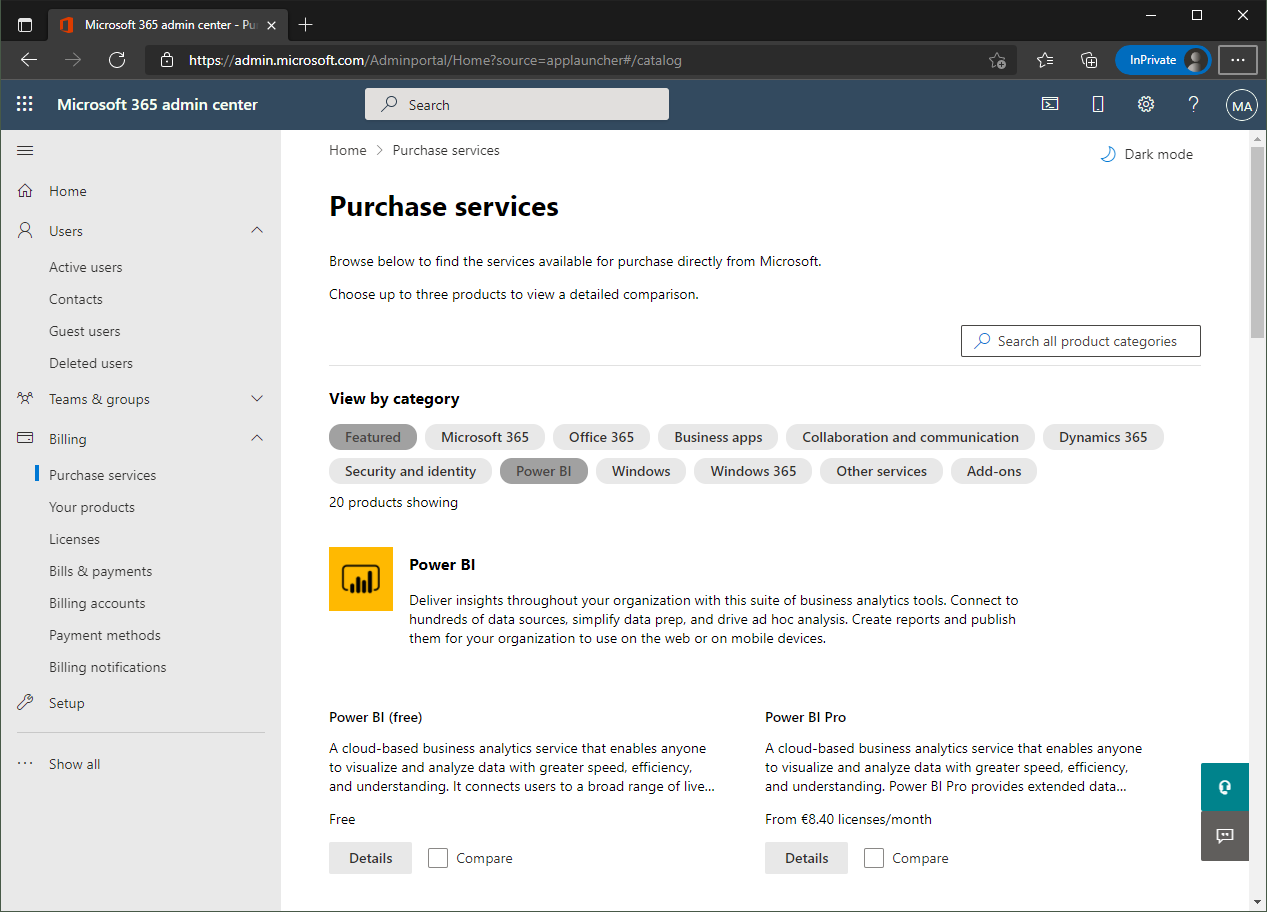
I recently wanted to share a Microsoft Power BI report with other users who only have the “Power BI (Free)” license. Well, with a “Power BI Pro” license, a report can be shared with other users. But I noticed that there are stumbling blocks when it comes to licensing. Here are my findings. First of all, I’m not a licensing expert (and don’t want to be one). However, I would like to ensure that as many users as possible can consume Power BI reports. With this goal in mind, I would like to share my experiences here. ...

September 27, 2021 · 6 min · Toni Pohl
Trust the box? Working with the Relevance Score in Microsoft 365

Trust the box? Working with the Relevance Score in Microsoft 365

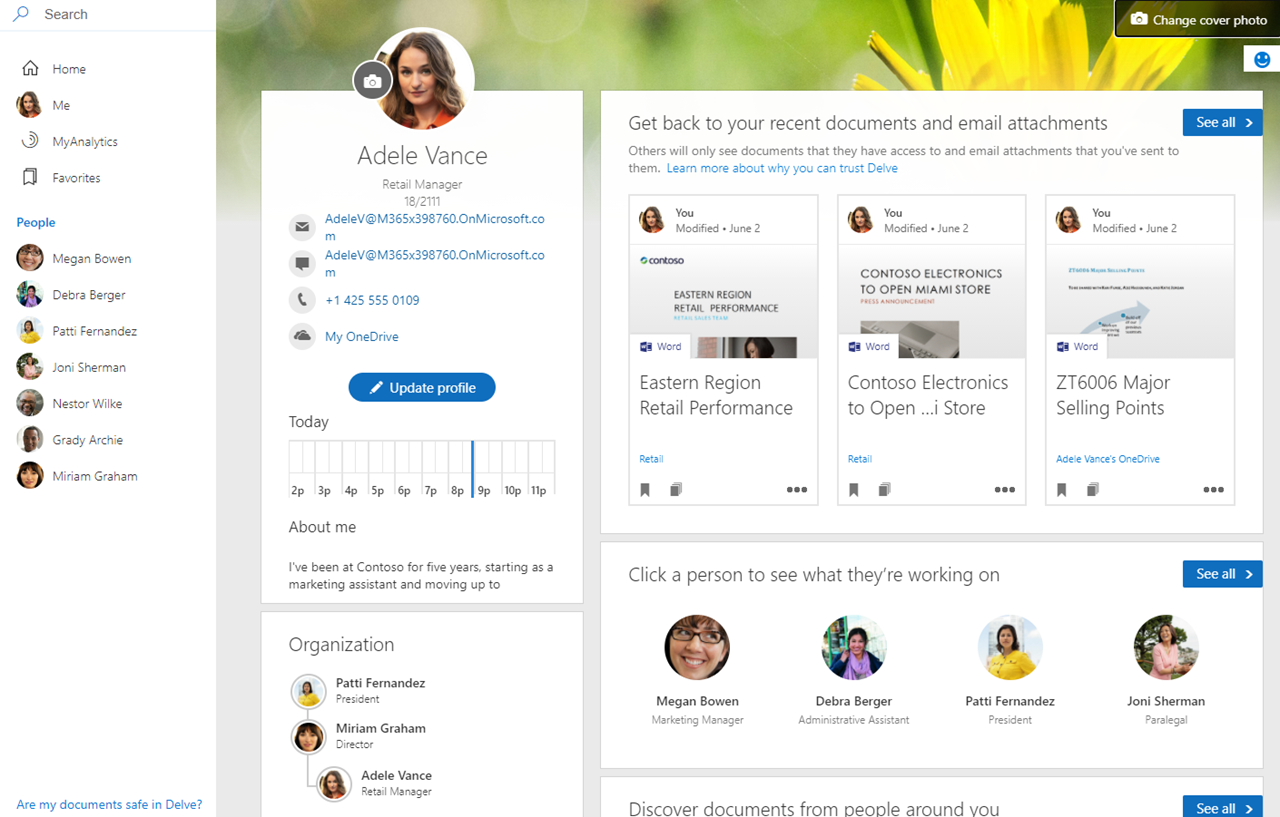
In the Microsoft 365 platform, productivity and recommendations are created to inform users about their relevant data. For example, Microsoft Delve is an app showing such information to a user. Another service is Microsoft Viva Insights (formerly MyAnalytics) that sends out statistics according to the motto “Work smarter with personal productivity insights in Microsoft 365”. While this can be very useful for users to quickly find and discover relevant data, works councils are often sensitive to personal data in a company. So how can we explain what is happening here and invalidate what data is visible to individual users and what data is visible to other users? Well, here is some information about the Microsoft 365 “works with” features. ...

September 17, 2021 · 9 min · Martina Grom
Delegate365-Empty Reports

Delegate365-Empty Reports

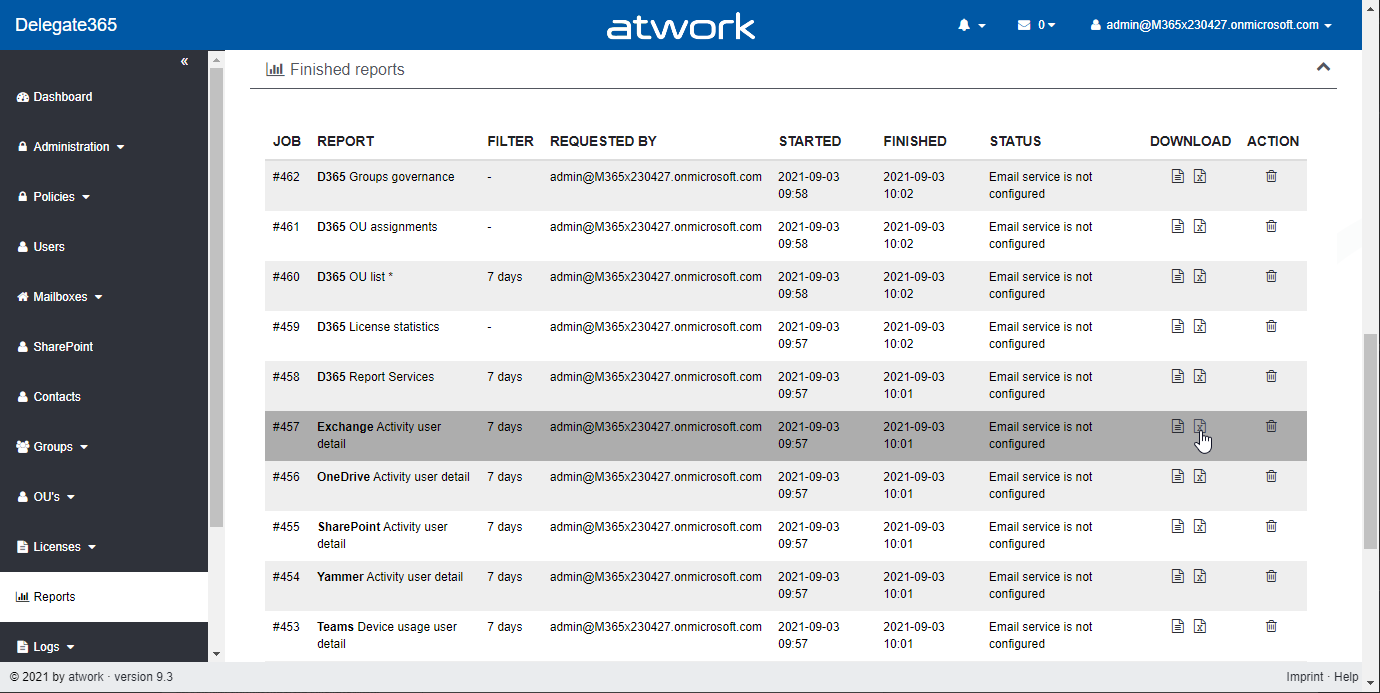
In some tenants, sometimes reports appear blank. This can happen when reports are obfuscated in the Microsoft 365 admin center. See more here. Reports can be scheduled and downloaded in the Reports menu. When the report generation is completed, they show up in the list, as here. When the report is open and “no data available” is displayed (although you see users and groups in the Delegate365 pages)… ...

September 8, 2021 · 2 min · Toni Pohl
Get the most value from your Azure investment

Get the most value from your Azure investment

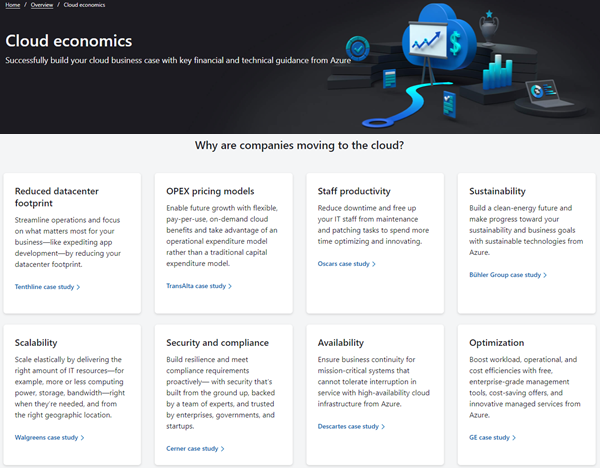
Are you still thinking of ways to move to the cloud with certain services? Well, the Cloud economics site could help. For working with the Azure cloud, Microsoft provides the Cloud economics public website with information how to get the most value from an Azure investment. Open it it at Cloud economics. On the website, potential customers can find a bunch of information about key guidelines for common technical and financial considerations, and reasons, why companies are moving to the cloud in case studies. Also, there is a PowerPoint document with recommendations available to download at Financial and economic considerations for cloud migration. ...

August 18, 2021 · 2 min · Martina Grom
Message Trace in Delegate365

Message Trace in Delegate365

When you run a message trace operation to get status information about specific emails, the result can vary, depending on time zone settings. See a sample here. Show messages in the mail client In this sample, we work with an email sent from azure-noreply@microsoft.com. In Outlook we see the timestamp at Mon 7/5/2021 7:08 PM (2021-07-05 19:08). Message Trace in Delegate365 In Delegate365, admins can run a message trace to get information about the delivery status. When we run the message trace with the filter Startdate 2021-07-05 to Enddate 2021-07-05 - just this one day - and that user as recipient… ...

July 9, 2021 · 4 min · Toni Pohl

Power Platform Environments and Governance Tips

The Microsoft Power Platform enables individual solutions to be developed and business processes to be easily automated. When it comes to controlling the solutions, it is important to establish an IT governance in the organization. There are many areas and details about it. For this reason, I’ve put together a summary here with some news and helpful tips. The Microsoft Power Platform includes Power BI, Power Apps, Power Automate, and Power Virtual agents, leveraging the common infrastructure of the Microsoft Dataverse (the former Common Data Service) and Data Connectors. Dynamics 365 and the Power Platform are both deeply coupled with Dataverse and are held in containers called environments. A governance strategy usually starts with organizing the environments accordingly. Environments allow to separate Production, Test and Development. See more at Environments overview and at Microsoft Power Platform guidance documentation. ...

July 5, 2021 · 5 min · Toni Pohl
Unsere Microsoft 365 Success Story Adoption in Zeiten von Distance Learning mit Diakonie - Eine Welt

Unsere Microsoft 365 Success Story Adoption in Zeiten von Distance Learning mit Diakonie - Eine Welt

“In einer herausfordernden Zeit konnten wir mit atwork schnell und professionell eine funktionierende Lösung für Home-Schooling und Home-Office in Betrieb nehmen. Die Kompetenzen auf technischer und organisatorischer Ebene haben einen unkomplizierten und raschen Start in Microsoft Teams ermöglicht. Auch bei weiteren Projekten konnten wir uns voll auf das Knowhow von atwork verlassen. Wir freuen uns einen langfristigen Partner für Microsoft Cloud Services zu haben.” Benjamin Böhm (Head of IT, Diakonie – Eine Welt) ...

July 5, 2021 · 3 min · Mercedes Orasch
Delegate365 changelog 9.2.2-Manage group owners

Delegate365 changelog 9.2.2-Manage group owners

Delegate365 v9.2.2 allows to manage group owners. The permission policies have been extended and the current admin can add him- or herself or additional group owners for Security Groups and Microsoft 365 Groups. See a description of the latest features here. Enable (or disable) the manage owner feature: To enable the “manage owner” feature, you have to set the corresponding permission policies in the Groups - Security Groups - Manage owner from No to Yes, as here. Then, click on the Save button at the page end of the permission panel. By default, this new setting is disabled. So, don´t forget to switch it on, if your admins shall be able to set the group owner for security groups (in the same way as for Microsoft 365 Groups). Once the setting is set, it will be effective for all admins that have that permission policy assigned. To learn more about setting permission policies, see here. ...

June 16, 2021 · 4 min · Toni Pohl
Delegate365 changelog 9.2-PowerShell module update

Delegate365 changelog 9.2-PowerShell module update

The Delegate365 PowerShell module got a small update to expand a user´s assigned licenses, license plans and proxy addresses. See the following description. See the description at https://github.com/delegate365/PowerShell how to use the Delegate365 PowerShell module- Check the Delegate365 PowerShell module version First, ensure you have the latest version of the Delegate365 PowerShell module installed. Check with Get-Module as here. The version must be 1.0.0.10 (or in future a higher version). ...

June 11, 2021 · 2 min · Toni Pohl