The quick way to work with SharePoint Lists and permissions

The quick way to work with SharePoint Lists and permissions

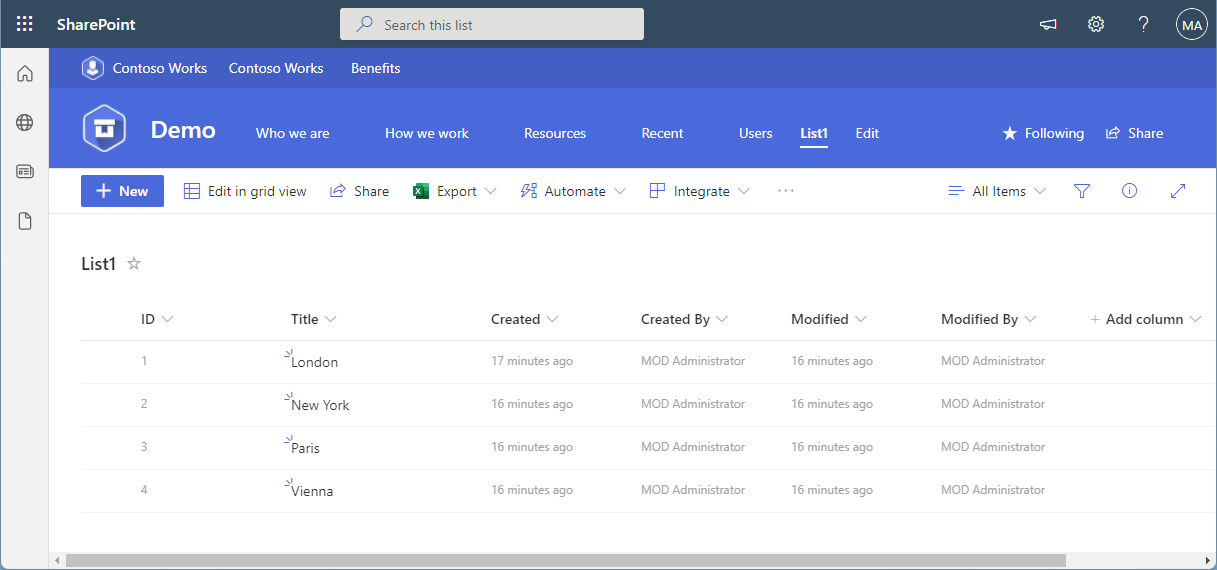
SharePoint (or Microsoft) lists provide a good storage for not too extensive structured data. Sometimes administrators want to restrict access to certain items or lines. This approach shows how you, as an administrator, can do this without using item permissions, but with simpler and easier-to-manage views and permissions. The goal Administrators often want users to see only certain records or only their own records from a larger list. Technically, it is possible to set permissions for specific users per item (see below). On the other hand, setting item permissions is not a good solution in every use case. If a SharePoint list is filled by a given user or by a task, and specific people shall see only their data in a list, depending on their department, or similar organizational information, setting item permissions can be elaborate in terms of effort. ...

December 31, 2021 · 9 min · Toni Pohl
Export email messages from Exchange Online to a CSV file with Graph PowerShell

Export email messages from Exchange Online to a CSV file with Graph PowerShell

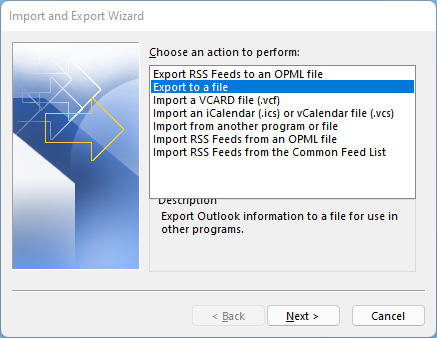
I had to export email messages from a specific folder in my Outlook mailbox to a CSV file for further processing. Nothing special, just a quick export. I noticed that Outlook allows messages to be exported, but the date of the message is missing in the export file! Really? So here is a workaround to quickly export email messages using Graph PowerShell. Why PowerShell Of course there are many ways to export emails. Unfortunately, the Outlook method is unsatisfactory. When opening the File menu in Outlook for the desktop, there is an “Open & Export” menu which has an Import/Export function. Well, the wizard allows to export messages to a CSV or to a PST file. ...

December 28, 2021 · 4 min · Toni Pohl
Delegate365 changelog 9.3-Service health

Delegate365 changelog 9.3-Service health

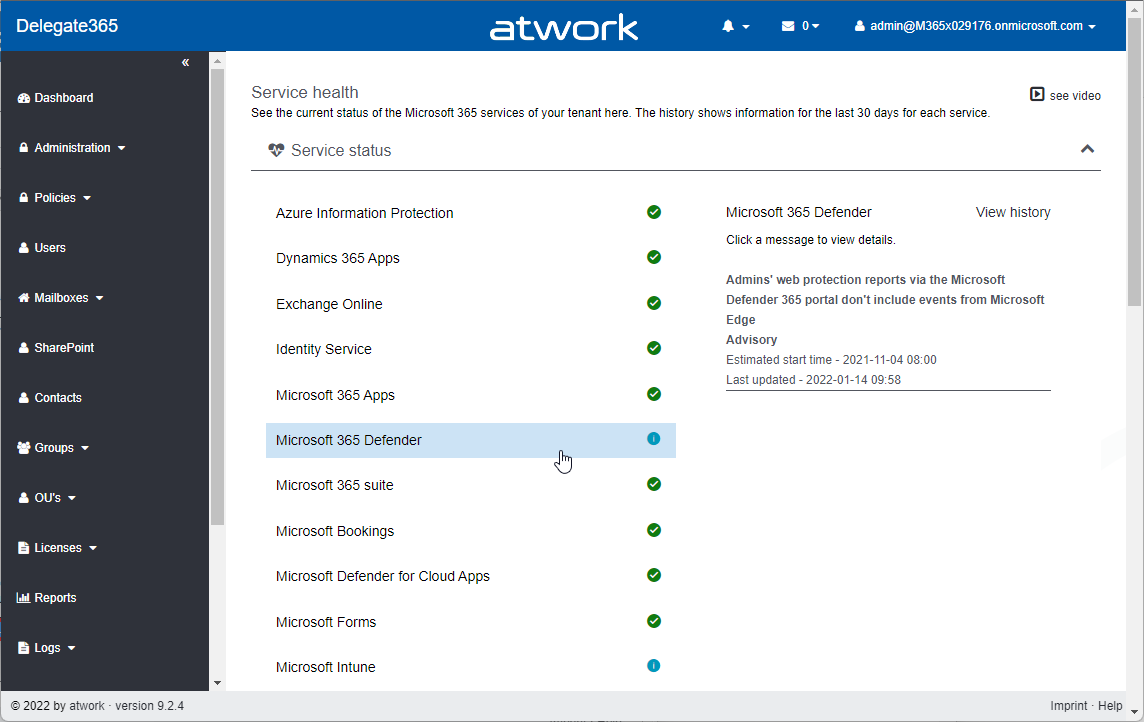
Microsoft announced the retirement of the Microsoft Service Communications API (Msg MC299902). Therefore, we changed the service health components in Delegate365 to use the successor API functions with immediate effect and to get more data. A new setup of Delegate365 is required. See the details here. The Service health module in Delegate365 shows, what´s happening in a specific Microsoft 365 tenant at a glance to all authorized users. Contrary to the required authorizations in M365, this is not necessary in Delegate365. All admins can view the service health and the message center posts. ...

December 8, 2021 · 2 min · Toni Pohl
This was European Collaboration Summit 2021

This was European Collaboration Summit 2021

It’s a wrap! The European Collab Summit and Cloud Summit (www.collabsummit.eu) are sister conferences and are the major community-driven technology conferences focusing on digital transformation, the Cloud, and modern workplace. This year, after being remote for almost two years, the atwork-team attended the conference as speakers and attendees (of course in compliance with the COVID-19 safety concept), and we had a blast! The conference took place from 11/29 – 12/2 at Messe Düsseldorf, Germany, with excellent experts who informed about topics, such as Microsoft 365, Azure, Artificial Intelligence, SharePoint, Microsoft Viva, Teams, Yammer, and Business Apps & Power Platform. This focus is further strengthened by the partnership with Microsoft Teams as a Premium Technology Partner. ### ESC 2021 in a nutshell ...

December 7, 2021 · 3 min · Mercedes Orasch
Renew the Cloud Hub Teams app permissions

Renew the Cloud Hub Teams app permissions

The Cloud Hub Teams app is a business application that provides data from your Microsoft 365 tenant, the Message Center and the Incident Center, as well as the status and history of global Azure services. Since Microsoft recently announced the discontinuation of the Microsoft Service Communications API, all organizations using the Cloud Hub Teams app have to renew their app permissions once in order to be able to use the successor API functions. See how it works here. ...

November 25, 2021 · 2 min · Toni Pohl
How to setup custom-templates in Microsoft Teams Channels

How to setup custom-templates in Microsoft Teams Channels

In this article, we will show you how to set up document templates for Microsoft Teams channels. You can create custom document content types and assign custom Word/Excel or PowerPoint templates to specific Teams channels, which the Microsoft Teams members can use. Let’s go! Go to the Microsoft Teams team and choose a specific channel Navigate to the “Files” section Choose “Open in SharePoint” and you will be navigated to the SharePoint page of the Teams channel ...

November 3, 2021 · 2 min · Mercedes Orasch
Learn from the MVPs Inside Microsoft Teams - Season 4

Learn from the MVPs Inside Microsoft Teams - Season 4

One thing is for sure - every day is a great day to learn something new from Microsoft Teams’ MVPs. Within the latest episode, “Microsoft Teams’ Most Valuable Professionals (MVPs)- Learn from the experts”, you can learn from MVPs in the fields of planning, deploying, adopting, managing, and securing Teams. Stephen Rose (@stephenlrose), Senior Marketing Manager at Microsoft Teams and host of the “Inside Microsoft Teams” series, invited several experts around the world share their favorite tips and tricks on Microsoft Teams. ...

October 13, 2021 · 2 min · Mercedes Orasch
Ways to work with Power BI licenses

Ways to work with Power BI licenses

I recently wanted to share a Microsoft Power BI report with other users who only have the “Power BI (Free)” license. Well, with a “Power BI Pro” license, a report can be shared with other users. But I noticed that there are stumbling blocks when it comes to licensing. Here are my findings. First of all, I’m not a licensing expert (and don’t want to be one). However, I would like to ensure that as many users as possible can consume Power BI reports. With this goal in mind, I would like to share my experiences here. ...

September 27, 2021 · 6 min · Toni Pohl
Trust the box? Working with the Relevance Score in Microsoft 365

Trust the box? Working with the Relevance Score in Microsoft 365

In the Microsoft 365 platform, productivity and recommendations are created to inform users about their relevant data. For example, Microsoft Delve is an app showing such information to a user. Another service is Microsoft Viva Insights (formerly MyAnalytics) that sends out statistics according to the motto “Work smarter with personal productivity insights in Microsoft 365”. While this can be very useful for users to quickly find and discover relevant data, works councils are often sensitive to personal data in a company. So how can we explain what is happening here and invalidate what data is visible to individual users and what data is visible to other users? Well, here is some information about the Microsoft 365 “works with” features. ...

September 17, 2021 · 9 min · Martina Grom
Delegate365-Empty Reports

Delegate365-Empty Reports

In some tenants, sometimes reports appear blank. This can happen when reports are obfuscated in the Microsoft 365 admin center. See more here. Reports can be scheduled and downloaded in the Reports menu. When the report generation is completed, they show up in the list, as here. When the report is open and “no data available” is displayed (although you see users and groups in the Delegate365 pages)… ...

September 8, 2021 · 2 min · Toni Pohl