Impressions of SPSummit

Impressions of SPSummit

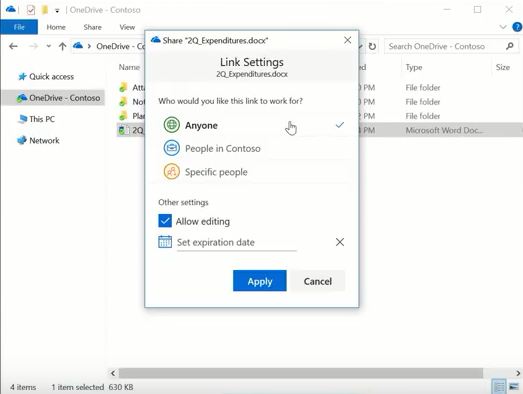
This week, SharePoint Virtual Summit took place on May 16th. There were a bunch of news and announcements and the SharePoint team did a great job delivering the latest improvements on SharePoint. Watch the SharePoint Virtual Summit online. My personal highlights have been: OneDrive Files On-Demand (as announced during BUILD keynote) Update: See this great video by Microsoft Mechanics, lead engineer Eugene Lin! OneDrive for Business updates: simplified sharing and files on demand ...

May 20, 2017 · 1 min · Toni Pohl
Impressions of BUILD 2017

Impressions of BUILD 2017

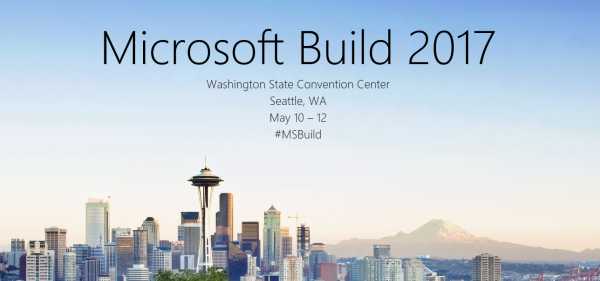
We did it again.. attending this year’s Microsoft BUILD conference in Seattle. See some of our impressions here! This year, Microsoft BUILD conference took place from May 10th to 12th near Microsoft’s home in Seattle. In total, this was the 7th BUILD conference. After the Professional Developer’s Conference (PDC) in the past and a break, the first BUILD started in September 2011 in Los Angeles, Anaheim, where Windows 8 was announced. The second BUILD end of October 2012 was interesting since it happened directly in Redmond at the Microsoft Campus with a big tent for the keynote (near the Conference Building 31) and Steve Ballmer himself presenting Windows 8 and Windows Phone 8. From then on (2013 to 2016), BUILD had it’s location in San Francisco at the Moscone Center. I still remember what an expensive location Silicone Valley and SanFran was. In 2013, Windows 8.1 was announced. In 2014, Universal Apps and the Lumia phone got most attention (can you remember, there was a time when Microsoft wanted to participate in the mobile device market with hardware and software…). In 2015, “Cloud First” – Azure (which was renamed from Windows Azure to Microsoft Azure in 2014 already) - took the stage, followed by Windows 10 that came in that summer. In 2016, it was time for the Cortana, Bots, Cognitive Services, Xamarin, and the Windows Windows 10 Anniversary Update. The Mixed Reality project “HoloLens” was announced in January 2016 at the virtual “Windows 10: The Next Chapter” event completely unexpected (although the Kinect project lead into that). ...
May 19, 2017 · 4 min · Toni Pohl
Delegate365 changelog version 6.4-automate additional licenses assignments

Delegate365 changelog version 6.4-automate additional licenses assignments

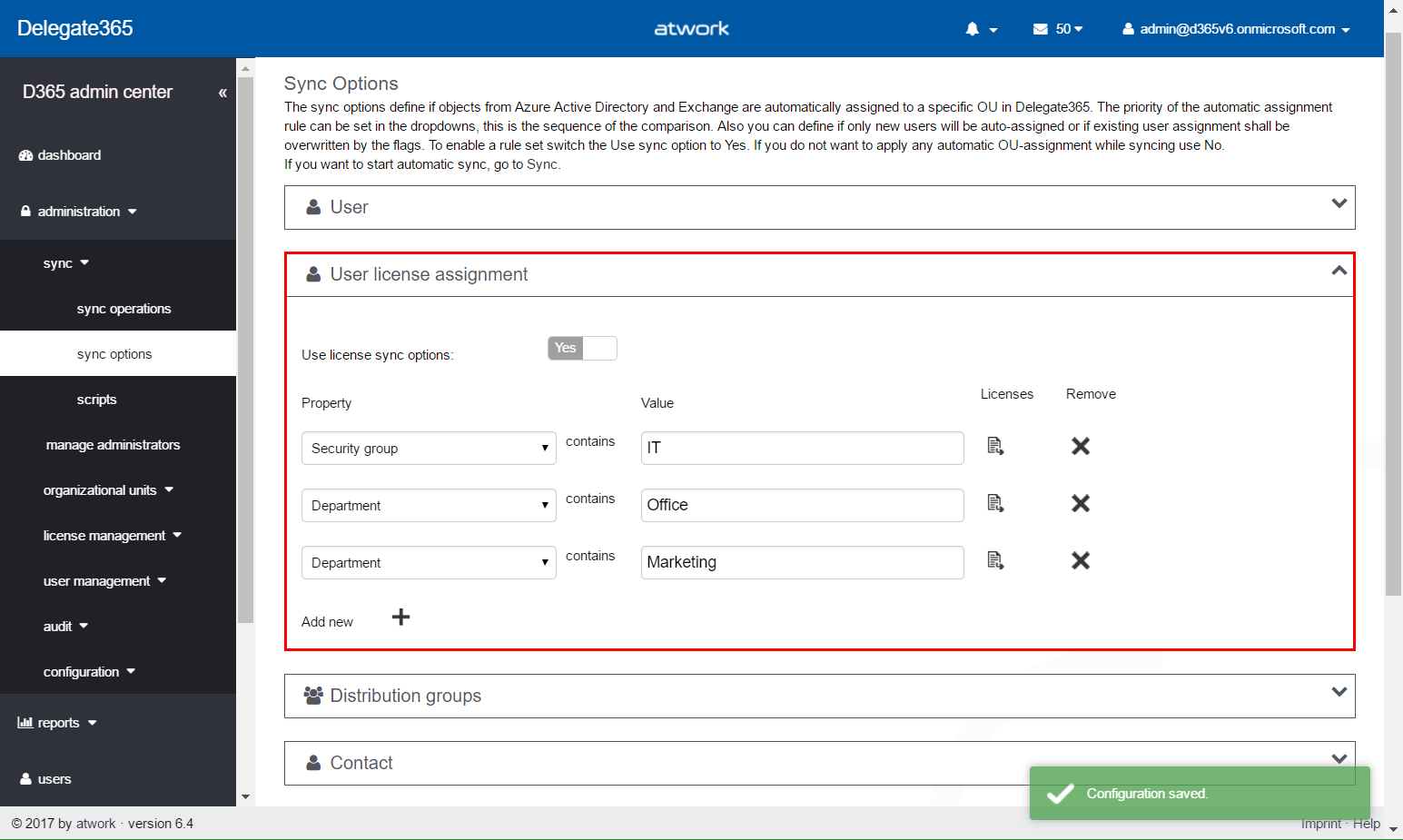
In Delegate365 version 6.2 update we added an important feature to save Delegate365 licenses. With this Delegate365 version, there comes a new, powerful feature for more Office 365 automation. The new version number is 6.4. No worries, you have not missed version 6.3, since this was an internal version for adding the new user license assignment feature, testing and fixes. Delegate365 version 6.4 will be rolled out in the next two weeks. So, what does this update do? ...

May 8, 2017 · 5 min · Toni Pohl
Martina Grom re-awarded as Microsoft Regional Director

Martina Grom re-awarded as Microsoft Regional Director

We are very happy and proud that our CEO, Martina Grom, has been re-awarded as Microsoft Regional Director (RD) this April! The Microsoft Regional Director Program consists of 150 of the world’s top technology visionaries chosen specifically for their proven cross-platform expertise. RD’s must be nominated by Microsoft and this is a very exclusive program. Find out more about that exceptional business and community leaders at the Microsoft RD website rd.microsoft.com. ...

May 1, 2017 · 1 min · Toni Pohl

atwork sucht Senior Consultant Office 365 Identity, Exchange, Skype wm - Dienstort Deutschland

Als Experte in allen Bereichen rund um Microsoft-Technologien und Cloud-Themen ist unser Mandant ein gesuchter Berater bei seinen Kunden. Sie werden Teil eines eigenständigen und verantwortungsbewussten Teams, in dem ein hohes Qualifizierungsniveau, immer auf aktuellstem Stand, höchste Priorität hat. Als Senior Consultant oder Senior System Engineer sind Sie für die weltweiten Kunden unseres Mandanten der kompetente Ansprechpartner rund um die Einführung und Optimierung innovativer Lösungen mit Schwerpunkt in Microsoft-Produkten wie Office 365 oder Azure. Ihre Aufgaben umfassen: o Planung und Umsetzung komplexer IT-Lösungen basierend auf neuesten Microsoft Technologien im Enterprise Umfeld o Analyse und Optimierung bestehender Systeme o Design sowie Entwicklung von Betriebs- und Migrationskonzepten o Betreuung technischer Projekte im Themengebiet ...

April 26, 2017 · 2 min · Toni Pohl
Integrate Microsoft Flow with an onprem SQL Server

Integrate Microsoft Flow with an onprem SQL Server

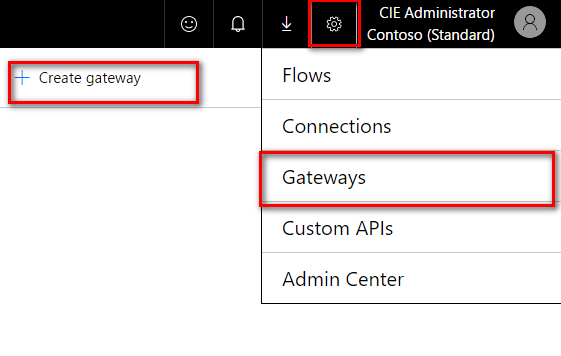
Microsoft Flow offers various connectors, also for integration with onprem systems. To be able to connect with an onprem SQL server, SharePoint server or file server, a gateway service must be installed at a machine in the LAN where the server is available. To setup the gateway navigate to the Microsoft Flow service in your Office 365 portal and click on the gear symbol and then on “Gateways” (see screenshot below). There you will find the option “+ Create Gateway” where you can download the Microsoft Gateway service. ...

April 25, 2017 · 3 min · Jörg Schoba
Global Azure Bootcamp 2017 Austria

Global Azure Bootcamp 2017 Austria

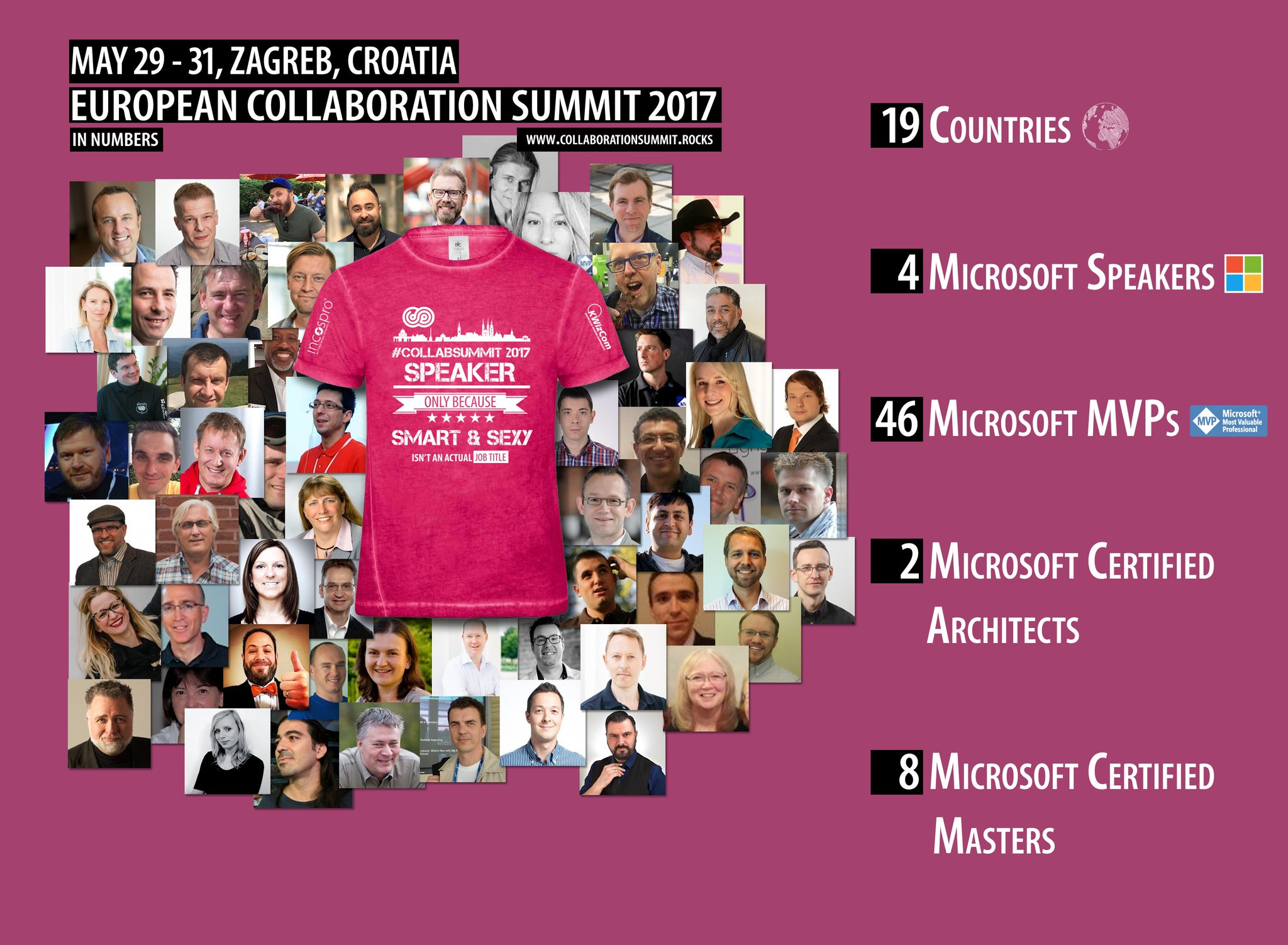
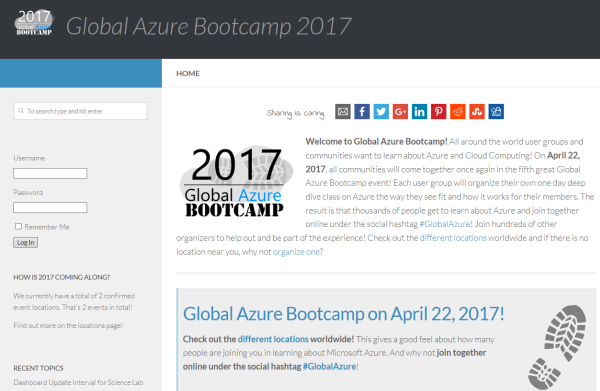
Yesterday, on the 22nd April 2017, the fifth Microsoft Global Azure Bootcamp happened worldwide where user groups and communities organized events to learn about Azure and Cloud Computing. In Austria, the #GAB happened in Linz. We had a great day with Azure and the community! See details at the website of global.azurebootcamp.net. The official twitter hashtag was #GlobalAzure (but many, as I, used #GAB2017, but that’s life ). As in the years before, Rainer Stropek (MVP, RD) with Karin and their team of Coding Club Linz organized the event in Austria, Linz in Wissensturm, see Global Azure Bootcamp 2017 in Austria. ...

April 23, 2017 · 2 min · Toni Pohl
Tips for PowerApps-issues and status

Tips for PowerApps-issues and status

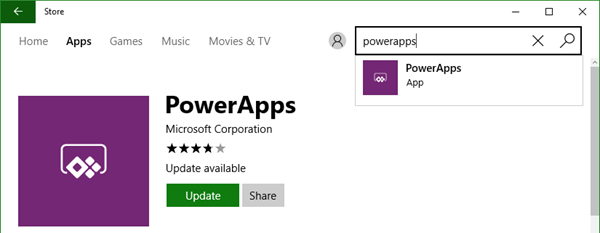
Recently I got an error in my PowerApp when trying to get an Office 365 User Profile, although this was working before: “The service returned an error: Office365Users!MyProfile: {“status”:402,“message”:Insufficient privileges to complete the operation.”,“source”:“127.0.0.1”}". See here how to deal with such scenarios. Well, first I tried to check my Office 365 User connection, removed the data source and added it again. But this didn’t change anything, the app still reported the same error. ...

April 16, 2017 · 2 min · Toni Pohl
atwork bei den Microsoft Osterhelden 2017

atwork bei den Microsoft Osterhelden 2017

Mit dem Motto “Wir digitalisieren Österreich #DigitaleHelden” startet Microsoft eine Digitalisierungs-Kampagne mit Gewinnspiel. Wir von atwork freuen uns, mit dabei zu sein und informieren über die neuesten Microsoft Cloud Technologien und zeigen eine PowerApp für den täglichen Gebrauch im Unternehmen. Schauen Sie rein und machen Sie mit! Hier gehts zum atwork Kurzvideo: microsoft.at/osterhelden/atwork. Das atwork Team stellt die Vorteile der Microsoft Cloud vor, beantwortet Fragen zur Sicherheit und erklärt welche Möglichkeiten es zur Automatisierung gibt. Mit einer Fahrtenbuch Applikation zeigen wir Ihnen, wie Microsoft PowerApps Alltagsprozesse erleichtert. Als kleines Ostergeschenk gibt es bis zum 10. Juni 2017 die Möglichkeit eine kostenfreie Beratung für eine Migration in die Microsoft Cloud zu gewinnen. Video ansehen und mitmachen! ...

April 11, 2017 · 1 min · Toni Pohl
Delegate365 changelog version 6.2-license and further improvements

Delegate365 changelog version 6.2-license and further improvements

Delegate365 version 6.2 comes with some updates and improvements. See the new features described here. License counting update: Delegate365 is licensed per user that shall be managed. There comes just one peculiarity with that: shared mailboxes and resources are delivered from the Office 365 interface as users. This causes that D365 counts such users (but only) if they are assigned to an OU as well although they do not need to have an Office 365 license. So, this can lead to uncertainty, why licensing in D365 can be different from Office 365. Again, this is only the case if the user objects are assigned to an OU in D365. For more information about that topic pls. see Delegate365 license information (Q&A 4 to 6). With the new feature this behavior can be compensated and is obsolete. The following graphics shows such a scenario where a shared mailbox “support” is assigned to an OU in D365 (and counts as a D365 user license). We wanted to simplify that licensing in D365 to make it equal to Office 365 licensing in that specific case. With this D365 update, there come two new switches “Ignore shared mailbox users” and “Ignore resource users” in the administration / sync / sync options user region. By default, these two switches are set to “No”. This means, existing users for shared mailboxes and resources stay in the users list, as it was before. If set to “Yes”, this means that shared mailboxes and resources are ignored as “user” in D365. Such user objects that were existing in the users list will be removed from the users list. (No worries, nothing bad happens, they just no longer show up – and are not counted for D365 user licenses.) After the next SyncOp (of course, with “Use user sync options” switch to “Yes”), these user objects will no longer shown in the users list. The shared mailbox “support” is gone from the users list. Of course, the object is still manageable in the more / shared mailboxes list and can be managed there. The same goes for the resources. Our recommendation: Set both new switches to “Yes”. Usually there is no need to manage a shared mailbox or a resource in the same way as a user. With “Ignore shared mailbox users” and “Ignore resource users” activated, this saves D365 licenses. ...

April 7, 2017 · 4 min · Toni Pohl