Tips for PowerApps-Working Offline with PowerApps

Tips for PowerApps-Working Offline with PowerApps

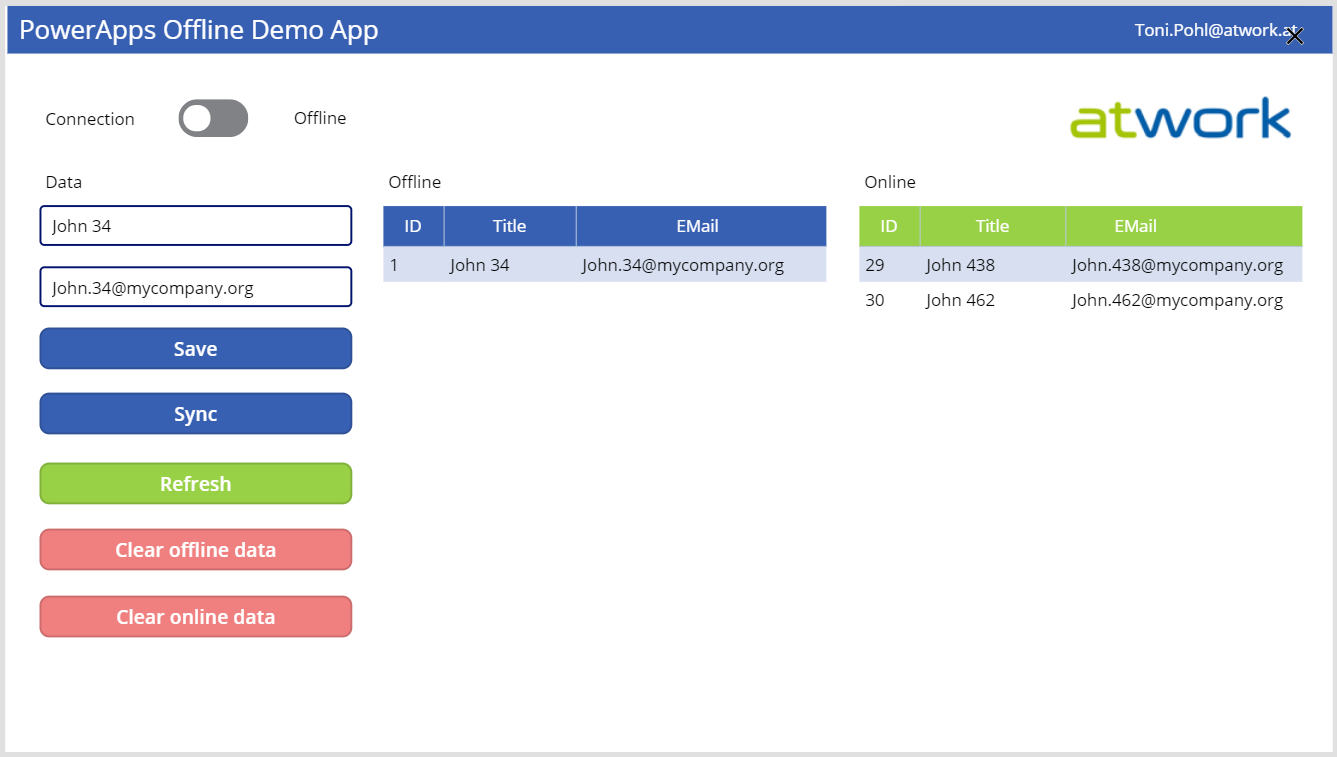
PowerApps provide a good solution for small apps. They run on a device and connect to an online data source. But what happens if no data connection is available, for instance in a building? Well, you can develop a PowerApp that works offline and synchronizes local data to the data source when you’re back online. See how this works here! A basic demo app To show the basic functionality, I developed the following, colorful demo PowerApp. The app consists of one screen in tablet mode including a connection toggle control, two input fields for a name and an email address, two data tables and some buttons. The goal is to read and write data in offline and online mode. ...
March 29, 2019 · 5 min · Toni Pohl
Groups Governance Toolkit Part 5-External Guests

Groups Governance Toolkit Part 5-External Guests

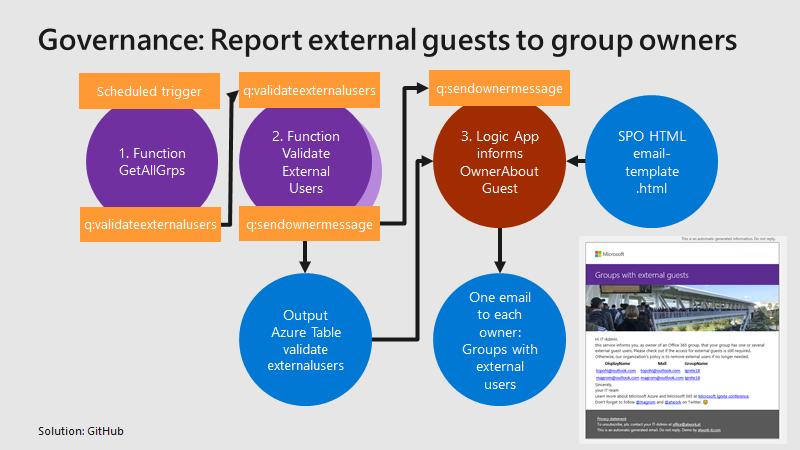
Governance specifies the rules for an organization. The Office 365 collaboration platform allows to invite external users for contributing in groups. In this part, we want to monitor all groups that have external guests and inform the group owners, who has access to a group or a team. See how this works here. Get all groups with external guests We use the same mechanism as before, see the article about Orphaned Groups. A function runs e.g. every day, reads all existing groups in the Office 365 tenant, and writes each group in a queue. A second function is triggered by that queue and reads all the external group members for one group. The following graphics shows that process from a technical standpoint. ...

March 15, 2019 · 4 min · Toni Pohl
Delegate365-Working with Audit Logs and Power-BI

Delegate365-Working with Audit Logs and Power-BI

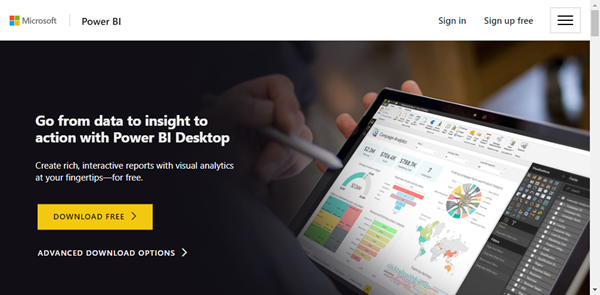
Delegate365 protocols operations in it’s audit logs. This log space can be accessed from entitled users and it’s simple to create a custom Power BI dashboard for your Delegate365 data. See how this works here step-by-step. Tip: The article Delegate365-Working with Audit Logs covers the methods for accessing the data and working with the audit logs as well. This article informs how to connect to your Delegate365 with Microsoft Power BI step-by-step and how create your custom dashboard. You need to have a Power BI license, see details at Power BI Pricing. ...

January 8, 2019 · 4 min · Toni Pohl