ÖGS GebärdensprecherIn für das AI for Good Projekt gesucht!

ÖGS GebärdensprecherIn für das AI for Good Projekt gesucht!

Worum geht es in dem Projekt? Wir bei atwork haben zurzeit ein superspannendes Projekt mit dem Titel “AI for Good” laufen, für das wir Deine Mithilfe benötigen. Wir haben ein Software-Tool entwickelt, mit dem es möglich ist mittels Künstlicher Intelligenz (KI) Gebärdensprache automatisch in Untertitel etwa in Microsoft Teams oder Zoom Onlinemeetings zu übersetzen. Damit das auch wirklich gut funktioniert, benötigen wir GebärdensprecherInnen für die Österreichische Gebärdensprache (ÖGS), die mit uns gemeinsam kurze Videos einiger Basisgebärden aufnehmen. Zu Beginn werden wir rund 50 Gebärden aufnehmen, mit denen wir unser KI-Model trainieren und optimieren wollen. Zu einem späteren Zeitpunkt wollen wir das Trainingsdaten-Set auf rund 500 Gebärden erweitern. ...
August 1, 2022 · 2 min · Toni Pohl
Use multiple Node.js versions on your computer and develop a SPFx webpart

Use multiple Node.js versions on your computer and develop a SPFx webpart

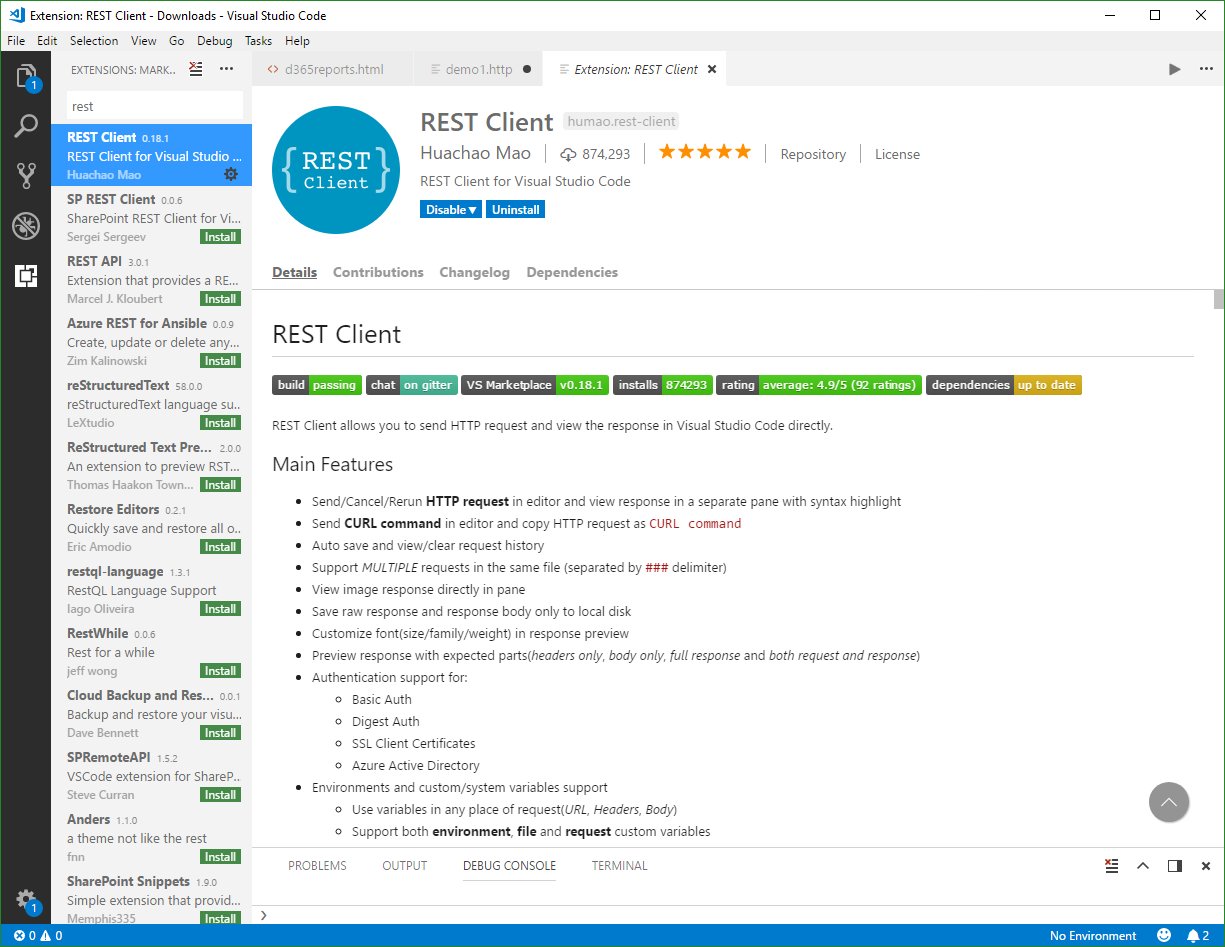
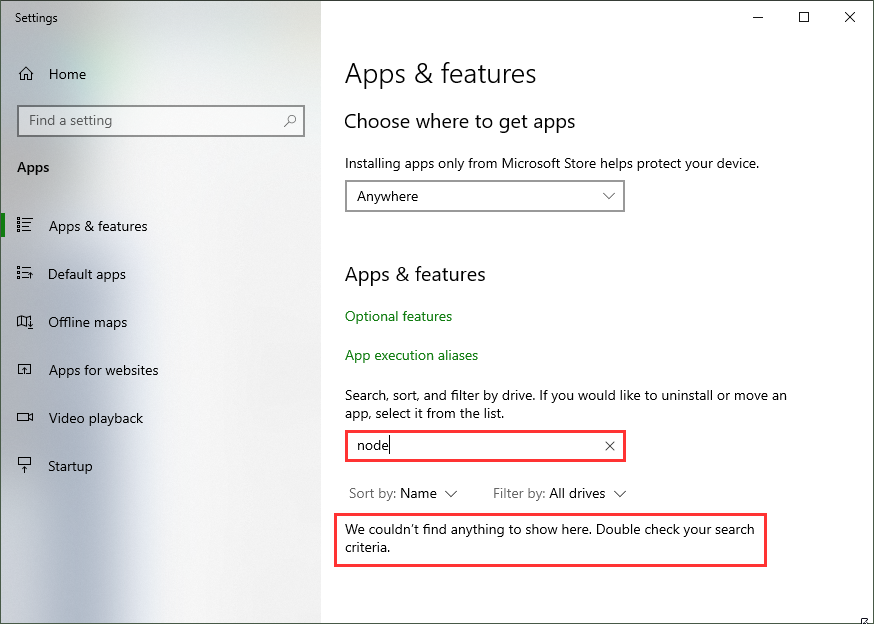
As developer, it often makes sense to have multiple versions of a framework installed on a single computer. For example, when developing SPFx applications with Node,js v10.x and developing web applications using Angular and Node.js v14.x you need both versions. Thankfully, with Node Version Manager, we can. To dive directly into the commonly used Node.js versions: SPFx apps require Node.js LTS 10.x, see Set up your SharePoint Framework development environment. All other versions of Node.js are not supported with SharePoint Framework development. ...

January 23, 2021 · 4 min · Toni Pohl

Get the daily Bing picture as background in your Teams meetings automatically

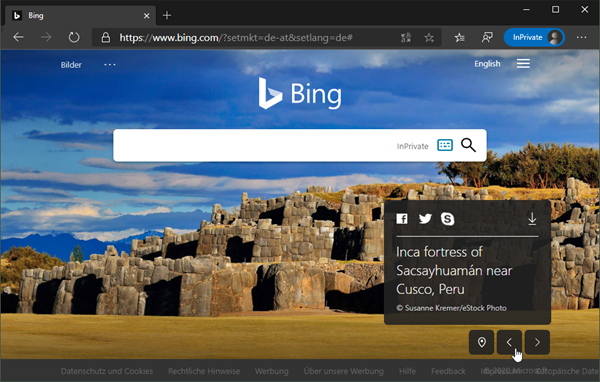
The Microsoft Bing Search Engine provides a professional and beautiful picture every day, you can see it online at www.bing.com. With the Bing API, you can easily get the images for your own use, e.g. to use them as custom background image in your Microsoft Teams calls. See how this works and download the ready-to-use PowerShell script here. So, the task is to get the daily image information, to download the picture and to provide it as background picture in Teams. ...

May 7, 2020 · 5 min · Martina Grom
Check out Microsoft Graph PowerShell

Check out Microsoft Graph PowerShell

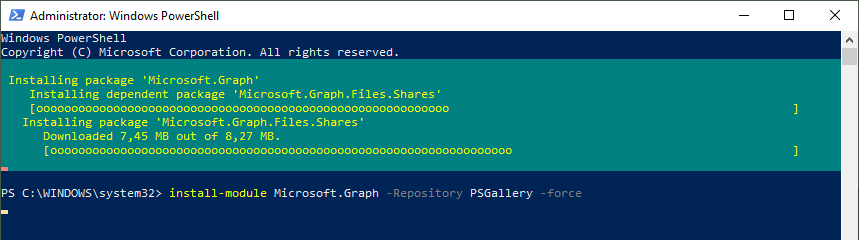
Microsoft Graph PowerShell module made it to the PowerShell Gallery! So, now you can try it out on your computer by simply running the Install-Module Microsoft.Graph.Authentication command. See more here. Microsoft Graph is the key to Microsoft 365 system. This OData interface allows to get and modify data of objects such as users, groups, their data and the tenant. Find out more at aka.ms/graph. Announced at the last Microsoft Ignite conference, admins can now use the Microsoft Graph PowerShell module directly from the PowerShell Gallery. See more details at Microsoft Graph PowerShell SDK (Preview) on GitHub. So let´s start our quick overview. ...

January 23, 2020 · 3 min · Toni Pohl

Join us at the Global Microsoft 365 Developer Bootcamp in Vienna!

We are excited to kick off the Global Microsoft 365 Developer Bootcamp in Vienna, Austria, on November 27, 2019! The Microsoft MVPs and community leaders invite YOU to attend this cost free developer bootcamp to learn the latest on Microsoft 365 platform such as Microsoft Graph, SharePoint Framework, Microsoft Teams, Bots, Actionable Messages and more. Learn how to apply the latest technologies to your future projects! The Global Microsoft 365 Developer Bootcamp takes place at the Microsoft Office in Vienna: ...

October 5, 2019 · 1 min · Toni Pohl
Instantly install your essential software with Chocolatey

Instantly install your essential software with Chocolatey

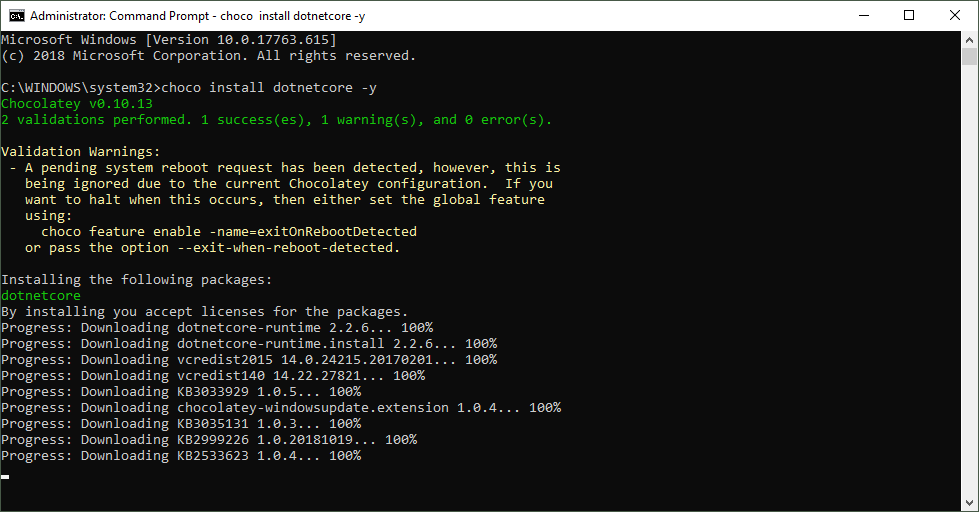
When installing a new computer, it takes some time to download and install the essential software. This is what Chocolatey is for. Chocolatey is a cost free package manager for Windows using NuGet infrastructure and PowerShell to quickly installing applications and tools that you need. I am using choco since a long time, now I wanted to show my current packaged software for my new computer. See the script here. About and Prerequisites Partly taken from About Chocolatey: Chocolatey CLI aka choco (or choco.exe) is a client that provides the core of Chocolatey and the installation store for locally installed packages. You need to have Windows 7+ or/ Windows Server 2003+ as Operating System and PowerShell v2+ (not PowerShell Core yet though) and the .NET Framework 4+ installed. Just to mention, the installation will attempt to install .NET 4.0 if you do not have it installed, see choco installation and Getting Started. Besides the client, there also exists a Chocolatey GUI and Chocolatey Agent (aka chocolatey-agent) for central administration. ...

August 2, 2019 · 3 min · Toni Pohl