Simplifying Multiple File Uploads in Power Apps with PCF

Simplifying Multiple File Uploads in Power Apps with PCF

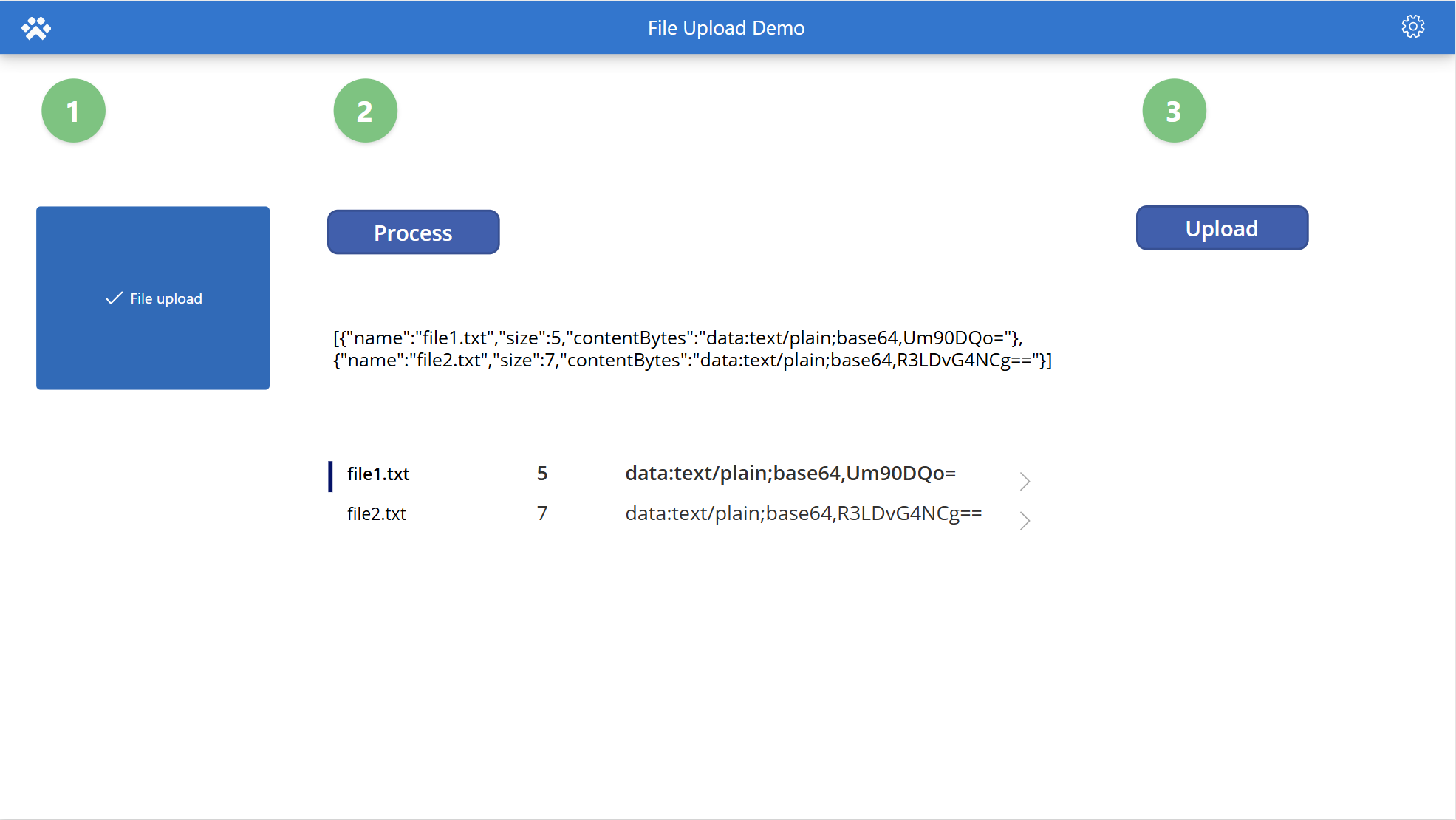
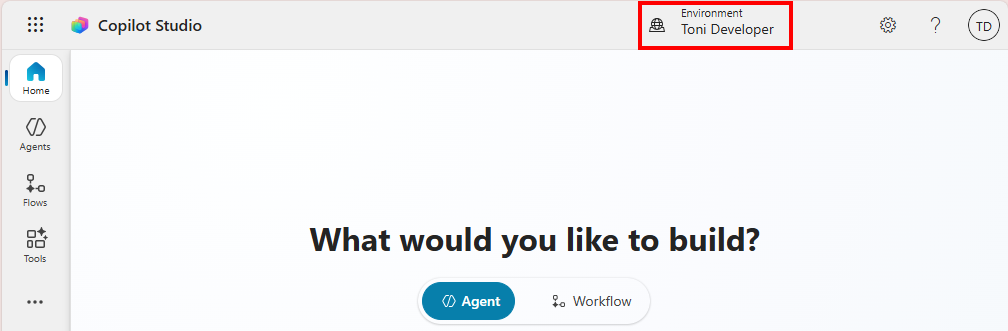
One of the most common requests I hear from Power Apps makers is: “Can I upload multiple files at once?” Out of the box, Power Apps doesn’t make this easy. The standard attachment control works for forms, but if you want a clean, reusable component for multiple file uploads, you need something better. That’s where the PCF Gallery comes in. So, this is a quick look at a free PCF component that makes multi-file uploads effortless. Recently, I explored pcf.gallery - a fantastic community-driven collection of free Power Apps components. Among the gems, I found FileImport by Karol Filip Kozlowski at PCFControl.CitDev.FileImport. This control does exactly what I needed: drag-and-drop or select multiple files, and get their data in JSON format. Simple, elegant, and powerful. ...

January 10, 2026 · 6 min · Toni Pohl
Setup the CoE using Azure Key Vault

Setup the CoE using Azure Key Vault

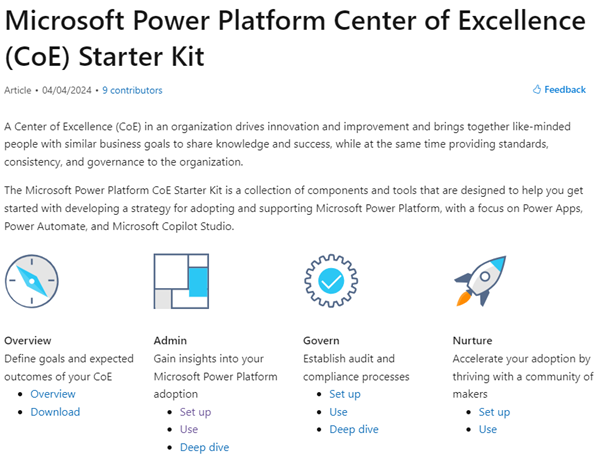
In today’s rapidly evolving digital landscape, maintaining visibility and control over your organization’s M365 Power Platform environment is crucial. The Center of Excellence (CoE) for the Microsoft 365 Power Platform serves as a vital tool for organizations to monitor, manage, and optimize your Power Platform resources effectively. In this article, we will guide you through the process of setting up the current version of the CoE Core solution using Azure Key Vault for secure and efficient Audit Log access. ...

October 17, 2024 · 5 min · Toni Pohl
List Flows as Admin V2 API endpoint

List Flows as Admin V2 API endpoint

A year ago, Microsoft announced the “Transition to List Flows as Admin V2 action from deprecated List Flows as Admin action” for Power Automate. Well, we were using the old API endpoint for working with flows in our own software until it stopped working recently. It took some time until we found workarounds or a successor. Also the PnP modules still are using the old API, and the endpoint address is currently not documented on any Microsoft website. Find it here! ...

July 14, 2024 · 2 min · Toni Pohl
That was M365Conf 2023 Spring

That was M365Conf 2023 Spring

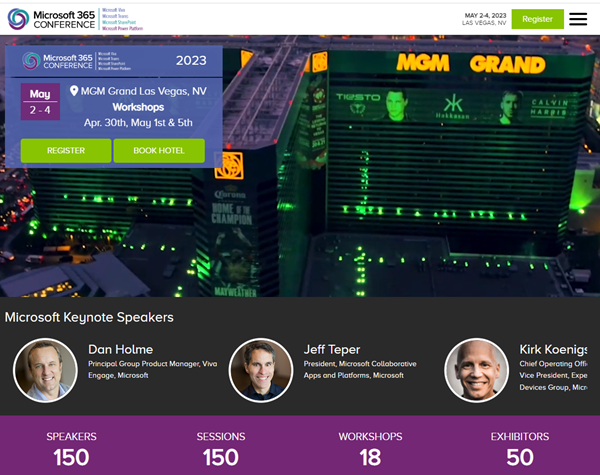
We were excited to be a part of the Spring 2023 edition of M365Conf, held April 30th - May 5th in Las Vegas. The M365Conf event was a major success, featuring a wide range of sessions, workshops, and networking opportunities that provided attendees with valuable insights and knowledge about the latest developments in the Microsoft 365 ecosystem. And of course Microsoft Copilot was a big part of the announcements alongside the many helpful updates in the M365 services. ...

May 7, 2023 · 4 min · Toni Pohl
Create an Adventcalendar for festive techcalendar 2022 with Power Apps

Create an Adventcalendar for festive techcalendar 2022 with Power Apps

Christmas is near. As a contribution to the festivetechcalendar.com, I describe here how to create an advent calendar with Microsoft Power Apps. You can download the Power App and use this app and this article to learn useful concepts in Power Apps. Here we go with the article for December 4th. Requirements The Power Apps Advent Calendar is designed to work like a real one, with the following rules. ...

December 4, 2022 · 10 min · Toni Pohl
Power Platform Environments and Governance tips using Solutions

Power Platform Environments and Governance tips using Solutions

The Microsoft Power Platform is great for quick and easy solutions and workflows. While developing a new Power App or flow is quick, governance and management can present some hurdles. Well, there is help for some topics, such as the use of solutions. Read more here. For a brief overview of governance for the Power Platform, have a look at Power Platform Environments and Governance Tips. Here we start with a very basic overview of administration and environments. ...

November 11, 2022 · 10 min · Toni Pohl
Tips for PowerApps-11 Make sure a value is selected in your dropdown

Tips for PowerApps-11 Make sure a value is selected in your dropdown

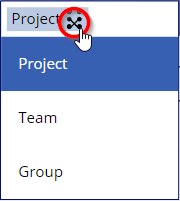
Working with Power Apps, have you seen that in the bound dropdown control the user can remove the selected item (even with single selection)? Well, there could be other solutions, but I want to make sure that a default value is always selected, even when the user clicks the button to remove the selection. In this sample Power App, I have a dropdown named *ProjectType *that is filled from a SharePoint list and a column with choices. When the user selects an item, they can remove the selection using the x-icon on the right. ...

November 2, 2022 · 2 min · Toni Pohl
Tips for PowerApps-10 Validate form input with RegEx

Tips for PowerApps-10 Validate form input with RegEx

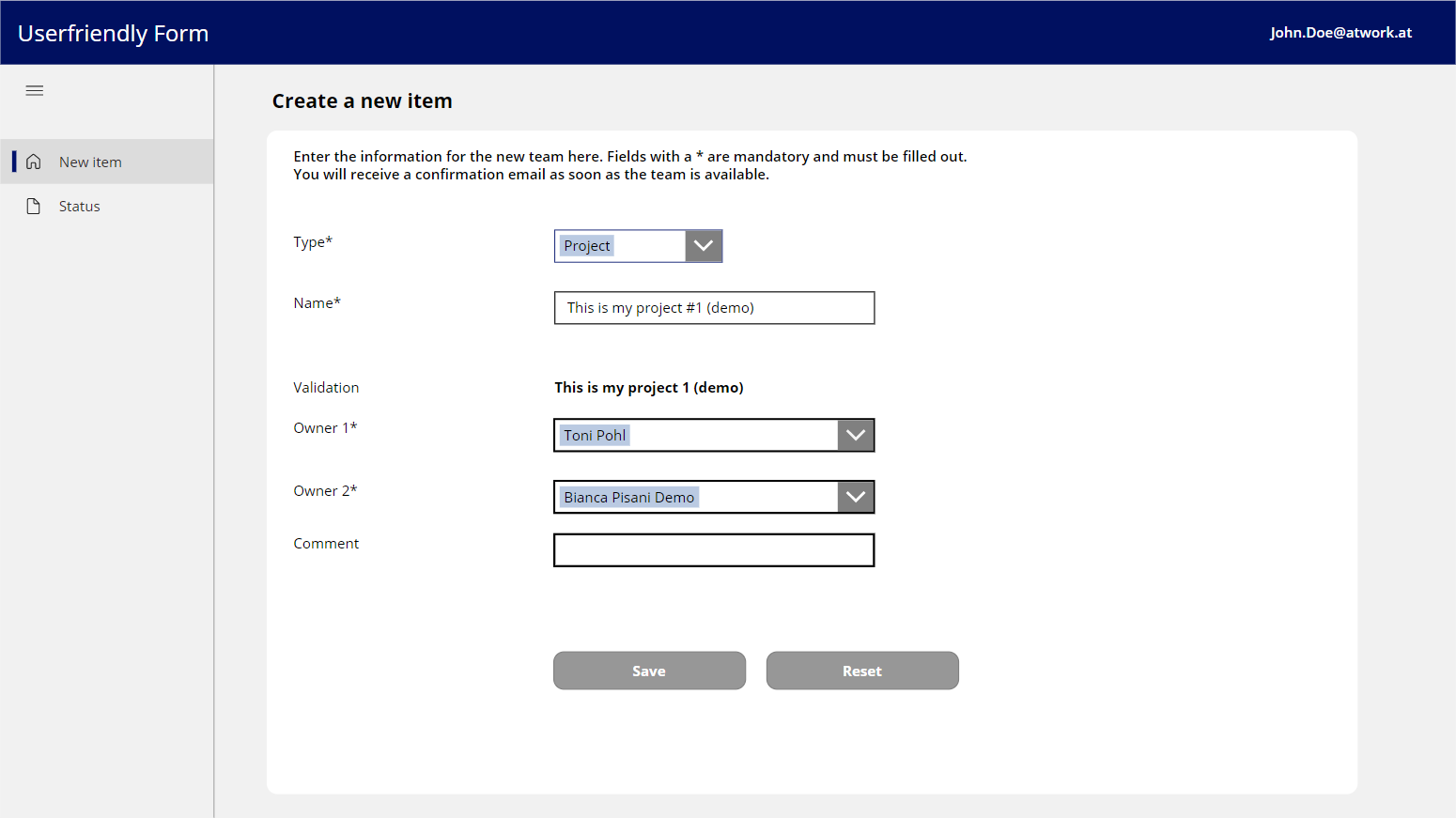
Forms are simple. Forms are complex. Both are true depending on the functionality of the form. While you can create forms very quickly with Power Apps, it often takes a lot of time to make them as user-friendly as possible. In this article, we’ll look at how we can validate and simplify input using Regular Expressions. A sample form When creating a form, one often stumbles upon a few details designed to make it easier for the user to fill out the form. So, here´s my form with some fields. ...

November 1, 2022 · 5 min · Toni Pohl
Pay your CoE with Azure - for special use cases only

Pay your CoE with Azure - for special use cases only

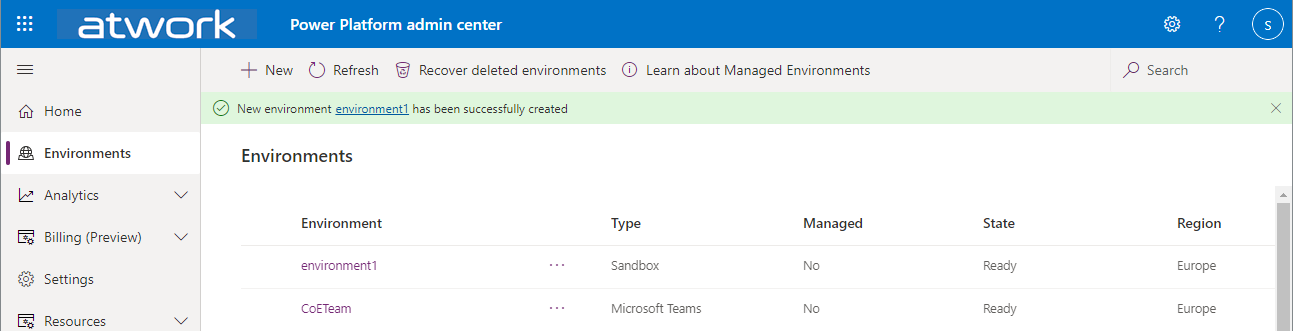
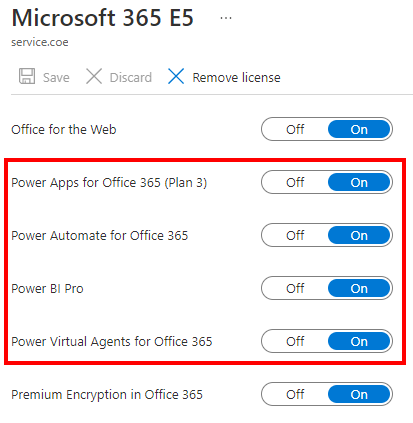
The Center of Excellence (CoE), also known as the Microsoft Power Platform CoE Starter Kit, is a toolkit to gain insights into the use of the Microsoft Power Platform in an Microsoft 365 organization. While the installation has recently become a bit technically easier, a corresponding Power Platform license is also required for operation. Well, not every company owns or acquires the required license. We show how these license requirements can be solved with Azure temporary - for special use cases - and what are the benefits and the disadvantages of the PAYG billing. ...

October 10, 2022 · 7 min · Toni Pohl
Governance Toolkit 365-Improvements July 2022

Governance Toolkit 365-Improvements July 2022

The Governance Toolkit SaaS solution provides compliance coverage across multiple workloads and offers self-services for users. We have added many new improvements and services over the past few months. We started the Governance Toolkit 365 (GT365) journey at the Microsoft Ignite conference in 2018, when my colleague Martina Grom showed a first version how to develop a Power BI governance board for Microsoft 365 and an endpoint to provision a new Microsoft 365 Group with an approval workflow. We saw that there was a great need for governance in the market and from there we developed our solution as Software-as-a-Service offering. One of the great advantages of the GT365 is that it runs completely with the on-board tools of Microsoft 365 and can be completely flexibly customized. You can find more information and test GT365 anytime at governancetoolkit365.com . ...

July 31, 2022 · 8 min · Toni Pohl