Overview of the new pricing models for Microsoft PowerApps and Flow

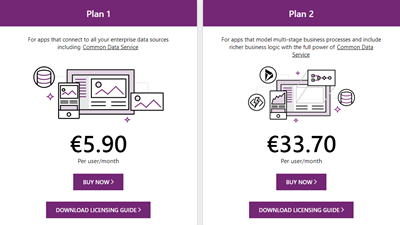
Effective October 1, 2019, the new licensing model for Microsoft PowerApps and Flow will apply. To clarify which functions are included where, we have compiled an overview at a glance here. To make it short, here are the key data: Every user who uses PowerApps or Flow requires a license. PowerApps can be tested for free for 30 days. PowerApps licenses will continue to include Microsoft Flow capabilities. PowerApps and Flow licenses are included in the Office 365 Academic (A), Enterprise (E) and F1 plans - as before. See the complete list at PowerApps licensing overview. So, to create and use a PowerApp or a Flow, the included license is often sufficient. ...

September 27, 2019 · 3 min · Toni Pohl

Use the PowerApps PowerShell modules to automate tasks with the Microsoft Power Platform

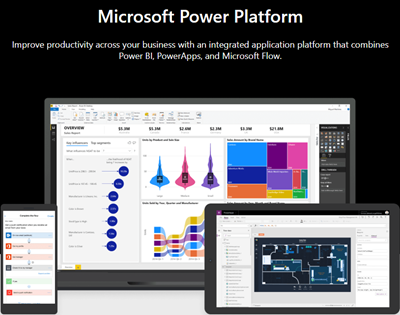
PowerShell helps automate processes, especially in the Microsoft 365 world. That´s true for the Microsoft Power Platform as well. See how to access PowerApps and Flow with PowerShell here. So, here´s a very quick introduction for using PowerShell with PowerApps and Flow. Find the full documentation at PowerApps cmdlets for administrators. Install the PowerShell modules Install the PowerApps (preview) module from the PowerShell Gallery once with the following PowerShell statements as Administrator on your machine: ...

September 22, 2019 · 2 min · Martina Grom

Hello, PowerApps Portals and external users!

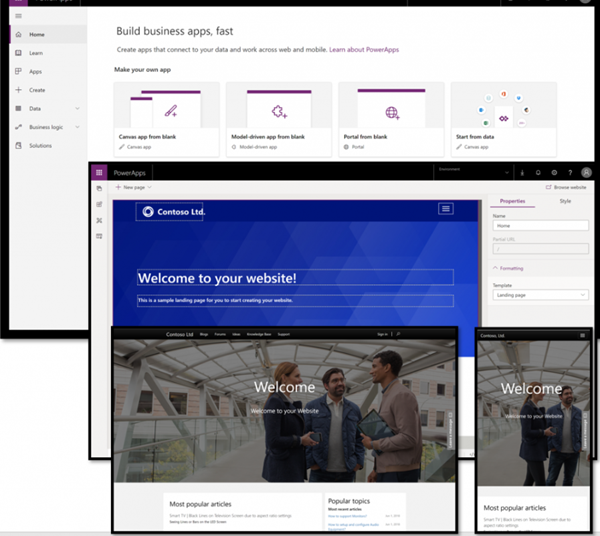
PowerApps are a great way to develop low-code apps for various platforms. With the big success of PowerApps and Flow, the number one request of many customers was: How can people *outside *my company use PowerApps? Well, soon there will be a way with PowerApps Portals! So far, using a PowerApp requires a login in the organization´s tenant. In real scenarios, there are of course many use cases in which the provision of a PowerApp for customers, partners, suppliers, etc. makes sense. So, there´s a huge demand for sharing PowerApps with external users. ...

June 10, 2019 · 2 min · Martina Grom

Groups Governance Toolkit-Working with group policies

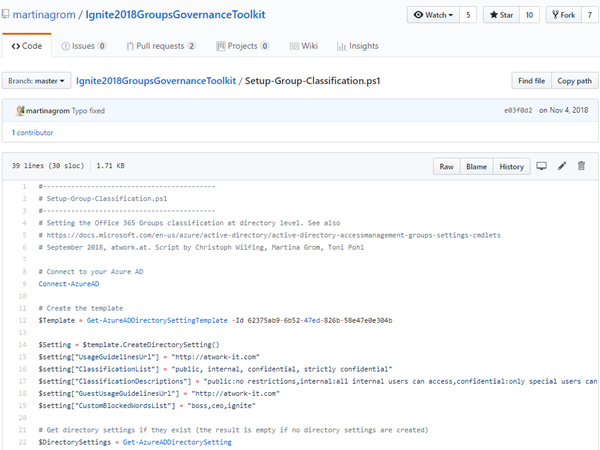
At Microsoft Ignite conference last September, we demoed an approach for a self-built Office 365 Groups Governance Toolkit. Since Microsoft 365 is an evergreen service and continues to evolve, today we have more group settings available and we extend our provisioning function to work with group naming policies as well. See here how this can be accomplished by including new Graph requests. Foreword You can find the previous articles of our governance story at Provisioning an Office 365 group with an approval flow and Azure functions-part 1, part 2, part 3, part 4, part 5 and part 6 and the source code at martinagrom/Ignite2018GroupsGovernanceToolkit. ...

May 2, 2019 · 6 min · Martina Grom
Tips for PowerApps-6 tips for working with images

Tips for PowerApps-6 tips for working with images

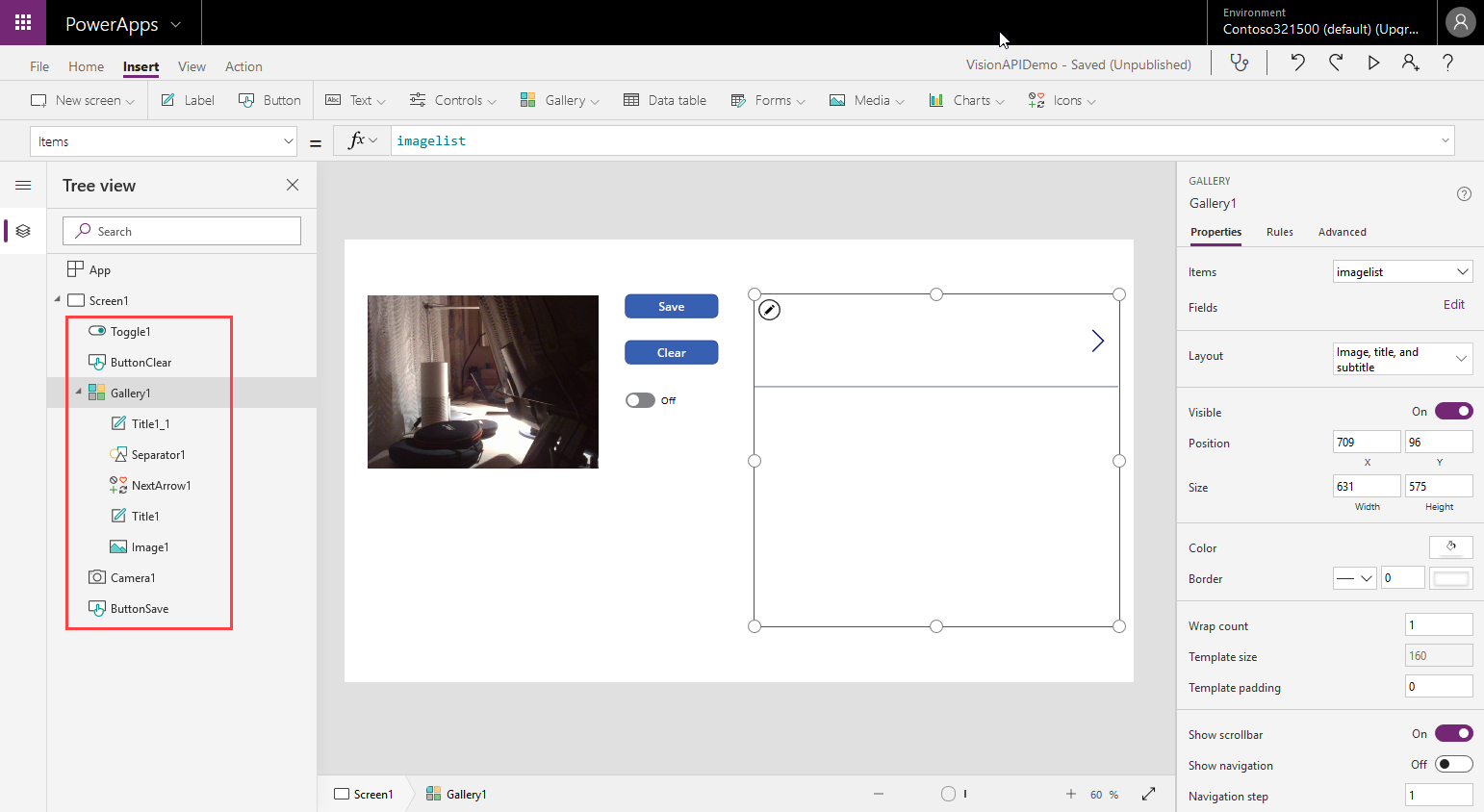
Since I use PowerApps only from time to time, I wanted to document some common actions, such as working with images and the camera control. So, here are my little notes in 6 tips. Well it´s Saturday evening, and I am listening to fancy music and playing with PowerApps (and Flow, Cognitive Services and Adaptive Cards). To not forget the following basics, I thought, it´s a good idea to document a quick intro for working with the Camera control and pictures in PowerApps. ...

April 14, 2019 · 6 min · Toni Pohl
Tips for PowerApps-Working Offline with PowerApps

Tips for PowerApps-Working Offline with PowerApps

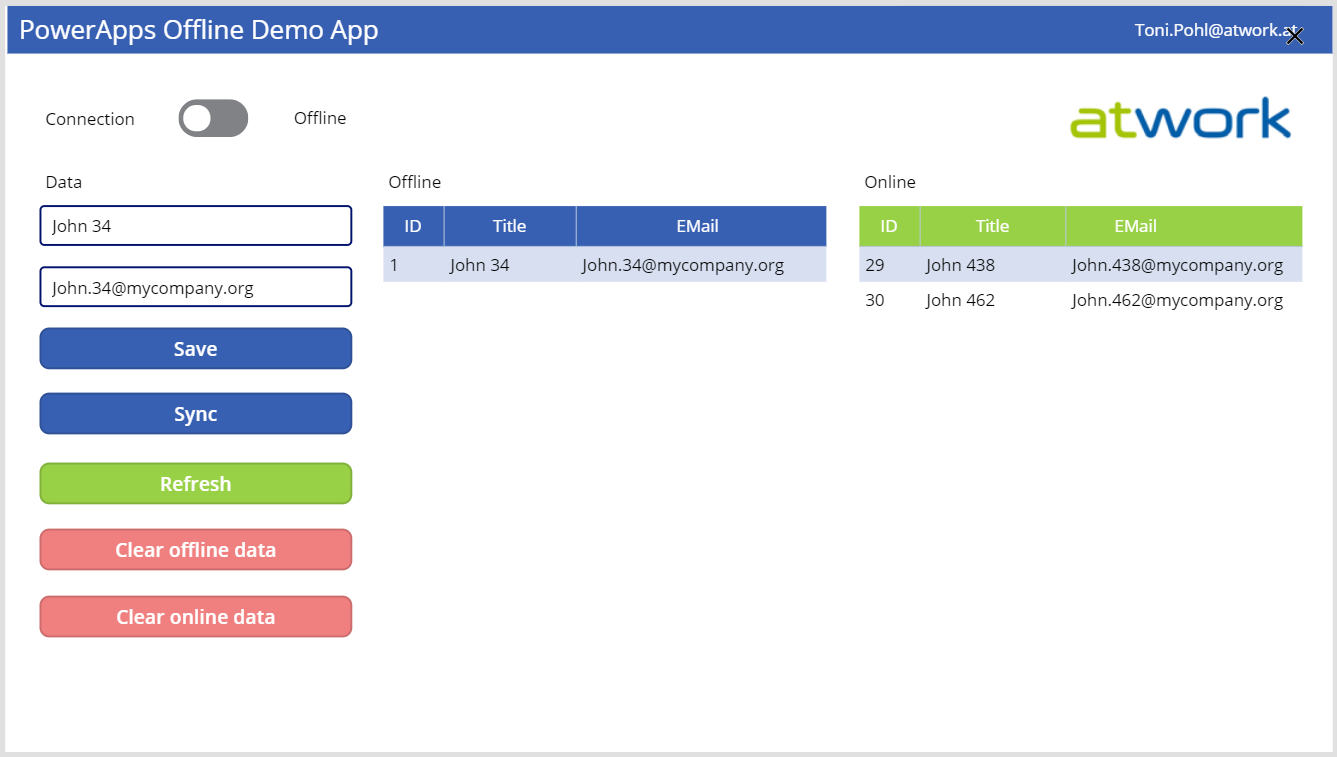
PowerApps provide a good solution for small apps. They run on a device and connect to an online data source. But what happens if no data connection is available, for instance in a building? Well, you can develop a PowerApp that works offline and synchronizes local data to the data source when you’re back online. See how this works here! A basic demo app To show the basic functionality, I developed the following, colorful demo PowerApp. The app consists of one screen in tablet mode including a connection toggle control, two input fields for a name and an email address, two data tables and some buttons. The goal is to read and write data in offline and online mode. ...

March 29, 2019 · 5 min · Toni Pohl