Azure Logic Apps Toolbox 11-Use long HTML content in Designer

Azure Logic Apps Toolbox 11-Use long HTML content in Designer

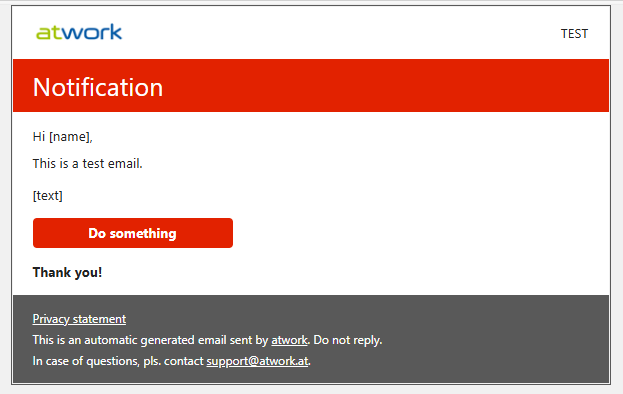
Have you encountered an issue with the new Azure Logic Apps Designer where you’re unable to save variables containing lengthy content? This has become a challenge for me recently, especially when working with HTML templates used in automated email workflows and other scenarios. I’ve been unable to update these long email strings as variables directly within the new Azure Logic Apps Designer. Well, here is the workaround. Scenario Our goal is to send an HTML-formatted email using a Logic App. To achieve this, the Logic App stores a reusable email template and dynamically inserts values retrieved from external systems. Below is an example of the HTML template used in this scenario: ...

May 19, 2025 · 4 min · Toni Pohl

Setup the CoE using Azure Key Vault

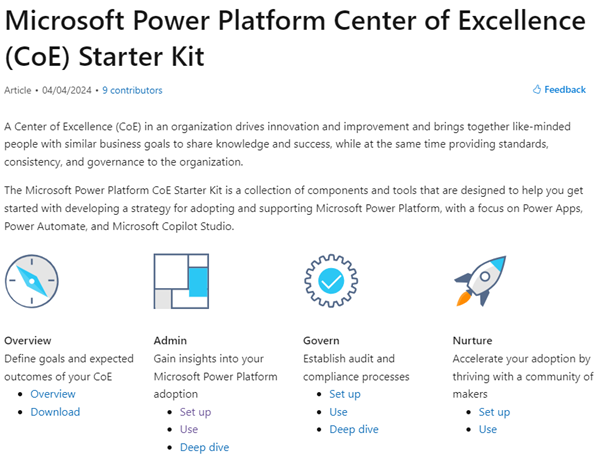
In today’s rapidly evolving digital landscape, maintaining visibility and control over your organization’s M365 Power Platform environment is crucial. The Center of Excellence (CoE) for the Microsoft 365 Power Platform serves as a vital tool for organizations to monitor, manage, and optimize your Power Platform resources effectively. In this article, we will guide you through the process of setting up the current version of the CoE Core solution using Azure Key Vault for secure and efficient Audit Log access. ...

October 17, 2024 · 5 min · Toni Pohl
Azure Logic Apps Toolbox 10-Dynamic access to keys and values in a JSON object

Azure Logic Apps Toolbox 10-Dynamic access to keys and values in a JSON object

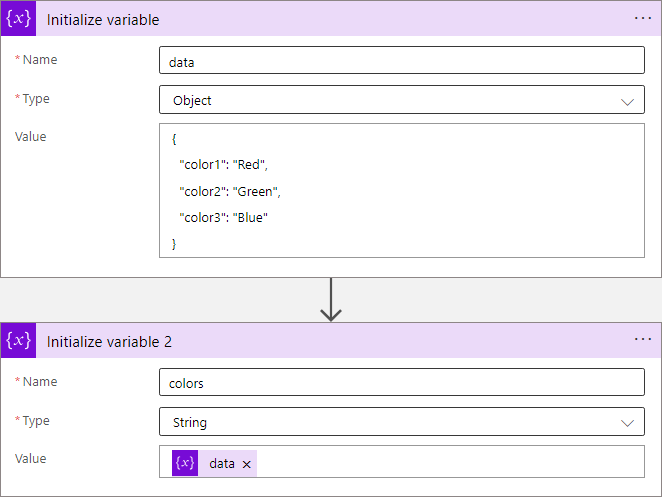
In Azure Logic Apps, looping through objects is a common requirement. When we have prior knowledge of an object’s properties, the process is straightforward. However, things get more challenging when attempting to access properties dynamically. See a method to access data in a JSON object dynamically here. JSON (JavaScript Object Notation) is a format for storing and transferring data. Here we want to dynamically access data from a JSON object in an Azure Logic App. To demonstrate this, consider this example. ...

June 1, 2024 · 8 min · Toni Pohl
Power Platform Environments and Governance tips using Solutions

Power Platform Environments and Governance tips using Solutions

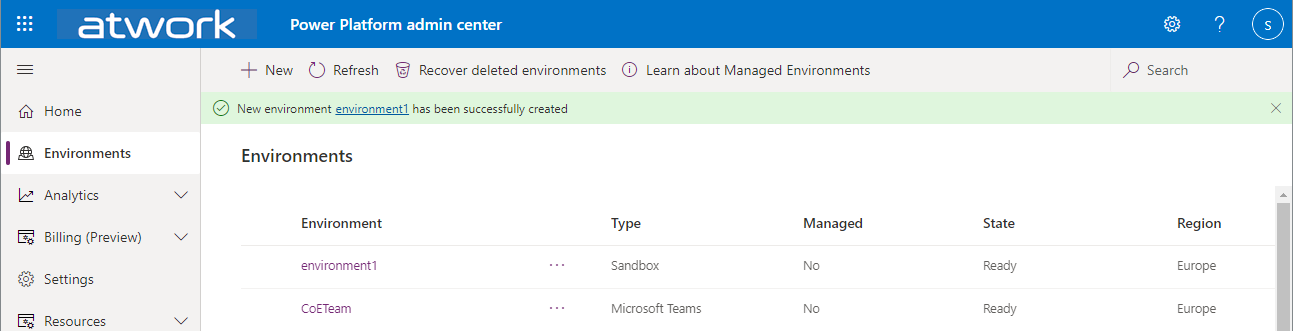
The Microsoft Power Platform is great for quick and easy solutions and workflows. While developing a new Power App or flow is quick, governance and management can present some hurdles. Well, there is help for some topics, such as the use of solutions. Read more here. For a brief overview of governance for the Power Platform, have a look at Power Platform Environments and Governance Tips. Here we start with a very basic overview of administration and environments. ...

November 11, 2022 · 10 min · Toni Pohl
How to restore a flow from a backup to another environment

How to restore a flow from a backup to another environment

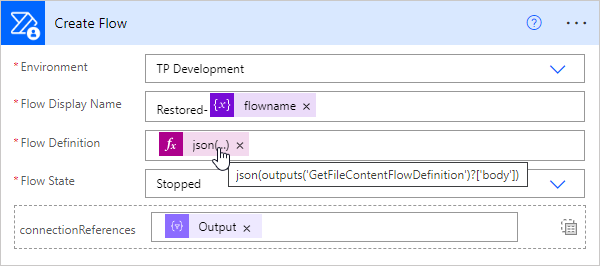
In the previous article, we showed and described two flows to backup and restore a flow. This works well when the flow’s connections are still in the same environment. But what about restoring a flow in a different environment? This is a typical use case for “moving” flows from a source environment to a target environment, such as from the development environment to the productive or department environment. In this article we show how this works with the restore flow. ...

September 13, 2022 · 4 min · Toni Pohl
How to backup and restore a flow with another flow

How to backup and restore a flow with another flow

Did you know that you can backup and restore a flow (or multiple flows) with another flow in Power Automate? This is very helpful for backing up and restoring important flows in the company. Well, I knew the mechanism. Now I’ve tested it myself and found that this process is undocumented and I’ve only found examples that didn’t work. Reason enough to develop the process to work and describe it with all workarounds. Here is the guide for real world application. ...

August 29, 2022 · 8 min · Toni Pohl
Trigger a Power Automate Flow through a SharePoint List Item

Trigger a Power Automate Flow through a SharePoint List Item

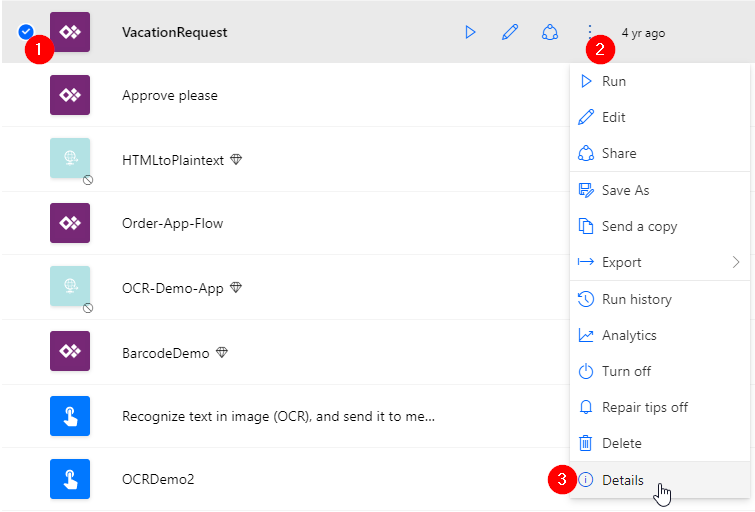
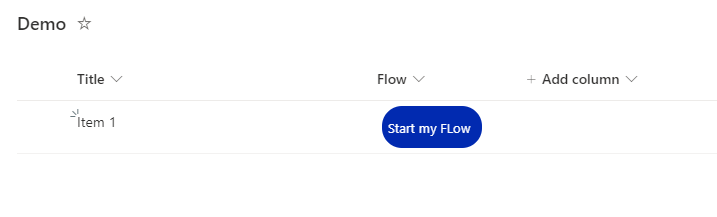
Background Power Automate is a great tool to automate SharePoint based Tasks, e.g. Document Approvals, Notifications,… The flows can be triggered by a new or changed Element / Document in SharePoint, but very often, we want the user to start a flow for a specific, selected document. For that, Microsoft is Providing a Power Automate Trigger called “SharePoint – Start for the selected document”, which can be triggered for the selected document in SharePoint. The flow gets the ID of the selected document and can do anything you want with that document. In this post, I explain, how to trigger a flow, that is located in another environment than the default environment ...

August 8, 2022 · 3 min · Peter Hödl
Azure Logic Apps Toolbox 5-Custom JSON payloads

Azure Logic Apps Toolbox 5-Custom JSON payloads

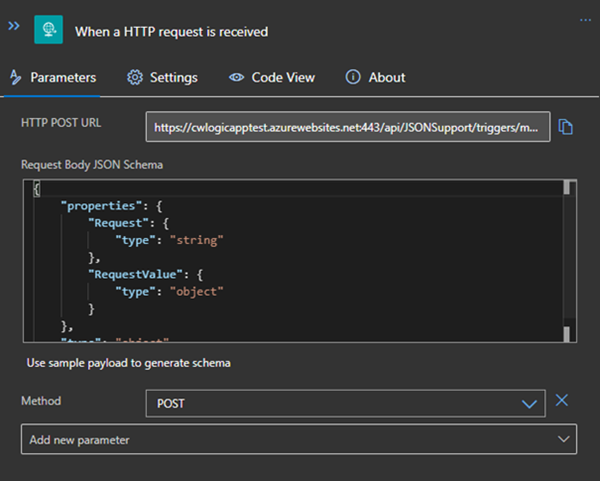
Did you ever have the problem of pushing different JSON payloads to a logic app and hitting errors due to JSON schema mismatches? The usual HTTP Request forces you to define the JSON Schema at the beginning. For every tiny difference in the later used properties you need to create your own Logic App even if the process is the same. I will show you an example of a single Logic App deciding at runtime which JSON schema to use for decoding the post body payload. Stay tuned! ...

January 14, 2021 · 3 min · Christoph Wilfing
Handle failed actions in Azure Logic Apps

Handle failed actions in Azure Logic Apps

Today´s a quick tip for users working with Azure Logic Apps. This article shows how you can continue to work in a flow if an action has failed. This sample accesses an Excel file from a Microsoft teams SharePoint site and searches for a key. If the key was not found, the flow shall continue and deliver a useful error code with a message. See how this works here. The scenario The following Azure Logic App is triggered by an HTTP request and gets some data from another system. The purpose is to lookup a campaign and some data from an Excel file that is stored in a SharePoint site of a Microsoft 365 Group (a team site) and to continue to work with that data. Furthermore, the Logic App generate a voucher and sends emails. But that´s another story. Here we concentrate on the failure handling. ...

October 6, 2020 · 4 min · Toni Pohl
Azure Logic Apps Toolbox 2-Send text and files multipartform-data to SharePoint Online

Azure Logic Apps Toolbox 2-Send text and files multipartform-data to SharePoint Online

Using an Azure Logic app is often a quick fix for small computing tasks. So my scenario is as follows: I want to use a form on a website to offer text fields and file upload. The submit button is intended to send the data to a Logic App. The Logic App receives the data and writes it to a SharePoint Online list and sends a notification if necessary. See the implementation here. ...

February 17, 2020 · 8 min · Toni Pohl