Join us at the Global Microsoft 365 Developer Bootcamp in Vienna!

We are excited to kick off the Global Microsoft 365 Developer Bootcamp in Vienna, Austria, on November 27, 2019! The Microsoft MVPs and community leaders invite YOU to attend this cost free developer bootcamp to learn the latest on Microsoft 365 platform such as Microsoft Graph, SharePoint Framework, Microsoft Teams, Bots, Actionable Messages and more. Learn how to apply the latest technologies to your future projects! The Global Microsoft 365 Developer Bootcamp takes place at the Microsoft Office in Vienna: ...

October 5, 2019 · 1 min · Toni Pohl
Working with Microsoft Group Forms and Flow

Working with Microsoft Group Forms and Flow

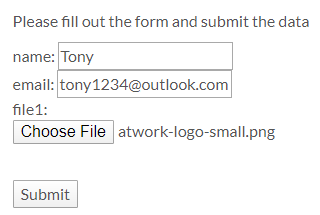
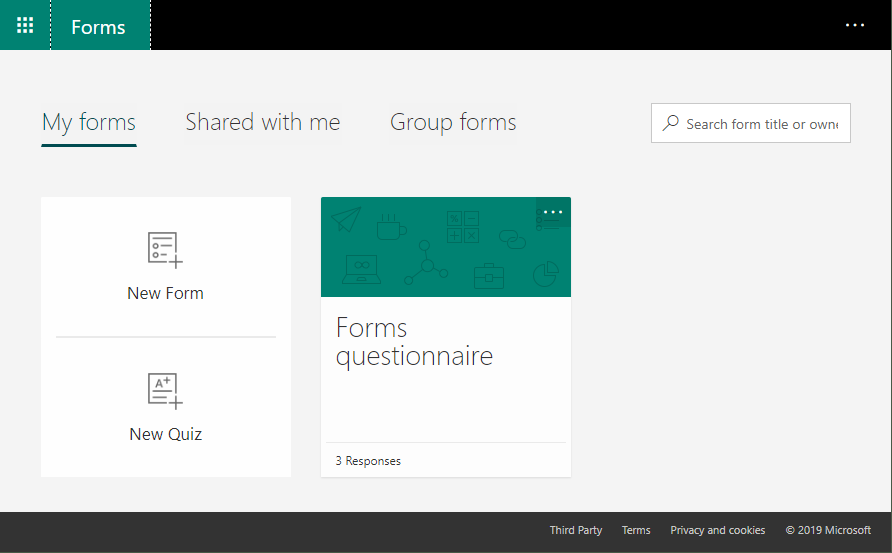
Microsoft Forms is very popular because it is a very easy way to create web forms quickly. You can create surveys, quizzes and simple forms, and easily see results as they come in. This quick tutorial shows how you can use Microsoft Forms, convert a from into a group form, how to access the result file and how to add additional tasks with Microsoft Flow or Azure Logic Apps. So, here we go. ...

July 13, 2019 · 5 min · Martina Grom
Tips for PowerApps-6 tips for working with images

Tips for PowerApps-6 tips for working with images

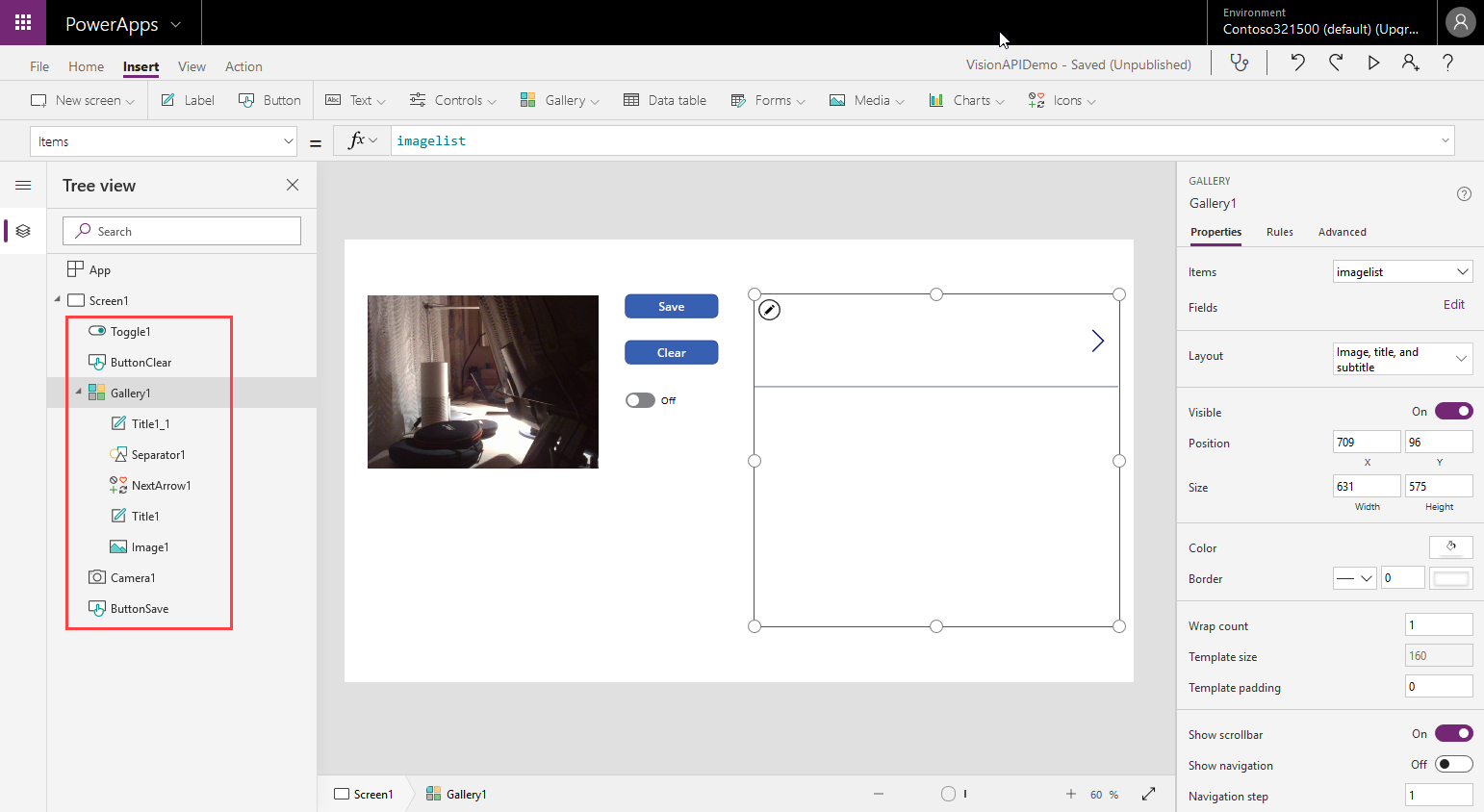
Since I use PowerApps only from time to time, I wanted to document some common actions, such as working with images and the camera control. So, here are my little notes in 6 tips. Well it´s Saturday evening, and I am listening to fancy music and playing with PowerApps (and Flow, Cognitive Services and Adaptive Cards). To not forget the following basics, I thought, it´s a good idea to document a quick intro for working with the Camera control and pictures in PowerApps. ...

April 14, 2019 · 6 min · Toni Pohl
Having fun with IoT Flic buttons and Microsoft Flow

Having fun with IoT Flic buttons and Microsoft Flow

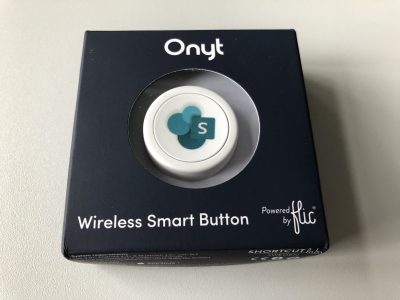
I just got a cute Flic button to play around with. It takes only some minutes to connect that IoT button to a connector and execute customs tasks. Well, as first step, I simply created a message in a Microsoft Teams channel. See the step-by-step instructions here. My colleague Christoph has started to play with the Flic button and another IoT button, so I was interested as well. Another article with that IoT button will follow shortly. ...

March 27, 2019 · 3 min · Toni Pohl
Groups Governance Toolkit Part 4-Ownerless Groups

Groups Governance Toolkit Part 4-Ownerless Groups

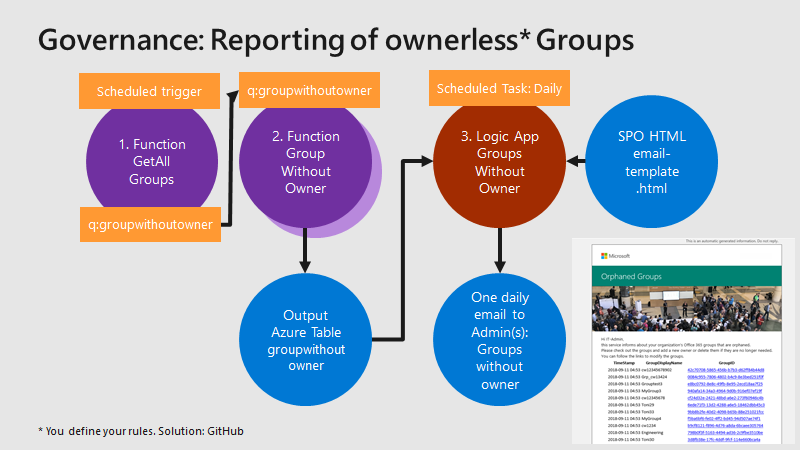
In this multi-part series we show you how to handle the Office 365 Groups and Microsoft Teams governance toolkit. The next article cover the governance part of our Groups Governance Toolkit.Imagine your company policy requires at least 2 owners per Office 365 Group or per Microsoft Team. In this part, we want to monitor all groups that are ownerless (orphaned), or do not comply with our organization’s policies. The IT department shall get the information of all groups and teams where there are no owners or not enough owners and the possibility to fix that. Read below how this can be accomplished. ...

February 13, 2019 · 5 min · Martina Grom
Groups Governance Toolkit Part 3-Develop Azure Functions

Groups Governance Toolkit Part 3-Develop Azure Functions

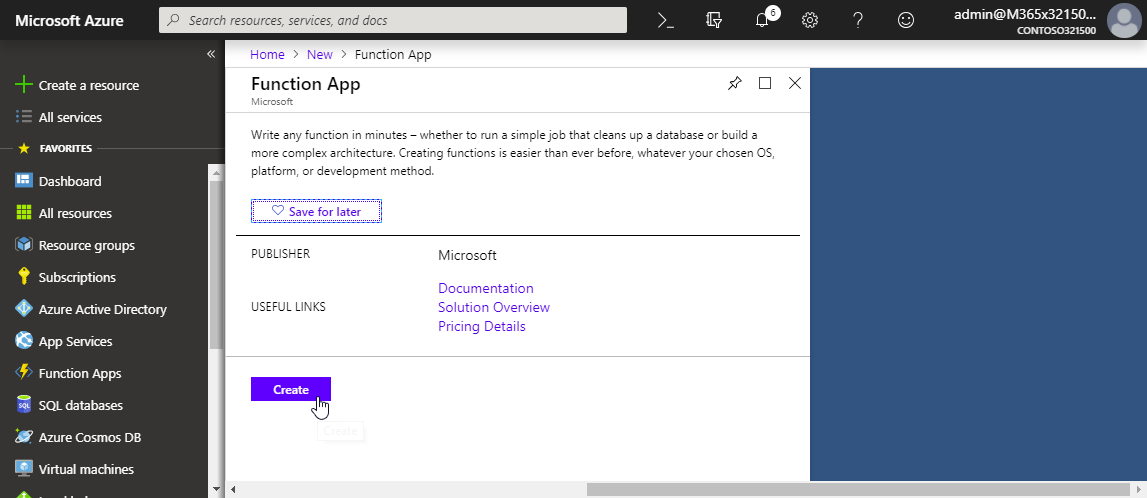
After the introduction of the Office 365 Groups and Microsoft Teams Governance Toolkit and with the necessary requirements we are now looking into Azure Functions. In our group and team provisioning scenario, we need a little code for provisioning of an Office 365 group and a Microsoft team. Serverless computing with an Azure Function provides the optimal solution for that. Follow these steps to create the function we need for our workflow. ...

January 16, 2019 · 6 min · Martina Grom
Groups Governance Toolkit Part 2-Provisioning requirements

Groups Governance Toolkit Part 2-Provisioning requirements

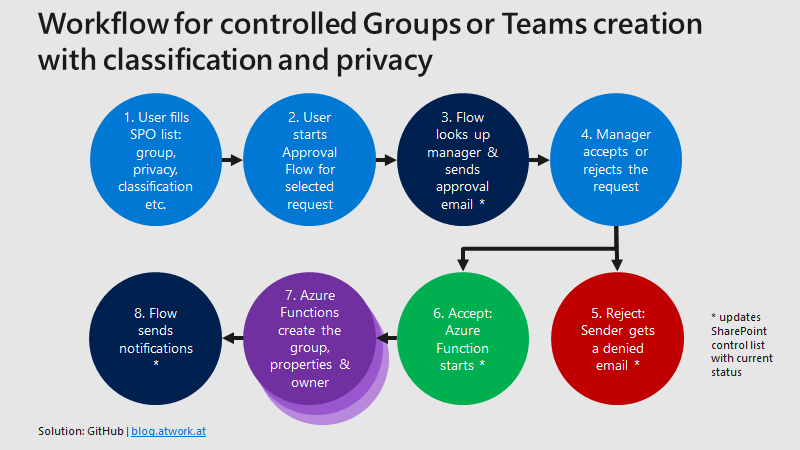
In part 1 of this series we described the scenario for our Office 365 groups governance toolkit. In this part we will setup a workflow for the Office 365 and Microsoft Teams provisioning. Workflows help to follow specific processes for a successful collaboration. Offering self-services for users is a key to reduce workloads on the IT department and to allow users to cover their requirements quickly while the organization’s policies are enforced during the process. A frequently asked request is how to provision a new Microsoft Team in Office 365 in a secure and monitored way. See how this can be implemented here. ...

January 11, 2019 · 5 min · Martina Grom