Trigger a Power Automate Flow through a SharePoint List Item

Trigger a Power Automate Flow through a SharePoint List Item

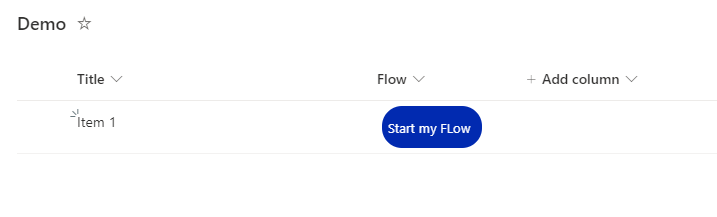
Background Power Automate is a great tool to automate SharePoint based Tasks, e.g. Document Approvals, Notifications,… The flows can be triggered by a new or changed Element / Document in SharePoint, but very often, we want the user to start a flow for a specific, selected document. For that, Microsoft is Providing a Power Automate Trigger called “SharePoint – Start for the selected document”, which can be triggered for the selected document in SharePoint. The flow gets the ID of the selected document and can do anything you want with that document. In this post, I explain, how to trigger a flow, that is located in another environment than the default environment ...
August 8, 2022 · 3 min · Peter Hödl
Azure Logic Apps Toolbox 5-Custom JSON payloads

Azure Logic Apps Toolbox 5-Custom JSON payloads

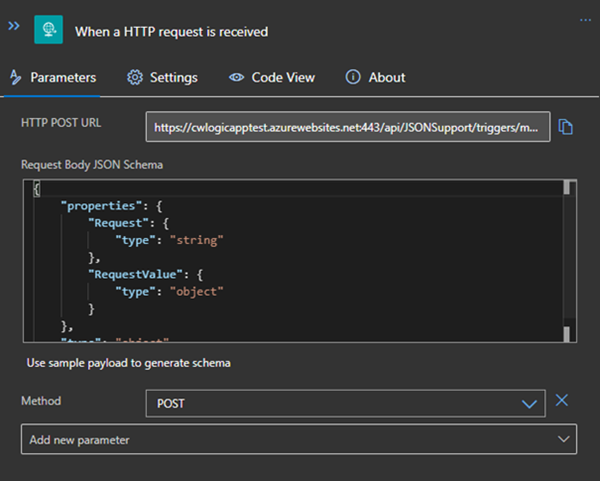
Did you ever have the problem of pushing different JSON payloads to a logic app and hitting errors due to JSON schema mismatches? The usual HTTP Request forces you to define the JSON Schema at the beginning. For every tiny difference in the later used properties you need to create your own Logic App even if the process is the same. I will show you an example of a single Logic App deciding at runtime which JSON schema to use for decoding the post body payload. Stay tuned! ...

January 14, 2021 · 3 min · Christoph Wilfing
Handle failed actions in Azure Logic Apps

Handle failed actions in Azure Logic Apps

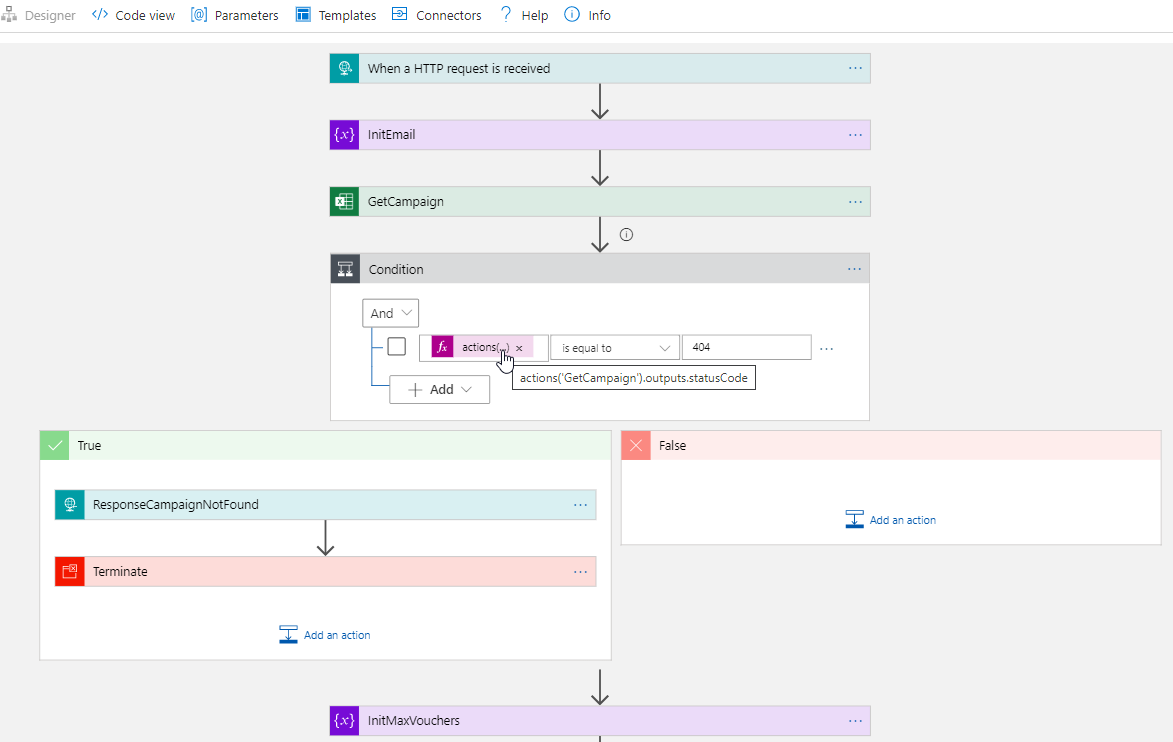
Today´s a quick tip for users working with Azure Logic Apps. This article shows how you can continue to work in a flow if an action has failed. This sample accesses an Excel file from a Microsoft teams SharePoint site and searches for a key. If the key was not found, the flow shall continue and deliver a useful error code with a message. See how this works here. The scenario The following Azure Logic App is triggered by an HTTP request and gets some data from another system. The purpose is to lookup a campaign and some data from an Excel file that is stored in a SharePoint site of a Microsoft 365 Group (a team site) and to continue to work with that data. Furthermore, the Logic App generate a voucher and sends emails. But that´s another story. Here we concentrate on the failure handling. ...

October 6, 2020 · 4 min · Toni Pohl
Azure Logic Apps Toolbox 2-Send text and files multipartform-data to SharePoint Online

Azure Logic Apps Toolbox 2-Send text and files multipartform-data to SharePoint Online

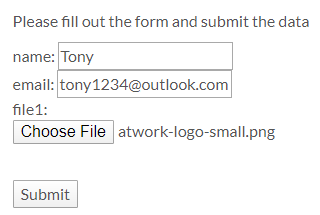
Using an Azure Logic app is often a quick fix for small computing tasks. So my scenario is as follows: I want to use a form on a website to offer text fields and file upload. The submit button is intended to send the data to a Logic App. The Logic App receives the data and writes it to a SharePoint Online list and sends a notification if necessary. See the implementation here. ...

February 17, 2020 · 8 min · Toni Pohl
Join us at the Global Microsoft 365 Developer Bootcamp in Vienna!

Join us at the Global Microsoft 365 Developer Bootcamp in Vienna!

We are excited to kick off the Global Microsoft 365 Developer Bootcamp in Vienna, Austria, on November 27, 2019! The Microsoft MVPs and community leaders invite YOU to attend this cost free developer bootcamp to learn the latest on Microsoft 365 platform such as Microsoft Graph, SharePoint Framework, Microsoft Teams, Bots, Actionable Messages and more. Learn how to apply the latest technologies to your future projects! The Global Microsoft 365 Developer Bootcamp takes place at the Microsoft Office in Vienna: ...

October 5, 2019 · 1 min · Toni Pohl
Working with Microsoft Group Forms and Flow

Working with Microsoft Group Forms and Flow

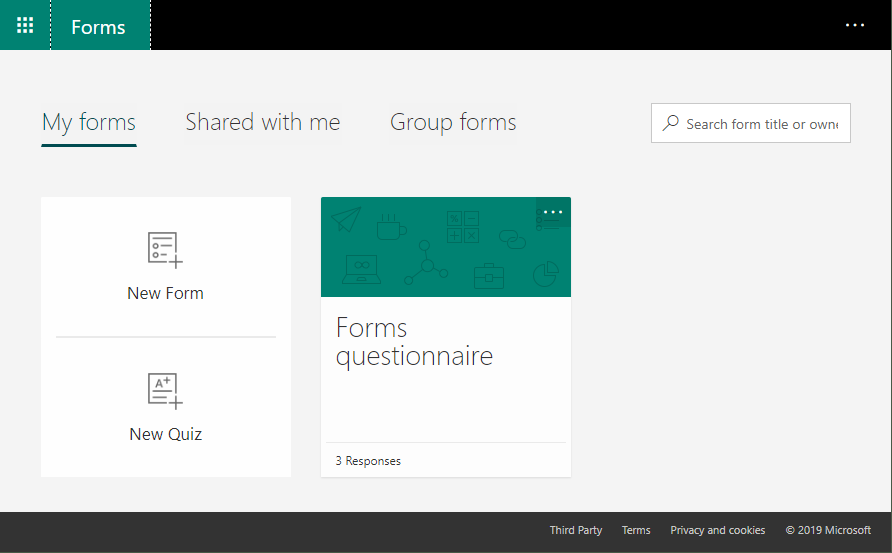
Microsoft Forms is very popular because it is a very easy way to create web forms quickly. You can create surveys, quizzes and simple forms, and easily see results as they come in. This quick tutorial shows how you can use Microsoft Forms, convert a from into a group form, how to access the result file and how to add additional tasks with Microsoft Flow or Azure Logic Apps. So, here we go. ...

July 13, 2019 · 5 min · Martina Grom
Tips for PowerApps-6 tips for working with images

Tips for PowerApps-6 tips for working with images

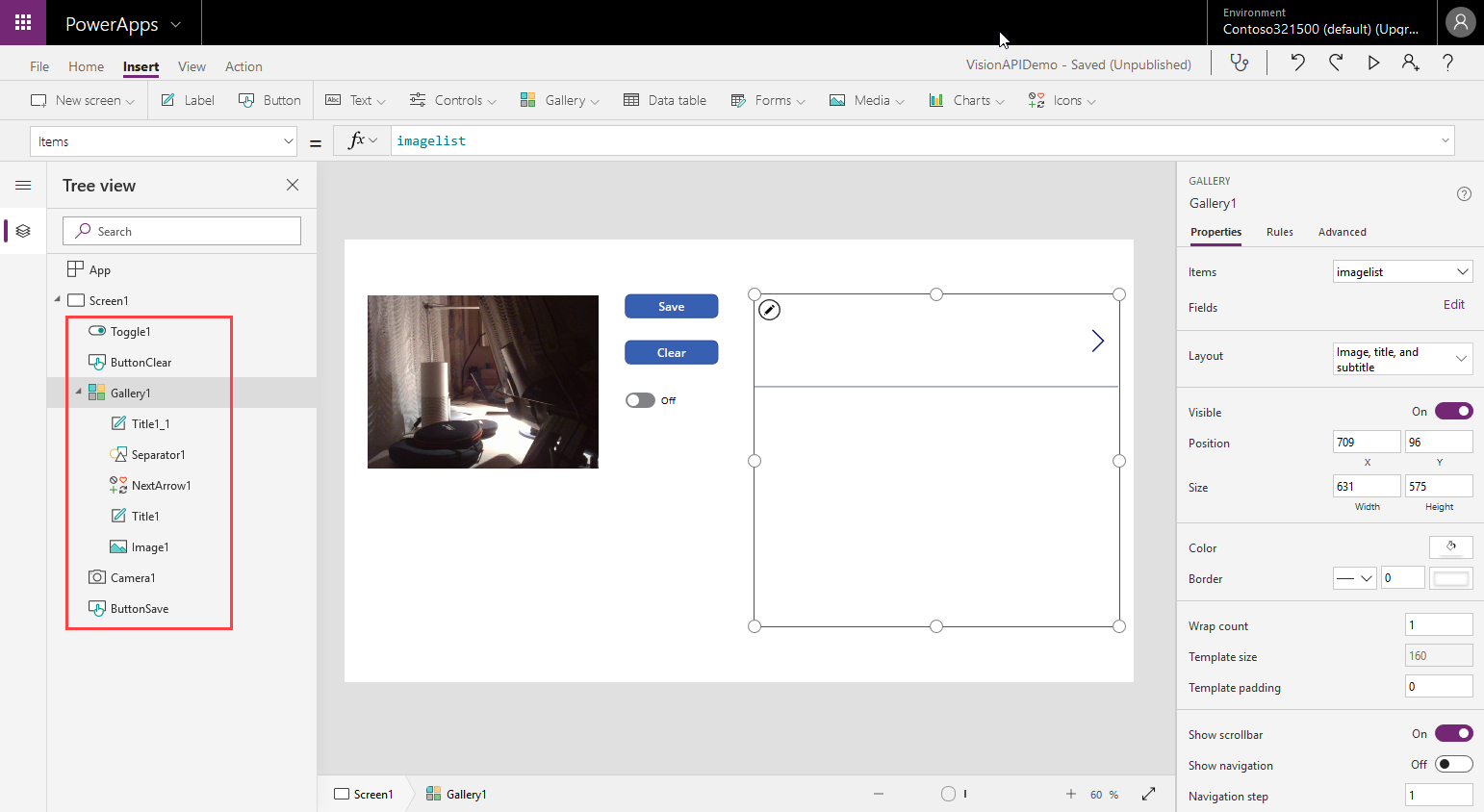
Since I use PowerApps only from time to time, I wanted to document some common actions, such as working with images and the camera control. So, here are my little notes in 6 tips. Well it´s Saturday evening, and I am listening to fancy music and playing with PowerApps (and Flow, Cognitive Services and Adaptive Cards). To not forget the following basics, I thought, it´s a good idea to document a quick intro for working with the Camera control and pictures in PowerApps. ...

April 14, 2019 · 6 min · Toni Pohl
Having fun with IoT Flic buttons and Microsoft Flow

Having fun with IoT Flic buttons and Microsoft Flow

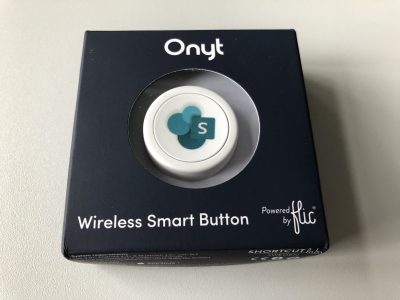
I just got a cute Flic button to play around with. It takes only some minutes to connect that IoT button to a connector and execute customs tasks. Well, as first step, I simply created a message in a Microsoft Teams channel. See the step-by-step instructions here. My colleague Christoph has started to play with the Flic button and another IoT button, so I was interested as well. Another article with that IoT button will follow shortly. ...

March 27, 2019 · 3 min · Toni Pohl
Groups Governance Toolkit Part 4-Ownerless Groups

Groups Governance Toolkit Part 4-Ownerless Groups

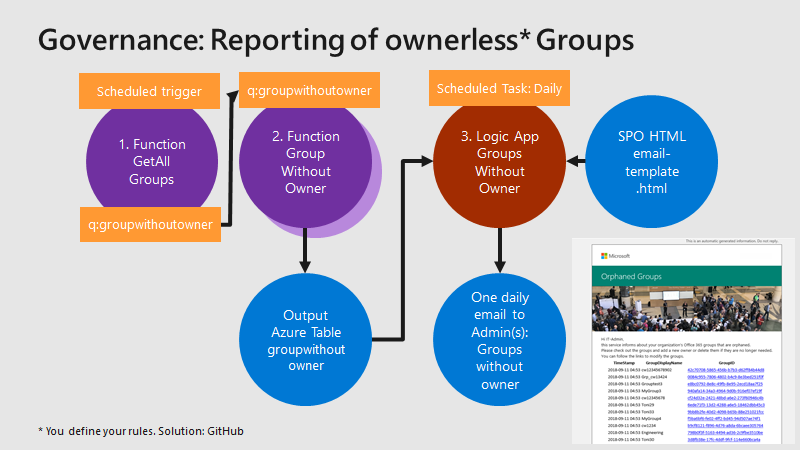
In this multi-part series we show you how to handle the Office 365 Groups and Microsoft Teams governance toolkit. The next article cover the governance part of our Groups Governance Toolkit.Imagine your company policy requires at least 2 owners per Office 365 Group or per Microsoft Team. In this part, we want to monitor all groups that are ownerless (orphaned), or do not comply with our organization’s policies. The IT department shall get the information of all groups and teams where there are no owners or not enough owners and the possibility to fix that. Read below how this can be accomplished. ...

February 13, 2019 · 5 min · Martina Grom
Groups Governance Toolkit Part 3-Develop Azure Functions

Groups Governance Toolkit Part 3-Develop Azure Functions

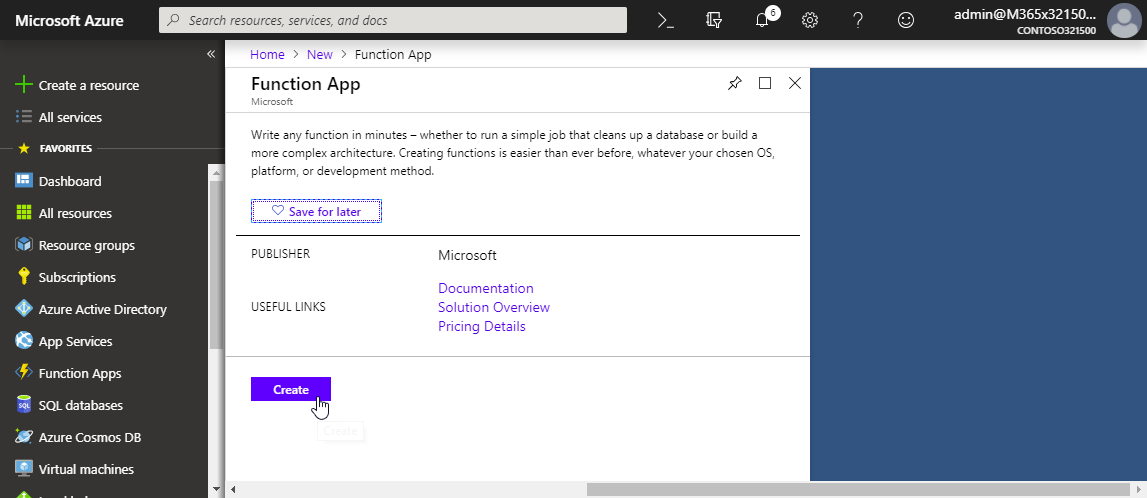
After the introduction of the Office 365 Groups and Microsoft Teams Governance Toolkit and with the necessary requirements we are now looking into Azure Functions. In our group and team provisioning scenario, we need a little code for provisioning of an Office 365 group and a Microsoft team. Serverless computing with an Azure Function provides the optimal solution for that. Follow these steps to create the function we need for our workflow. ...

January 16, 2019 · 6 min · Martina Grom