Use SharePoint view column formatting for displaying pictures and conditional formatting

Use SharePoint view column formatting for displaying pictures and conditional formatting

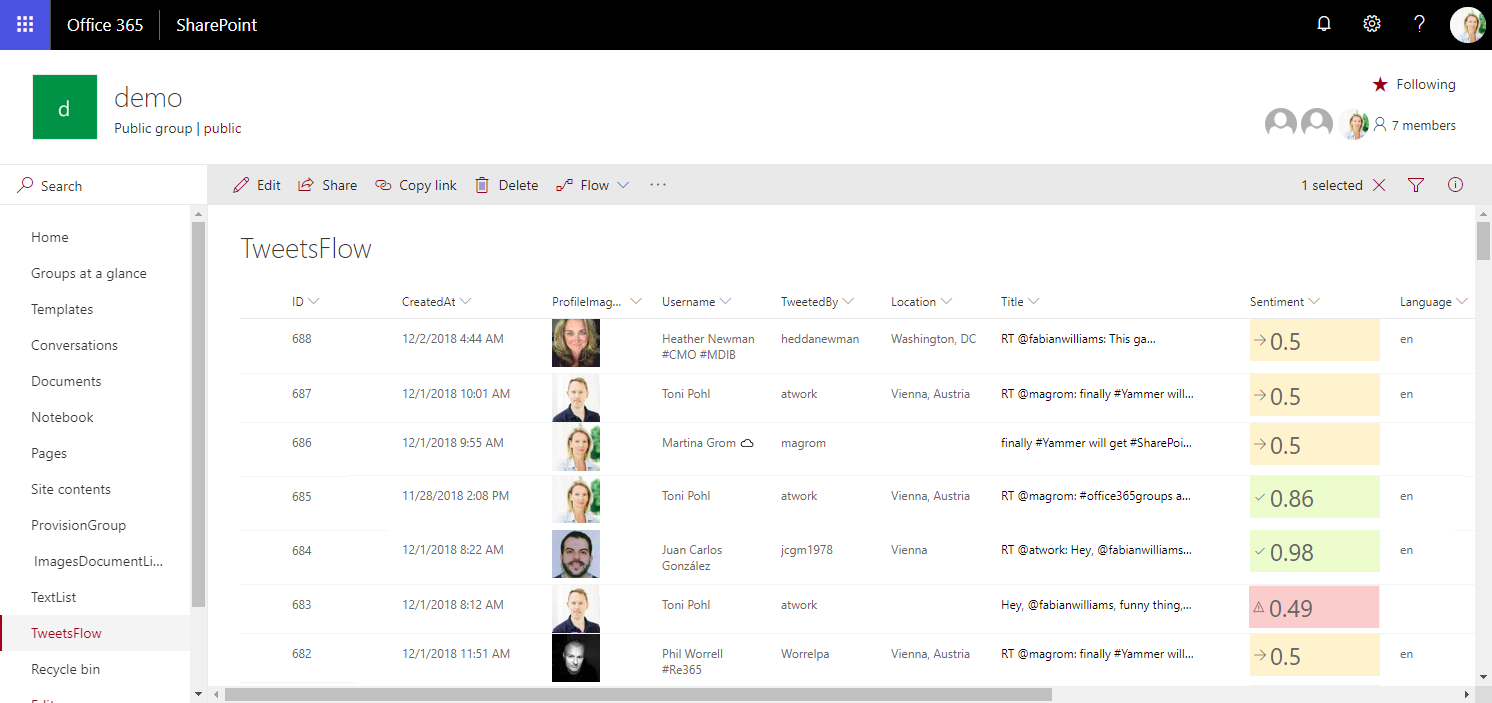
Today I want to share just a quick tip for custom formatting views in SharePoint lists. My goal was to show a picture of a text field that contains an URL and to use conditional formatting with a traffic light system to visualize the sentiment of tweets that are written to a SharePoint Online custom list from a Flow. See the formatting options here. The articles Use column formatting to customize SharePoint and Use view formatting to customize SharePoint basically explain how to work with the JSON object that describes the elements that are displayed, which is a good start. So, the ready formatted list shall look as here. Some fields in that list are rendered with custom formatting, you will spot them easily… ...

December 4, 2018 · 4 min · Toni Pohl
Change a connection for existing Azure LogicApps

Change a connection for existing Azure LogicApps

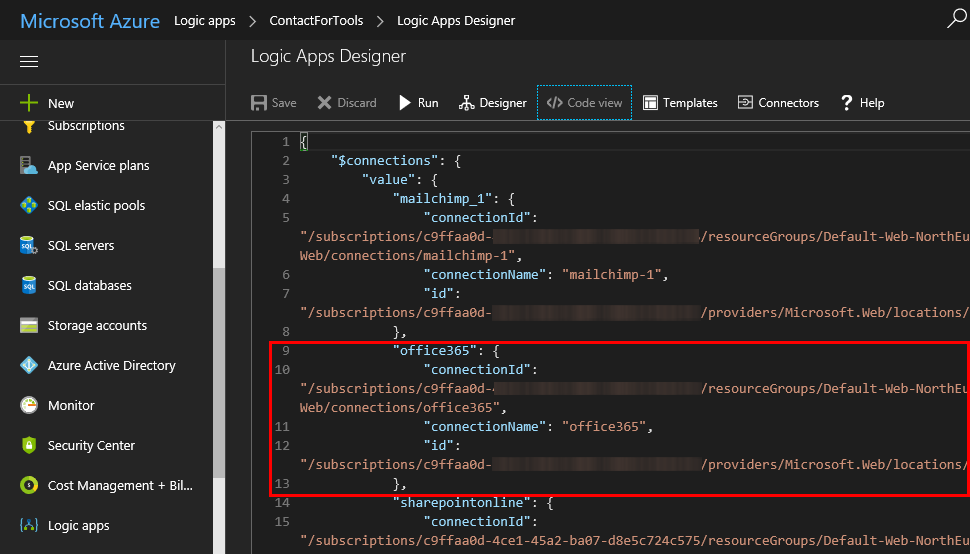
If one of your coworkers created a LogicApp some months ago and you want to “de-personalize” the connections used in a flow, you can modify the settings easily – if you know how to. So, in my case, in a LogicApp that’s sending emails and adding users to the newsletter system, the creator used a personal Office 365 account. I wanted to change that to an email “service” account. So I created a new mailbox account as first step. ...

October 20, 2017 · 2 min · Toni Pohl
Provisioning an Office 365 group with an approval flow and Azure functions-part 1

Provisioning an Office 365 group with an approval flow and Azure functions-part 1

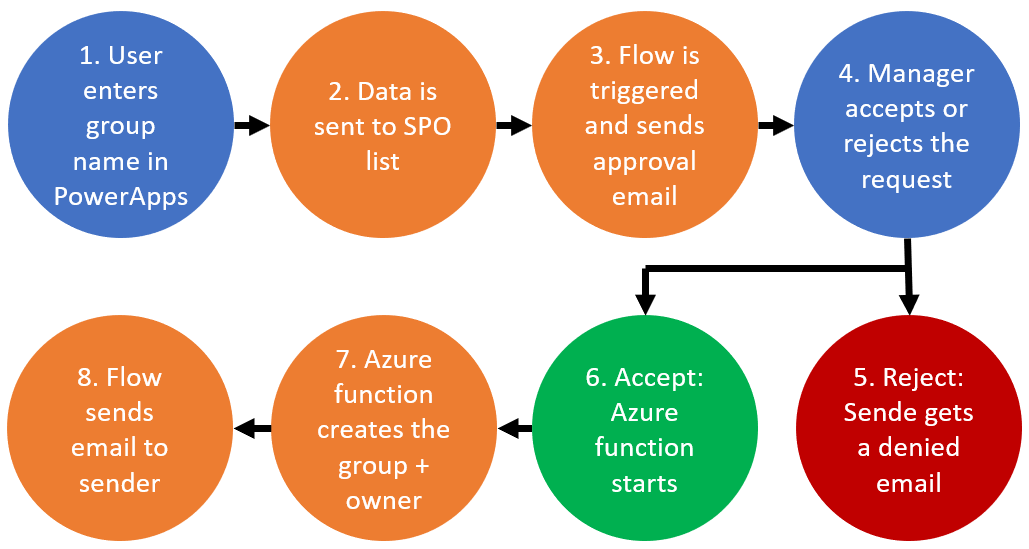
Office 365 groups span over various Office 365 services and provide a great way for collaborating. By default, every user can create an Office 365 group. While self-service is a good thing and many businesses adopted into that direction, some companies still prefer the controlled approach. In real world environments, organizations usually want to restrict the group provisioning so that IT can control the wild growth of groups. This article series shows how to create an Office 365 group with an attached approval process with SharePoint Online, Flow and Azure functions. See how this works here! ...

September 28, 2017 · 8 min · Martina Grom
Integrate Microsoft Flow with an onprem SQL Server

Integrate Microsoft Flow with an onprem SQL Server

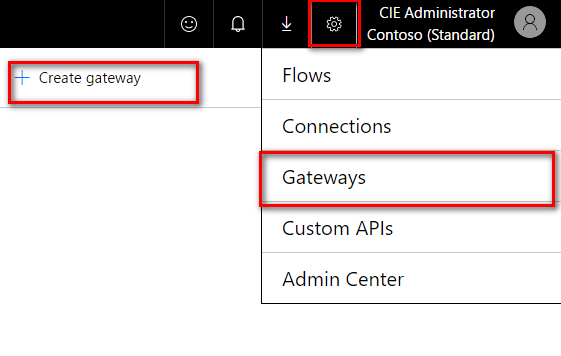
Microsoft Flow offers various connectors, also for integration with onprem systems. To be able to connect with an onprem SQL server, SharePoint server or file server, a gateway service must be installed at a machine in the LAN where the server is available. To setup the gateway navigate to the Microsoft Flow service in your Office 365 portal and click on the gear symbol and then on “Gateways” (see screenshot below). There you will find the option “+ Create Gateway” where you can download the Microsoft Gateway service. ...

April 25, 2017 · 3 min · Jörg Schoba