Azure Logic Apps Toolbox 5-Custom JSON payloads

Azure Logic Apps Toolbox 5-Custom JSON payloads

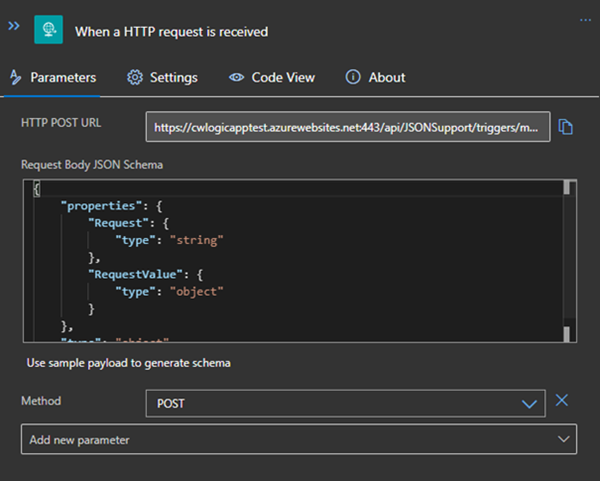
Did you ever have the problem of pushing different JSON payloads to a logic app and hitting errors due to JSON schema mismatches? The usual HTTP Request forces you to define the JSON Schema at the beginning. For every tiny difference in the later used properties you need to create your own Logic App even if the process is the same. I will show you an example of a single Logic App deciding at runtime which JSON schema to use for decoding the post body payload. Stay tuned! ...

January 14, 2021 · 3 min · Christoph Wilfing
Dataverse for TeamsGovernance Aspects

Dataverse for TeamsGovernance Aspects

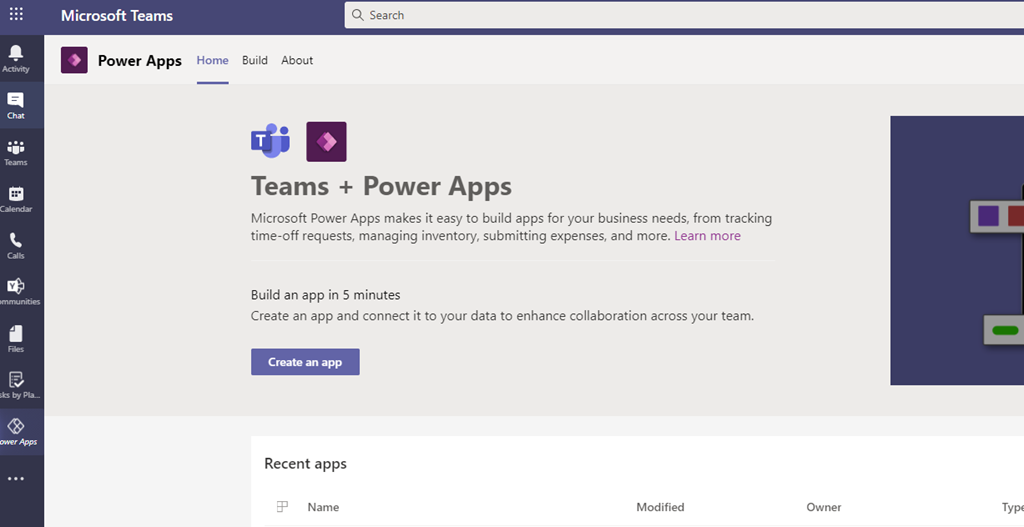
Microsoft enabled a new feature for Microsoft Teams: Dataverse (former Common Data Services –CDS) for Teams. It empowers Teams Owner to create PowerApps directly in Teams without any additional storage space for its data (e.g. a SharePoint List) To achieve that every “Power App enabled Team” gets its own Power App Environment. But there are some things to consider: Power Platform Admins can NOT control the creation of Teams (Dataverse) Environments – the only way is to disable the Teams App “Power Apps” via Teams App Policies ...

December 14, 2020 · 2 min · Peter Hödl
Handle failed actions in Azure Logic Apps

Handle failed actions in Azure Logic Apps

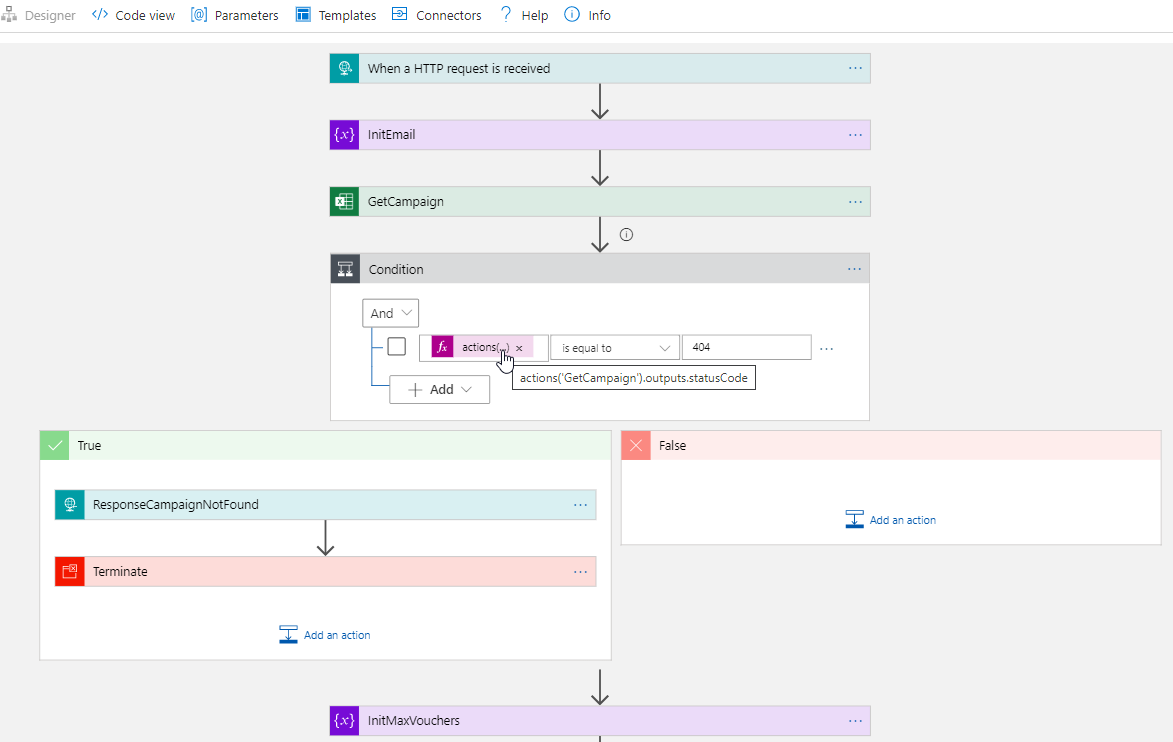
Today´s a quick tip for users working with Azure Logic Apps. This article shows how you can continue to work in a flow if an action has failed. This sample accesses an Excel file from a Microsoft teams SharePoint site and searches for a key. If the key was not found, the flow shall continue and deliver a useful error code with a message. See how this works here. The scenario The following Azure Logic App is triggered by an HTTP request and gets some data from another system. The purpose is to lookup a campaign and some data from an Excel file that is stored in a SharePoint site of a Microsoft 365 Group (a team site) and to continue to work with that data. Furthermore, the Logic App generate a voucher and sends emails. But that´s another story. Here we concentrate on the failure handling. ...

October 6, 2020 · 4 min · Toni Pohl

Join us at the Global Microsoft 365 Developer Bootcamp - Austria

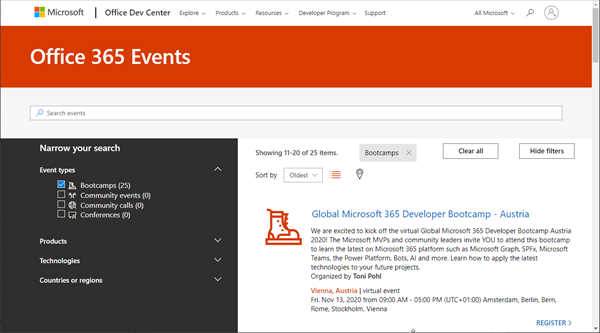
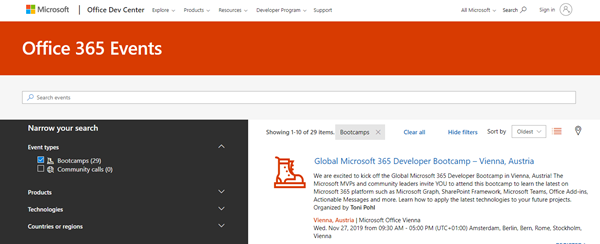
Global Microsoft 365 Developer Bootcamp is back! This year the event will take place virtually from more than 100 cities worldwide. Join us at our Microsoft 365 Developer Bootcamp - Austria on November, 13th, 2020! The Global Microsoft 365 Developer Bootcamp is here for the 4th year straight. Check out Microsoft 365 Events Bootcamps and join us at our bootcamp in Austria using Microsoft Teams. Register now! We are excited to kick off the virtual Global Microsoft 365 Developer Bootcamp Austria 2020! The Microsoft MVPs and community leaders invite YOU to attend this bootcamp to learn the latest on Microsoft 365 platform such as Microsoft Graph, SPFx, Microsoft Teams, the Power Platform, Bots, AI and more. Learn how to apply the latest technologies to your future projects. ...

August 18, 2020 · 1 min · Toni Pohl

CU at SharePoint Conference 2020 in May!

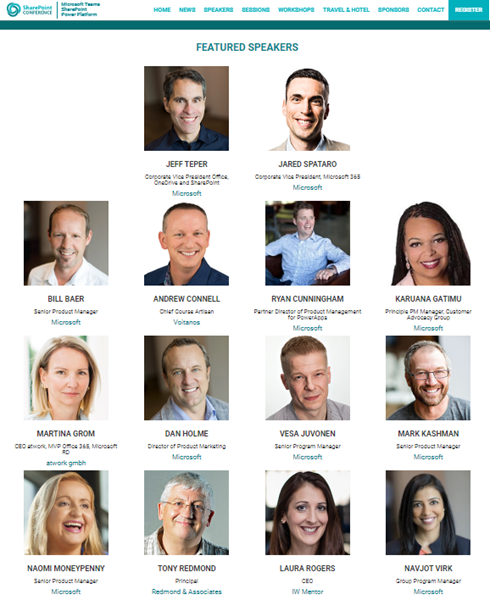
We are looking forward to this year´s SharePoint Conference (SPC) in Las Vegas in May! Sharepoint Conference 2020 offers over 200 sessions, panels and workshops covering all topics around SharePoint, Teams, and the Power Platform. This is an event for everyone working in the Microsoft 365 workspace. We from atwork look forward to being there again. Plus, get a discount for SPC 2020 here! There will be an amazing line-up with more than 150 top-speakers delivering lots of news and insights into the SharePoint ecosystem. In addition to Microsoft speakers, there are also a lot of speakers from the community. We from atwork are honored to speak there with colleagues like Andrew Connell, Laura Rogers, Tony Redmond, Benjamin Niaulin, Daniel Glenn, David Warner, Dux Raymond Sy, Heather Newman, Laura Kokkarinen, and many more! ...

March 3, 2020 · 1 min · Martina Grom
Azure Logic Apps Toolbox 2-Send text and files multipartform-data to SharePoint Online

Azure Logic Apps Toolbox 2-Send text and files multipartform-data to SharePoint Online

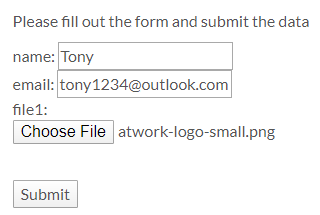
Using an Azure Logic app is often a quick fix for small computing tasks. So my scenario is as follows: I want to use a form on a website to offer text fields and file upload. The submit button is intended to send the data to a Logic App. The Logic App receives the data and writes it to a SharePoint Online list and sends a notification if necessary. See the implementation here. ...

February 17, 2020 · 8 min · Toni Pohl
Global Office Developer Bootcamp Vienna 2019

Global Office Developer Bootcamp Vienna 2019

As announced, this Wednesday, on November 27th, 2019, the Global Office Developer Bootcamp took place at the Microsoft office in Vienna, Austria. See some event reflections here. The world wide Global Office Developer Bootcamps 2019 (aka.ms/M365DevBootcamp) are following the success of the Developer Bootcamps 2018 held in 41 countries with over 3,400 attendees and it is now back for its 3rd year. The Bootcamps happen between October 1 to December 15, 2019. The idea is to share the latest and greatest technologies and products (Microsoft Graph, SharePoint Framework, Microsoft Teams, Office Add-ins, Connectors and Actionable Messages, Adaptive Card, Windows, Identity and more) on the Microsoft 365 platform. It was the first time we had the event in Austria. ...

November 28, 2019 · 2 min · Toni Pohl

Join us at the Global Microsoft 365 Developer Bootcamp in Vienna!

We are excited to kick off the Global Microsoft 365 Developer Bootcamp in Vienna, Austria, on November 27, 2019! The Microsoft MVPs and community leaders invite YOU to attend this cost free developer bootcamp to learn the latest on Microsoft 365 platform such as Microsoft Graph, SharePoint Framework, Microsoft Teams, Bots, Actionable Messages and more. Learn how to apply the latest technologies to your future projects! The Global Microsoft 365 Developer Bootcamp takes place at the Microsoft Office in Vienna: ...

October 5, 2019 · 1 min · Toni Pohl

Overview of the new pricing models for Microsoft PowerApps and Flow

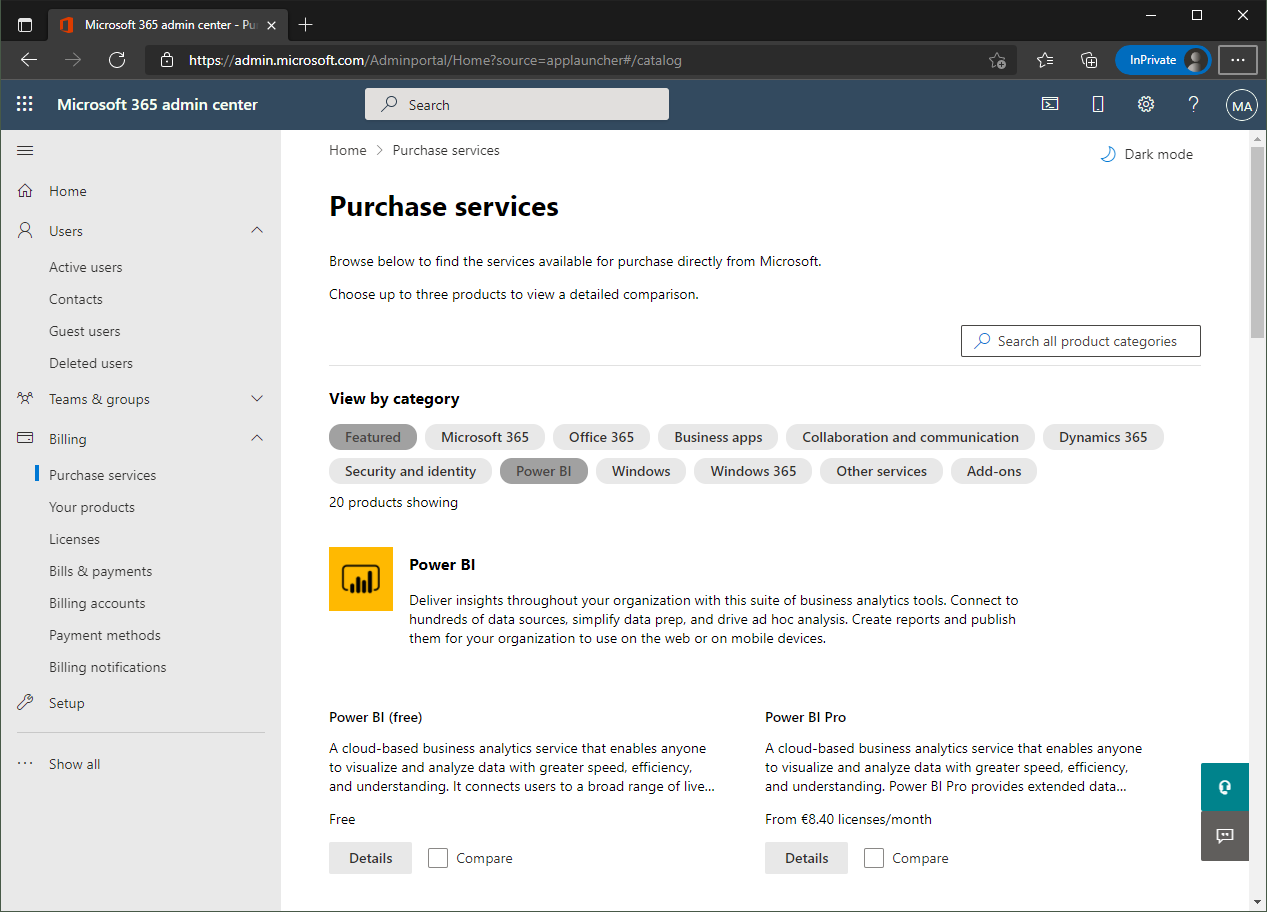
Effective October 1, 2019, the new licensing model for Microsoft PowerApps and Flow will apply. To clarify which functions are included where, we have compiled an overview at a glance here. To make it short, here are the key data: Every user who uses PowerApps or Flow requires a license. PowerApps can be tested for free for 30 days. PowerApps licenses will continue to include Microsoft Flow capabilities. PowerApps and Flow licenses are included in the Office 365 Academic (A), Enterprise (E) and F1 plans - as before. See the complete list at PowerApps licensing overview. So, to create and use a PowerApp or a Flow, the included license is often sufficient. ...

September 27, 2019 · 3 min · Toni Pohl

Use the PowerApps PowerShell modules to automate tasks with the Microsoft Power Platform

PowerShell helps automate processes, especially in the Microsoft 365 world. That´s true for the Microsoft Power Platform as well. See how to access PowerApps and Flow with PowerShell here. So, here´s a very quick introduction for using PowerShell with PowerApps and Flow. Find the full documentation at PowerApps cmdlets for administrators. Install the PowerShell modules Install the PowerApps (preview) module from the PowerShell Gallery once with the following PowerShell statements as Administrator on your machine: ...

September 22, 2019 · 2 min · Martina Grom