Streamlining Automation Integrating Scripts with Logic Apps

Streamlining Automation Integrating Scripts with Logic Apps

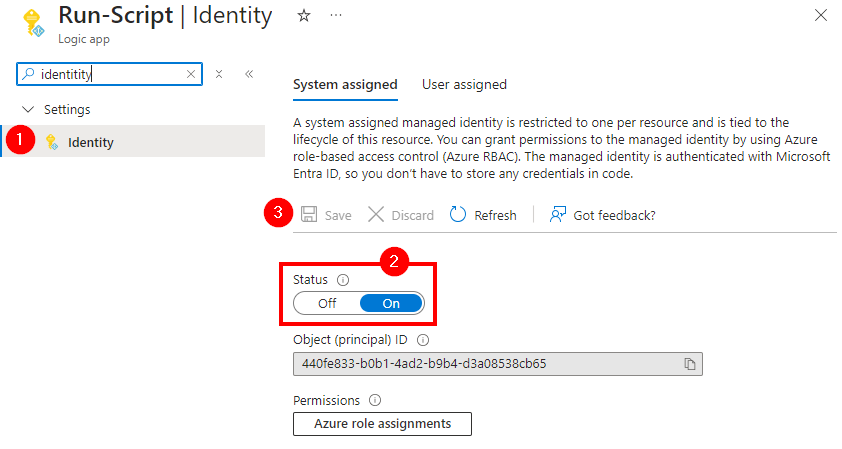
Calling scripts from an Automation Account in a Logic App is particularly useful when the tasks to be performed are too complex to implement directly in a Logic App. It is also useful when scripts need to be reused multiple times without rewriting them in each Logic App. See how to enhance your Logic Apps with Automation Account Scripts. Such an integration allows for centralized management and updating of scripts to ensure consistency and maintainability. Finally, it is useful when advanced functions and modules available in PowerShell or Python are needed. ...
January 7, 2025 · 4 min · Martina Grom
Working with Microsoft Entra ID Applications - Part 1

Working with Microsoft Entra ID Applications - Part 1

Microsoft Entra ID (or Azure AD) applications are cloud-based applications that can be integrated with Azure AD for authentication and authorization purposes. Using such applications provides a way to centrally manage and secure access to your cloud-based applications and services using Azure AD identities and credentials. This article is presented in two parts, exploring the practical implementation and functionality of apps across tenant boundaries. It provides an overview of how these apps operate and the details of permissions when used in a real-world setting. ...

May 6, 2024 · 13 min · Toni Pohl
Activate the sensitivity label for Groups and Sites with Graph PowerShell

Activate the sensitivity label for Groups and Sites with Graph PowerShell

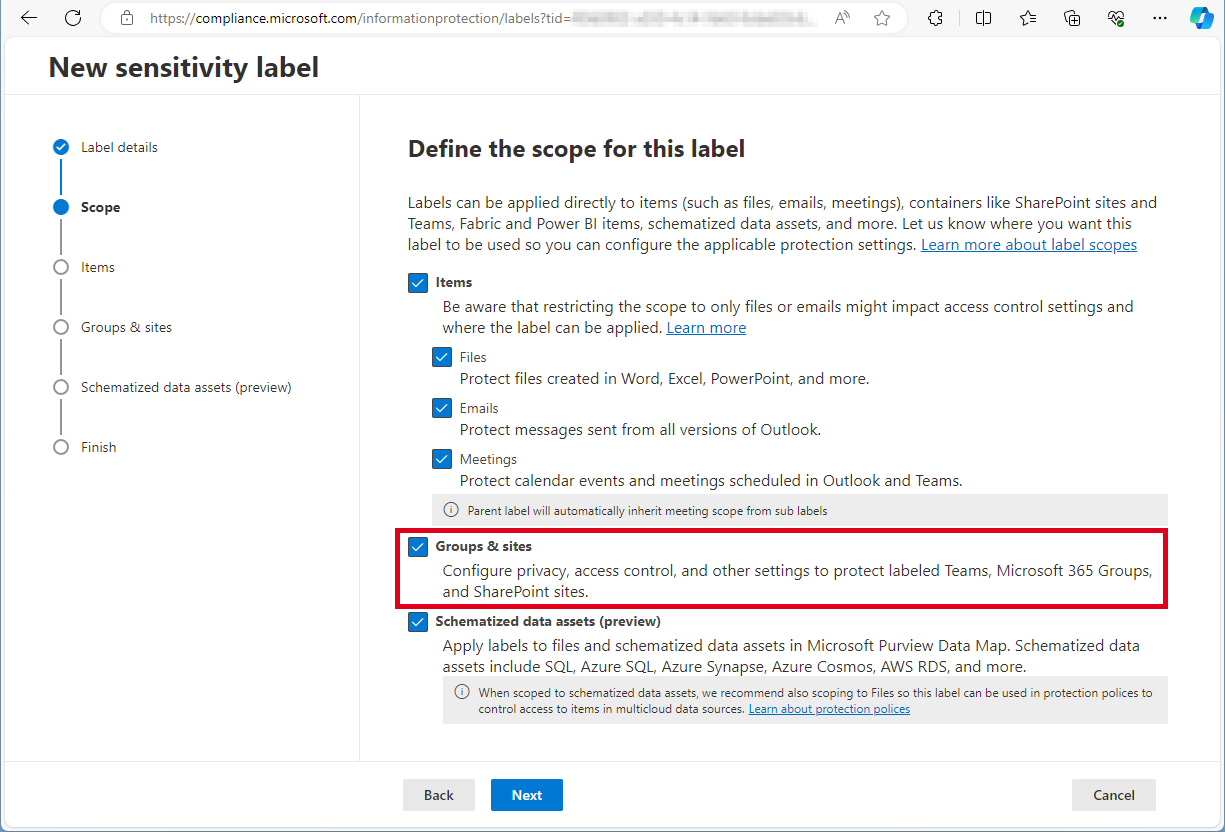
Need to activate the Microsoft 365 sensitivity labels for Groups and Sites? This must be done with PowerShell. Find the current working script here. The article Assign sensitivity labels to Microsoft 365 groups in Microsoft Entra ID describes basically how to activate the Groups and Sites settings with Microsoft Beta Graph PowerShell: “…To apply published labels to groups, you must first enable the feature. These steps enable the feature in Microsoft Entra ID….”. My colleague Christoph Wilfing corrected and completed the script so that it optimizes module loading times and works in all cases. Thx Christoph! ...

April 22, 2024 · 1 min · Toni Pohl
Replacement of MSOnline and Azure AD Powershell modules

Replacement of MSOnline and Azure AD Powershell modules

I know some habits are hard to break. We still see some IT administrators using the outdated tools. We recommend admins using older Azure AD, Azure AD Preview or MS Online modules to use MS Graph modules instead. Renew your tools! Powershell modules retirements The discontinuation means that Microsoft is not making any investments in the outdated Powershell modules and does not make any SLA commitments beyond security-related fixes. See the details of the retirement plans here: ...

August 17, 2023 · 2 min · Toni Pohl
Create a file with specific size

Create a file with specific size

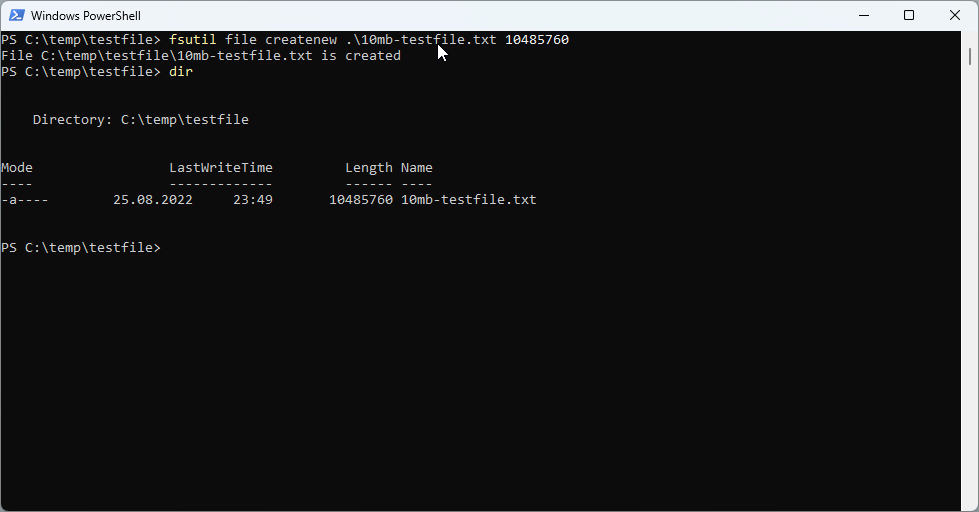
Sometimes it is useful to create a file of a specific size to test network or internet speed or to upload it to a specific application. This is how you can create a file with a specific file size in Windows and with PowerShell. Using the fsutil command line tool For the start, we can use fsutil** command with the file createnew option in a command prompt or in a PowerShell terminal for that purpose. ...

August 25, 2022 · 3 min · Toni Pohl
Copy a SharePoint list with PnP PowerShell

Copy a SharePoint list with PnP PowerShell

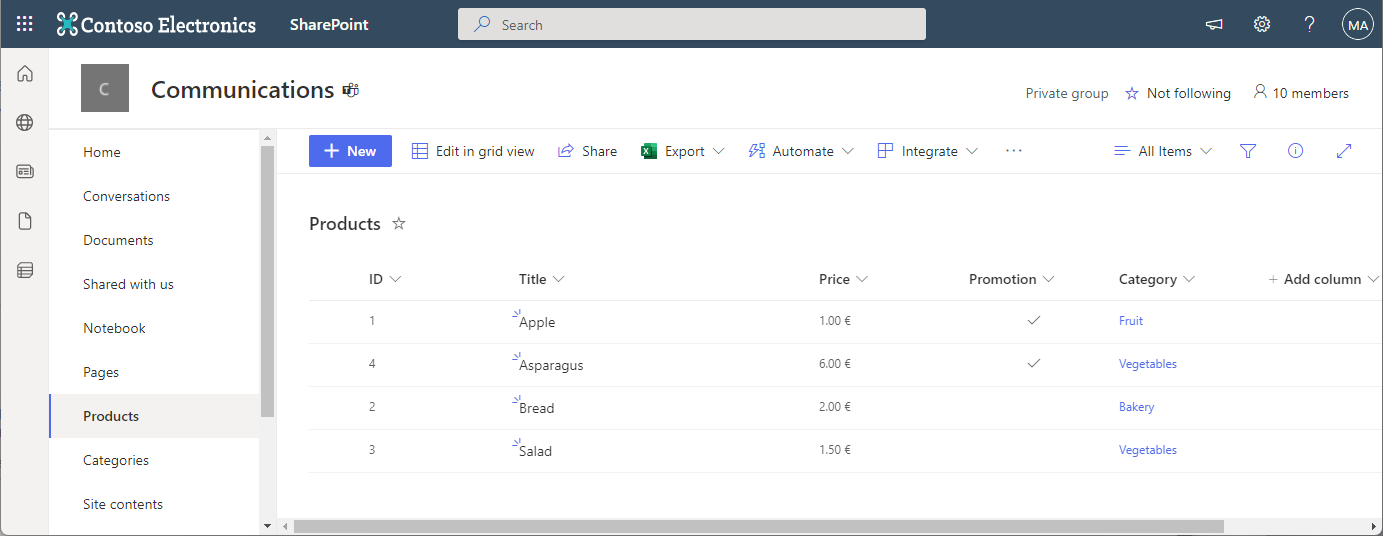
In the Microsoft 365 world, sometimes you want to copy a custom list in SharePoint Online to another SharePoint site in the same or in a different M365 tenant. While there are third-party tools for this, there is an easy-to-use method for such a scenario using PnP PowerShell. This article shows how it works with a step-by-step example. PnP PowerShell PnP PowerShell is an open-source component from Microsoft providing over 600 cmdlets that work with Microsoft 365 environments such as SharePoint Online, Microsoft Teams, and more services. We can use this simple-to-use module for our purpose. See more at PnP PowerShell overview. ...

April 22, 2022 · 5 min · Toni Pohl
Export email messages from Exchange Online to a CSV file with Graph PowerShell

Export email messages from Exchange Online to a CSV file with Graph PowerShell

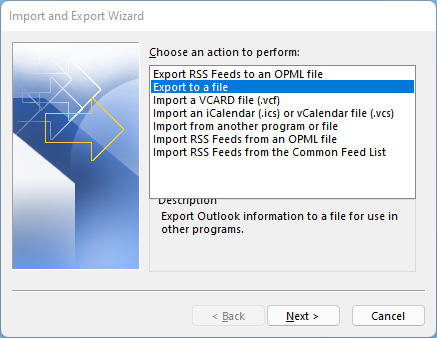
I had to export email messages from a specific folder in my Outlook mailbox to a CSV file for further processing. Nothing special, just a quick export. I noticed that Outlook allows messages to be exported, but the date of the message is missing in the export file! Really? So here is a workaround to quickly export email messages using Graph PowerShell. Why PowerShell Of course there are many ways to export emails. Unfortunately, the Outlook method is unsatisfactory. When opening the File menu in Outlook for the desktop, there is an “Open & Export” menu which has an Import/Export function. Well, the wizard allows to export messages to a CSV or to a PST file. ...

December 28, 2021 · 4 min · Toni Pohl
Message Trace in Delegate365

Message Trace in Delegate365

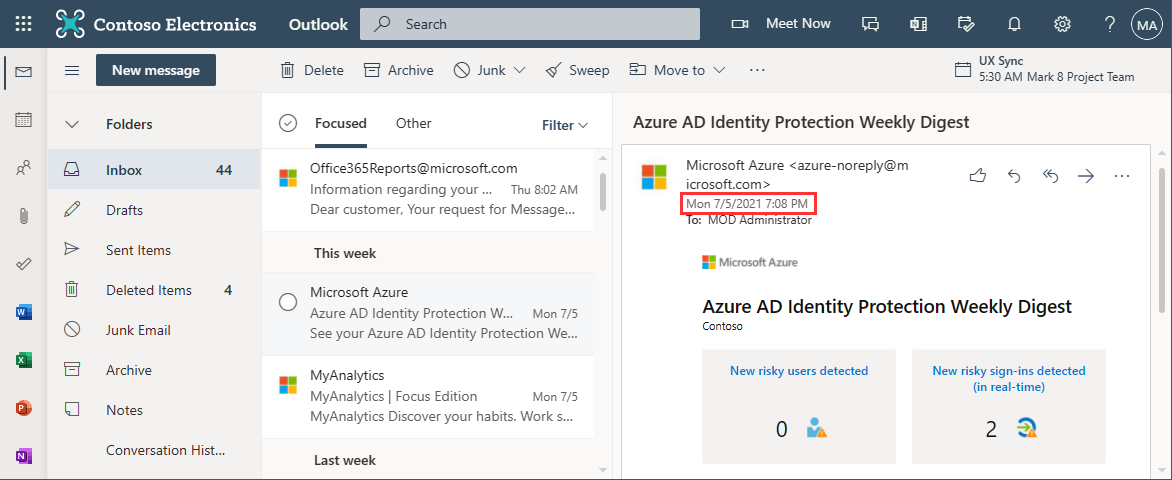
When you run a message trace operation to get status information about specific emails, the result can vary, depending on time zone settings. See a sample here. Show messages in the mail client In this sample, we work with an email sent from azure-noreply@microsoft.com. In Outlook we see the timestamp at Mon 7/5/2021 7:08 PM (2021-07-05 19:08). Message Trace in Delegate365 In Delegate365, admins can run a message trace to get information about the delivery status. When we run the message trace with the filter Startdate 2021-07-05 to Enddate 2021-07-05 - just this one day - and that user as recipient… ...

July 9, 2021 · 4 min · Toni Pohl
Work with the Delegate365 PowerShell in the Azure Cloud Shell

Work with the Delegate365 PowerShell in the Azure Cloud Shell

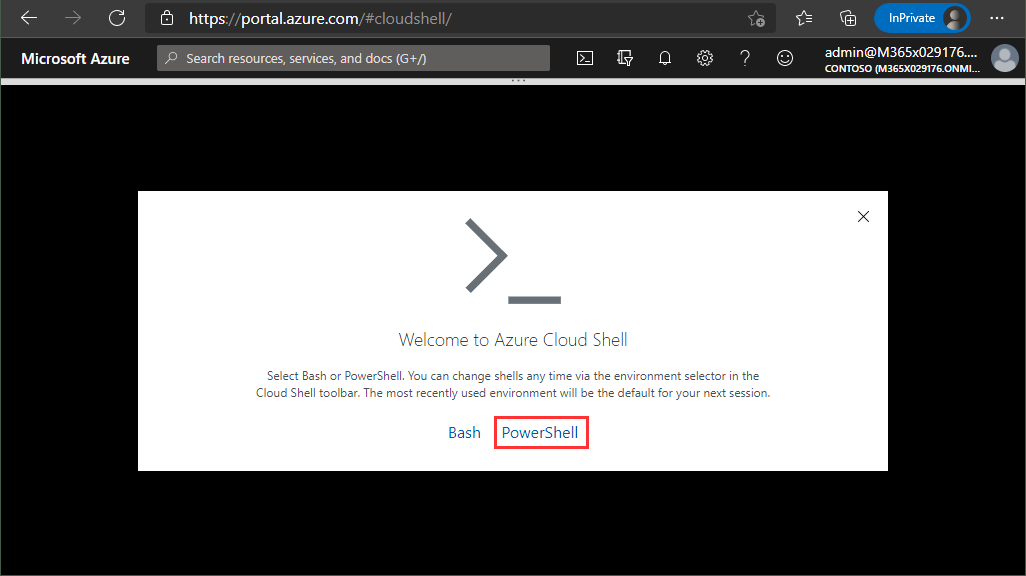
Delegate365 provides a PowerShell module to access data in Delegate365 in scripts. You can import the Delegate365 module locally, or use it in the Azure Cloud Shell as well. See here, how to use the module in Azure Cloud Shell. Here, you can find a description of the Delegate365 PowerShell module. It is hosted in the PowerShell Gallery and can be easily installed. So, here´s a step-by-step guide how to use the Delegate365 PS module. ...

May 21, 2021 · 2 min · Martina Grom
Working with Azure AD schema extensions in Graph PowerShell

Working with Azure AD schema extensions in Graph PowerShell

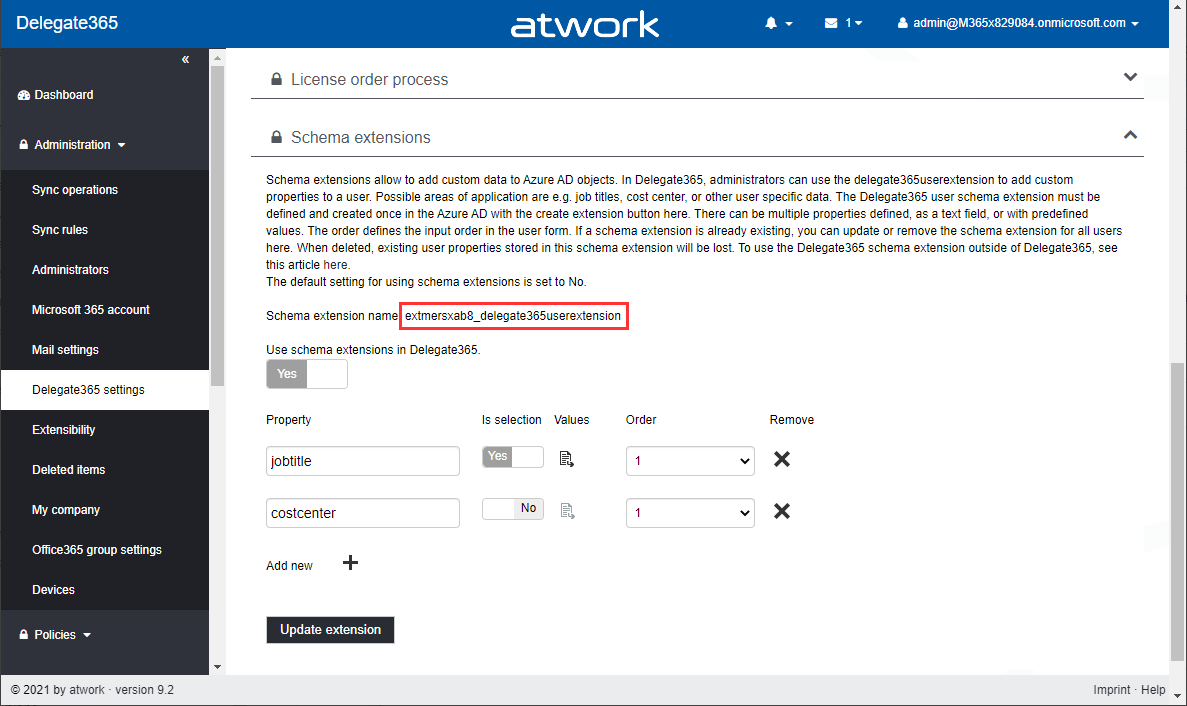
Schema extensions enable to store extended custom data directly to objects in Azure AD. This article describes how to access data we defined and added in Introducing user schema extensions in Delegate365 with the Microsoft Graph PowerShell module. Prerequisites To work with Microsoft Graph and PowerShell, we need to install the Microsoft.Graph module as described at Install the Microsoft Graph PowerShell SDK. You can install the module in PowerShell Core or Windows PowerShell using the following command. ...

March 4, 2021 · 7 min · Toni Pohl