Azure Logic Apps Toolbox 5-Custom JSON payloads

Azure Logic Apps Toolbox 5-Custom JSON payloads

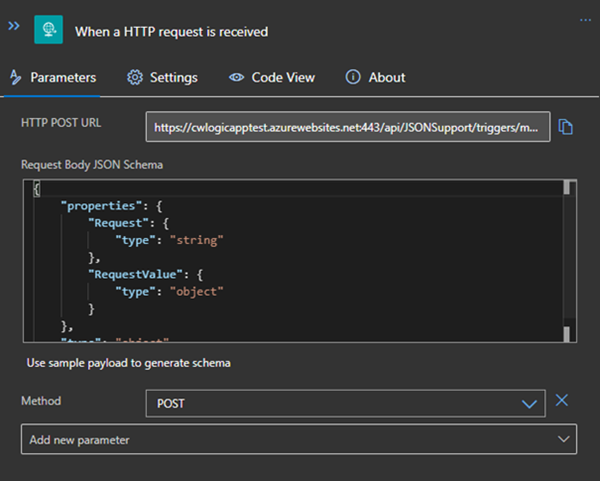
Did you ever have the problem of pushing different JSON payloads to a logic app and hitting errors due to JSON schema mismatches? The usual HTTP Request forces you to define the JSON Schema at the beginning. For every tiny difference in the later used properties you need to create your own Logic App even if the process is the same. I will show you an example of a single Logic App deciding at runtime which JSON schema to use for decoding the post body payload. Stay tuned! ...
January 14, 2021 · 3 min · Christoph Wilfing
Working with Azure AD schema extensions and Microsoft Graph

Working with Azure AD schema extensions and Microsoft Graph

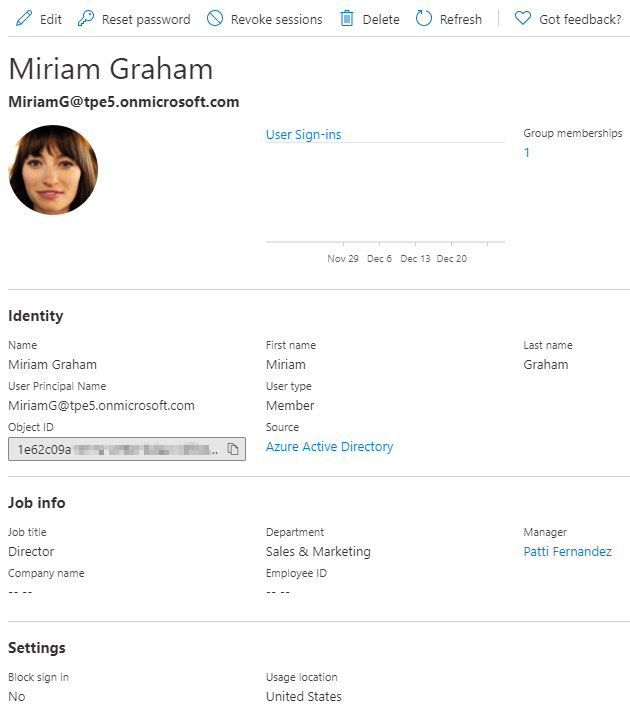
Azure Active Directory is Microsoft´s Cloud Identity system that stores user, license, group, apps, device data and more data in a secure way. As developers, we can extend many of these resources with custom extension. This can be useful to store additional metadata, such as a cost center or personal data for a user, for a group or other resource types. Unfortunately, there isn’t much documentation on that. Here’s how to do this step-by-step for the user resource with Azure AD schema extensions in real life. ...

December 29, 2020 · 13 min · Toni Pohl
PowerShell package Az.Accounts failed to download

PowerShell package Az.Accounts failed to download

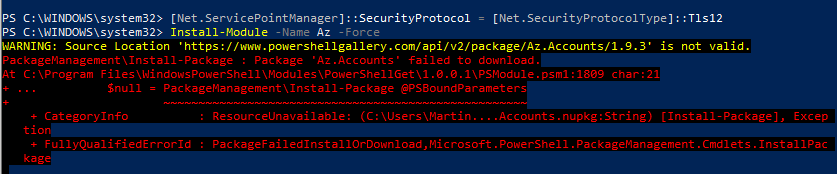
I recently ran into this problem: I had to install the Azure Az PowerShell module from the PowerShell Gallery on a new computer. Interestingly the installation with Install-Module -Name Az failed with the error message “WARNING: Source Location ‘https://www.powershellgallery.com/api/v2/package/Az.Accounts/1.9.3' is not valid.”. See my solution here. The Azure Az PowerShell module provides access to the world of Azure. See more at Introducing the new Azure PowerShell Az module. So, if you run into this issue when executing ...

September 20, 2020 · 2 min · Martina Grom

Join us at the Global Microsoft 365 Developer Bootcamp - Austria

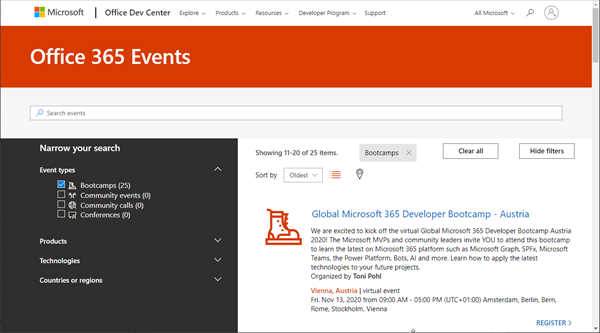
Global Microsoft 365 Developer Bootcamp is back! This year the event will take place virtually from more than 100 cities worldwide. Join us at our Microsoft 365 Developer Bootcamp - Austria on November, 13th, 2020! The Global Microsoft 365 Developer Bootcamp is here for the 4th year straight. Check out Microsoft 365 Events Bootcamps and join us at our bootcamp in Austria using Microsoft Teams. Register now! We are excited to kick off the virtual Global Microsoft 365 Developer Bootcamp Austria 2020! The Microsoft MVPs and community leaders invite YOU to attend this bootcamp to learn the latest on Microsoft 365 platform such as Microsoft Graph, SPFx, Microsoft Teams, the Power Platform, Bots, AI and more. Learn how to apply the latest technologies to your future projects. ...

August 18, 2020 · 1 min · Toni Pohl
Get Administrator roles and Privileged Identity Management roles of an Azure AD tenant

Get Administrator roles and Privileged Identity Management roles of an Azure AD tenant

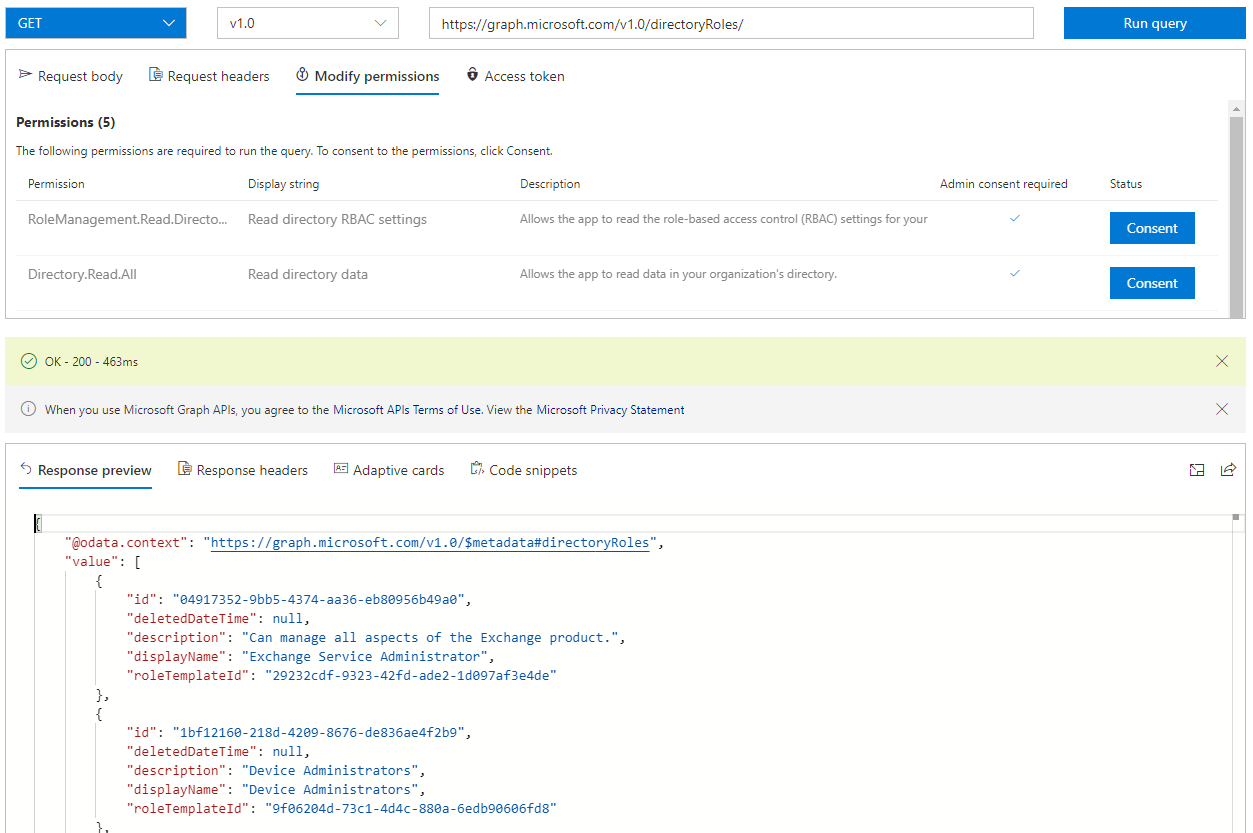
To ensure the security of your Microsoft 365 client, we recommend implementing an appropriate governance and security strategy. An effective measure is to determine the current administrators and their permissions. In this article, we want to identify administrators with permanent roles and administrators who can use roles with Privileged Identity Management (PIM). PIM provides just-in-time privileged access to Azure AD and Azure resources. See how to find all Administrators, including PIM, here. ...

July 16, 2020 · 6 min · Toni Pohl
Run a PowerShell script as a different user

Run a PowerShell script as a different user

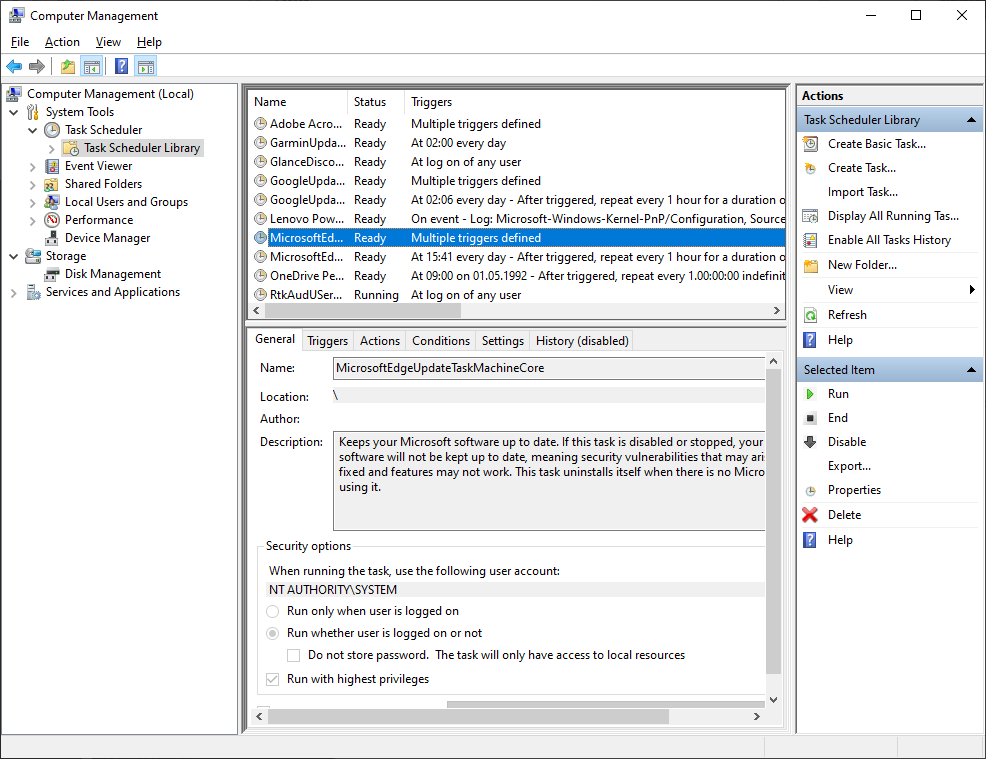
Sometimes it´s required to run a script as a service user on a Windows machine, e.g. for reading file shares as a different user with different permissions or similar tasks. You can easily do this using the following two methods. Method 1: Run a task as different user with Scheduled Tasks The first method is to create a new basic task in Computer Management / System Tools / Task Scheduler / Task Schedule Library. ...

June 25, 2020 · 3 min · Toni Pohl

Watch the sessions of GalacticSummit

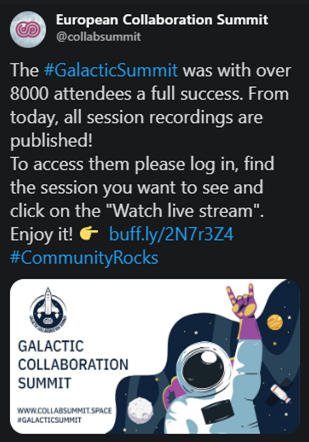
Galactic Summit was THE Microsoft 365 online conference that happened on June 2nd and June 9th, 2020 on USS Defiant, USS Voyager, USS Enterprise, USS Discovery and La Sirena with over 8000 attendees. You can now watch the sessions online! Thanks to the organizers Adis, Margit, Spencer, Elena and Fitz, the sponsors and speakers of #GalacticSummit for this great and free online event! See all sessions at www.collabsummit.space. Find our sessions here: Best practices to use Microsoft 365 for crisis communication requirements, Martina Grom ...

June 19, 2020 · 1 min · Martina Grom

Microsoft 365 Virtual Marathon and Microsoft 365 for crisis communication resources

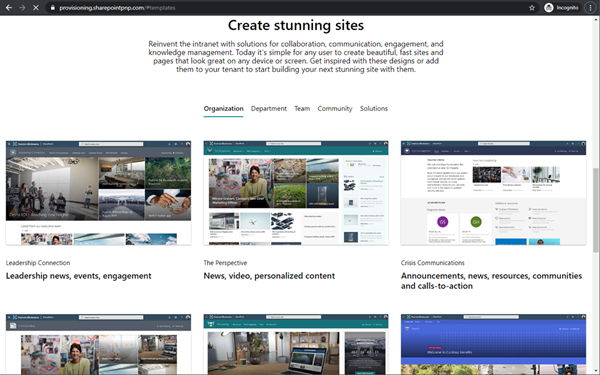
Microsoft 356 helps you communicate from anywhere. Today, the Microsoft 365 Virtual Marathon online event starts and I show different services like the quick to use crisis communication SharePoint site the Microsoft Health Care Bot service and more. Check out the Microsoft 365 Virtual Marathon and see how to start with these two services here. Microsoft 365 Virtual Marathon You can still join the free 36-hour Microsoft 365 Virtual Marathon online event and attend hundreds of interesting sessions, see the schedule. We from atwork will present the following sessions: ...

May 27, 2020 · 2 min · Martina Grom
Watch our sessions of GlobalAzure Virtual Austria 2020

Watch our sessions of GlobalAzure Virtual Austria 2020

As in the previous years, we were proud to be part of the Global Azure Virtual - formerly known as the Global Azure Bootcamp - event on April 24, 2020. Because of the Corona pandemic, the word-wide event went virtual and was distributed as Microsoft Teams Live events, organized by the Coding Club Linz. If you could not attend live, you now can watch some sessions that are already uploaded to Youtube. Find them here! ...

May 10, 2020 · 2 min · Toni Pohl

Get the daily Bing picture as background in your Teams meetings automatically

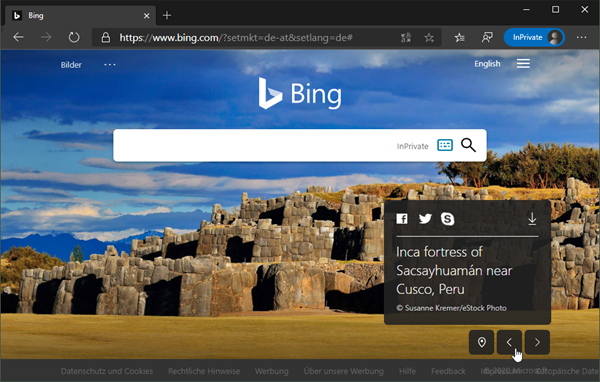
The Microsoft Bing Search Engine provides a professional and beautiful picture every day, you can see it online at www.bing.com. With the Bing API, you can easily get the images for your own use, e.g. to use them as custom background image in your Microsoft Teams calls. See how this works and download the ready-to-use PowerShell script here. So, the task is to get the daily image information, to download the picture and to provide it as background picture in Teams. ...

May 7, 2020 · 5 min · Martina Grom