Useful SharePoint search expressions

Useful SharePoint search expressions

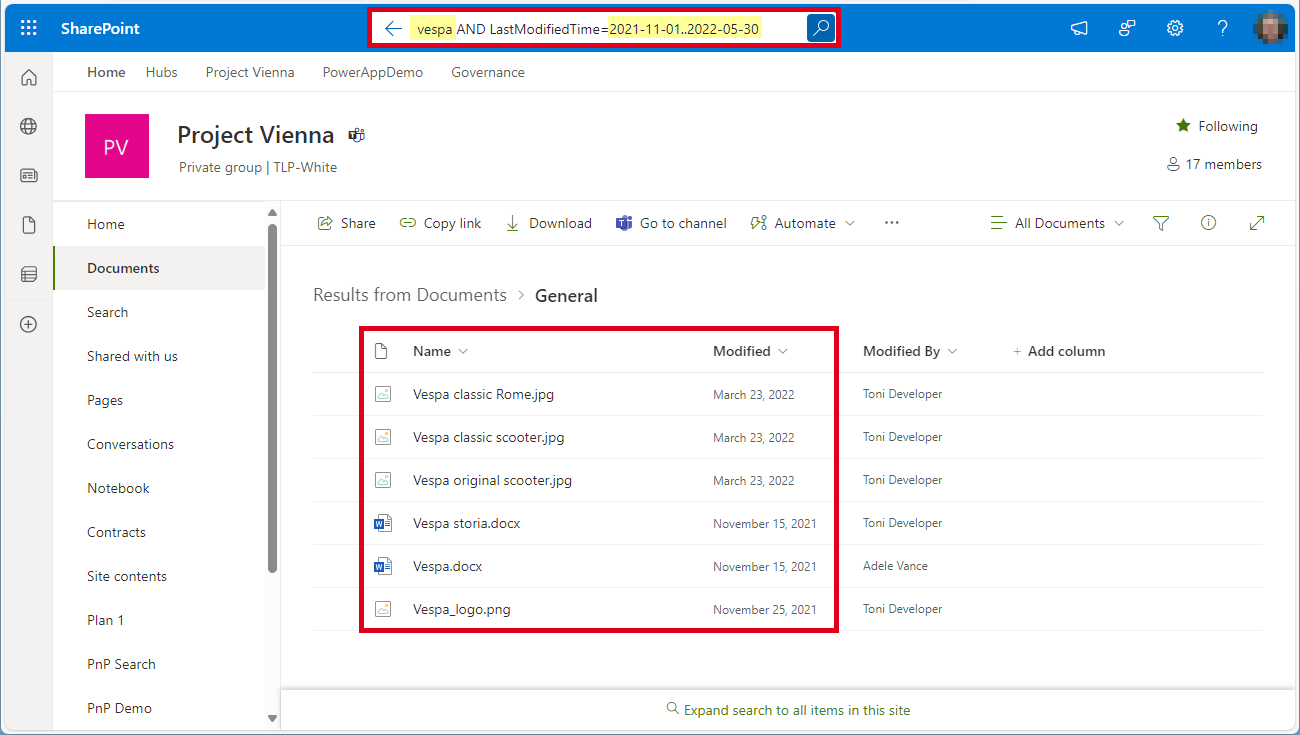
When working with files in SharePoint document libraries, there are many ways to filter files. Since I keep forgetting the syntax for the search queries, I have summarized the most important filter expressions here. Here are some useful filter expressions for Microsoft 365 Search: Upper and lower case letters are not taken into account (except the operators, these must be capitalized). Wildcard * is supported for searching for a part of a word. ...
September 4, 2024 · 2 min · Toni Pohl
Enhance your Copilot with Graph Connector relevance tuning

Enhance your Copilot with Graph Connector relevance tuning

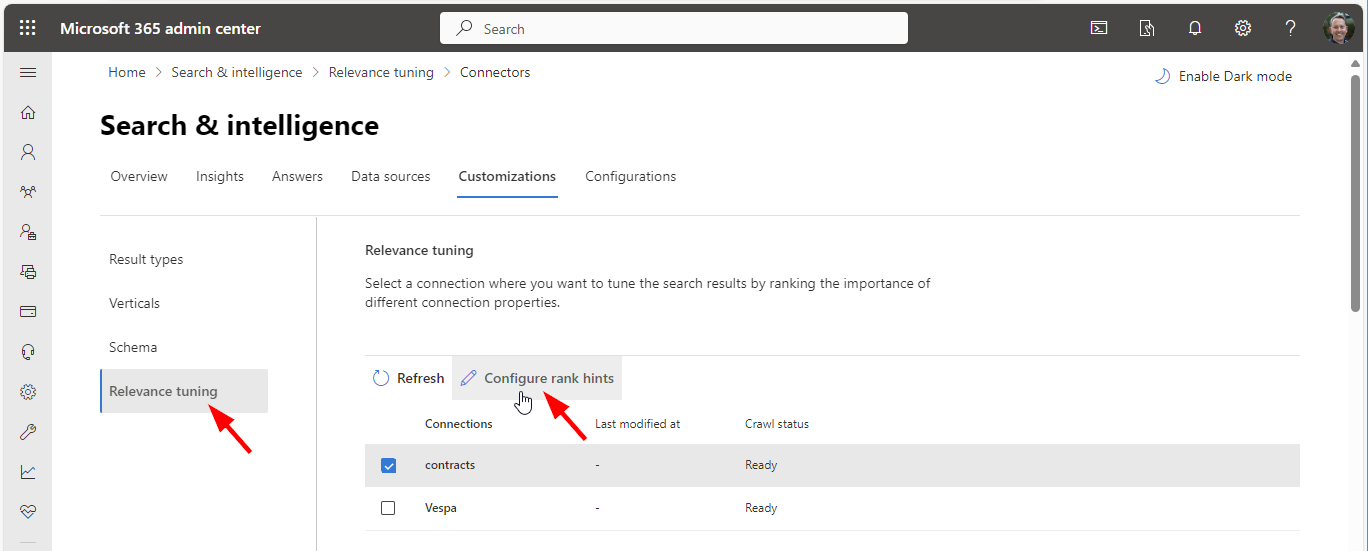
Utilizing Graph connectors simplifies the process of incorporating your data into Microsoft 365 search and Microsoft 365 Copilot, enhancing your experience with seamless integration. A fresh addition to Copilot’s capabilities is the Relevance Tuning feature, that significantly enhances Copilot’s functionality.. The Relevance Tuning feature allows for fine-tuning the relevance of search results, ensuring that Copilot delivers even more accurate and tailored responses. By leveraging this innovation, users can expect a marked improvement in the quality and precision of Copilot’s outputs. Administrators now have the power to assign importance weights to different properties within Graph connections. This customization means that search results can be fine-tuned to align closely with an organization’s unique requirements, making the discovery of relevant content more intuitive and efficient. Administrators can find out more about that topic at Microsoft Graph connectors overview for Microsoft Search. ...

June 5, 2024 · 2 min · Martina Grom
Activate the sensitivity label for Groups and Sites with Graph PowerShell

Activate the sensitivity label for Groups and Sites with Graph PowerShell

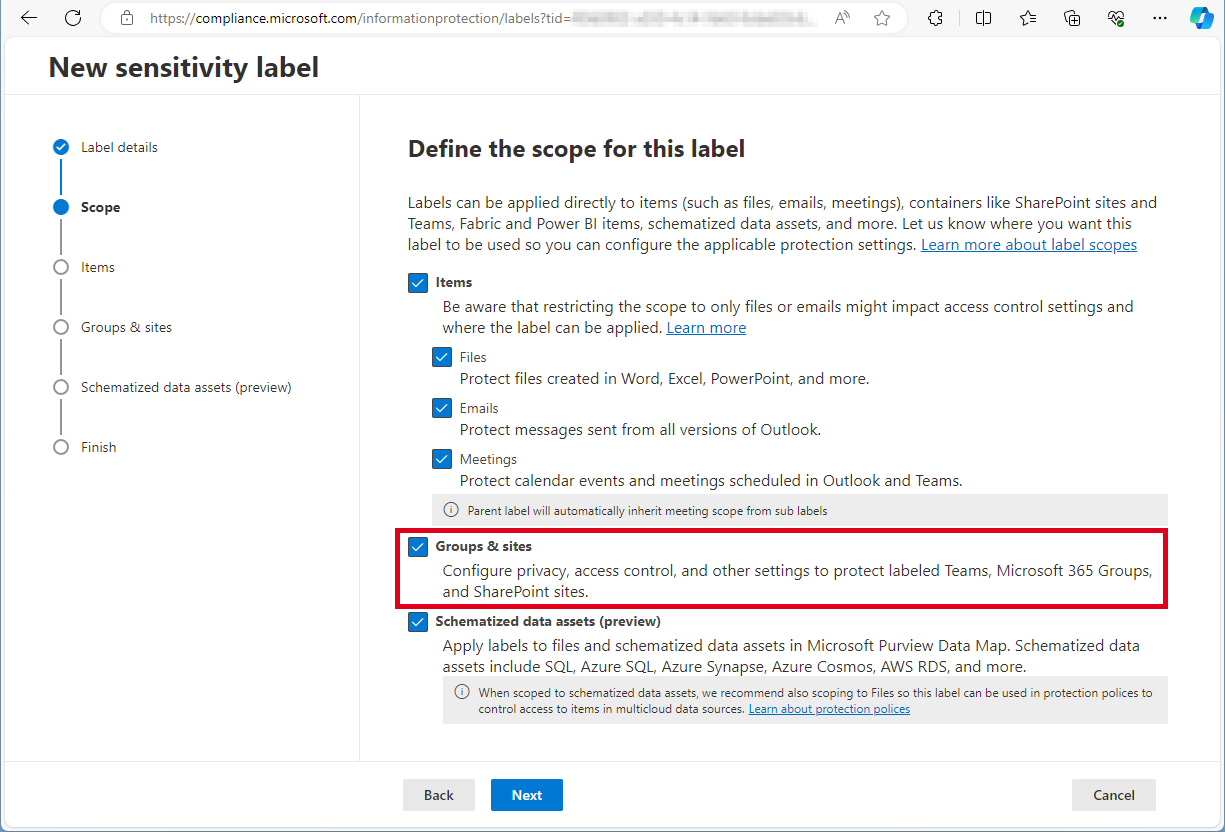
Need to activate the Microsoft 365 sensitivity labels for Groups and Sites? This must be done with PowerShell. Find the current working script here. The article Assign sensitivity labels to Microsoft 365 groups in Microsoft Entra ID describes basically how to activate the Groups and Sites settings with Microsoft Beta Graph PowerShell: “…To apply published labels to groups, you must first enable the feature. These steps enable the feature in Microsoft Entra ID….”. My colleague Christoph Wilfing corrected and completed the script so that it optimizes module loading times and works in all cases. Thx Christoph! ...

April 22, 2024 · 1 min · Toni Pohl
How to get all SharePoint Online sites with their owner with Graph

How to get all SharePoint Online sites with their owner with Graph

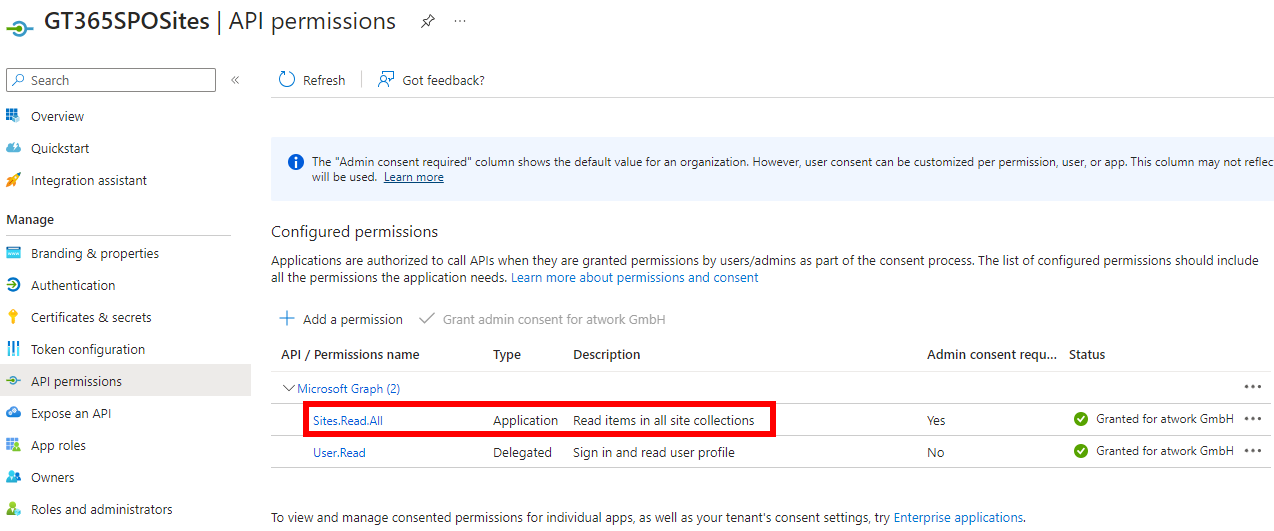
Microsoft Graph is the key to access data in Microsoft 365. When working with SharePoint, we have some access with Graph, but there is still a lot missing. In my case I needed a list of all SharePoint sites with their owners for governance reasons. Here I show how you can get this data today with the Graph API. Tools to communicate with the Graph API and the docs To use Microsoft Graph, we can use any conceivable methods that can call the Graph API. The Graph API is well documented on https://learn.microsoft.com/en-us/graph/api/overview. Try it out at Graph Explorer. ...

July 24, 2023 · 5 min · Toni Pohl
Impressions from Techorama 2023

Impressions from Techorama 2023

In mid-May we had the pleasure of attending our first in-person techorama.be conference in beautiful Antwerp. Techorama mainly focuses on developer technologies, architecture, but also on Modern Workplace and Data and Power Platform. This year the conference had the theme “Jungle Edition”. The entire conference and details were jungle themed, including team outfit, exhibitors and even a waterfall. What a great (jungle) experience! Techorama boasts an impressive lineup of renowned speakers and experts from various domains, attracting attendees with broad offerings. The hallmark of any great conference lies in its ability to deliver engaging and enlightening content, and Techorama certainly excelled in this aspect with about 2000 participants. Attendees could immerse themselves in the latest advancements in artificial intelligence, developing technologies, cloud computing, data analytics, DevOps, and much more. We held two sessions at the conference. ...

May 28, 2023 · 2 min · Toni Pohl
That was M365Conf 2023 Spring

That was M365Conf 2023 Spring

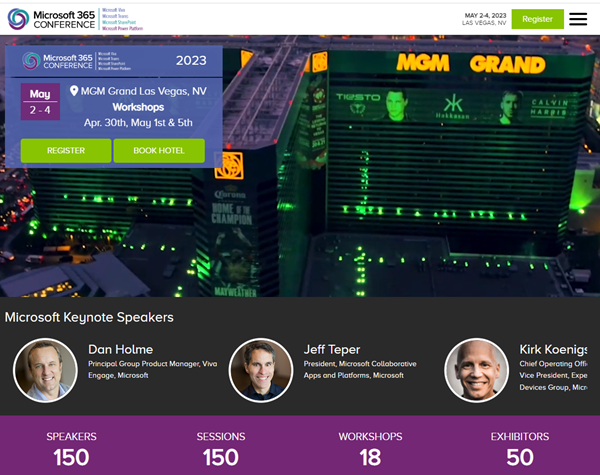
We were excited to be a part of the Spring 2023 edition of M365Conf, held April 30th - May 5th in Las Vegas. The M365Conf event was a major success, featuring a wide range of sessions, workshops, and networking opportunities that provided attendees with valuable insights and knowledge about the latest developments in the Microsoft 365 ecosystem. And of course Microsoft Copilot was a big part of the announcements alongside the many helpful updates in the M365 services. ...

May 7, 2023 · 4 min · Toni Pohl
Hidden feature Request Files in SharePoint Online and OneDrive

Hidden feature Request Files in SharePoint Online and OneDrive

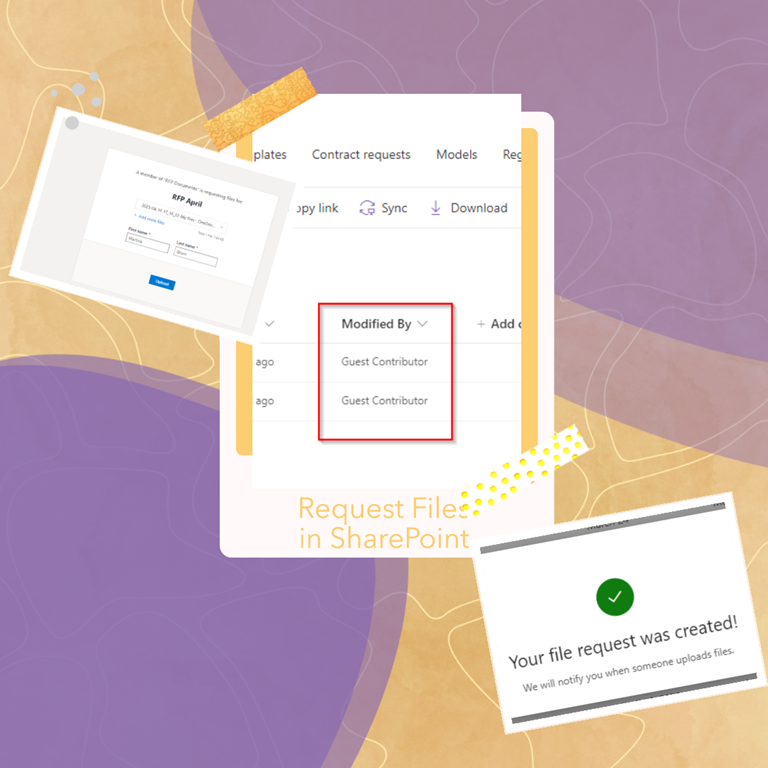
Sharing functionalities in Microsoft 365 and SharePoint Online improve collaboration and file exchange. SharePoint Online has become an invaluable tool for businesses of all sizes. One of the most recent additions to the platform is the new File Request feature, which allows users to easily request files from other users. In this blog post, we will discuss how to configure the new File Request feature in SharePoint Online and OneDrive and provide some helpful links to references for further reading. This feature is a fantastic way to streamline the process of collecting files from outside sources, and it’s easy to configure in SharePoint Online. ...

April 17, 2023 · 4 min · Martina Grom
Build a Viva Connections App with Adaptive Cards

Build a Viva Connections App with Adaptive Cards

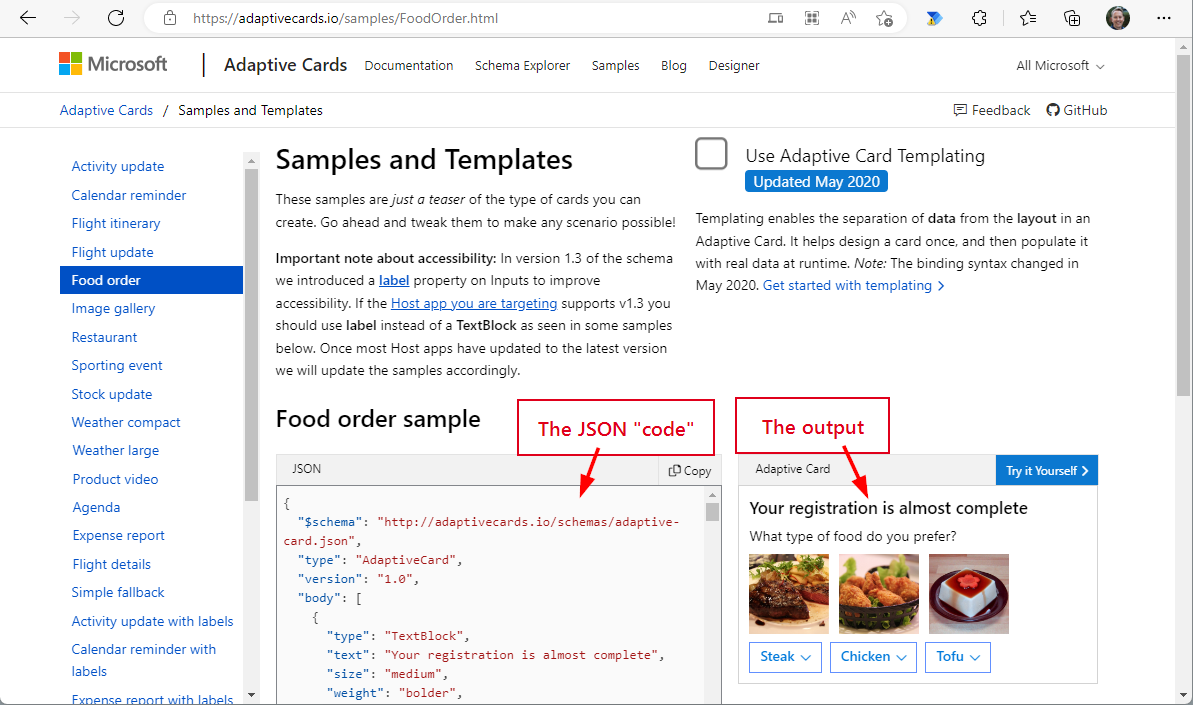
Adaptive cards are becoming increasingly popular in the Microsoft 365 ecosystem. We can find them in Microsoft Search, Power Apps, SPFx apps, Outlook email and many more services. So what are Adaptive Cards (AC) and Adaptive Card Extensions (ACE)? In this article, we show how you can harness the power of adaptive cards in Viva Connections. The purpose of Adaptive Cards Adaptive Cards are a new way for developers to exchange content in a common and consistent way. The idea behind Adaptive Cards is simple: most software developers are not known for being the best designers of forms and data presentations. In order to develop a system that would make it easy for developers to present data in attractive forms, Microsoft founded the “Adaptive Card Working Group” around 2017. This should make it easier for developers to display data in a standardized form on all possible devices. The group began developing Message Cards around 2017, which became Adaptive Cards in 2018. The latest information is publicly available on Github. ...

December 11, 2022 · 8 min · Martina Grom
How to restore a flow from a backup to another environment

How to restore a flow from a backup to another environment

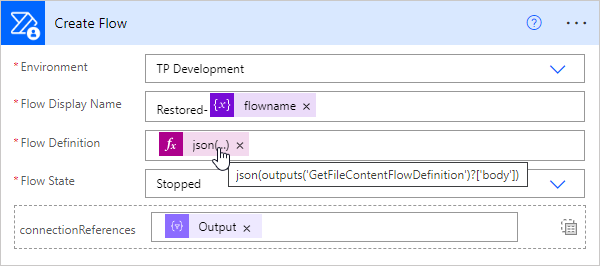
In the previous article, we showed and described two flows to backup and restore a flow. This works well when the flow’s connections are still in the same environment. But what about restoring a flow in a different environment? This is a typical use case for “moving” flows from a source environment to a target environment, such as from the development environment to the productive or department environment. In this article we show how this works with the restore flow. ...

September 13, 2022 · 4 min · Toni Pohl
How to backup and restore a flow with another flow

How to backup and restore a flow with another flow

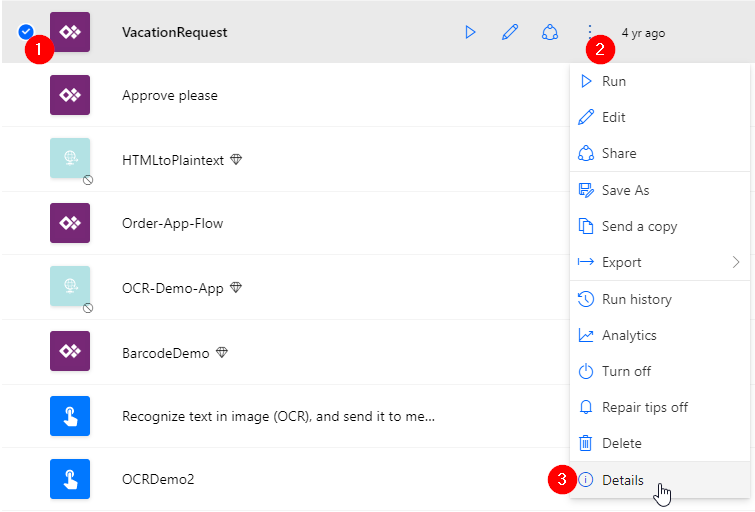
Did you know that you can backup and restore a flow (or multiple flows) with another flow in Power Automate? This is very helpful for backing up and restoring important flows in the company. Well, I knew the mechanism. Now I’ve tested it myself and found that this process is undocumented and I’ve only found examples that didn’t work. Reason enough to develop the process to work and describe it with all workarounds. Here is the guide for real world application. ...

August 29, 2022 · 8 min · Toni Pohl