Trigger a Power Automate Flow through a SharePoint List Item

Trigger a Power Automate Flow through a SharePoint List Item

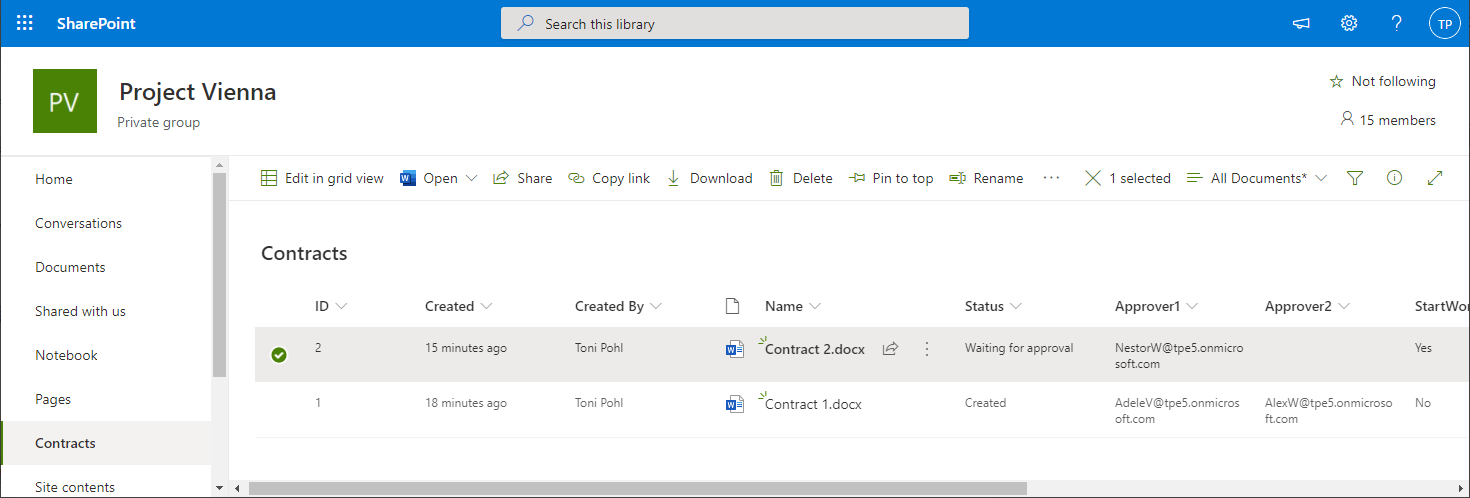
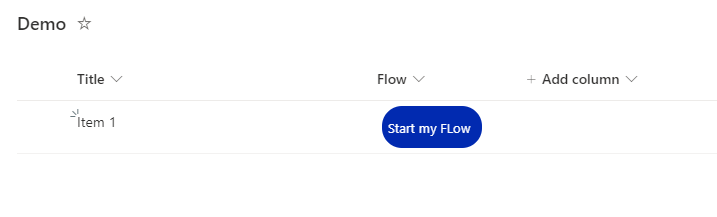
Background Power Automate is a great tool to automate SharePoint based Tasks, e.g. Document Approvals, Notifications,… The flows can be triggered by a new or changed Element / Document in SharePoint, but very often, we want the user to start a flow for a specific, selected document. For that, Microsoft is Providing a Power Automate Trigger called “SharePoint – Start for the selected document”, which can be triggered for the selected document in SharePoint. The flow gets the ID of the selected document and can do anything you want with that document. In this post, I explain, how to trigger a flow, that is located in another environment than the default environment ...
August 8, 2022 · 3 min · Peter Hödl
Use Dynamic Groups to access SharePoint Online sites

Use Dynamic Groups to access SharePoint Online sites

Sometimes organizations want to make certain data available to dynamic groups. The good news is: SharePoint Online supports Dynamic Groups. Here is a step-by-step guide to show you how it works. With Dynamic Groups, members can be grouped based on specific characteristics, for example if a user property exists, they are assigned to a certain department and more. This is very useful if only certain users should be members of such a group, especially in large companies. In this short article, we create a new Dynamic Group in Azure AD, and assign the Group to a SharePoint Online site. ...

June 21, 2022 · 4 min · Martina Grom
Copy a SharePoint list with PnP PowerShell

Copy a SharePoint list with PnP PowerShell

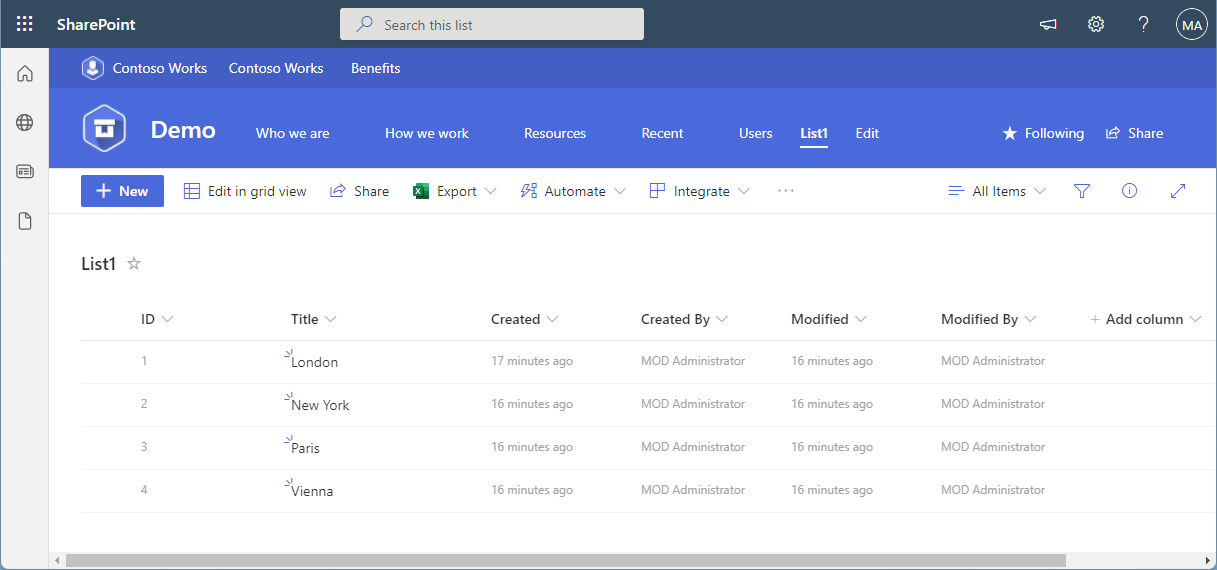
In the Microsoft 365 world, sometimes you want to copy a custom list in SharePoint Online to another SharePoint site in the same or in a different M365 tenant. While there are third-party tools for this, there is an easy-to-use method for such a scenario using PnP PowerShell. This article shows how it works with a step-by-step example. PnP PowerShell PnP PowerShell is an open-source component from Microsoft providing over 600 cmdlets that work with Microsoft 365 environments such as SharePoint Online, Microsoft Teams, and more services. We can use this simple-to-use module for our purpose. See more at PnP PowerShell overview. ...

April 22, 2022 · 5 min · Toni Pohl
The quick way to work with SharePoint Lists and permissions

The quick way to work with SharePoint Lists and permissions

SharePoint (or Microsoft) lists provide a good storage for not too extensive structured data. Sometimes administrators want to restrict access to certain items or lines. This approach shows how you, as an administrator, can do this without using item permissions, but with simpler and easier-to-manage views and permissions. The goal Administrators often want users to see only certain records or only their own records from a larger list. Technically, it is possible to set permissions for specific users per item (see below). On the other hand, setting item permissions is not a good solution in every use case. If a SharePoint list is filled by a given user or by a task, and specific people shall see only their data in a list, depending on their department, or similar organizational information, setting item permissions can be elaborate in terms of effort. ...

December 31, 2021 · 9 min · Toni Pohl
How to setup custom-templates in Microsoft Teams Channels

How to setup custom-templates in Microsoft Teams Channels

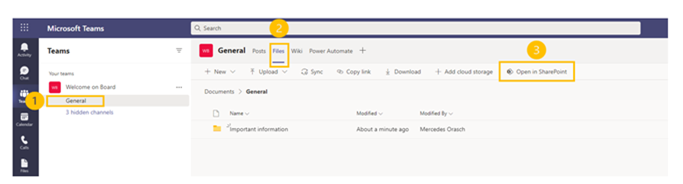
In this article, we will show you how to set up document templates for Microsoft Teams channels. You can create custom document content types and assign custom Word/Excel or PowerPoint templates to specific Teams channels, which the Microsoft Teams members can use. Let’s go! Go to the Microsoft Teams team and choose a specific channel Navigate to the “Files” section Choose “Open in SharePoint” and you will be navigated to the SharePoint page of the Teams channel ...

November 3, 2021 · 2 min · Mercedes Orasch
Suchoptionen in der Microsoft 365 Welt

Suchoptionen in der Microsoft 365 Welt

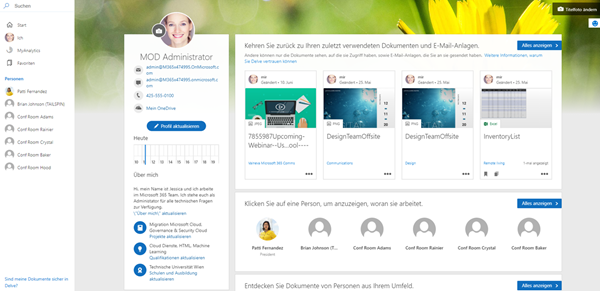
“Wo ist die aktuelle Marktanalyse?”, “Wo hast du die Präsentation rund um Microsoft 365 abgelegt?” – wer kennt diese Fragen nicht? Eine der größten Zeitfallen ist die Suche nach Inhalten, Kontakten und Unterhaltungen. Wenn jedoch alle wichtigen Informationen – wie in Microsoft 365 – sofort und anwendungsübergreifend abrufbar sind, kann jede und jeder Einzelne effizienter arbeiten. Daher bietet Microsoft verschiedene Suchoptionen an, die wir in diesem Artikel erörtern. ...

August 17, 2021 · 5 min · Mercedes Orasch
Azure Logic Apps Toolbox 7-Resolve issues with the SharePoint Connector

Azure Logic Apps Toolbox 7-Resolve issues with the SharePoint Connector

Using SharePoint Online (SPO) and Azure Logic Apps helps to automate processes. For a project, we have created some workflows with Azure Logic Apps that monitor changes to an SPO list or document library for approvals and other document workflows. We have found that the SPO connector does not always send all data in a reproducible manner: sometimes some fields were sent and sometimes not. We struggled with this behavior and found an unexpected workaround. ...

March 11, 2021 · 4 min · Toni Pohl
Use multiple Node.js versions on your computer and develop a SPFx webpart

Use multiple Node.js versions on your computer and develop a SPFx webpart

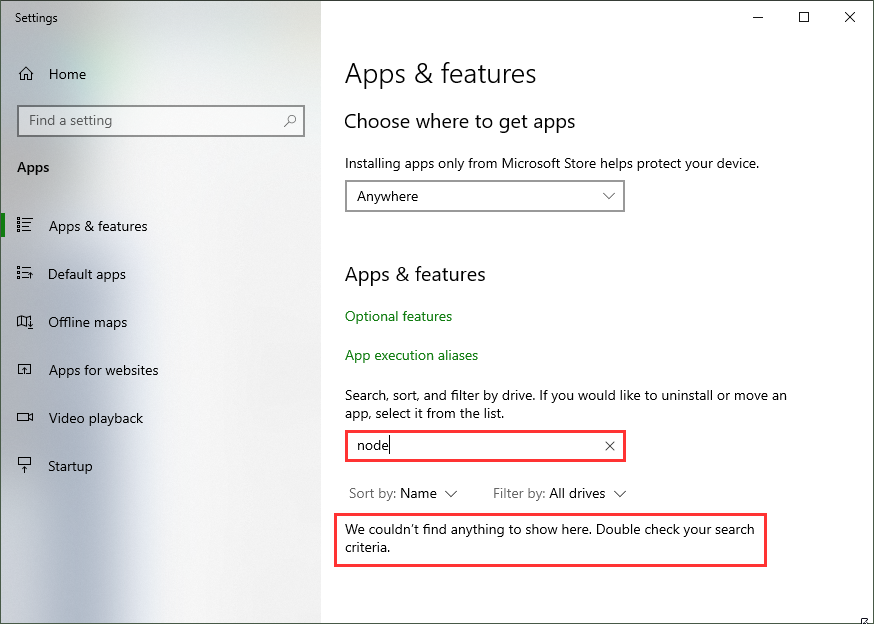
As developer, it often makes sense to have multiple versions of a framework installed on a single computer. For example, when developing SPFx applications with Node,js v10.x and developing web applications using Angular and Node.js v14.x you need both versions. Thankfully, with Node Version Manager, we can. To dive directly into the commonly used Node.js versions: SPFx apps require Node.js LTS 10.x, see Set up your SharePoint Framework development environment. All other versions of Node.js are not supported with SharePoint Framework development. ...

January 23, 2021 · 4 min · Toni Pohl
Join the M365 virtual community events

Join the M365 virtual community events

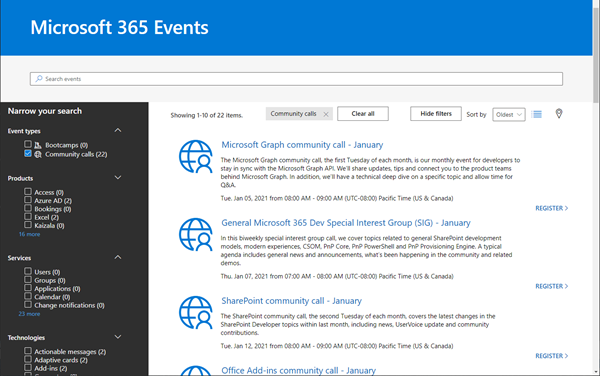
Ready to learn more about Microsoft 365 technology such as Microsoft Graph, SharePoint, Office-AddIns and more? Check out the Microsoft 365 virtual community events! Have fun and get involved!

January 5, 2021 · 1 min · Martina Grom
Azure Logic Apps Toolbox 4-Working with SharePoint dropdown fields

Azure Logic Apps Toolbox 4-Working with SharePoint dropdown fields

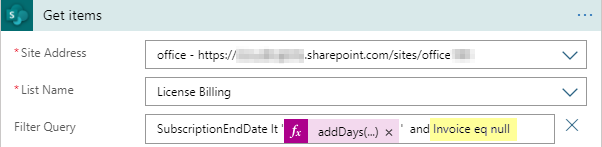
Yesterday I documented in “Get data from SharePoint as HTML table with Azure Logic Apps” how data is retrieved from SharePoint Online with an Azure Logic app. To dig a little deeper into working with SharePoint list data, here are a few more helpful tips. Query for empty fields (eq null) To find items in an SPO list that have NO value in an Azure Logic App SharePoint Get items action, we can use “<field> eq null” (and not eq ‘’ ). Simple as that, but good to remember. So in our sample, the ODATA filter query is as here: SubscriptionEndDate lt addDays(utcNow(),-30) and Invoice eq null ...

December 18, 2020 · 2 min · Toni Pohl