Impressions of SharePoint Conference North America 2018

Impressions of SharePoint Conference North America 2018

This week, from May 21st to 23rd, SharePoint Conference North America 2018 - now the Microsoft 365 Community Conference took place in fabulous Las Vegas, in the MGM Grand Hotel. Martina and I were glad to be part of the conference and enjoyed the conference, the networking and cool announcements and sessions! See some visual impressions of #SPC18 here! Martina and I had a workshop about “Office 365 governance” on the pre-conference days on Saturday, May 19th, and Martina delivered the session “The Keys to Office 365 Groups Management” together with Microsoft’s Christophe Fiessinger on Tuesday. See the full conference details at m365conf.com. ...
May 27, 2018 · 1 min · Toni Pohl

Join us at SharePoint Conference North America!

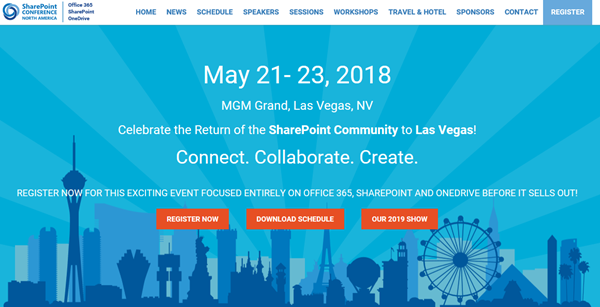
Celebrate the Return of the SharePoint Community to Las Vegas! After four years, SharePoint Conference North America is back from May 21st to 23rd 2018 at MGM Grand in fabulous Las Vegas. Meet the Microsoft SharePoint team, community members and peers from around the world there. We from atwork are happy to be there as well to meet and contribute to SPC 2018! SharePoint Conference North America provides over 150+ sessions and informs about the latest technologies of the Office 365 platform such as SharePoint, OneDrive, Yammer, and Microsoft Teams. See the details at www.sharepointna.com. ...

February 27, 2018 · 1 min · Toni Pohl
Tips for PowerApps-Using SharePoint Customize forms with Bing Maps visualization

Tips for PowerApps-Using SharePoint Customize forms with Bing Maps visualization

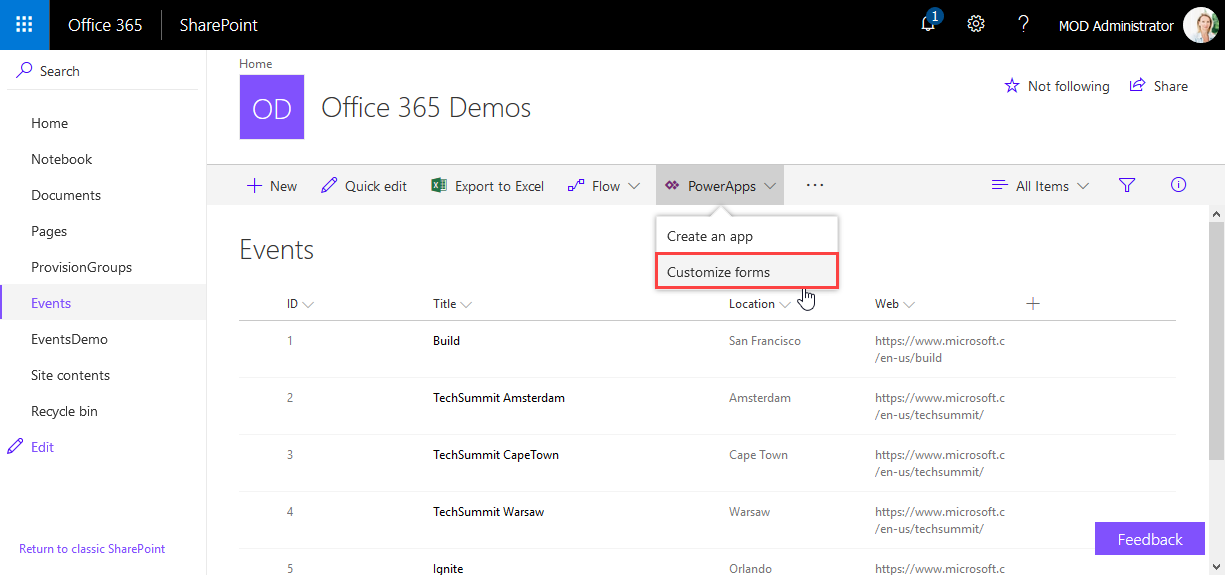
PowerApps are very powerful and simple to use.Through the integration in SharePoint Online lists, we now can create our custom forms within a SharePoint site and add additional features as calculations, modifications and even visualizations. See here, how to integrate a map for showing a location instantly directly in SharePoint without any coding! In this sample, I created a custom list and added a column Location as a single text field. In the PowerApps menu, we see the (new) Customize forms option. As the name says, this allows to modify the display and edit form of that particular list with the PowerApps Online Studio. ...

February 19, 2018 · 3 min · Toni Pohl

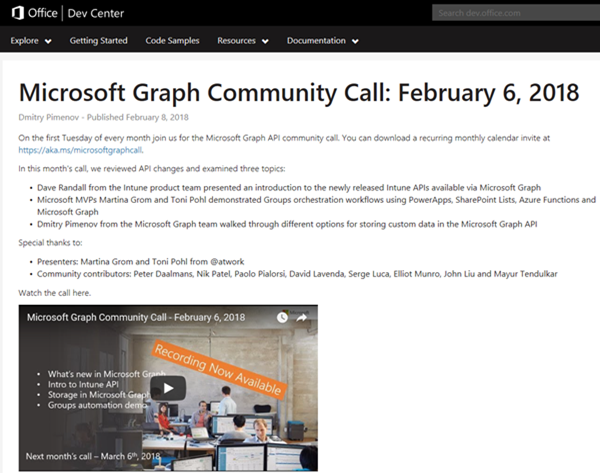
Joining the Microsoft Graph Community Calls

Microsoft Graph is the unified endpoint to programmatically access resources and services in Office 365 and Azure Active Directory. To inform the developer community with the latest news, the Microsoft Graph team organizes a monthly Microsoft Graph API community call. We, Toni and I, were happy to contribute a use case at the last call showing a scenario of an Office 365 Group orchestration workflow with PowerApps, SharePoint Lists, Azure Functions and Microsoft Graph. ...

February 10, 2018 · 2 min · Martina Grom
Snapshots of SharePoint Saturday Bremen 2018

Snapshots of SharePoint Saturday Bremen 2018

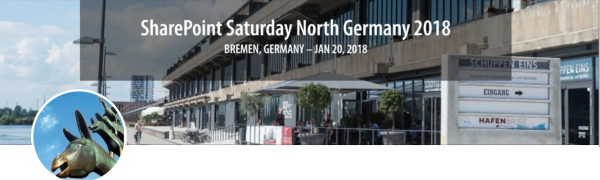
This weekend, on the January 20th, the first SPS North Germany/Bremen took place with great sessions in a very cool location. See some snapshots here. For #SPSBRE, we had a very cool location in the Bremen Harbor at Schuppen Eins (“shed one”). When entering the former harbor storehouse building that was built in 1959, the automobile Oldtimer Boulevard hits you with more than 60 unique cars, embedded in a modernized glass structure with a cafe, shops and a garage specialized in repairing old-timers. So, we had a lot to watch – and to learn. ...

January 21, 2018 · 1 min · Toni Pohl

CU at SharePoint Saturday Bremen 2018

We are looking forward to see you at the SharePoint, Office 365 and Azure community event next week on January 20, at the first SharePoint Saturday North Germany 2018, in the city of Bremen. There will be a lot of interesting sessions and a great speaker’s lineup. CU there! SharePoint Saturday North Germany / Bremen 2018 Saturday, January 20, 2018 Schuppen Eins, Konsul-Smidt-Str. 22, 28215 Bremen SPS Bremen will deliver a bunch of hot topics, see speakers and sessions! We from atwork have three sessions and will inform about these topics: ...

January 14, 2018 · 1 min · Toni Pohl
How to access files stored in OneDrive or in a SharePoint site with Microsoft Graph and the Excel API

How to access files stored in OneDrive or in a SharePoint site with Microsoft Graph and the Excel API

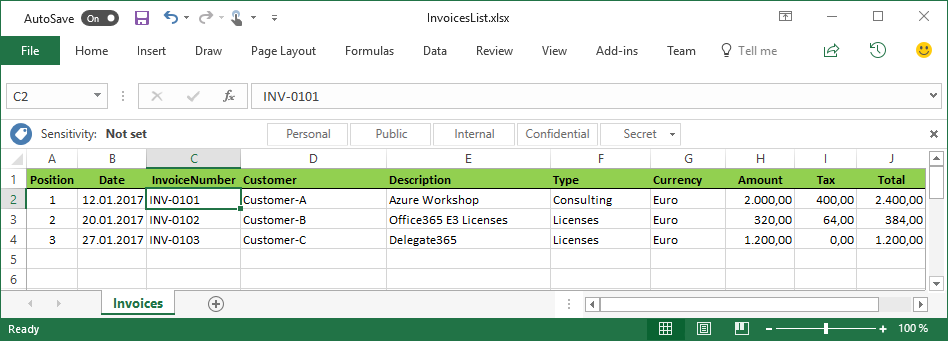
The Microsoft Graph API is the new unified endpoint for developers accessing data from an Office 365 tenant. Amongst many other features, you can work with OneDrive and SharePoint files with the Graph REST API. Additionally, you can directly work with Excel files through the Graph Excel API. Since all samples I found just use the personal OneDrive for Business (OFB) file storage, I wanted to document how to access files that are stored in a SharePoint Online site (SPO) as well. So, here we go! ...

December 29, 2017 · 6 min · Toni Pohl
Cleaning up file storage with 7Zip, PowerShell and OneDrive

Cleaning up file storage with 7Zip, PowerShell and OneDrive

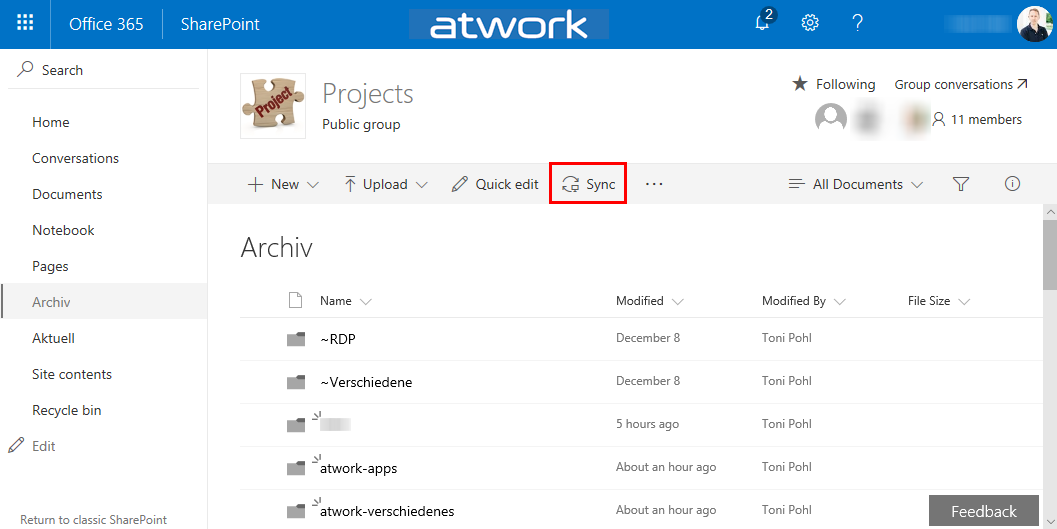
Holidays are a good time for cleaning up. For migrating an old on-premises file storage to the cloud, I used some tools and invested some time. See my scenario and the tools here. The scenario I had a Virtual Machine (I connected to remote via RDS from my holiday location into the company) with an iSCSI storage to a NAS system where old project files were stored. This storage was used over the last years. You can imagine … the mess. To make it short: In that VM, the file storage was connected with a network drive P: (for Projects). With my work account, I have 1TB personal cloud storage. Since this should be an archive for my coworkers as well, I decided to use a SharePoint Online site (SPO). I created an Office 365 group - with a SPO for storing the documents - named “projects” and installed the OneDrive.exe client. Then, I created a new Document Library and synchronized that (empty) list to the local computer. ...

December 26, 2017 · 4 min · Toni Pohl

Impressions of SharePoint Saturday Barcelona 2017

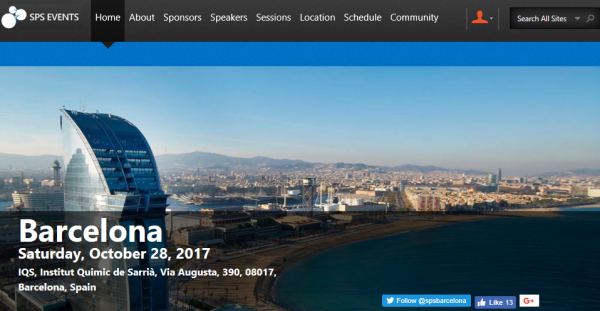
Fall time usually is a very busy time in the IT business. So, we were happy to have a break and be part of SharePoint Saturday 2017 in Barcelona! #SPSBCN took place on the 28th October in beautiful Barcelona (see the details on the SPSEvents.org website here). This event already was the 3rd SharePoint Saturday Barcelona. The venue location at IQS was the same as in the years before. Edin and his team of sug.cat (Grup d’Usuaris de SharePoint de Catalunya) organized the event perfectly and we all had a great time there. ...

November 9, 2017 · 2 min · Toni Pohl

Visual Studio Extension for SharePoint Framework

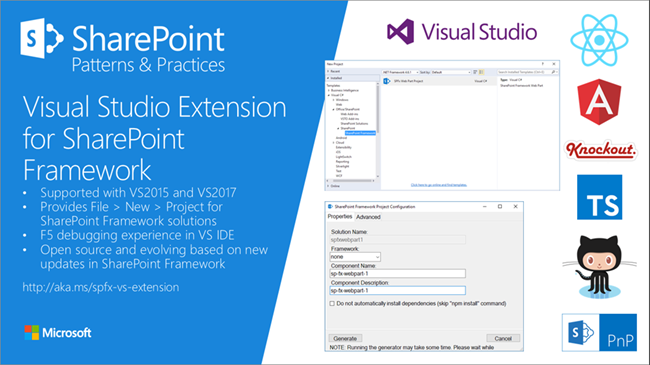
Developers who are not familiar with the new tooling for creating SPFx apps now get support by the new Visual Studio Extension for SharePoint Framework, available in the Visual Studio marketplace. Check it out at https://marketplace.visualstudio.com/items?itemName=SharePointPnP.SPFxProjectTemplate The description describes the functionality as “The Visual Studio Extension for SharePoint Framework wraps the command-line UI of the Microsoft Yeoman Generator (yo @microsoft/sharepoint) into a familiar Windows Forms experience, executes the generator project scaffolding behind the scenes and creates a Visual Studio project that includes all the necessary files for a complete web part project. Also included is a web part item template for adding new web parts to an existing Framework project. Developers can launch the Workbench local sandbox environment to test their web parts by pressing F5 or by binding to the Gulp Serve event in the Task Runner Explorer.” ...

November 4, 2017 · 1 min · Toni Pohl