Standout Presentation Mode is available in PublicDeveloper Preview in Microsoft Teams

Standout Presentation Mode is available in PublicDeveloper Preview in Microsoft Teams

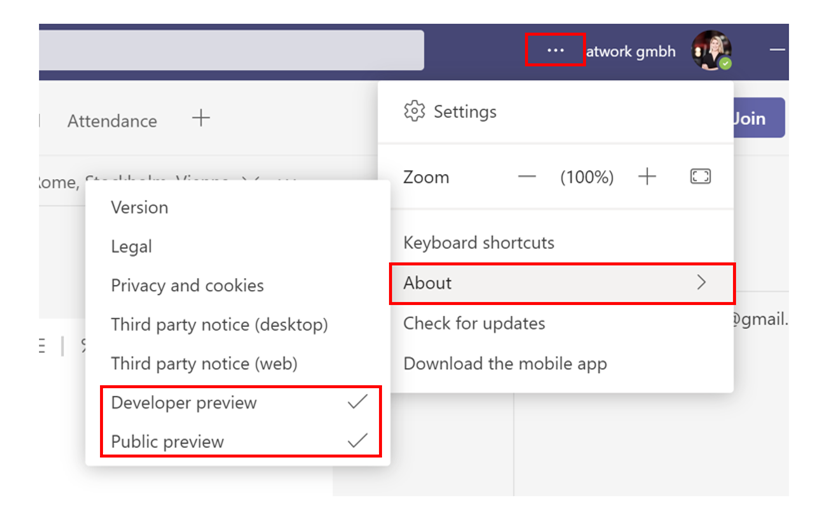
The standout mode is now available in Public and Developer Preview in Microsoft Teams and will soon be allocated within all Microsoft Teams versions, and we love it! Benefits Your video feed is next/overlaid to your content Customize your video feed and content Bring your presentations to the next level For the standout mode in Public or Developer preview, you need the following Use the Microsoft Teams Desktop application as a presenter but also as an attendee to experience the standout mode option ...

June 2, 2021 · 2 min · Mercedes Orasch
Microsoft Lernpfade App in Microsoft Teams-Client einbinden

Microsoft Lernpfade App in Microsoft Teams-Client einbinden

Die Einführung von Microsoft 365 im Unternehmen mit den jeweiligen Produktwerkzeugen kann optimal durch die Microsoft Lernpfade, oder auch Microsoft Learning Pathways genannt, unterstützt werden. Microsoft Lernpfade ist ein auf SharePoint Online basiertes Lernportal mit vorgefertigten Inhalten und kann ganz einfach in deinem Microsoft Teams-Client eingebunden werden. Das Portal basiert auf einer modernen Kommunikationswebsite und steht in verschiedenen Sprachen zur Verfügung. Innerhalb dieses Lernportals können die vorgefertigten Inhalte angepasst oder mit eigenen Inhalten erweitert werden. ...

May 27, 2021 · 4 min · Mercedes Orasch
How to create Webinars with Microsoft Teams

How to create Webinars with Microsoft Teams

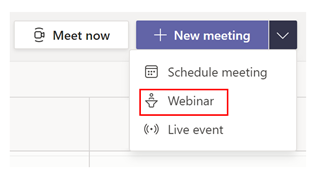
We are beyond excited since Microsoft enrolled the new meeting option “Webinar” in Microsoft Teams, besides the well-known options “Scheduled meeting” and “Live event”. In this article, we will show you step-by-step how to use the new feature. Preparations When you are choosing to create a new meeting in Microsoft Teams, you choose “Webinar”. A new meeting form pops up. This allows you to add a registration page to your webinar. As the next step, you set the scope for your webinar (require registration). In our example, we will choose the registration-option “For everyone”, meaning that anyone can register, attendees are muted by default, and only presenters can share content. All in all, you have the following options: ...

May 20, 2021 · 3 min · Mercedes Orasch

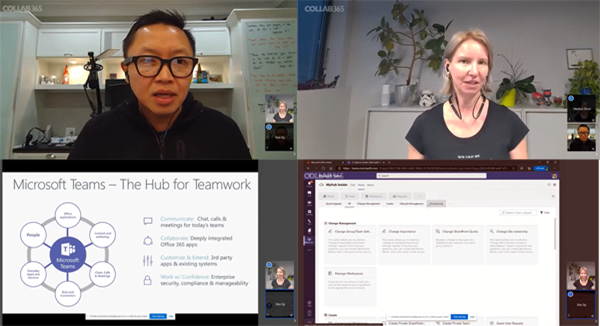
Tune in to the Governance Live Discussion with Dux Raymond Sy and Martina Grom - Good Governance Precedes Great Adoption

Today, there was a free live event on the Collab Global CON4 platform about IT Governance in Microsoft Teams. Tune in to the Governance Live Discussion with Dux Raymond Sy and Martina Grom - Good Governance Precedes Great Adoption. Live Discussion: How to Make It Easy For People to Do the Right Thing in Microsoft Teams. (Good Governance Precedes Great Adoption) Hear the two talk about why Teams governance is important and see examples of how processes can be improved. ...

December 3, 2020 · 1 min · Toni Pohl

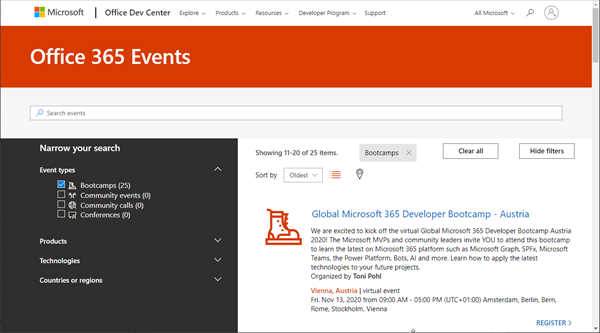
Join us at the Global Microsoft 365 Developer Bootcamp - Austria

Global Microsoft 365 Developer Bootcamp is back! This year the event will take place virtually from more than 100 cities worldwide. Join us at our Microsoft 365 Developer Bootcamp - Austria on November, 13th, 2020! The Global Microsoft 365 Developer Bootcamp is here for the 4th year straight. Check out Microsoft 365 Events Bootcamps and join us at our bootcamp in Austria using Microsoft Teams. Register now! We are excited to kick off the virtual Global Microsoft 365 Developer Bootcamp Austria 2020! The Microsoft MVPs and community leaders invite YOU to attend this bootcamp to learn the latest on Microsoft 365 platform such as Microsoft Graph, SPFx, Microsoft Teams, the Power Platform, Bots, AI and more. Learn how to apply the latest technologies to your future projects. ...

August 18, 2020 · 1 min · Toni Pohl

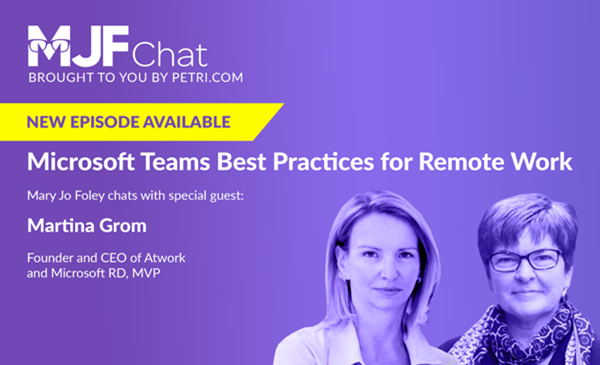
Check out the Microsoft Teams Best Practices for Remote Work podcast of Mary Jo Foley with guest Martina Grom

In June, our managing director Martina Grom had the pleasure of speaking to the renowned Microsoft journalist Mary Jo Foley in a podcast interview. Listen to the podcast in the MJF chat! Mary Jo Foley is a technology writer, author, podcaster and news editor. She regularly writes news, articles, and reviews for Microsoft’s strategy, products and technology. Martina is founder and CEO of atwork and a Microsoft Regional Director and MVP and a long-time community advocate and specialist in Microsoft 365, Azure, and security. The interview was all about best practices for Microsoft Teams in a world where more and more are working remotely. ...

June 18, 2020 · 1 min · Toni Pohl

Microsoft 365 Virtual Marathon and Microsoft 365 for crisis communication resources

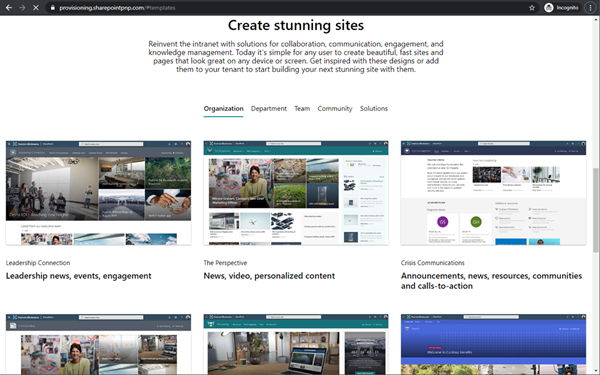
Microsoft 356 helps you communicate from anywhere. Today, the Microsoft 365 Virtual Marathon online event starts and I show different services like the quick to use crisis communication SharePoint site the Microsoft Health Care Bot service and more. Check out the Microsoft 365 Virtual Marathon and see how to start with these two services here. Microsoft 365 Virtual Marathon You can still join the free 36-hour Microsoft 365 Virtual Marathon online event and attend hundreds of interesting sessions, see the schedule. We from atwork will present the following sessions: ...

May 27, 2020 · 2 min · Martina Grom

Get the daily Bing picture as background in your Teams meetings automatically

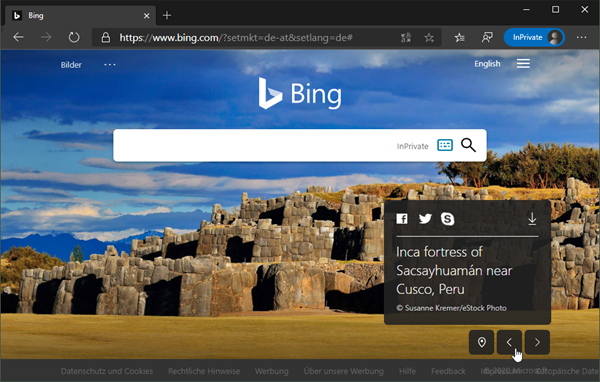
The Microsoft Bing Search Engine provides a professional and beautiful picture every day, you can see it online at www.bing.com. With the Bing API, you can easily get the images for your own use, e.g. to use them as custom background image in your Microsoft Teams calls. See how this works and download the ready-to-use PowerShell script here. So, the task is to get the daily image information, to download the picture and to provide it as background picture in Teams. ...

May 7, 2020 · 5 min · Martina Grom

Starting the WFH project at atwork

There is a lot of news about the worldwide spread of Covid-19 and the effects on all of us. In order to prevent a rapid spread, the usual life should be restricted. People should stay at home if possible and work should be done from home if possible. We at atwork Vienna decided today in the team to do home office in the next few days and possibly weeks. The cloud and tools such as Microsoft Teams make it possible. We will report here which technology works and what needs improvement. ...

March 11, 2020 · 4 min · Toni Pohl
Learn more about the Governance Toolkit 365 as an applied cloud story

Learn more about the Governance Toolkit 365 as an applied cloud story

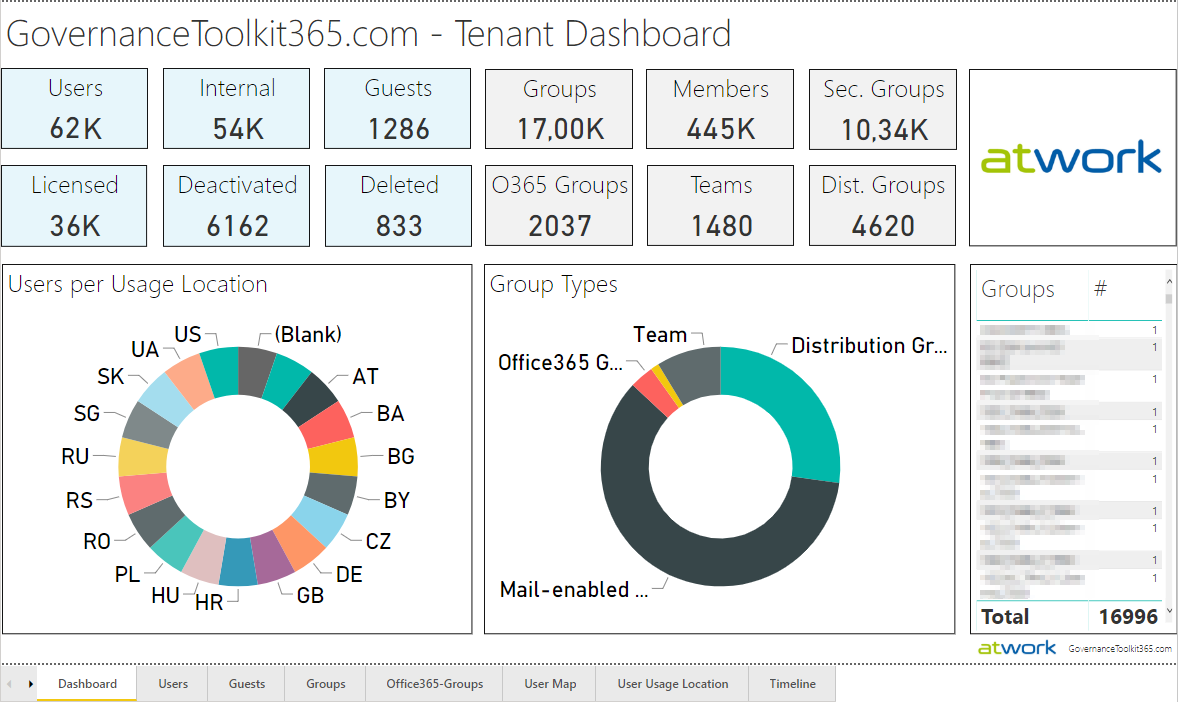
The Governance Toolkit 365 (GT365) is a software-as-a-service solution that offers insights into a Microsoft 365 tenant and is part of the Microsoft Applied Cloud Stories initiative (#AppliedCloudStories). GT365 reads cloud data, stores the data and offers IT administrators monitoring and reporting functions to get a tenant overview at a glance, for example as a newsletter, in Power BI, as API or as a Bot that can be integrated in Microsoft Teams. The GT365 workloads are fully processed in Microsoft Azure using serverless computing. Here are some architectural insights on how to avoid throttling and how to use fan-out functions. ## The application ...

February 4, 2020 · 7 min · Toni Pohl