Delegate365 changelog 9.1-SharePoint Online

Delegate365 changelog 9.1-SharePoint Online

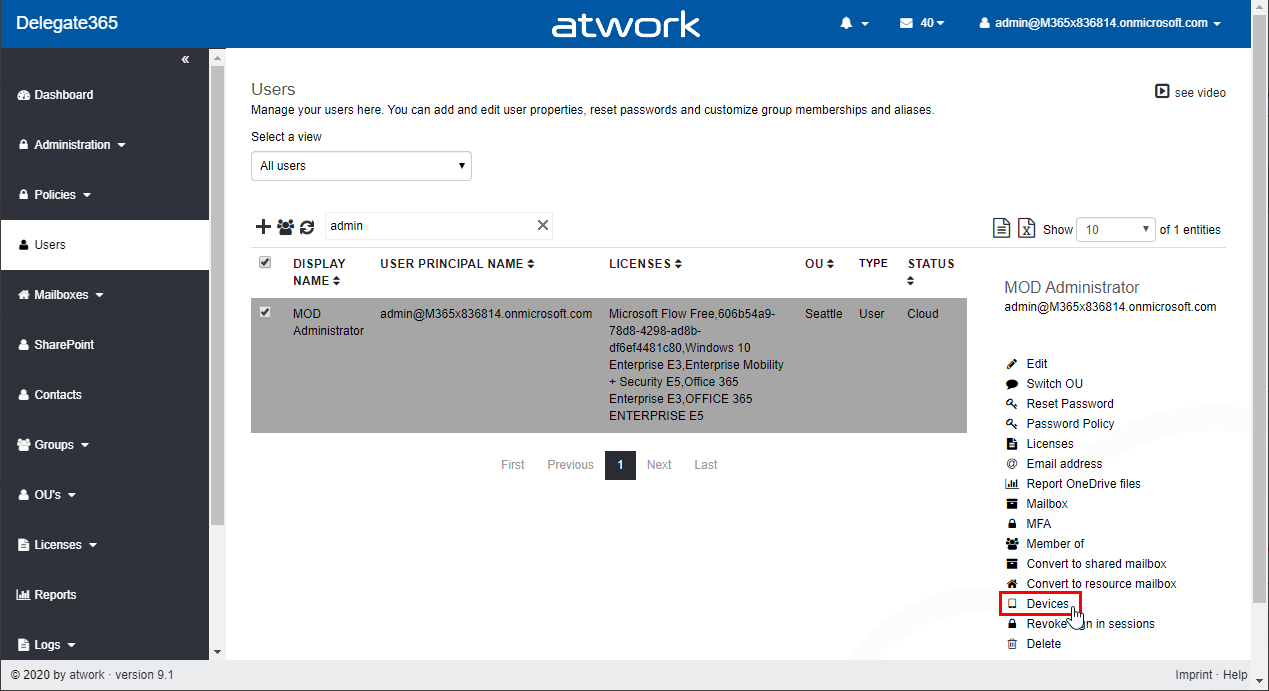
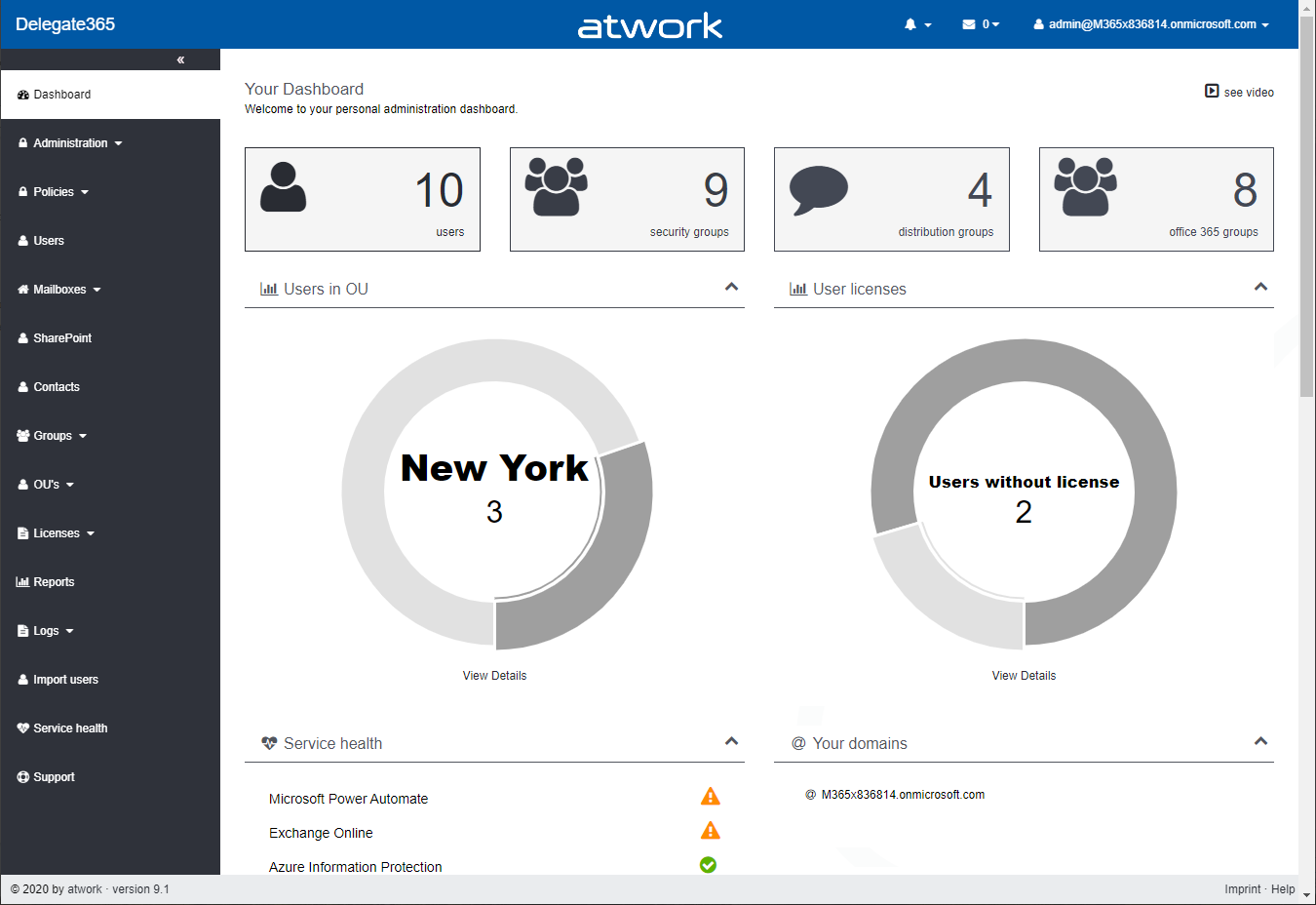
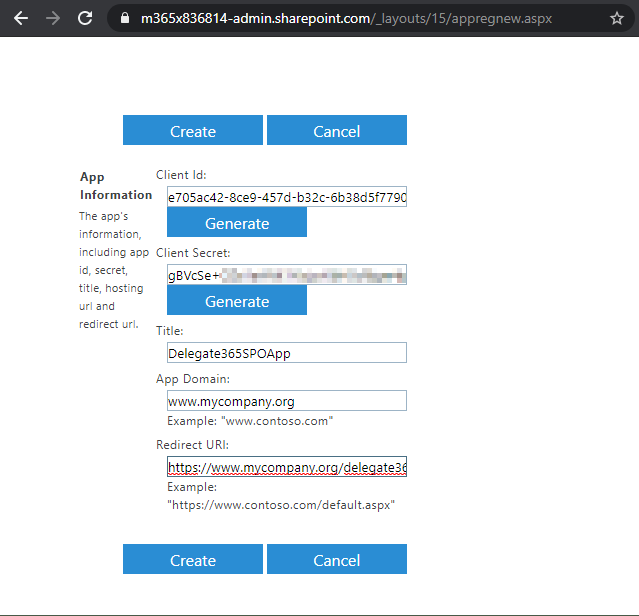
Delegate365 v9.1 provides basic management of SharePoint Online (SPO) sites that are assigned to an OU. See the prerequisites (part 1) and the features (part 2) here. Part one - Create the SPO app once Register the SPO app and to add that data in Delegate365. This needs to be done once by a Global Admin of the tenant. Important: Do the SPO app setup FIRST: To allow communication between Delegate365 and the SPO system, an app is required. Follow the steps described at Register SharePoint Add-ins to create the app or follow the step-by-step instructions here. ...

March 4, 2020 · 7 min · Toni Pohl
Azure Logic Apps Toolbox 2-Send text and files multipartform-data to SharePoint Online

Azure Logic Apps Toolbox 2-Send text and files multipartform-data to SharePoint Online

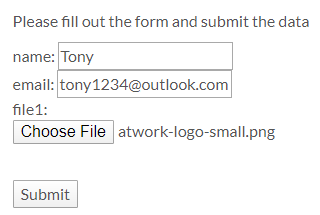
Using an Azure Logic app is often a quick fix for small computing tasks. So my scenario is as follows: I want to use a form on a website to offer text fields and file upload. The submit button is intended to send the data to a Logic App. The Logic App receives the data and writes it to a SharePoint Online list and sends a notification if necessary. See the implementation here. ...

February 17, 2020 · 8 min · Toni Pohl
Quote of the day

Quote of the day

“What we need today are universal values based not on faith but on scientific findings, common experience and common sense.” Dalai Lama

February 14, 2020 · 1 min · Toni Pohl
Learn more about the Governance Toolkit 365 as an applied cloud story

Learn more about the Governance Toolkit 365 as an applied cloud story

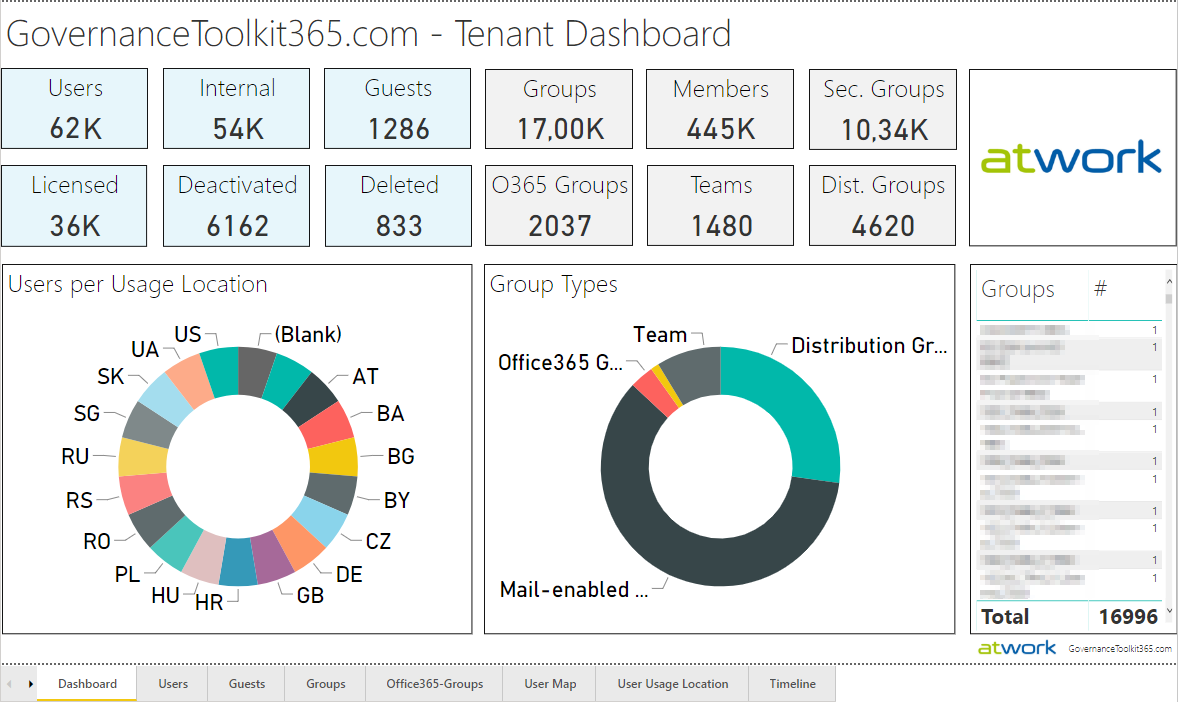
The Governance Toolkit 365 (GT365) is a software-as-a-service solution that offers insights into a Microsoft 365 tenant and is part of the Microsoft Applied Cloud Stories initiative (#AppliedCloudStories). GT365 reads cloud data, stores the data and offers IT administrators monitoring and reporting functions to get a tenant overview at a glance, for example as a newsletter, in Power BI, as API or as a Bot that can be integrated in Microsoft Teams. The GT365 workloads are fully processed in Microsoft Azure using serverless computing. Here are some architectural insights on how to avoid throttling and how to use fan-out functions. ## The application ...

February 4, 2020 · 7 min · Toni Pohl
Check out Microsoft Graph PowerShell

Check out Microsoft Graph PowerShell

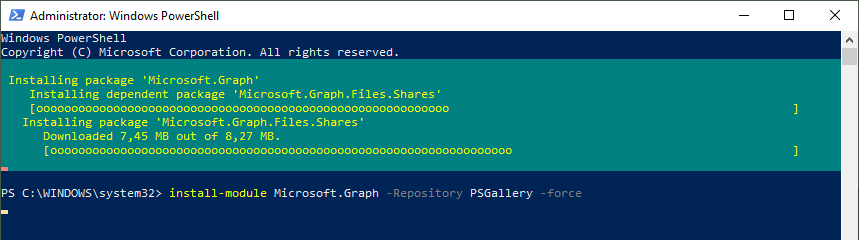
Microsoft Graph PowerShell module made it to the PowerShell Gallery! So, now you can try it out on your computer by simply running the Install-Module Microsoft.Graph.Authentication command. See more here. Microsoft Graph is the key to Microsoft 365 system. This OData interface allows to get and modify data of objects such as users, groups, their data and the tenant. Find out more at aka.ms/graph. Announced at the last Microsoft Ignite conference, admins can now use the Microsoft Graph PowerShell module directly from the PowerShell Gallery. See more details at Microsoft Graph PowerShell SDK (Preview) on GitHub. So let´s start our quick overview. ...

January 23, 2020 · 3 min · Toni Pohl
Delegate365 - Sync rules and license quota example

Delegate365 - Sync rules and license quota example

Delegate365 allows to split a Microsoft 365 tenant and to delegate management of assigned objects. With synchronization rules, licenses can be added or removed automatically. This works together with license quotas. In this article we show an example. Scenario: Here, we have a demo tenant and two administrators in Delegate365: Admin and AdeleV. The Admin can manage the OU´s “Seattle” and “New York” and has the role “Portal Admin”. AdeleV has the role “Scope Administrator” assigned and she can manage OU “New York” as we see in the Delegate365 Administration / Administrators menu. ...

January 15, 2020 · 6 min · Toni Pohl
How to setup the MFA App Authenticator app on a new device for a specific Azure AD

How to setup the MFA App Authenticator app on a new device for a specific Azure AD

Multi Factor Authentication (MFA) reduces the risk of compromise by 99.9%. Therefore, it is a good idea to use it for every user in an organization. This article provides step-by-step instructions for setting up MFA with the Microsoft Authenticator app on a smartphone. If you have MFA enabled and you switch to a new device, follow the steps here. My colleague Martina Grom (@magrom) points out the importance of using MFA at every security session, as here at Modern Workplace Conference Paris 2019 last December. Thanks for your support to write this article, Martina. ...

January 6, 2020 · 3 min · Toni Pohl
Check out AI Labs Sketch2Code

Check out AI Labs Sketch2Code

Microsoft AI Labs has some nice projects to try out on their website. One is the Sketch2Code project. “Sketch2Code uses AI to convert hand-written drawings to working HTML prototypes.” Let´s try it out! The Microsoft AI Lab projects website shows a bunch of interesting projects. Some of them are probably known, others are worth to explore. The Sketch2Code website informs about the project: Transform any hands-drawn design into a HTML code with AI. Kindly, there´s also a lab that demonstrates how to use Azure Custom Vision to create an application that is capable of transforming a hand-drawn user interface into valid HTML markup available at Sketch2Code Lab! ...

January 2, 2020 · 2 min · Toni Pohl
Join us at SharePoint Conference 2020!

Join us at SharePoint Conference 2020!

The SharePoint Conference (SPC) returns to Las Vegas in May 2020! Sharepoint Conference 2020 is packed with over 200 sessions, panels and workshops for everyone working in the Microsoft 365 workspace. We from atwork look forward to being there again. The SPC 2020 event registration is already open and there are reduced price packages available. Additionally, find a discount code here! Vegas, baby! SPC 2020 takes place at the MGM Grand in Las Vegas, Nevada, May 19 - 21, 2020. The workshops start on May 17th. It’s time to add the event to your calendar and to follow @SPConf and #SPC20 on Twitter and to watch SharePointTV! ...

December 28, 2019 · 2 min · Toni Pohl
Delegate365 version timeline

Delegate365 version timeline

Delegate365 has continued to evolve over the past few years. See the timeline of the Delegate365 versions in this graphic. atwork started the development of Delegate365 (www.delegate365.com) in early 2013 as an Add-On for Office 365. Many functions have been added since then. Here you can see the graphic of the Delegate365 versions timeline as of today (click to enlarge). On average, a new Delegate365 version is deployed every 3 months. Delegate365 is operated as SaaS, so updates usually happen automatically. For versions that require additional permissions, a Delegate365 administrator must run a setup once on request. You can find the Delegate365 version details in the corresponding articles here. The current version is Delegate365 v8.5. The next update will be Delegate365 version 9.1, planned for February 2020. ...

December 27, 2019 · 1 min · Toni Pohl