Global Office Developer Bootcamp Vienna 2019
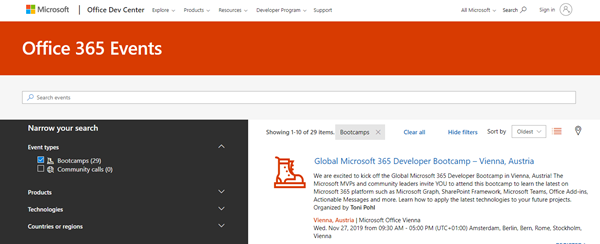
As announced, this Wednesday, on November 27th, 2019, the Global Office Developer Bootcamp took place at the Microsoft office in Vienna, Austria. See some event reflections here. The world wide Global Office Developer Bootcamps 2019 (aka.ms/M365DevBootcamp) are following the success of the Developer Bootcamps 2018 held in 41 countries with over 3,400 attendees and it is now back for its 3rd year. The Bootcamps happen between October 1 to December 15, 2019. The idea is to share the latest and greatest technologies and products (Microsoft Graph, SharePoint Framework, Microsoft Teams, Office Add-ins, Connectors and Actionable Messages, Adaptive Card, Windows, Identity and more) on the Microsoft 365 platform. It was the first time we had the event in Austria. ...