Delegate365 changelog version 8.1-Many new features

Delegate365 changelog version 8.1-Many new features

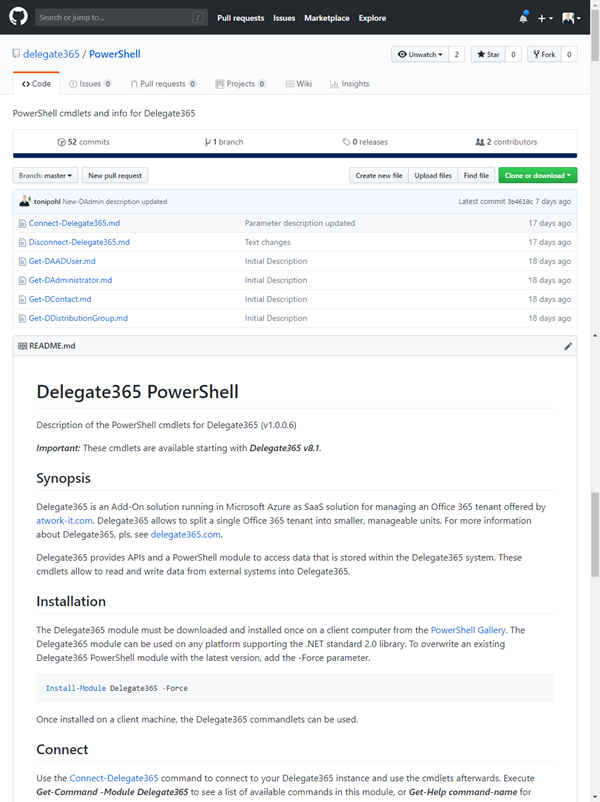
These days, the next major Delegate365 version 8.1 is released. In that new version, there are a lot of new and improved features available for all Delegate365 customers. The menu has been restructured, permission policies allow to define granular rights and license policies simplify the set of licenses for Scope Admins. Furthermore, there are a bunch of useful improvements and the Delegate365 PowerShell module is available. See the details here. Run a setup: Admins need to run the Delegate365 setup after the upgrade process, see the How-To at (Re)run the setup. ...

October 22, 2018 · 4 min · Toni Pohl
Delegate365 changelog version 8.1-New License Policies

Delegate365 changelog version 8.1-New License Policies

With Delegate365 version 8.1 and the new permission policies, there come the new license policies as well. In previous versions of Delegate365, Admins could restrict the Office 365 licenses and plans for each Scope Admin. Now, the license set is replaced by a license policy that can be assigned to multiple administrators. See here, how this works. Note: The license policies work analogously to the permission policies: Define once, use for multiple admins. To make it short and comprehensible, see the old and the new Delegate365 license policies at a glance here. ...

October 10, 2018 · 4 min · Toni Pohl
Delegate365 changelog version 8.1-New permission policies

Delegate365 changelog version 8.1-New permission policies

When we started with Delegate365 five years ago, basic permissions were sufficient to control what features can be used by Scope Admins. Since Delegate365 evolved with more functionality and we received requests from our customers, it was time to renew the permission control to a more granular level. So, the existing permissions have been replaced with permission policies. With Delegate365 version 8.1, each Administrator gets a permission policy assigned that controls on a very granular level, what modules and features can be managed. The new menu structuring is part of that functionality. See how the permission policies work and how existing permissions are converted here. ...

October 9, 2018 · 6 min · Toni Pohl
Delegate365 changelog version 8.1-Menu restructuring

Delegate365 changelog version 8.1-Menu restructuring

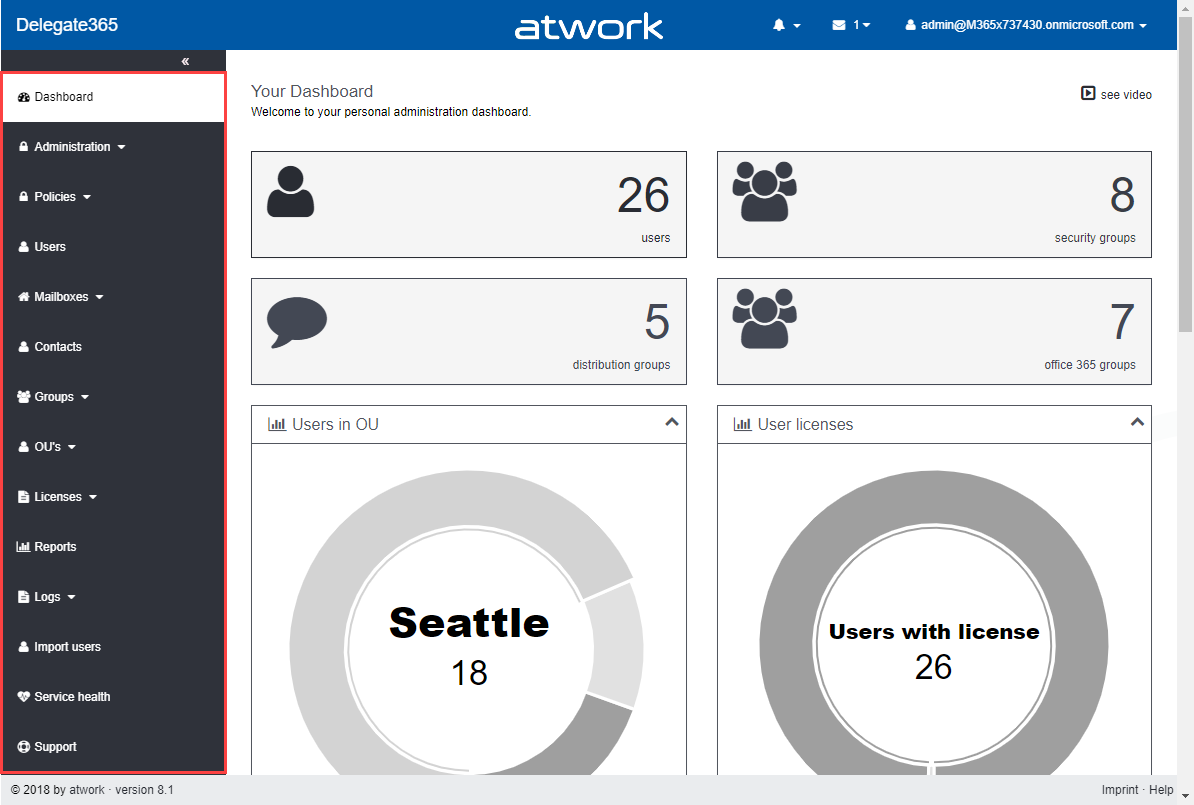
With Delegate365 version 8.1 there comes a new menu structure. The new menu groups the functions more logically and allows granular control with new permission policies. The new policies are are described in a separate article. See the menu differences before and after in this overview. Now, each topic is a group to make it easier for admins to find related features. There are only two instead of three menu levels. Enlarge the following graphics to see all menus and their new position. The left side (gray) shows the full menu of Delegate365 version 7.x and 8.0, the right side (green) shows the new menu Delegate365 version 8.1. ...

October 8, 2018 · 1 min · Toni Pohl
Impressions of Microsoft Ignite 2018

Impressions of Microsoft Ignite 2018

From 24th to 28th September, Microsoft’s largest and fourth Microsoft Ignite conference took place in Orlando, Florida. #MSIgnite is the largest and leading event for IT-Professionals, Developers and Decision-Makers in the Microsoft universe. With approximately 30,000 attendees and about 700 breakouts and a lot of theater-sessions , a large expo and a lot of networking, this event was huge. We were proud to be part of the conference and we have collected some of our impressions here. ...

October 5, 2018 · 3 min · Toni Pohl
How to associate an Azure subscription owned by a MSA to your organizations AAD

How to associate an Azure subscription owned by a MSA to your organizations AAD

If you created new Azure subscriptions with a Microsoft Account (MSA), the subscription is managed with an own Azure Active Directory (AAD). This article shows how to integrate such an “external” Azure subscription into your organization’s AAD. Having Azure subscriptions owned by a MSA can have various reasons: Historically with older Azure subscriptions or if you are a member of the Microsoft Partner Network (MPN) which still works for MSDN subscriptions only for MSAs… (this is a different story and worth grey hair…). Anyway, if you have such a situation, see how this process works here. ...

September 14, 2018 · 3 min · Toni Pohl
Looking forward to Microsoft Ignite 2018

Looking forward to Microsoft Ignite 2018

In a good week, Microsoft Ignite 2018 will start! Ignite is Microsoft’s largest yearly IT conference that will take place from September 24 - 28, 2018 in Orlando, Florida. Ignite will offer about 700+ sessions, insights and roadmaps from industry leaders, and deep dives and live demos on the products you use every day. We are looking forward to a full week to meet customers, partners and friends from all over the world. And we have prepared a bunch of great content we will deliver in our sessions! ...

September 13, 2018 · 5 min · Toni Pohl
Want to remove the Feedback button from SharePoint Online?

Want to remove the Feedback button from SharePoint Online?

Modern SharePoint Sites come with two Microsoft buttons on the bottom of each SharePoint page: “Get the mobile app” and “Feedback”. Want to remove them from your SharePoint sites? Well, then we have an easy to use solution ready for you. Since the modern communications sites in SharePoint no longer offer any customizations with CSS or Javascript, an app solution is required here. We at atwork have developed such a small app that removes the default Microsoft buttons “Get the mobile app” and “Feedback”. The solution is not free, but we offer to purchase it from us. The package comes with the app and a short description how to deploy it. ...

August 24, 2018 · 1 min · Toni Pohl
Working with the Azure Logic Apps Tools for Visual Studio

Working with the Azure Logic Apps Tools for Visual Studio

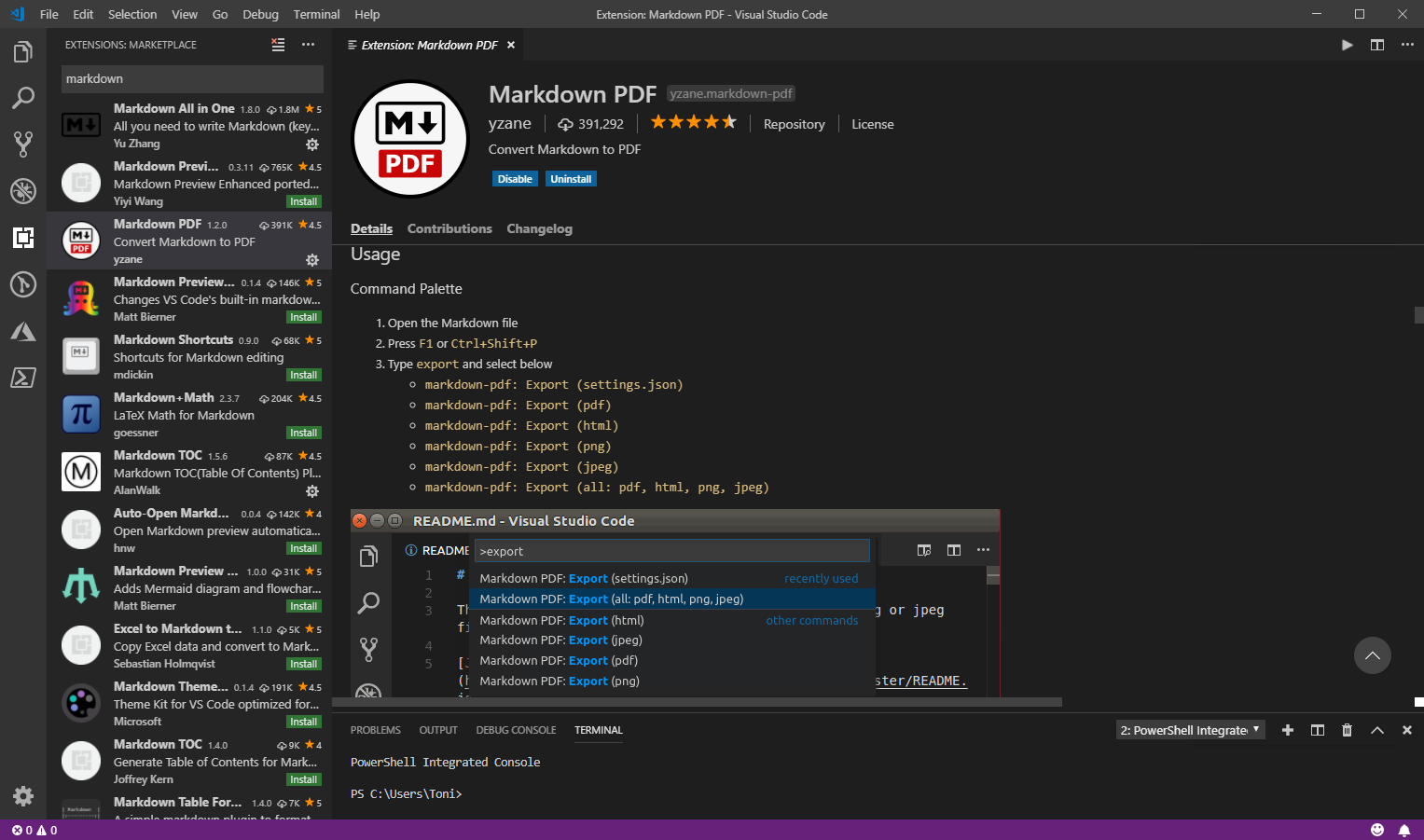
I like Azure LogicApps, they are really useful and easy to “develop” (see the latest features here). To use Visual Studio as designer environment, you can integrate the Azure Logic Apps Tools for Visual Studio easily. See how to work with that extension here. The fastest way is to install the Azure Logic Apps Tools in the menu Tools / Extensions and Updates… Search for “logic app” and install this extension. ...

August 19, 2018 · 2 min · Toni Pohl
Delegate365 changelog version 8.0-Group OUs

Delegate365 changelog version 8.0-Group OUs

With Delegate365 version 8.0, besides many other features, a brand new feature has been added to Delegate365: Group OU’s. In short, a Group OU can be used by Scope Admins for using members of another OU they do not manage themselves. See how this works here. In Delegate365, Scope Admins can manage all objects of their assigned OU’s. But, they could not assign other users they don’t manage to any group. This is where Group OU’s come in. To illustrate this new feature, let’s have a look at this sample. ...

July 25, 2018 · 4 min · Toni Pohl