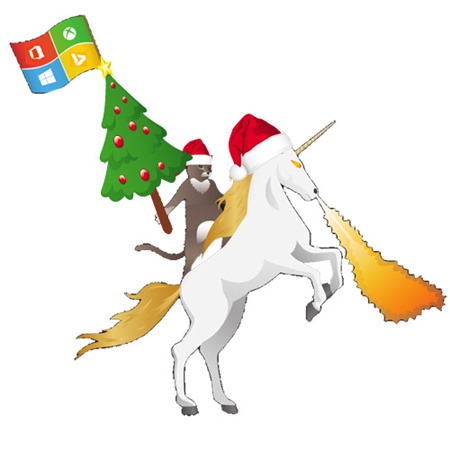
Happy xmas 2016 und frohe Festtage!
Wir wünschen allen unseren Kunden, Freunden und Partnern auf diesem Weg frohe Festtage und ein schönes Neues Jahr! Wir möchten uns recht herzlich für die gute Zusammenarbeit bedanken und freuen uns schon auf ein erfolgreiches, gemeinsames 2017! Auch dieses Jahr haben wir uns für unsere Weihnachtsgrafik von der inoffiziellen Windows 10 Ninja-Cat inspirieren lassen. Wie sehr wir von guten Partnerschaften profitieren, erfahren wir das ganze Jahr hindurch. ...