Why Only Users Can Apply Sensitivity Labels in Microsoft 365

Why Only Users Can Apply Sensitivity Labels in Microsoft 365

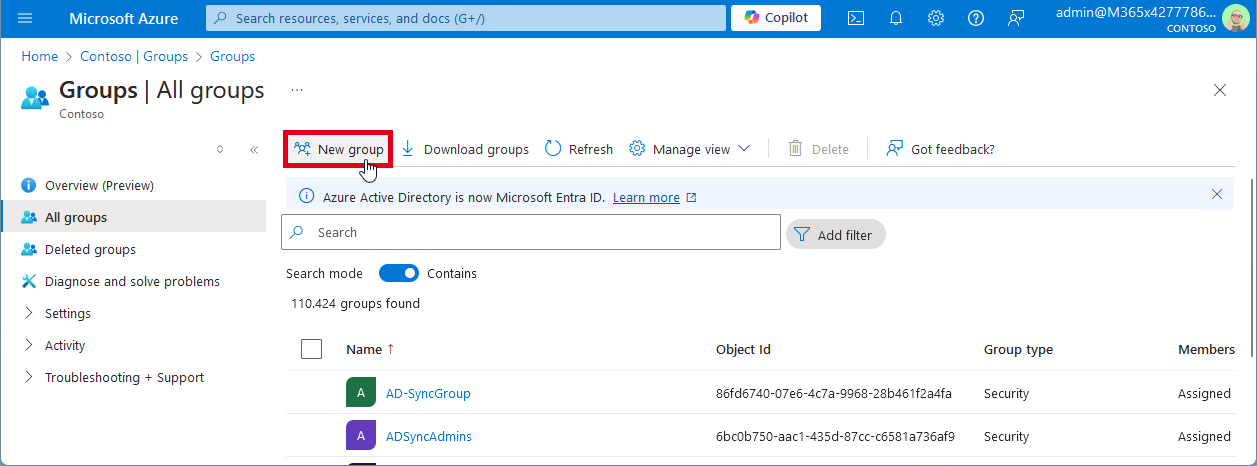
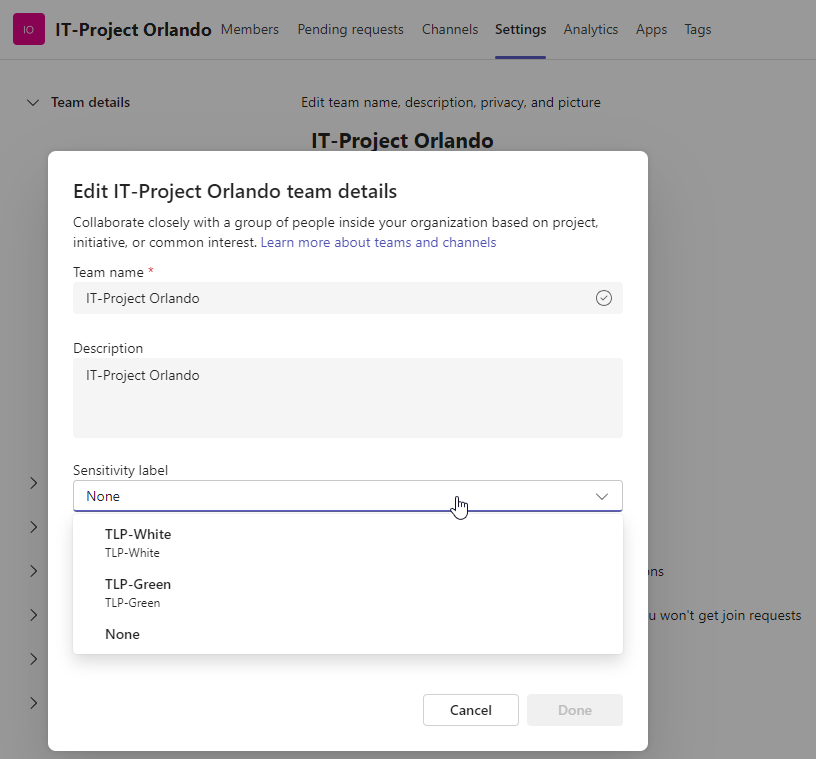
Sensitivity labels in Microsoft 365 are a crucial feature for organizations to protect and manage their data. These labels allow organizations to classify and safeguard sensitive information based on its level of confidentiality. By applying sensitivity labels, organizations can control access, encrypt data, apply policies, and track and monitor on sensitive information. Users can apply sensitivity labels to classify and protect their data. However, applications unfortunately cannot currently assign sensitivity labels. ...

August 15, 2024 · 4 min · Toni Pohl
Grant permissions to the GT365 app

Grant permissions to the GT365 app

Our Governance Toolkit 365 (GT365) provides information and automation solutions for a Microsoft 365 tenant. In order to use the functions, this app must be approved by an administrator. In addition, new solutions are constantly being added. Some of these also require new permissions. You can find out how you as an administrator can grant and renew these permissions here. GT365 requires an app “Governance Toolkit 365” that reads the data from the M365 tenant and collects it for further actions. An administrator must approve this app so that the functions can be used. There are the following functions that administrators can perform: ...

August 7, 2024 · 7 min · Toni Pohl
Retrieve User PIM Role Assignments and History with Microsoft Graph REST API

Retrieve User PIM Role Assignments and History with Microsoft Graph REST API

Microsoft Entra Privileged Identity Management (PIM) allows administrators to manage role assignments efficiently, ensuring that users have the necessary permissions only when needed. By following a few simple steps, administrators can make users eligible for specific roles, activate roles as required, and manage both built-in and custom roles. This process enhances security by minimizing the duration and scope of privileged access, making it a crucial tool for maintaining a secure and compliant environment. In this article, we explore how to read a user’s Microsoft Entra roles and history using PIM and the Microsoft Graph REST API. ...

August 3, 2024 · 5 min · Toni Pohl
Delegate365-Disable MFA Legacy

Delegate365-Disable MFA Legacy

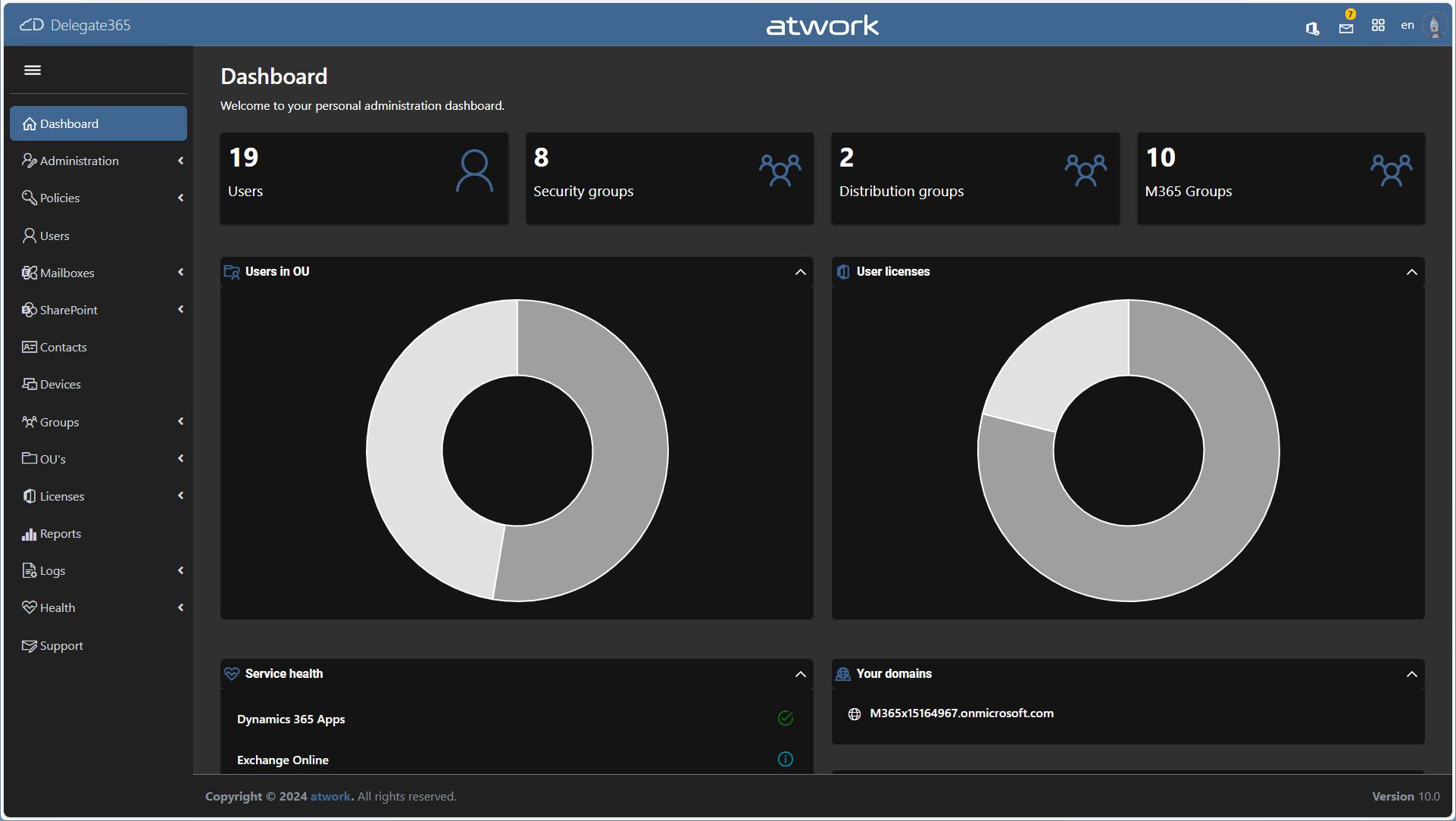
In Delegate365, there exist two methods to configure Multi Factor Authentication (MFA) for users: the functions “Authentication methods (MFA)”, and “MFA (Legacy)”. See the difference here, and how to disable the “MFA (Legacy)” feature. Authentication Methods (MFA): This is Microsoft’s modern MFA setting method. Delegate365 allows you to remove authentication methods for a user, so the user will have to reconfigure their MFA if they are removed. MFA (Legacy): This method is deprecated, which is why we called it “Legacy.” It requires a service account without MFA to work, and will stop working after March 2025, see Important update: Deprecation of Azure AD PowerShell and MSOnline PowerShell modules. Therefore, this feature is only present for historical reasons. If it is not needed, we recommend disabling it as below. ...

July 29, 2024 · 2 min · Toni Pohl
List Flows as Admin V2 API endpoint

List Flows as Admin V2 API endpoint

A year ago, Microsoft announced the “Transition to List Flows as Admin V2 action from deprecated List Flows as Admin action” for Power Automate. Well, we were using the old API endpoint for working with flows in our own software until it stopped working recently. It took some time until we found workarounds or a successor. Also the PnP modules still are using the old API, and the endpoint address is currently not documented on any Microsoft website. Find it here! ...

July 14, 2024 · 2 min · Toni Pohl
GT365-Team deep links no longer work in v2 client

GT365-Team deep links no longer work in v2 client

Microsoft is rolling out the new Teams v2 client. This is now a Single Page Application (SPA), which means generated deep links no longer work. Unfortunately, this also affects the GT365 solution 09 and 11, e.g. to open the settings of a team and the management of members with a button. Here you can find out why this is the case and what workarounds are possible. This means that a direct link like https://teams.microsoft.com/v2/#/teamDashboard/[team-name]/[team-.id]/td.members now always leads to https://teams.microsoft.com/v2/ and the user ends up in the chat area. This is undesirable, but unfortunately cannot be changed because Microsoft no longer supports direct links in the Teams v2 client due to the new SPA architecture. For Governance Toolkit 365 customers, see also the news entry in the GT365 admin portal. ...

July 2, 2024 · 2 min · Toni Pohl

Podcast Was macht ein Enterprise Architekt und wie funktionieren LLMs mit Peter Hödl

Im Podcast “Konstante Veränderung” sprechen Daniel Hager, Christian Keimel, und Andrej Salnik von Microsoft Österreich mit Peter Hödl von atwork über die Rolle eines Enterprise Architekten und die Integration von Künstlicher Intelligenz (KI) in moderne Arbeitsumgebungen. KV019 - Was macht ein Enterprise Architekt und wie funktionieren LLMs mit Peter Hödl ~ Konstante Veränderung Podcast Kurzzusammenfassung Peter Hödl von atwork ist seit vielen Jahren als Enterprise Architekten in der IT tätig und informiert in dem Podcast neben seinem Werdegang und seinen Jobs über die Integration von Artificial Intelligence (AI bzw. KI) in moderne Arbeitsumgebungen. ...

July 1, 2024 · 2 min · Toni Pohl

Podcast AI for Good - Sign Language Recognition Project

Im Podcast “Konstante Veränderung” diskutierten Andrej Salnik, Christian Keimel, Daniel Hager und Peter Hödl über das innovative Projekt “AI for Good”, das von atwork entwickelt wird. AI for Good bzw. “Sign Language Recognition Project” (slrproject.ai) ist ein Projekt zur Erkennung der österreichischen Gebärdensprache. KV020 - AI for Good ~ Konstante Veränderung Podcast Kurzzusammenfassung AI for Good ist ein Projekt von atwork zur Erkennung der österreichischen Gebärdensprache. Ziel dieses Projekts ist es, ein AI-Modell zu entwickeln, das die österreichische Gebärdensprache erkennt und in Online-Meetings als Text einblendet. Dieses Vorhaben erfordert umfangreiche Forschungsarbeit, Tests mit künstlicher Intelligenz und viel Fachwissen. ...

June 10, 2024 · 3 min · Toni Pohl
Azure Logic Apps Toolbox 10-Dynamic access to keys and values in a JSON object

Azure Logic Apps Toolbox 10-Dynamic access to keys and values in a JSON object

In Azure Logic Apps, looping through objects is a common requirement. When we have prior knowledge of an object’s properties, the process is straightforward. However, things get more challenging when attempting to access properties dynamically. See a method to access data in a JSON object dynamically here. JSON (JavaScript Object Notation) is a format for storing and transferring data. Here we want to dynamically access data from a JSON object in an Azure Logic App. To demonstrate this, consider this example. ...

June 1, 2024 · 8 min · Toni Pohl
Working with Microsoft Entra ID Applications - Part 2

Working with Microsoft Entra ID Applications - Part 2

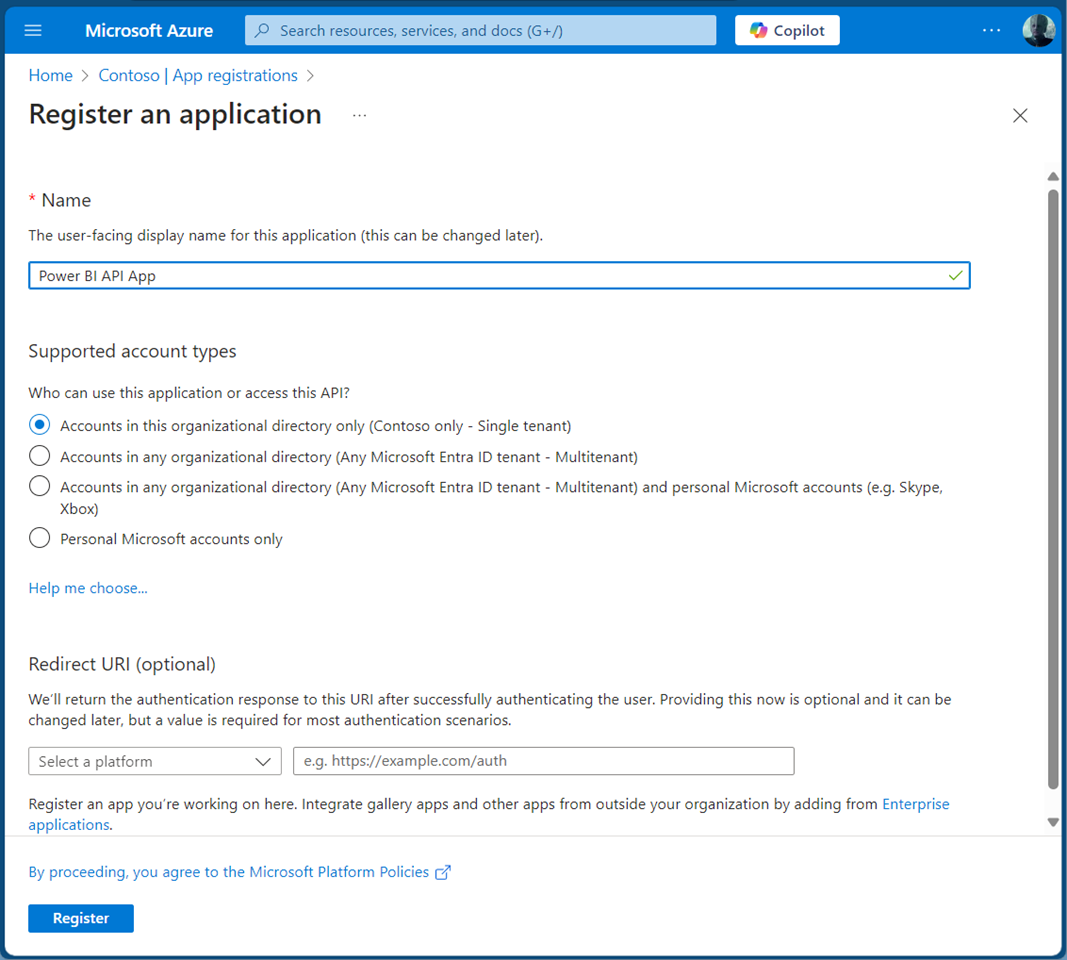
In Part 2 of this series we look into setting up and managing applications in a Microsoft 365 tenant. In Part 1, I focused on how Azure AD applications can be used to provide secure access control to data and services. I demonstrated how to create an Azure AD application in the home tenant and the importance of integrating with Azure AD for centralized app registration, management, and security measures. In this article, I will dive deeper into the topic and exploring how to use and manage a multitenant app in foreign M365 tenants. So, let’s get started! ...

May 14, 2024 · 11 min · Toni Pohl