Delegate365 new setup

Delegate365 new setup

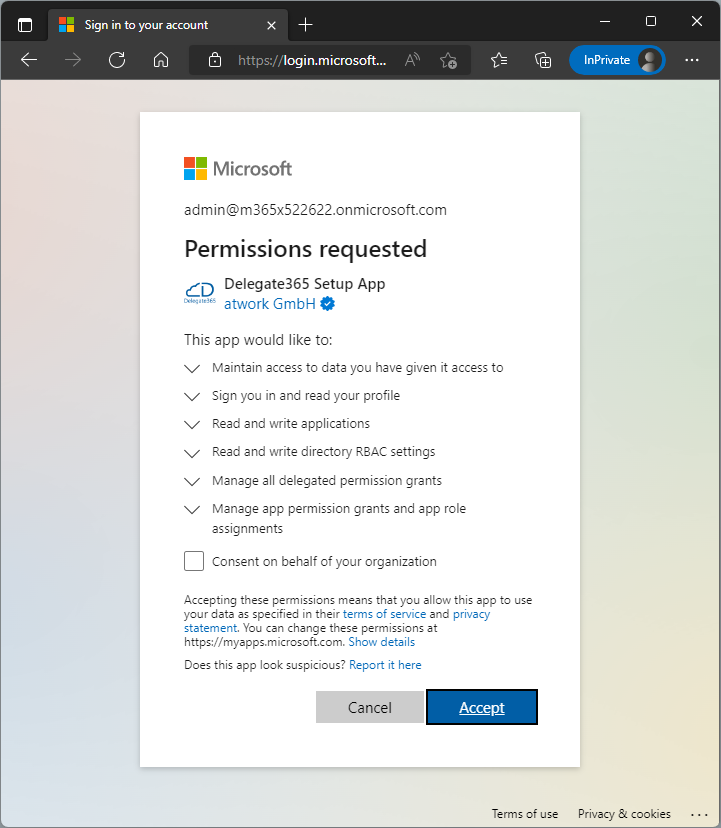
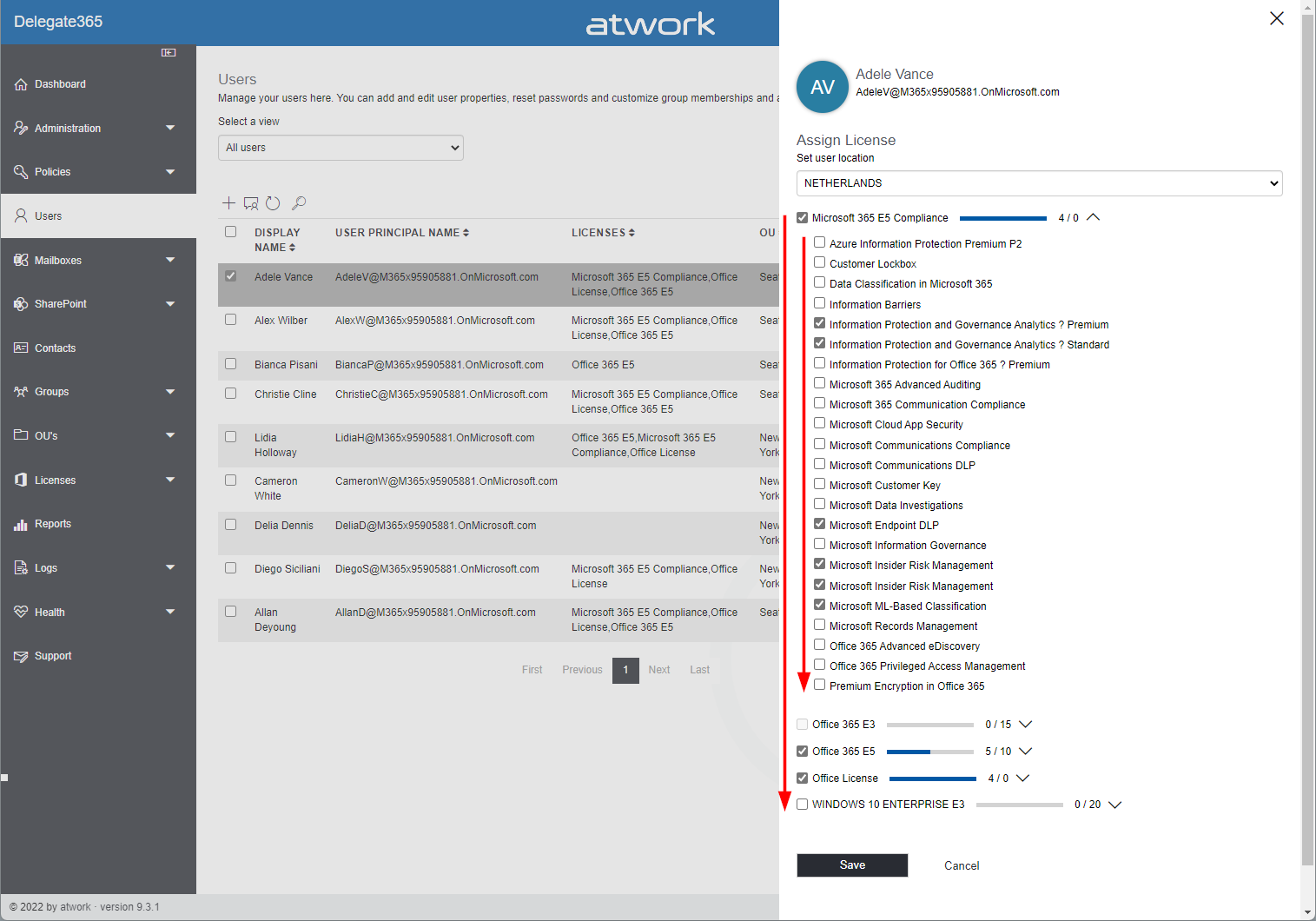
Delegate365 v9.3 and later comes with a new setup. The new setup is required to use MFA enabled admins and to generate the Delegate365 app and certificate for authentication in the Microsoft 365 tenant. Follow the steps here to setup your Delegate365 tenant. Test Delegate365 These are the steps to open a new trial of Delegate365. Navigate to the Delegate365 website and click on the Trial link. Fill out the form and enter your Microsoft 365 tenant domain that you want to manage in Delegate365. ...

October 3, 2022 · 3 min · Toni Pohl
Delegate365 changelog 9.3-Improvements

Delegate365 changelog 9.3-Improvements

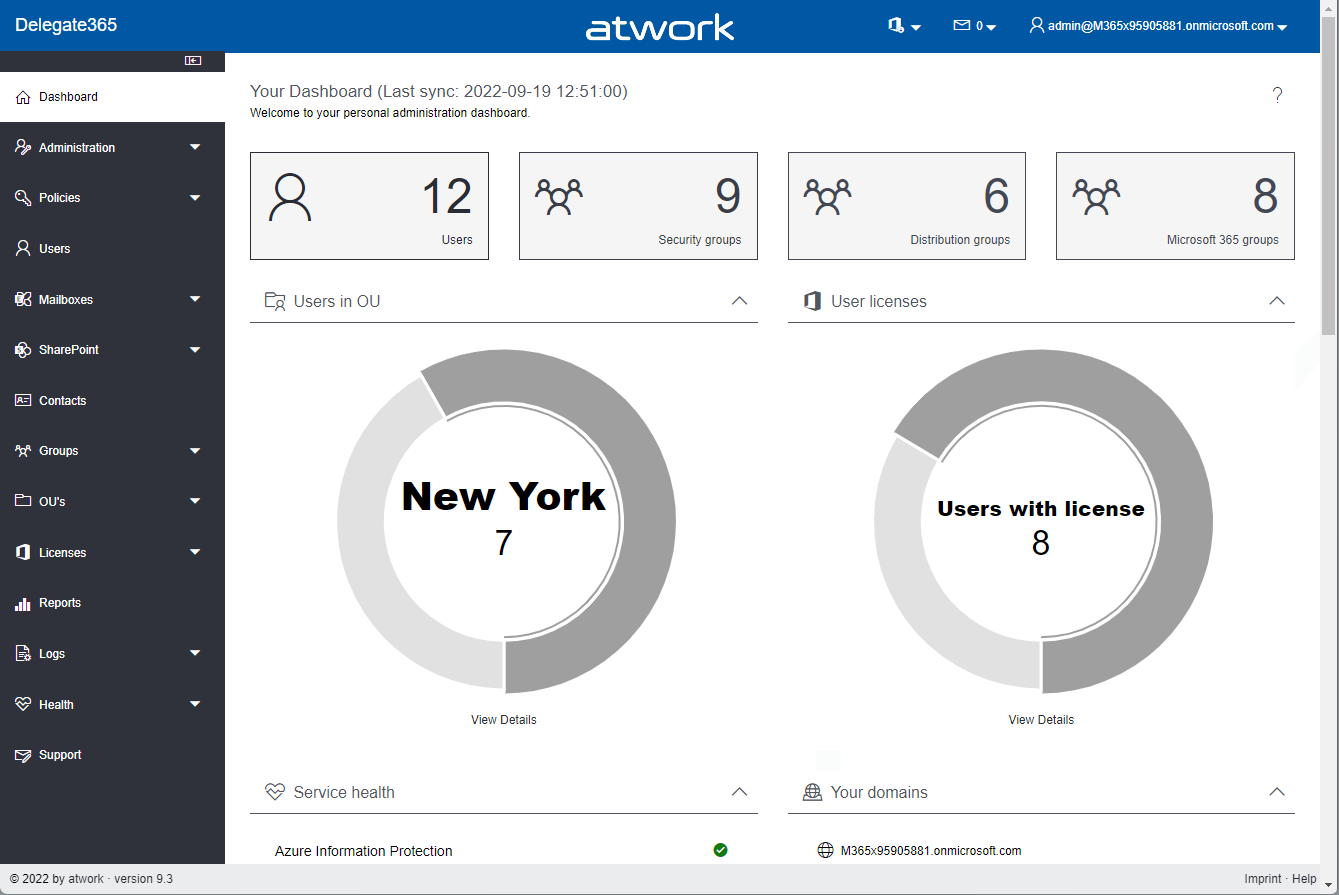
Delegate365 v9.3 comes with a new setup and a bunch of other new features, such as more details, SharePoint site templates, user mailbox Automapping, and more. See a list here. Modern Authentication: Delegate365 runs as with a Microsoft Azure Active Directory app. Delegate365 uses modern authentication from the start for all operations except Exchange Online. With Delegate365 version 9.3 and up, it always is using Modern Authentication for all Microsoft 365 services, regardless of the setup method. ...

September 19, 2022 · 6 min · Toni Pohl
How to restore a flow from a backup to another environment

How to restore a flow from a backup to another environment

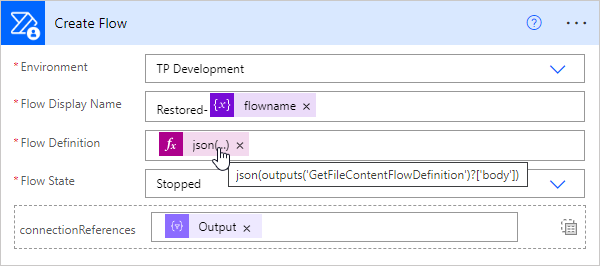
In the previous article, we showed and described two flows to backup and restore a flow. This works well when the flow’s connections are still in the same environment. But what about restoring a flow in a different environment? This is a typical use case for “moving” flows from a source environment to a target environment, such as from the development environment to the productive or department environment. In this article we show how this works with the restore flow. ...

September 13, 2022 · 4 min · Toni Pohl
How to backup and restore a flow with another flow

How to backup and restore a flow with another flow

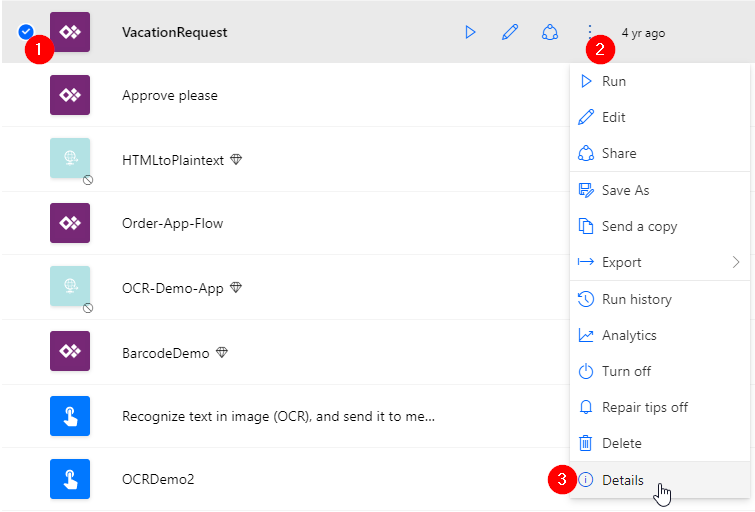
Did you know that you can backup and restore a flow (or multiple flows) with another flow in Power Automate? This is very helpful for backing up and restoring important flows in the company. Well, I knew the mechanism. Now I’ve tested it myself and found that this process is undocumented and I’ve only found examples that didn’t work. Reason enough to develop the process to work and describe it with all workarounds. Here is the guide for real world application. ...

August 29, 2022 · 8 min · Toni Pohl
Create a file with specific size

Create a file with specific size

Sometimes it is useful to create a file of a specific size to test network or internet speed or to upload it to a specific application. This is how you can create a file with a specific file size in Windows and with PowerShell. Using the fsutil command line tool For the start, we can use fsutil** command with the file createnew option in a command prompt or in a PowerShell terminal for that purpose. ...

August 25, 2022 · 3 min · Toni Pohl
ÖGS GebärdensprecherIn für das AI for Good Projekt gesucht!

ÖGS GebärdensprecherIn für das AI for Good Projekt gesucht!

Worum geht es in dem Projekt? Wir bei atwork haben zurzeit ein superspannendes Projekt mit dem Titel “AI for Good” laufen, für das wir Deine Mithilfe benötigen. Wir haben ein Software-Tool entwickelt, mit dem es möglich ist mittels Künstlicher Intelligenz (KI) Gebärdensprache automatisch in Untertitel etwa in Microsoft Teams oder Zoom Onlinemeetings zu übersetzen. Damit das auch wirklich gut funktioniert, benötigen wir GebärdensprecherInnen für die Österreichische Gebärdensprache (ÖGS), die mit uns gemeinsam kurze Videos einiger Basisgebärden aufnehmen. Zu Beginn werden wir rund 50 Gebärden aufnehmen, mit denen wir unser KI-Model trainieren und optimieren wollen. Zu einem späteren Zeitpunkt wollen wir das Trainingsdaten-Set auf rund 500 Gebärden erweitern. ...

August 1, 2022 · 2 min · Toni Pohl
Governance Toolkit 365-Improvements July 2022

Governance Toolkit 365-Improvements July 2022

The Governance Toolkit SaaS solution provides compliance coverage across multiple workloads and offers self-services for users. We have added many new improvements and services over the past few months. We started the Governance Toolkit 365 (GT365) journey at the Microsoft Ignite conference in 2018, when my colleague Martina Grom showed a first version how to develop a Power BI governance board for Microsoft 365 and an endpoint to provision a new Microsoft 365 Group with an approval workflow. We saw that there was a great need for governance in the market and from there we developed our solution as Software-as-a-Service offering. One of the great advantages of the GT365 is that it runs completely with the on-board tools of Microsoft 365 and can be completely flexibly customized. You can find more information and test GT365 anytime at governancetoolkit365.com . ...

July 31, 2022 · 8 min · Toni Pohl
Why we need the Power Platform

Why we need the Power Platform

Today, a quick tip on an article about one of Microsoft’s fastest growing companies: Helping power users to build business apps with low-code and no-code apps. Helping regular folks build business apps The article on protocol.com is about Charles Lamanna, who is corporate vice president of Microsoft Business Applications. Charles Lamanna runs one of Microsoft’s fastest-growing businesses: Helping regular folks build business apps Microsoft’s Power Platform strategy is to allow non-technical people to build applications for their team’s needs with it´s Power Platform, which basically includes Power BI, Power Apps, Power Automate and other services out of Microsoft 365 and Dynamics 365, as the following graphics illustrates. ...

July 24, 2022 · 2 min · Toni Pohl
Tips for PowerApps-9 set data row limit for SharePoint Online lists

Tips for PowerApps-9 set data row limit for SharePoint Online lists

If you’re using a SharePoint list in a Power App and some data is missing, you can change the data row limit to a higher number in the Power App settings. See how this works here. In the Power Apps editor, open menu File and Settings. In the General section, scroll down to the “Data row limit” and modify the number how many items shall be retrieved from the data source. ...

June 26, 2022 · 1 min · Toni Pohl
Governance Toolkit 365-Turn off obfuscation

Governance Toolkit 365-Turn off obfuscation

The Governance Toolkit 365 (GT365) provides many insights from a Microsoft 365 tenant, like users, guests, teams, activities, Power Apps and Flows, Power BI reports and much more. If reports don’t show names, IDs, or other details, you’ll need to turn off the obfuscation feature in the Microsoft 365 admin center. Here´s how. The reports Here’s an example of a Teams activity report showing when Teams were last accessed. As you can see in the following screenshot, the TeamId and the TeamName are not shown correctly. ...

June 20, 2022 · 2 min · Toni Pohl