Delegate365 changelog 9.2-Group OUs

Delegate365 changelog 9.2-Group OUs

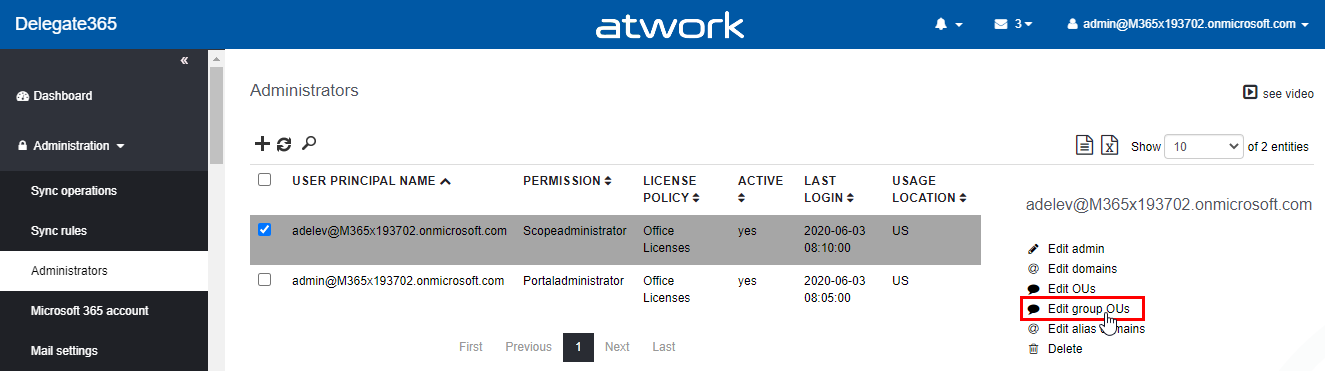
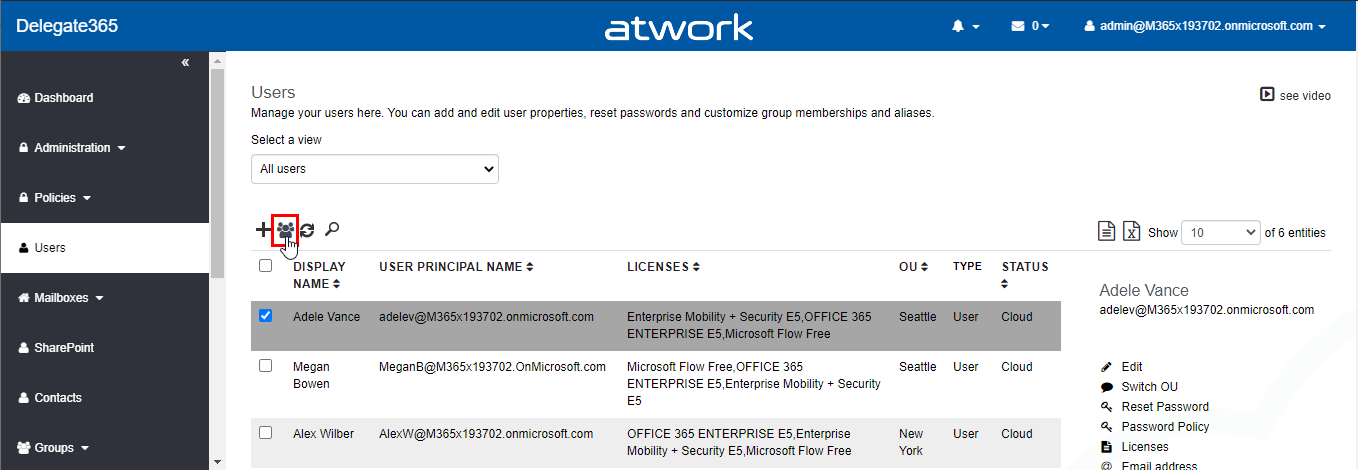
Delegate365 allows the separation of a single Microsoft 365 tenant with the OU concept. Every admin only sees and manages his own objects. Group OU´s allow administrators to add users from other organizational units to their managed groups without having access to manage those users. Until now, when using Group OUs, the domains had to be added to the administrators. That has now been changed with this version. Note: Article Delegate365 changelog version 8.0-Group OU’s also describes the basic concept of Group OU´s in Delegate365. This article describes the modification that the user´s domain must no longer be assigned to an administrator. ...

June 5, 2020 · 3 min · Toni Pohl

Microsoft 365 Virtual Marathon and Microsoft 365 for crisis communication resources

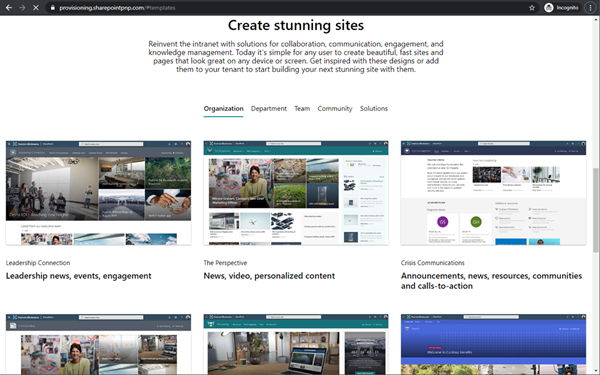
Microsoft 356 helps you communicate from anywhere. Today, the Microsoft 365 Virtual Marathon online event starts and I show different services like the quick to use crisis communication SharePoint site the Microsoft Health Care Bot service and more. Check out the Microsoft 365 Virtual Marathon and see how to start with these two services here. Microsoft 365 Virtual Marathon You can still join the free 36-hour Microsoft 365 Virtual Marathon online event and attend hundreds of interesting sessions, see the schedule. We from atwork will present the following sessions: ...

May 27, 2020 · 2 min · Martina Grom
Watch our sessions of GlobalAzure Virtual Austria 2020

Watch our sessions of GlobalAzure Virtual Austria 2020

As in the previous years, we were proud to be part of the Global Azure Virtual - formerly known as the Global Azure Bootcamp - event on April 24, 2020. Because of the Corona pandemic, the word-wide event went virtual and was distributed as Microsoft Teams Live events, organized by the Coding Club Linz. If you could not attend live, you now can watch some sessions that are already uploaded to Youtube. Find them here! ...

May 10, 2020 · 2 min · Toni Pohl

Get the daily Bing picture as background in your Teams meetings automatically

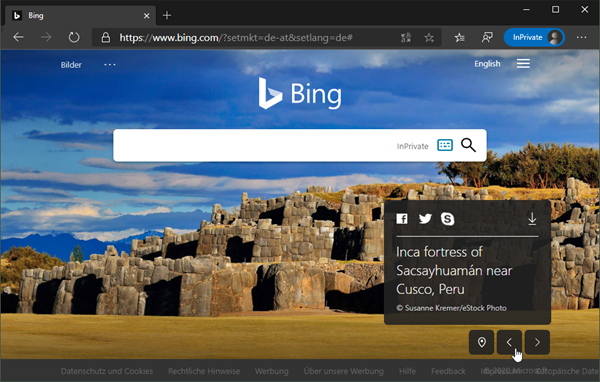
The Microsoft Bing Search Engine provides a professional and beautiful picture every day, you can see it online at www.bing.com. With the Bing API, you can easily get the images for your own use, e.g. to use them as custom background image in your Microsoft Teams calls. See how this works and download the ready-to-use PowerShell script here. So, the task is to get the daily image information, to download the picture and to provide it as background picture in Teams. ...

May 7, 2020 · 5 min · Martina Grom
Get more OneDrive for Business storage

Get more OneDrive for Business storage

Today´s another quick tip for Microsoft 365 users: If you are using OneDrive for Business (OFB) and encounter the default 1 TB storage limitations, there is a way to get more storage space. To do so, see the article by John Patrick White at Increase your OneDrive Storage Limit beyond 5 TB and Joel Olson´s blog post at Three tiers to increase to unlimited storage in OneDrive for Business. It is not very well known that the storage quota can be controlled and extended. Thank you guys, this is valuable for many Office 365 users with a lot of files! ...

April 1, 2020 · 1 min · Martina Grom
Delegate365 changelog 9.1-more updates

Delegate365 changelog 9.1-more updates

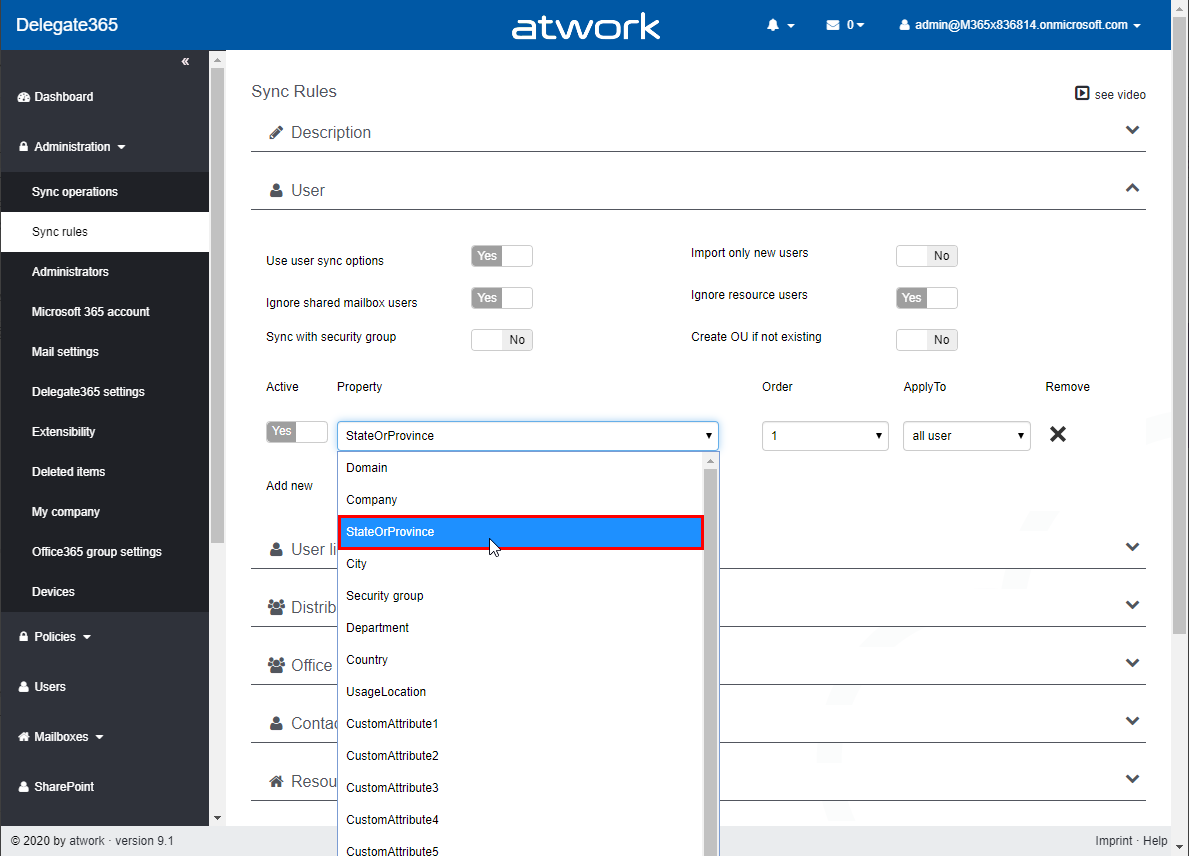
With the many new functions in the latest version, Delegate365 has received even more updates in version 9.1. See more new features such as the new user sync property StateOrProvince, the notification license names lookups and logs and guest user modifications here. See an overview of all updates at Delegate365 changelog 9.1-many new features. The following features have been added to Delegate365 v9.1 including all existing versions: New user sync property StateOrProvince: In Administration / Sync rules, in the User section, there is a new property StateOrProvince available. This new property allows that all users with an OU name in that user property can be automatically assigned to the OU, in the same way as with the other user properties. Note: In general, it is recommended to use the Sync with security group feature from an organizational perspective if possible. See more at Sync with Security Group. ...

March 30, 2020 · 5 min · Toni Pohl
Delegate365 changelog 9.1-Intune

Delegate365 changelog 9.1-Intune

Delegate365 v9.1 provides basic device management of devices for Scope admins with Microsoft Intune. See a description of the new features here. Setup Intune To connect devices to Microsoft Intune, see an overview at Enroll devices in Microsoft Intune. For Android devices: Connect your Intune account to your Managed Google Play account. For Apple devices: Tutorial: Use Apple’s Corporate Device Enrollment features in Apple Business Manager (ABM) to enroll iOS/iPadOS devices in Intune. ...

March 6, 2020 · 4 min · Toni Pohl
Delegate365 changelog 9.1-many new features

Delegate365 changelog 9.1-many new features

Delegate365 v9.1 comes with many new features. This version immediately follows version 8.5 and this is a major version with many large and small updates. It includes new functions such as Teams improvements, SharePoint sites management, basic device management with Intune, Invite guests, notifications, the new smart sync option, license quotas, new reports and much more. See a description of the new features here. Run a setup: Since new permissions are required for the Delegate365 app, an administrator needs to run the Delegate365 setup after the upgrade process. We will propose an update date to every customer. After the update, an administrator needs to run the Delegate365 setup once. See the How-To at Delegate365-(Re)run the setup. ...

March 5, 2020 · 12 min · Toni Pohl
Delegate365 changelog 9.1-SharePoint Online

Delegate365 changelog 9.1-SharePoint Online

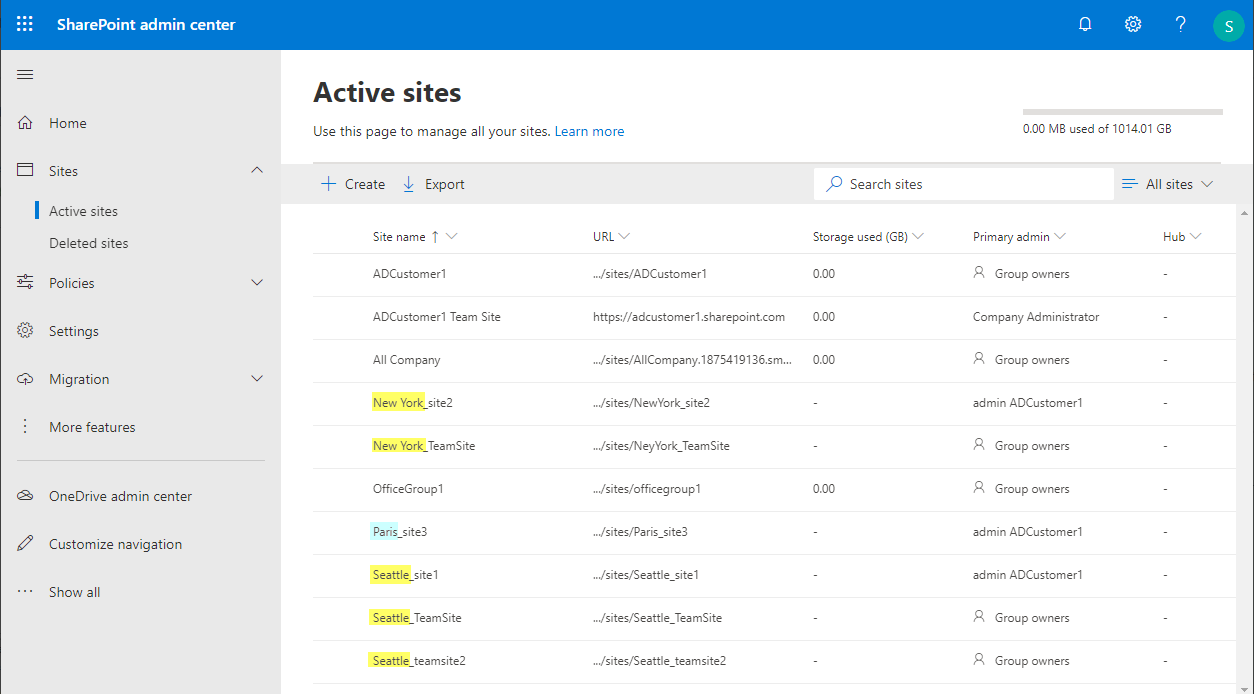
Delegate365 v9.1 provides basic management of SharePoint Online (SPO) sites that are assigned to an OU. See the prerequisites (part 1) and the features (part 2) here. Part one - Create the SPO app once Register the SPO app and to add that data in Delegate365. This needs to be done once by a Global Admin of the tenant. Important: Do the SPO app setup FIRST: To allow communication between Delegate365 and the SPO system, an app is required. Follow the steps described at Register SharePoint Add-ins to create the app or follow the step-by-step instructions here. ...

March 4, 2020 · 7 min · Toni Pohl
Try the VSCode Docs Authoring Pack extension

Try the VSCode Docs Authoring Pack extension

Today´s a very quick tip: If your are writing documentation in MarkDown with Visual Studio Code, try out the Docs Authoring Pack extension! Install the Docs Authoring Pack extension for VSCode. Once installed, you can use the shortcut ALT + M to access the MarkDown commands, such as the Preview function or to insert formatting. Happy documenting with the Docs Authoring Pack extension for VSCode.

February 28, 2020 · 1 min · Martina Grom