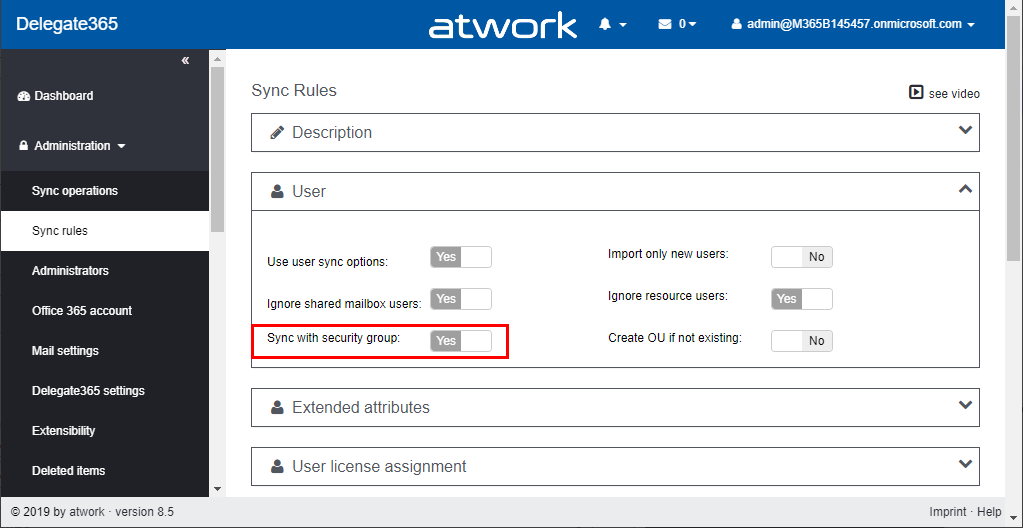
Delegate365 changelog 8.5-Sync with Security Group

Delegate365 changelog 8.5-Sync with Security Group

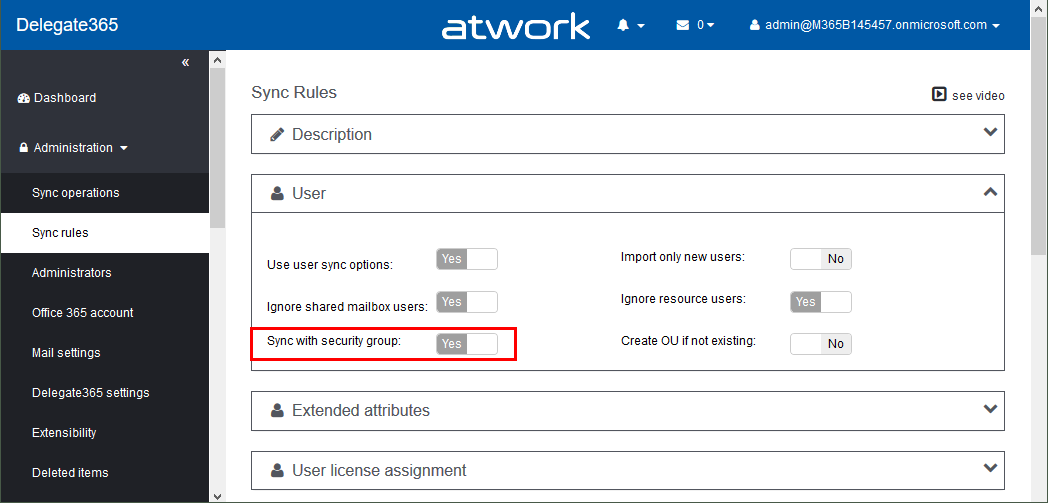
Delegate365 version 8.5 comes with an updated sync operation for the option “Sync with security group”. This option allows to achieve a match between (specific) Office 365 security groups and Delegate365 OU´s. In short, this means that the members of a Security Group control the assigned members of an OU, and after a sync, they are identical. See a description of this sync feature here. Sample scenario To describe the “Sync with Security Group” functionality, here´s a demo. In our organization, there are branches in 3 locations: *Seattle, New York, *and London. We want to have users in some locations automatically assigned to OU´s in Delegate365. For that purpose, we are using Security Groups in Office 365 and add the users as members to these groups. So here´s the detailed scenario. ...

October 30, 2019 · 6 min · Toni Pohl
Delegate365 - Secure and setup your tenant

Delegate365 - Secure and setup your tenant

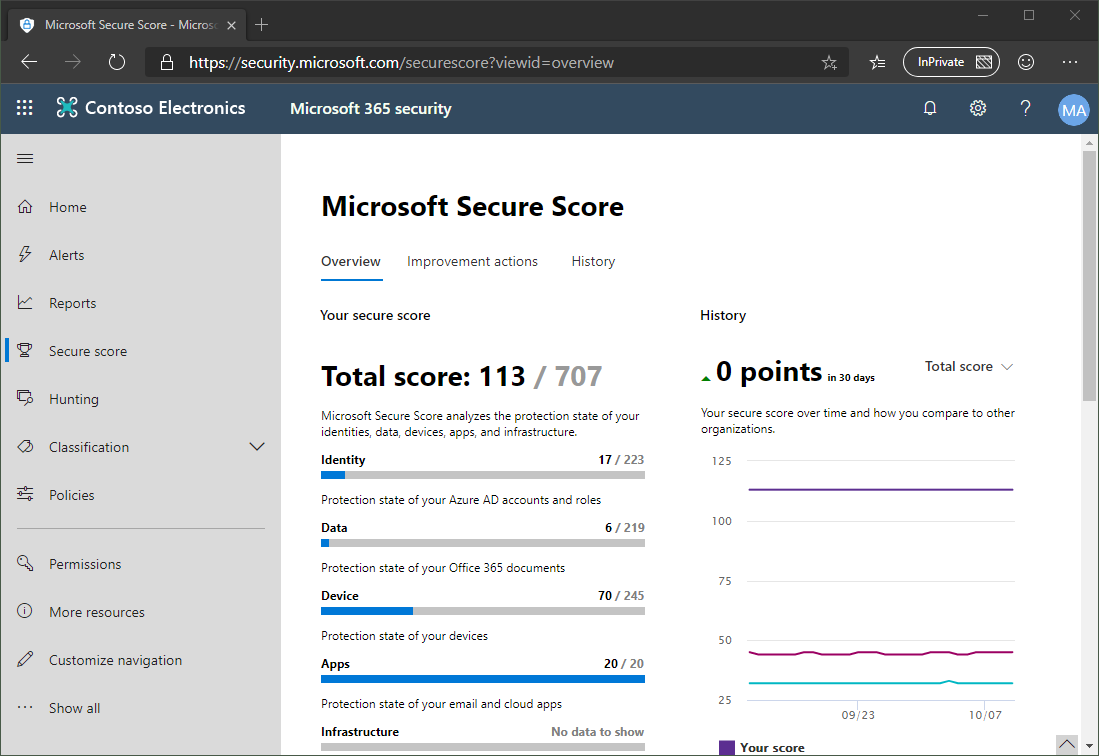
Delegate365 is using the Microsoft 365 and Azure standards to sign-in and to communicate with the Microsoft APIs. Here´s the best practice how to secure your environment for using Delegate365. 1. Secure your Microsoft 365 tenant Microsoft 365 provides a bunch of features to harden a tenant and to raise the Secure Score. Every administrator should start improving the security with setting Conditional Access, MFA, and policies. You can learn more about Microsoft Secure Score here. This demo tenant screenshot above is not properly configured and should definitely be secured. If your need support, we got you covered, see our Enterprise Security & Compliance Workshop offering. ...

October 11, 2019 · 5 min · Toni Pohl
Use the PowerApps PowerShell modules to automate tasks with the Microsoft Power Platform

Use the PowerApps PowerShell modules to automate tasks with the Microsoft Power Platform

PowerShell helps automate processes, especially in the Microsoft 365 world. That´s true for the Microsoft Power Platform as well. See how to access PowerApps and Flow with PowerShell here. So, here´s a very quick introduction for using PowerShell with PowerApps and Flow. Find the full documentation at PowerApps cmdlets for administrators. Install the PowerShell modules Install the PowerApps (preview) module from the PowerShell Gallery once with the following PowerShell statements as Administrator on your machine: ...

September 22, 2019 · 2 min · Martina Grom
Azure Logic Apps Toolbox 1-Use the OData Filter for Azure SQL Databases

Azure Logic Apps Toolbox 1-Use the OData Filter for Azure SQL Databases

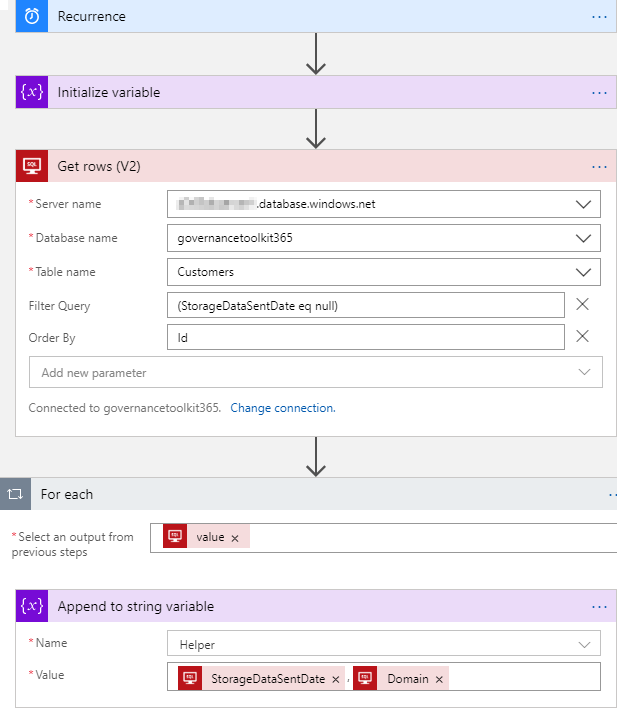
A very quick tip today: When using an Azure Logic App in combination with an Azure SQL Database, filtering rows can be done like here. As example: A T-SQL query as this one… SELECT - FROM [dbo].[Customers] WHERE [StorageDataSentDate] IS NULL ORDER BY [Id] …will be formulated as filter expression with an OData query as here. The definition for the Get_rows_(V2) action looks similar as here: … "Get_rows_(V2)": { "inputs": { "host": {"connection": {"name": "@parameters('$connections')['sql']['connectionId']"} }, "method": "get", "path": "/v2/datasets/@{encodeURIComponent(encodeURIComponent('[someserver].database.windows.net'))}, @{encodeURIComponent(encodeURIComponent('governancetoolkit365'))}/tables/ @{encodeURIComponent(encodeURIComponent('[dbo].[Customers]'))}/items", "queries": {"$filter": "(StorageDataSentDate eq null)", $orderby": "Id"} }, "runAfter": {"Initialize_variable": ["Succeeded"]}, "runtimeConfiguration": { "paginationPolicy": {"minimumItemCount": 5} }, "type": "ApiConnection" }, … Depending on the data size, remember to configure pagination. ...

September 19, 2019 · 1 min · Toni Pohl
Delegate365 changelog version 8.4 update-Speeding up License assignments

Delegate365 changelog version 8.4 update-Speeding up License assignments

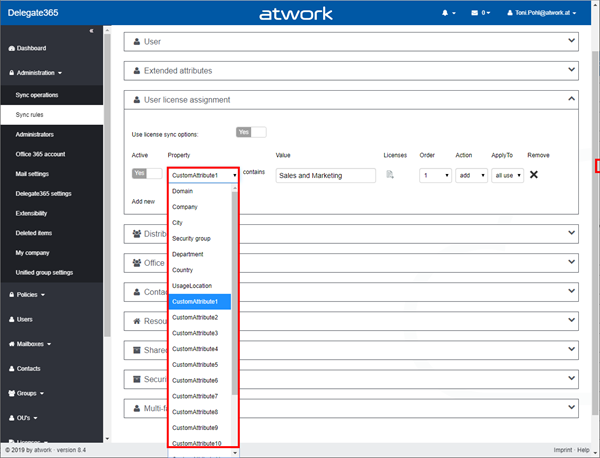
Delegate365 version 8.4 came up with a lot of improvements and updates. This version recently got another update to speed up the license assignment synchronization operation. See the details here. Delegate365 allows to add sync rules to the sync operation to automate specific operations. In large tenants, the sync can run for a long time since all objects must be queried for changes. To accelerate the sync operation when using license assignment sync rules, we optimized this process as follows: ...

September 13, 2019 · 2 min · Toni Pohl
Speed up your website with PurgeCSS

Speed up your website with PurgeCSS

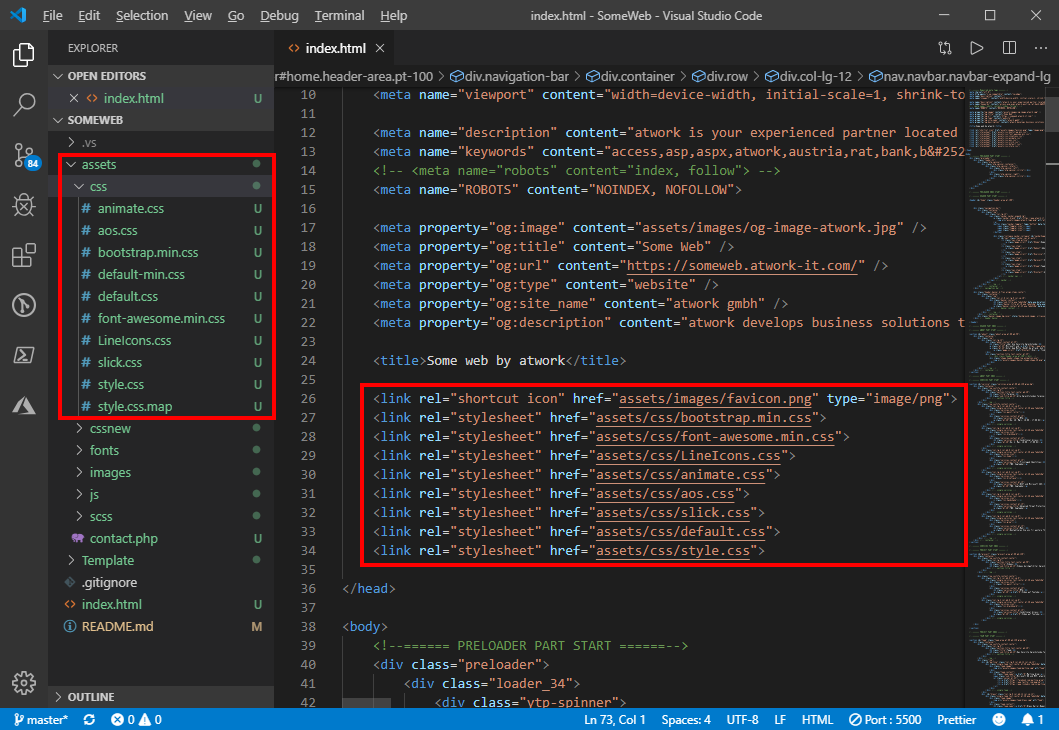
Modern websites and website templates use Cascading Style Sheets (CSS) intensively. To load websites faster, it makes sense to reduce these files to the essential content. You can do that with many tools. PurgeCSS is one of them. See the How To here. I wanted to optimize a small, static one-pager website. I used a HTML5 template with Bootstrap 4. Nothing very fancy, but simple and modern. All my tests ran against my localhost. ...

August 21, 2019 · 4 min · Toni Pohl
Instantly install your essential software with Chocolatey

Instantly install your essential software with Chocolatey

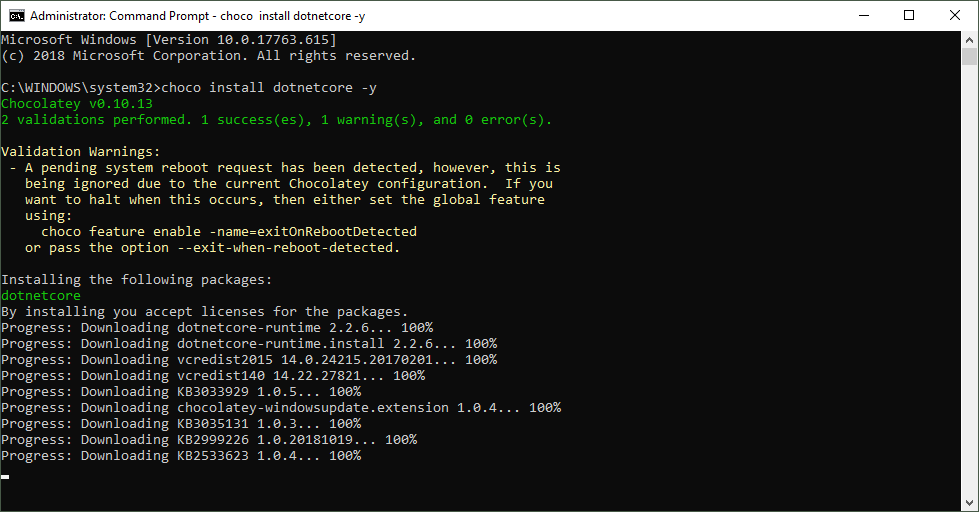
When installing a new computer, it takes some time to download and install the essential software. This is what Chocolatey is for. Chocolatey is a cost free package manager for Windows using NuGet infrastructure and PowerShell to quickly installing applications and tools that you need. I am using choco since a long time, now I wanted to show my current packaged software for my new computer. See the script here. About and Prerequisites Partly taken from About Chocolatey: Chocolatey CLI aka choco (or choco.exe) is a client that provides the core of Chocolatey and the installation store for locally installed packages. You need to have Windows 7+ or/ Windows Server 2003+ as Operating System and PowerShell v2+ (not PowerShell Core yet though) and the .NET Framework 4+ installed. Just to mention, the installation will attempt to install .NET 4.0 if you do not have it installed, see choco installation and Getting Started. Besides the client, there also exists a Chocolatey GUI and Chocolatey Agent (aka chocolatey-agent) for central administration. ...

August 2, 2019 · 3 min · Toni Pohl
Delegate365 changelog version 8.4-Teamify with policy support, Room Lists, Mailbox licenses management, Report download  and more

Delegate365 changelog version 8.4-Teamify with policy support, Room Lists, Mailbox licenses management, Report download and more

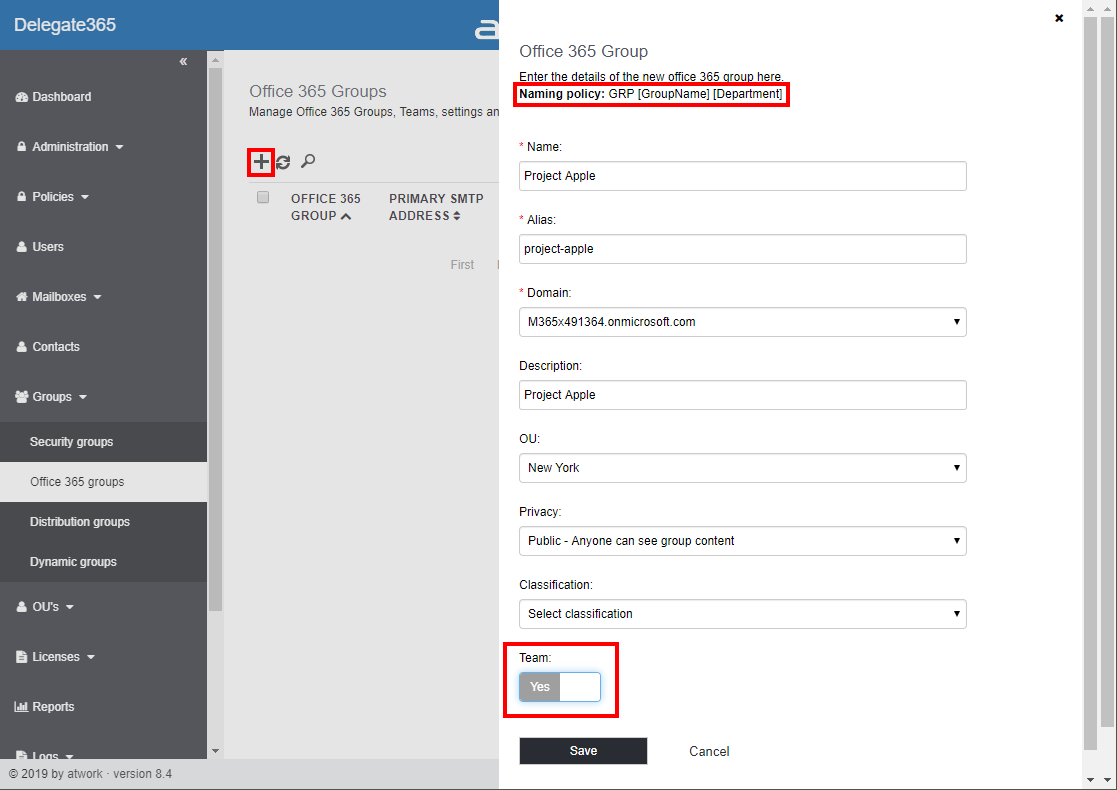
Delegate365 v8.4 brings a bunch of new features and improvements. Office 365 Groups management allows to teamify existing groups and to control all Teams settings including policy settings. The Sync Job can send warnings if many objects are deleted, Shared Mailboxes and Resource Mailboxes licenses can be removed, Reports can be directly downloaded, Room Lists are available, License Orders can be exported and much more. See a description of the new features here. ...

July 29, 2019 · 13 min · Toni Pohl

Update a SPN in AAD with the Azure PowerShell Az module

Yesterday, I wrote how to Update your Azure CLI with Choco. Today, I needed to renew an existing Service Principal Name in an AAD. A SPN stands for Service Principal Name which is used for automation authentication. The PowerShell az module got some updates (v1.0.0). So, here´s the full step-by-step instruction for renewing a SPN with az ad sp credential. This updates the steps described at How to create or renew Service Principal Names in Azure Active Directory… ...

July 1, 2019 · 1 min · Toni Pohl
Update your Azure CLI with Choco

Update your Azure CLI with Choco

I use Azure CLI from time to time. So, it´s a good idea to update that module… For example, I use Azure CLI for renewing SPN´s a described at How to create or renew Service Principal Names in Azure Active Directory. When I checked the latest version with az --version , I saw my outdated version: “You have 52 updates available. Consider updating your CLI installation.” So, the best method is to use Chocolatey - The package manager for Windows in an elevated command prompt as described at Azure CLI. To make it short: Simply run ...

June 30, 2019 · 1 min · Toni Pohl