Tips for PowerApps-6 tips for working with images

Tips for PowerApps-6 tips for working with images

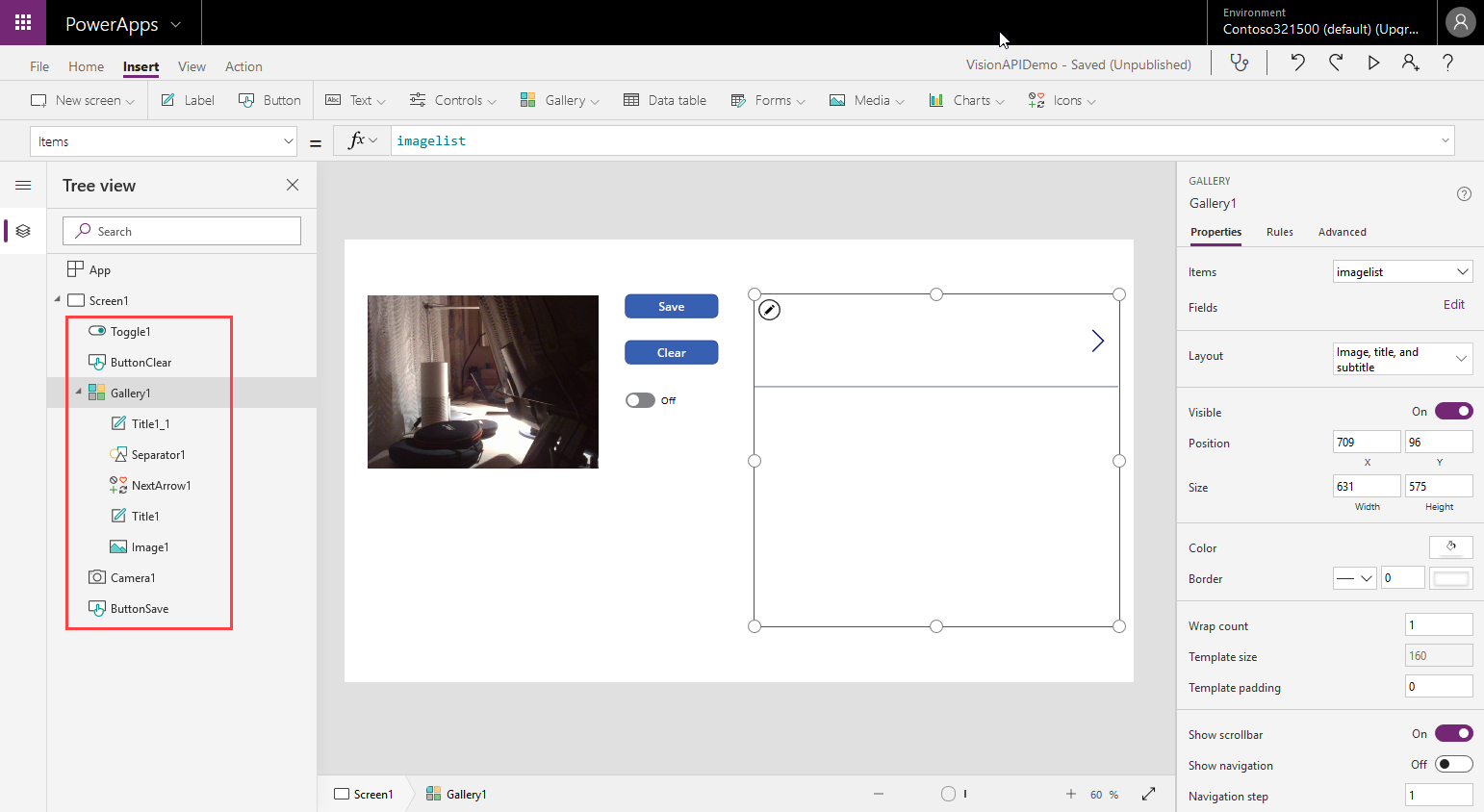
Since I use PowerApps only from time to time, I wanted to document some common actions, such as working with images and the camera control. So, here are my little notes in 6 tips. Well it´s Saturday evening, and I am listening to fancy music and playing with PowerApps (and Flow, Cognitive Services and Adaptive Cards). To not forget the following basics, I thought, it´s a good idea to document a quick intro for working with the Camera control and pictures in PowerApps. ...

April 14, 2019 · 6 min · Toni Pohl
Delegate365 changelog version 8.3-Bulk assign licenses

Delegate365 changelog version 8.3-Bulk assign licenses

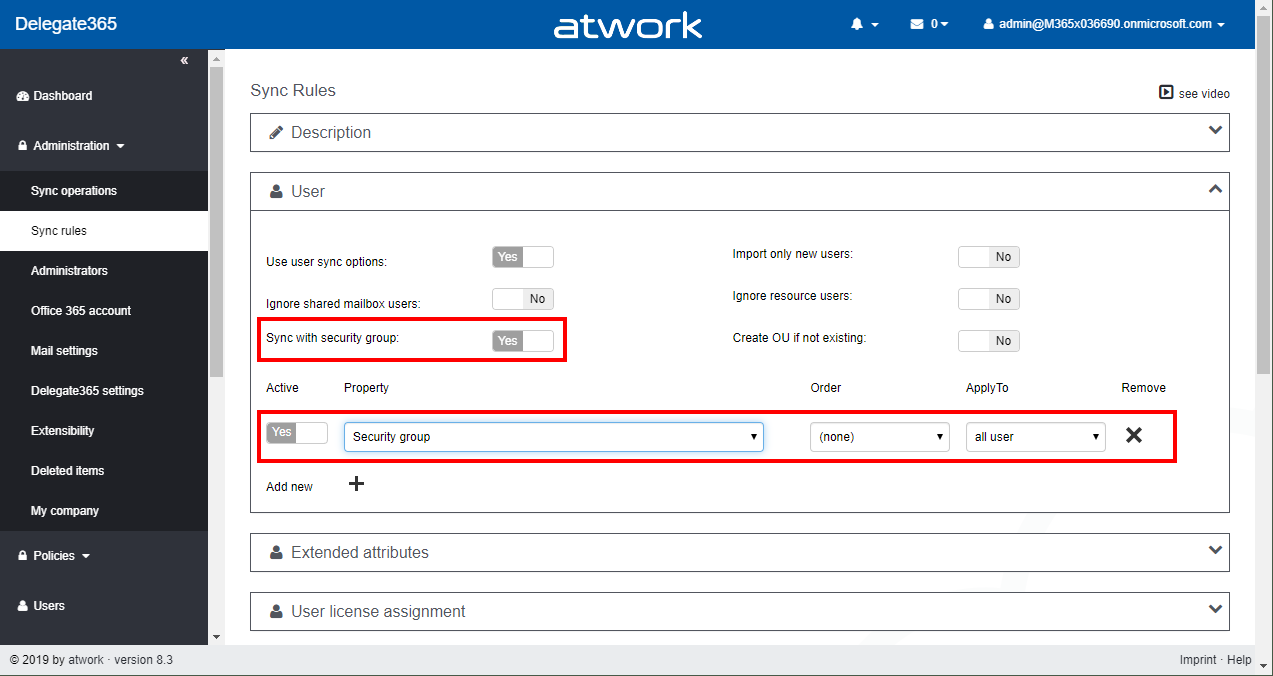
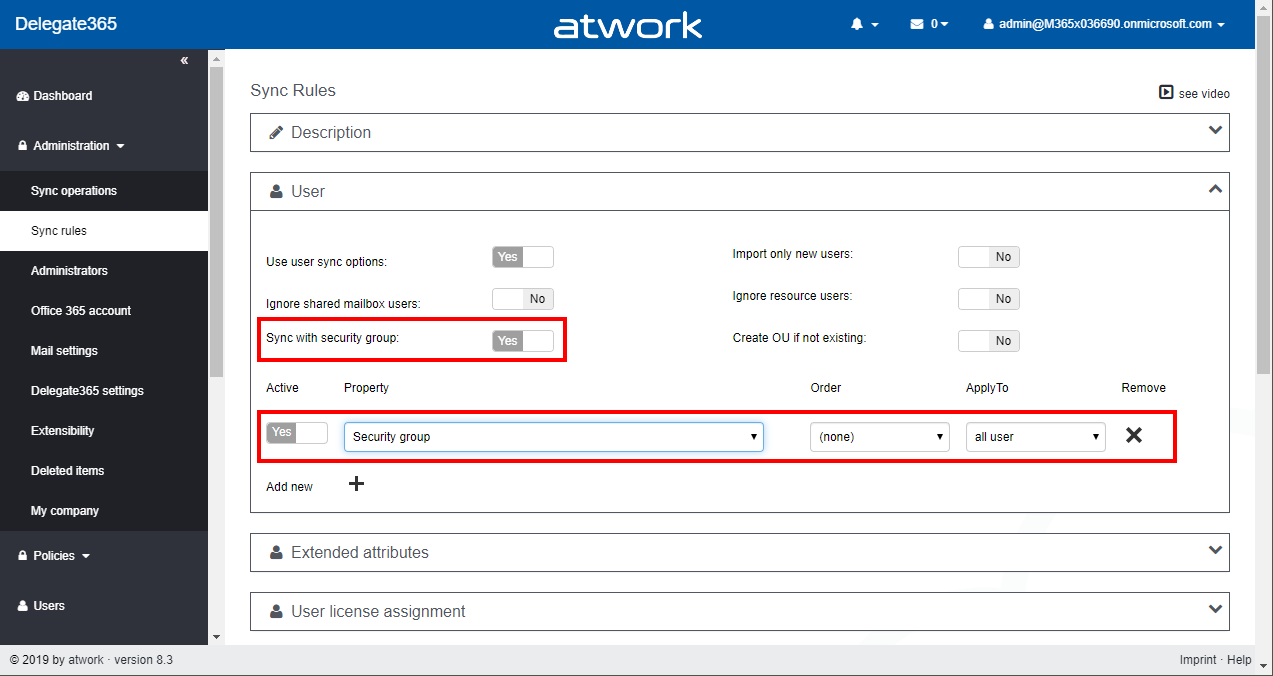
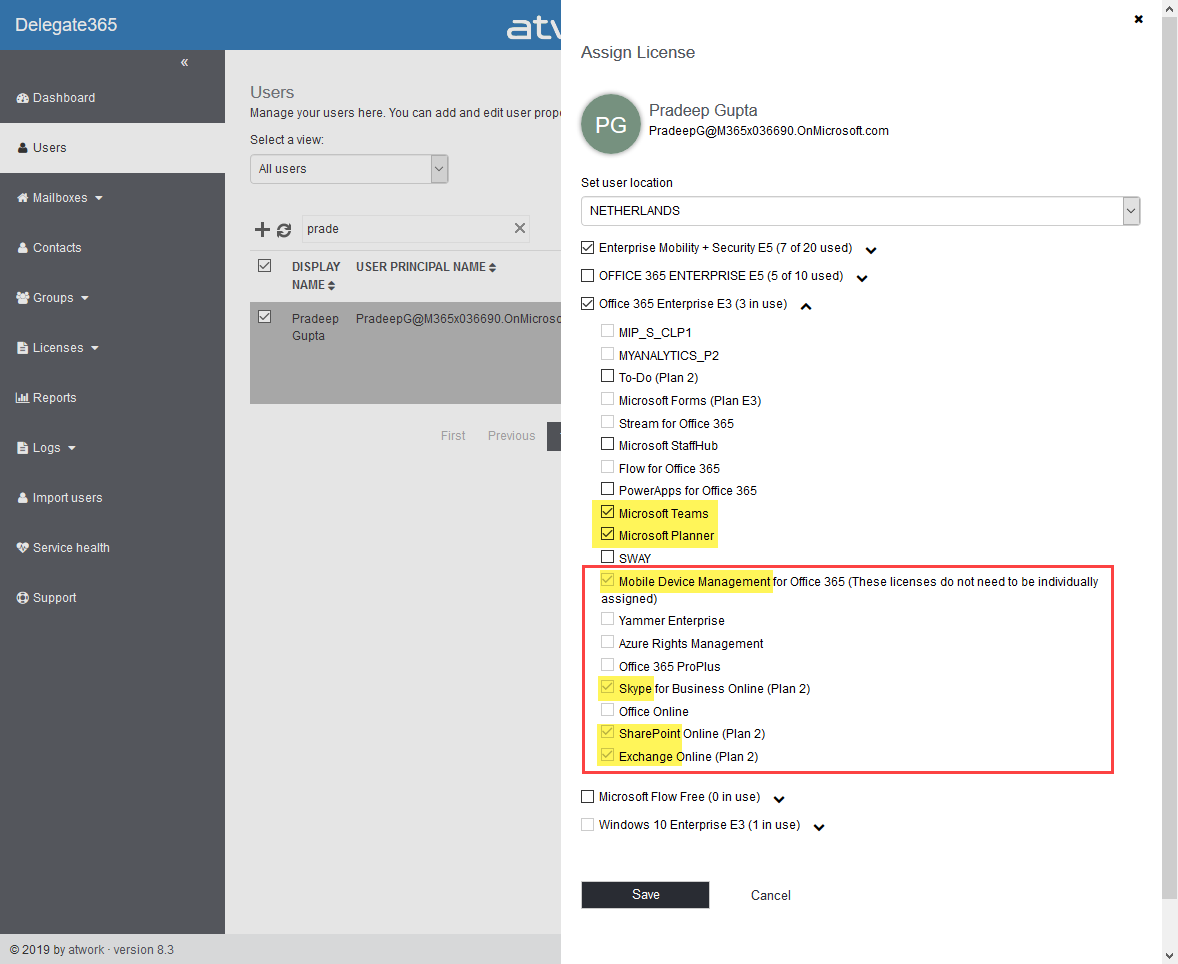
Delegate365 allows to modify licenses in many ways, manually, automatically and with bulk-assignments. With version 8.3, the license policies will be considered for bulk assignments as well. See a description of that functionality here. The Delegate365 permission and license policies control what modules and what licenses a scope administrator sees. An administrator can be assigned to one permission policy and to one license policy. While many organizations are using the Delegate365 sync rules, scope admins can manually assign entitled licenses and plans. The menu Licenses / Bulk assign licenses allows to accomplish such an operation for multiple users and takes the unauthorized licenses into account with this update. ...

April 12, 2019 · 3 min · Martina Grom

Microsoft Edge preview with Chromium Testdrive

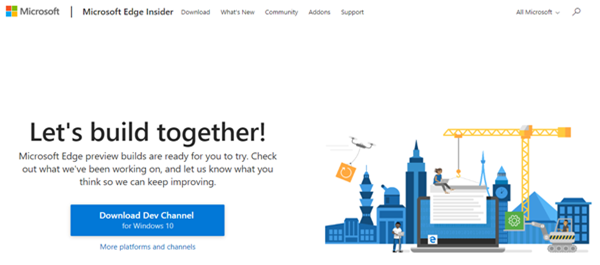
End of last year, Microsoft announced to integrate the Chromium open source project in the development of Microsoft Edge on the desktop to create better web compatibility. Well, here is Edge preview! That was quick. To try the new experience, download the preview from www.microsoftedgeinsider.com. Download, and install… the new “inspirational” look is pretty. I did start with “my data” which looks as here. Chromium also allows to integrate Chrome Plugins. ...

April 8, 2019 · 1 min · Toni Pohl
Having fun with IoT Flic buttons and Microsoft Flow

Having fun with IoT Flic buttons and Microsoft Flow

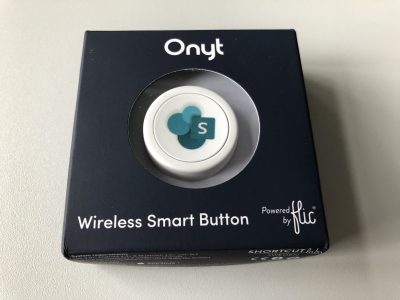
I just got a cute Flic button to play around with. It takes only some minutes to connect that IoT button to a connector and execute customs tasks. Well, as first step, I simply created a message in a Microsoft Teams channel. See the step-by-step instructions here. My colleague Christoph has started to play with the Flic button and another IoT button, so I was interested as well. Another article with that IoT button will follow shortly. ...

March 27, 2019 · 3 min · Toni Pohl
Groups Governance Toolkit Part 6-Groups statistics

Groups Governance Toolkit Part 6-Groups statistics

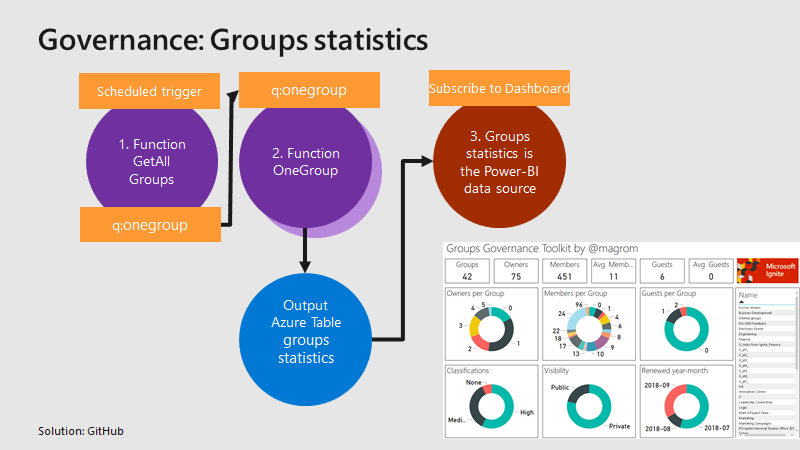
To apply governance in an organization, the responsible persons require data. See here, how we can get group data of an Office 365 tenant for further use, for example for a visualization with Microsoft Power BI and all the benefits of such an attractive and interactive tool. Get all groups and their properties Again, we use the same mechanism as before, for getting orphaned groups and external users. For example, a function runs every day in the night and reads all existing groups in the Office 365 tenant. Every group is written to a queue for further processing, in the same way as the other functions did before. A second function is triggered by that queue and reads all the required group data for one group and writes the data into an Azure table. The following graphics shows that process from a technical standpoint. ...

March 18, 2019 · 3 min · Toni Pohl
Groups Governance Toolkit Part 5-External Guests

Groups Governance Toolkit Part 5-External Guests

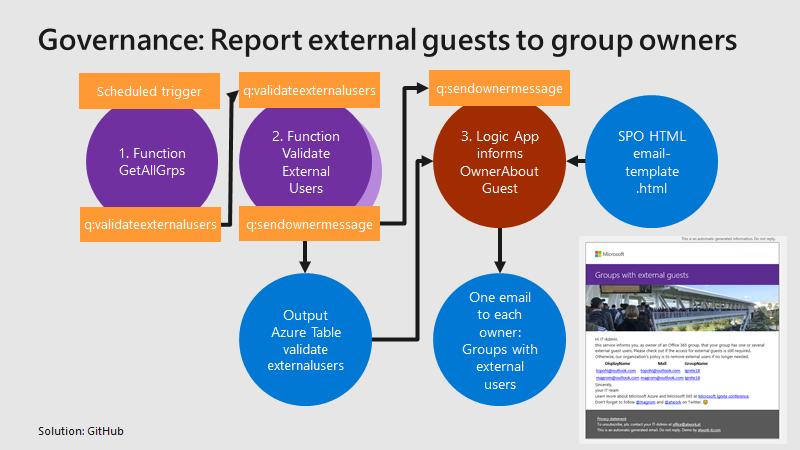
Governance specifies the rules for an organization. The Office 365 collaboration platform allows to invite external users for contributing in groups. In this part, we want to monitor all groups that have external guests and inform the group owners, who has access to a group or a team. See how this works here. Get all groups with external guests We use the same mechanism as before, see the article about Orphaned Groups. A function runs e.g. every day, reads all existing groups in the Office 365 tenant, and writes each group in a queue. A second function is triggered by that queue and reads all the external group members for one group. The following graphics shows that process from a technical standpoint. ...

March 15, 2019 · 4 min · Toni Pohl
Delegate365 changelog version 8.2

Delegate365 changelog version 8.2

After the major update that came with Delegate365 v8.1, v8.2 brings various improvements and fixes to optimize daily tasks in Delegate365. See the details here. Run a setup: Admins need to run the Delegate365 setup after the upgrade process from v8.1 to v8.2. See the How-To at (Re)run the setup. User license quick info: When hovering over a license checkbox in the user license panel, a new quick info informs about the license numbers that are available in the Office 365 tenant. This brings more transparency for admins to see if a license might be inactive because all licenses are assigned. In this sample above, there are 25 E5 licenses available, and only 3 licenses are left (which means that 22 licenses are already assigned to users). In that OU, there are 7 E5 licenses used, and there is no quota defined. ...

March 10, 2019 · 4 min · Toni Pohl
Secure a web on Azure with an Azure Active Directory Multi-Tenant App

Secure a web on Azure with an Azure Active Directory Multi-Tenant App

Azure offers a great platform for multiple types of apps and services, Web Apps are one of the PaaS service, we are using much. In some scenarios, it makes sense to host a static website on Azure, but to restrict access just for authenticated users. Well, AAD can help you with that by demanding a successful login with an Office 365 account. See how this works here. My sample static website My sample works with an Azure DevOps task that automatically generates a HTML website from a source control repository, processes the web with Jekyll in a container and saves the generated HTML artifacts to an Azure website. So, I picked a Jekyll Theme and started a documentation with Markdown files in Visual Studio Code. Then, I push the changes to my Azure DevOps repository and the build process generates the web in Azure. (That’s material for another article sometime.) Anyway, in the end there exists a static HTML website in an Azure web app that can be accessed with the https://[website].azurewebsites.net/ address. ...

March 1, 2019 · 3 min · Toni Pohl
Working with the new Azure PowerShell Az module

Working with the new Azure PowerShell Az module

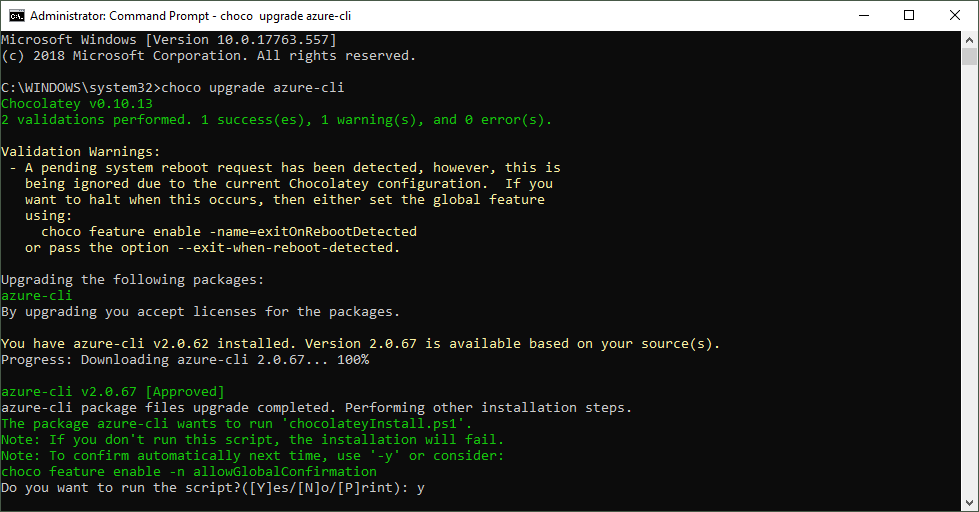
PowerShell is both a command-line shell and scripting language and perfect for automating administrative tasks. When working with Microsoft Azure, Microsoft recommends to use the new Azure PowerShell Az module. See how to uninstall the outdated Azure PowerShell AzureRM , how to install the new Az module for PowerShell 5.x and 6.x and how to connect and to get a inventory of your resources and a little bit of Cloud Shell here. ...

February 26, 2019 · 4 min · Toni Pohl
Detect sentiment with Text Analytics

Detect sentiment with Text Analytics

Azure Cognitive Services offer a bunch of services. One is the Sentiment Analysis API that allows to analyze unstructured text for tasks such as sentiment analysis based on Microsoft machine learning algorithms. See the first steps how to use that here. The test works in the same way with Postman as in the previous article.The goal here is to analyze some text to get a positive or negative result of the meaning. ...

February 25, 2019 · 2 min · Toni Pohl