Delegate365 announcement about upcoming changes in version 6

Delegate365 announcement about upcoming changes in version 6

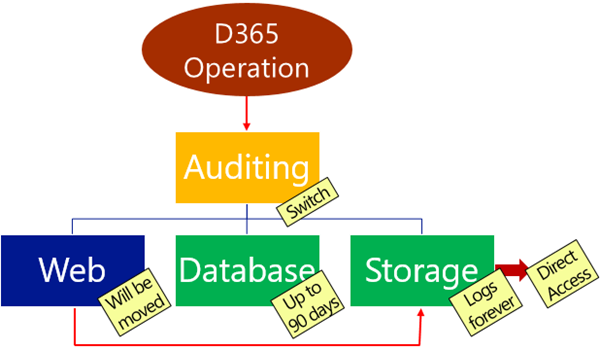
Delegate365 will receive a major update in October. This will be Delegate365 version 6 and will include a change in the audit logging system, a new license history and a preview for more custom automation features. Read the first details here. Change of logging: With the next update to version 6, the audit logging will be changed. There is a switch implemented which allows D365 to store logged data in various spaces and formats. The following graphics shows an overview at a glance about the planned features. Data will no longer be stored in the Web in CSV format, but in the D365 database for up to 90 days and in Azure storage in JSON format forever. Direct Access of Azure storage: Besides of the almost unlimited space in Azure storage, data in that storage can be accessed directly (if you have the permissions). This allows Portal Admins to generate a URL with a token with an expiration date to download the produced log files. The token is issued by D365, as tool you can download the logs with the cost free Microsoft Azure Storage Explorer. Daily Office 365 license statistics: To see the real usage of licenses per OU and per day, week, month or year, D365 stores daily data from now on. This data will be available for further usage. More Automation: We got a lot of feedback about implementing custom actions in D365, for example setting specific user properties, assigning custom licenses for specific users, setting Skype for Business policies for users in OU’s and so on. To avoid a cost intensive customization we decided to go another way: We are implementing scripts (like “Macros”) with a powerful editor with intellisense that can execute… PowerShell! Yes, you read correctly. D365 will support PowerShell commands and whole scripts for fulfilling custom tasks in Office 365! We are currently developing and testing and plan to update D365 with this module in mid to late October. The working title for this feature is “D365 Automation”. Any other suggestions? More: Improvements in the Sync operation, fixes and some more features… You see there are cool features coming to Delegate365 version 6. Stay tuned! ...
September 12, 2016 · 2 min · Toni Pohl
Delegate365 Roles and Notifications

Delegate365 Roles and Notifications

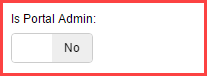
Delegate365 can send notifications for specific operations. Here’s a short overview of roles and in which situations notifications are sent. Who can get notifications? In Delegate365 we have these roles a user can have for using the portal. Portal Admins: They have full access to all features and can configure D365. Scope Admins: They have administrative management features for “their” users, licenses and groups. The difference between Portal and Scope Admins is simply the switch “Is Portal Admin” in the administration / manage administrators and Edit admin feature (see the full screenshot below). License Admins: This can be Portal Admins or Scope Admins. They are defined in the administration / manage administrators and Edit admin feature with the switch “License Administrator” (see the full screenshot below). They can manage license requests. Users: Standard users who can use the D365 Self service password reset feature (SSPR). All user types can receive emails (or SMS) from D365, but their email notification must be configured. ...

September 10, 2016 · 3 min · Toni Pohl
Delegate365 changelog version 5.3.2-Fixes

Delegate365 changelog version 5.3.2-Fixes

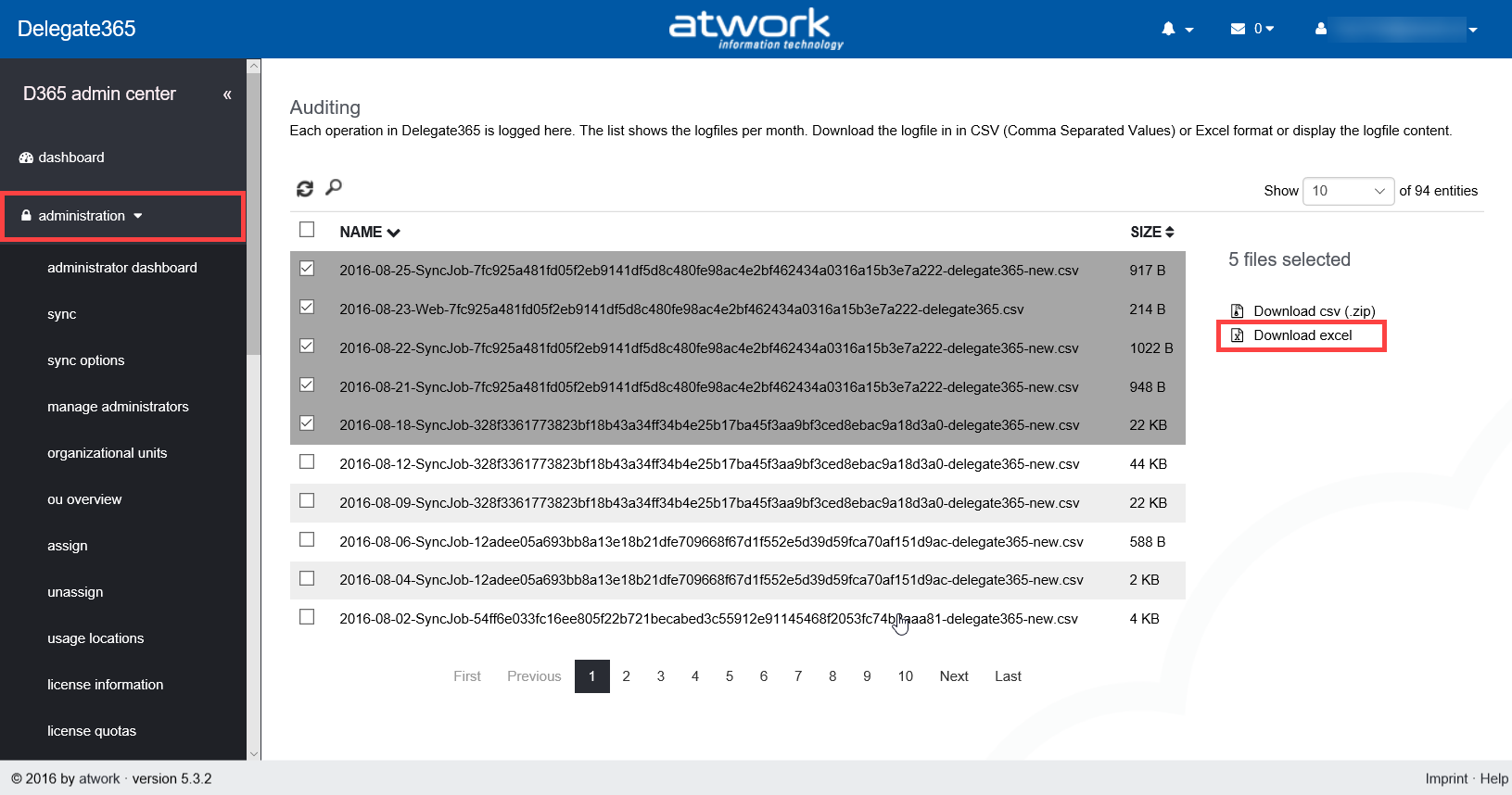
Summertime (and holiday season) is almost over and we were busy to advance Delegate365. In the last weeks we concentrated on smaller fixes which resulted in Delegate365 version 5.3.2. Major updates will follow in fall time. So here’s a list of the current fixes: Auditing: When selecting and downloading multiple log files in the administration / auditing menu, there was an issue if the Excel format was created. Then the name of the sheets in the Excel file were too long (since the created filenames were extended with the instance name in previous versions). Therefore the creation of the download package did not work. We fixed that with version 5.3.1 and later versions. Pls. remember that the logfiles can be extensive and the creation of the ZIP or XLSX files can take a while. We recommend not to select too many files in one step but to select only a handful of files to download. We are working on an automation of logfile downloads which will be available in future. ...

August 27, 2016 · 2 min · Toni Pohl

Check your notebooks battery status in Windows

Want to check the status of your notebook battery? Well, Christoph Wilfing showed me how this works in Windows: C:\Windows\system32>powercfg /batteryreport Battery life report saved to C:\Windows\system32\battery-report.html. C:\Windows\system32>start battery-report.html The output is an HTML file with all detailed information: … … … My notebook is about 1.5 years old (with a firmware about 1 year old). The report says, the battery (which is about 3 years old ) is still in a good shape: ~81.000 mWh full charge capacity for 94.480 mWh design capacity. ...

August 26, 2016 · 1 min · Toni Pohl
PowerShell, welcome to Linux!

PowerShell, welcome to Linux!

As Jeffrey Snover ,Technical Fellow at Microsoft Enterprise Cloud Group, announced recently, PowerShell is open sourced and is available on Linux! It’s interesting to see that PowerShell - as a command-line shell and scripting language which is based on the Microsoft .NET Framework – now is available on Linux. This is possible because of the new .NET Core system running on Linux. In our modern times, when “Microsoft loves Linux”, such things are possible – and seem logical! ...

August 19, 2016 · 1 min · Toni Pohl
Monaco Editor in eigene Web-Apps integrieren

Monaco Editor in eigene Web-Apps integrieren

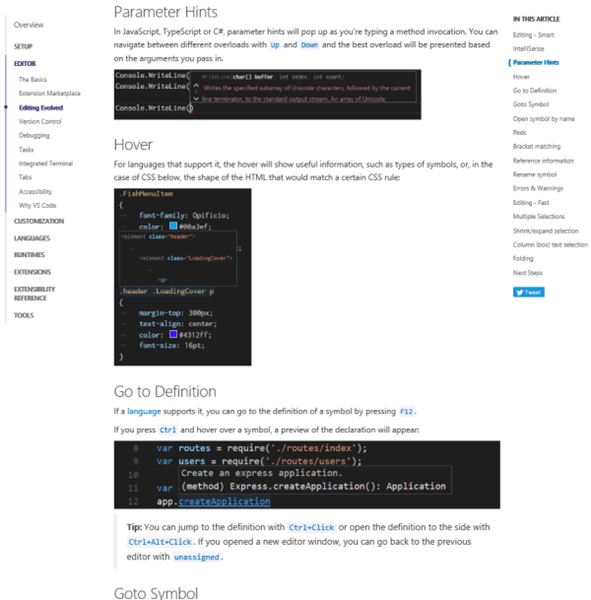
Visual Studio Code verwendet ihn. Und man kann ihn auch selbst in eigenen Projekten verwenden: Den unglaublich coolen Monaco-Editor! Dieser Editor ist ein browser-basierter Code Editor, mit IntelliSense für JavaScript, JSON, HTML, CSS, Less, Sass, C# und TypeScript Support und vielem mehr. Und er kann in eigenen Web-Apps verwendet werden. Eine detaillierte Beschreibung des Monaco-Editors ist unter (Visual Studio Code) Editing Evolved vorhanden. Hier werden die coolen Features des Editors und Tipps und Tastenkombinationen beschrieben. ...

August 5, 2016 · 2 min · Toni Pohl
Topas Plus end of support

Topas Plus end of support

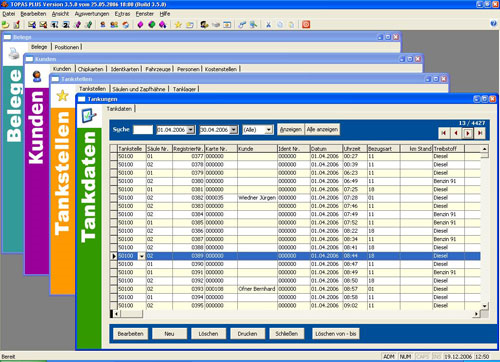
Wir haben unsere Tankstellen-Abrechnungslösung Topas und Topas Plus seit bereits fast zwei Jahrzehnten im Programm. Wir bedauern mitzuteilen, dass wir das Produkt mit Jahresende (31.12.2016) auf “end of support” setzen. Topas Plus ist eine Software-Lösung, welche die Abrechnung von Tankstellen ermöglicht und automatisiert. Topas ist ein umfangreiches, anpassbares Softwareprodukt, mit dem Benutzer schnell auf wichtige Geschäftsinformationen innerhalb eines Unternehmens zugreifen können. Es integriert Kundendaten, Tanklagerverwaltung, Belegverwaltung, Tankstellenverwaltung sowie Produktmanagement in einer Applikation. Die Software läuft unter Windows und bietet verschiedene Module, die per Lizenzkey freigeschaltet werden können. ...

August 4, 2016 · 2 min · Toni Pohl
MailTips in Exchange Online nutzen um sicherer zu kommunizieren

MailTips in Exchange Online nutzen um sicherer zu kommunizieren

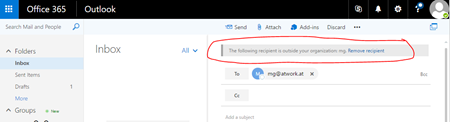
MailTips in Exchange Online können für unterschiedliche Dinge verwendet werden: gibt es eine DLP Policy, die den Benutzer warnt, bevor er sicherheitsrelevante Nachrichten versendet oder dies sogar verhindert oder auch einfache MailTips, die vor allem dazu dienen sollen, den Nachrichtenverlauf zu verbessern. Beispielsweise könnte ein MailTip dazu dienen den Absender zu informieren, dass er gerade an eine Verteilerliste mit mehr as 25 Empfängern sendet. Heute möchte ich einen MailTip vorstellen, den es schon eine ganze Weile in Exchange Online gibt und er dabei helfen soll, Mailbenutzer daran zu erinnern, dass Sie externe Empfänger in Ihrer Adressatenliste haben. ...

August 1, 2016 · 1 min · Martina Grom
Einführung in das neue SharePoint Framework

Einführung in das neue SharePoint Framework

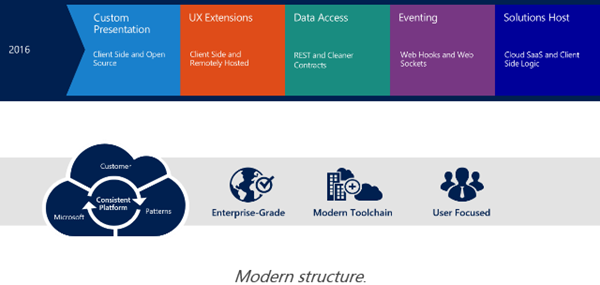
Passend zu meinem letzten Blogpost mit dem Hinweis zum Office 365 Developer Podcast möchte ich Software-Entwicklern das neue SharePoint Framework vorstellen. Doch schön der Reihe nach… Mit der Vorstellung von SharePoint 2016 Anfang Mai (siehe Future of SharePoint) hat Microsoft ein neues Entwicklungsmodell für SharePoint vorgestellt: Das SharePoint Framework. Anstelle von Server-seitigem Development (so, wie es von der ersten SharePoint Version mit ASP und ab 2003 ASP.NET – mit Ausnahme des neuen App Modells - bis heute der Fall war…) tritt nun Client-seitiges Development. Für Entwickler bedeutet das in einem Wort gesagt: Javascript! ...

July 28, 2016 · 4 min · Toni Pohl
Visual Studio Code den Run-Button für Websites beibringen

Visual Studio Code den Run-Button für Websites beibringen

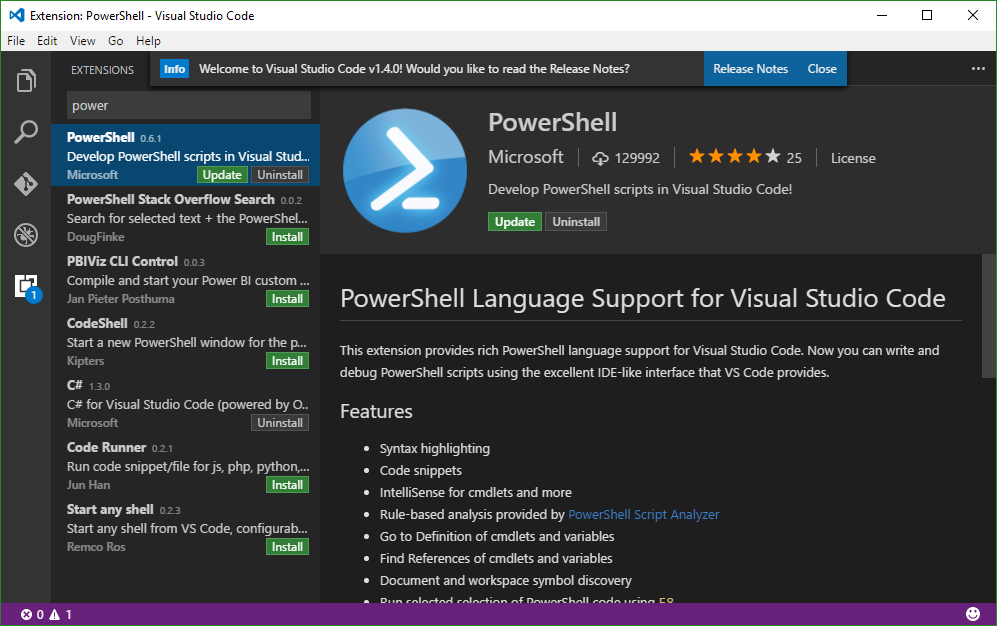
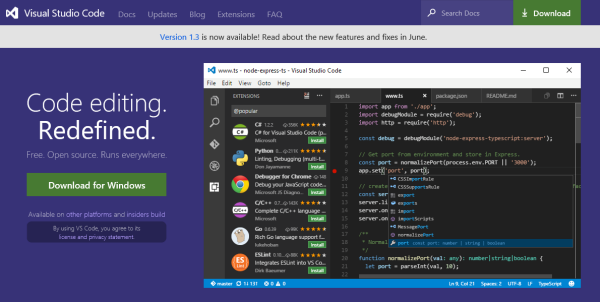
Visual Studio Code ist eine feine Sache. Das kostenlose Entwicklungssystem für Windows, OS X und Linux ist unter https://code.visualstudio.com downloadbar und stellt neben einem sehr leistungsfähigen Editor mit IntelliSense und Debugging, Git-Support und Extensions auch Runtimes für Node.js, .NET Core, Unity und Office bereit. Apropos Runtime: Wie sieht es mit Webprojekten aus? Das müssen wir Visual Studio Code erst beibringen… Visual Studio Code for all Für alle jene, die neu in Visual Studio Code (VSC) sind, informiert die Startseite The Basics of Visual Studio Code über den Editor und seine Leistungsfähigkeit. ...

July 28, 2016 · 4 min · Toni Pohl