Grant permissions to the GT365 app

Grant permissions to the GT365 app

Our Governance Toolkit 365 (GT365) provides information and automation solutions for a Microsoft 365 tenant. In order to use the functions, this app must be approved by an administrator. In addition, new solutions are constantly being added. Some of these also require new permissions. You can find out how you as an administrator can grant and renew these permissions here. GT365 requires an app “Governance Toolkit 365” that reads the data from the M365 tenant and collects it for further actions. An administrator must approve this app so that the functions can be used. There are the following functions that administrators can perform: ...

August 7, 2024 · 7 min · Toni Pohl
Delegate365-Disable MFA Legacy

Delegate365-Disable MFA Legacy

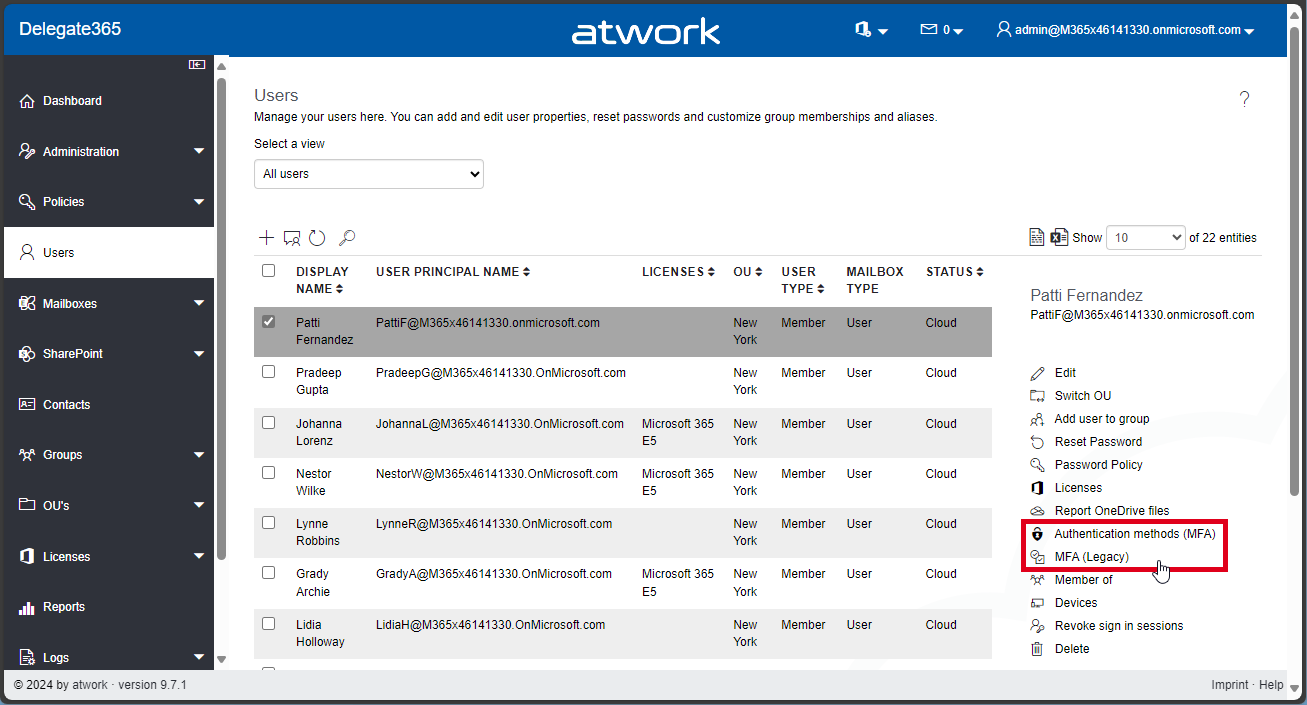
In Delegate365, there exist two methods to configure Multi Factor Authentication (MFA) for users: the functions “Authentication methods (MFA)”, and “MFA (Legacy)”. See the difference here, and how to disable the “MFA (Legacy)” feature. Authentication Methods (MFA): This is Microsoft’s modern MFA setting method. Delegate365 allows you to remove authentication methods for a user, so the user will have to reconfigure their MFA if they are removed. MFA (Legacy): This method is deprecated, which is why we called it “Legacy.” It requires a service account without MFA to work, and will stop working after March 2025, see Important update: Deprecation of Azure AD PowerShell and MSOnline PowerShell modules. Therefore, this feature is only present for historical reasons. If it is not needed, we recommend disabling it as below. ...

July 29, 2024 · 2 min · Toni Pohl
GT365-Team deep links no longer work in v2 client

GT365-Team deep links no longer work in v2 client

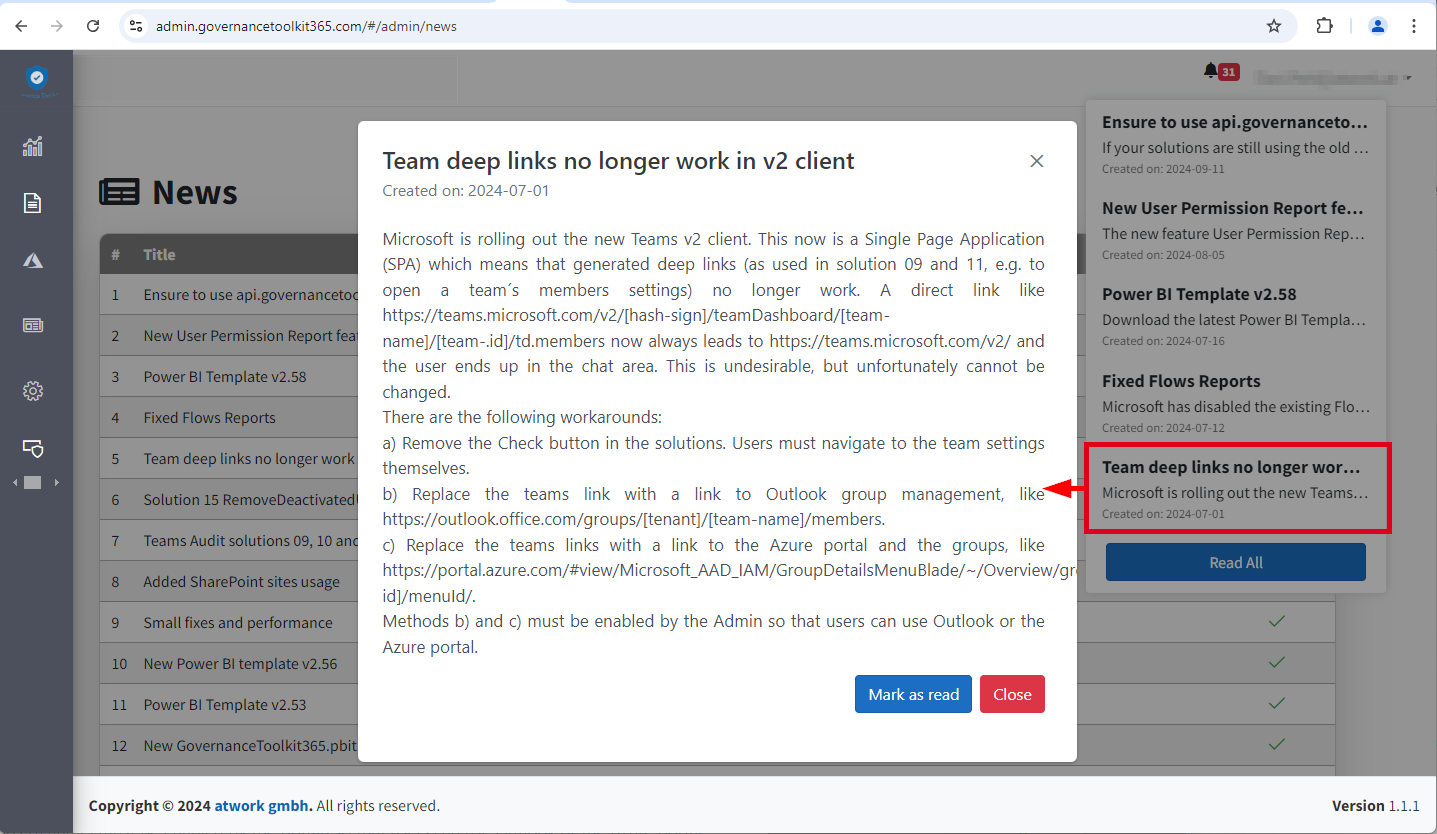
Microsoft is rolling out the new Teams v2 client. This is now a Single Page Application (SPA), which means generated deep links no longer work. Unfortunately, this also affects the GT365 solution 09 and 11, e.g. to open the settings of a team and the management of members with a button. Here you can find out why this is the case and what workarounds are possible. This means that a direct link like https://teams.microsoft.com/v2/#/teamDashboard/[team-name]/[team-.id]/td.members now always leads to https://teams.microsoft.com/v2/ and the user ends up in the chat area. This is undesirable, but unfortunately cannot be changed because Microsoft no longer supports direct links in the Teams v2 client due to the new SPA architecture. For Governance Toolkit 365 customers, see also the news entry in the GT365 admin portal. ...

July 2, 2024 · 2 min · Toni Pohl
Azure Logic Apps Toolbox 10-Dynamic access to keys and values in a JSON object

Azure Logic Apps Toolbox 10-Dynamic access to keys and values in a JSON object

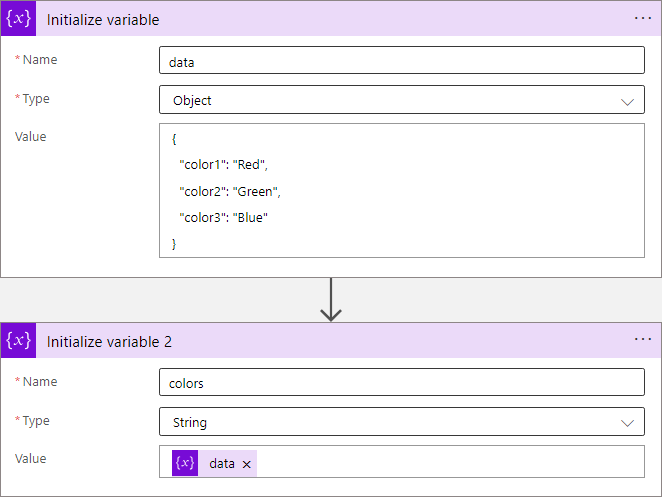
In Azure Logic Apps, looping through objects is a common requirement. When we have prior knowledge of an object’s properties, the process is straightforward. However, things get more challenging when attempting to access properties dynamically. See a method to access data in a JSON object dynamically here. JSON (JavaScript Object Notation) is a format for storing and transferring data. Here we want to dynamically access data from a JSON object in an Azure Logic App. To demonstrate this, consider this example. ...

June 1, 2024 · 8 min · Toni Pohl
Working with Microsoft Entra ID Applications - Part 1

Working with Microsoft Entra ID Applications - Part 1

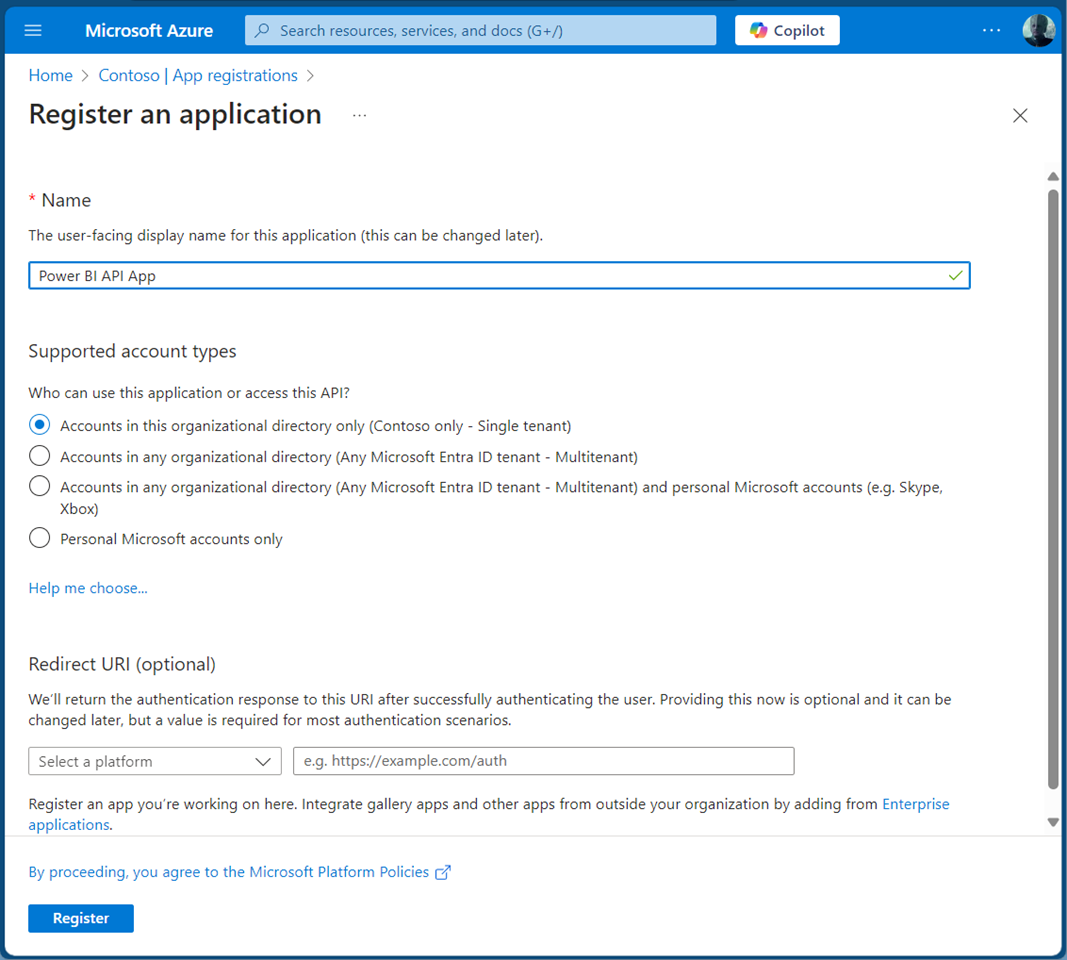
Microsoft Entra ID (or Azure AD) applications are cloud-based applications that can be integrated with Azure AD for authentication and authorization purposes. Using such applications provides a way to centrally manage and secure access to your cloud-based applications and services using Azure AD identities and credentials. This article is presented in two parts, exploring the practical implementation and functionality of apps across tenant boundaries. It provides an overview of how these apps operate and the details of permissions when used in a real-world setting. ...

May 6, 2024 · 13 min · Toni Pohl
Activate the sensitivity label for Groups and Sites with Graph PowerShell

Activate the sensitivity label for Groups and Sites with Graph PowerShell

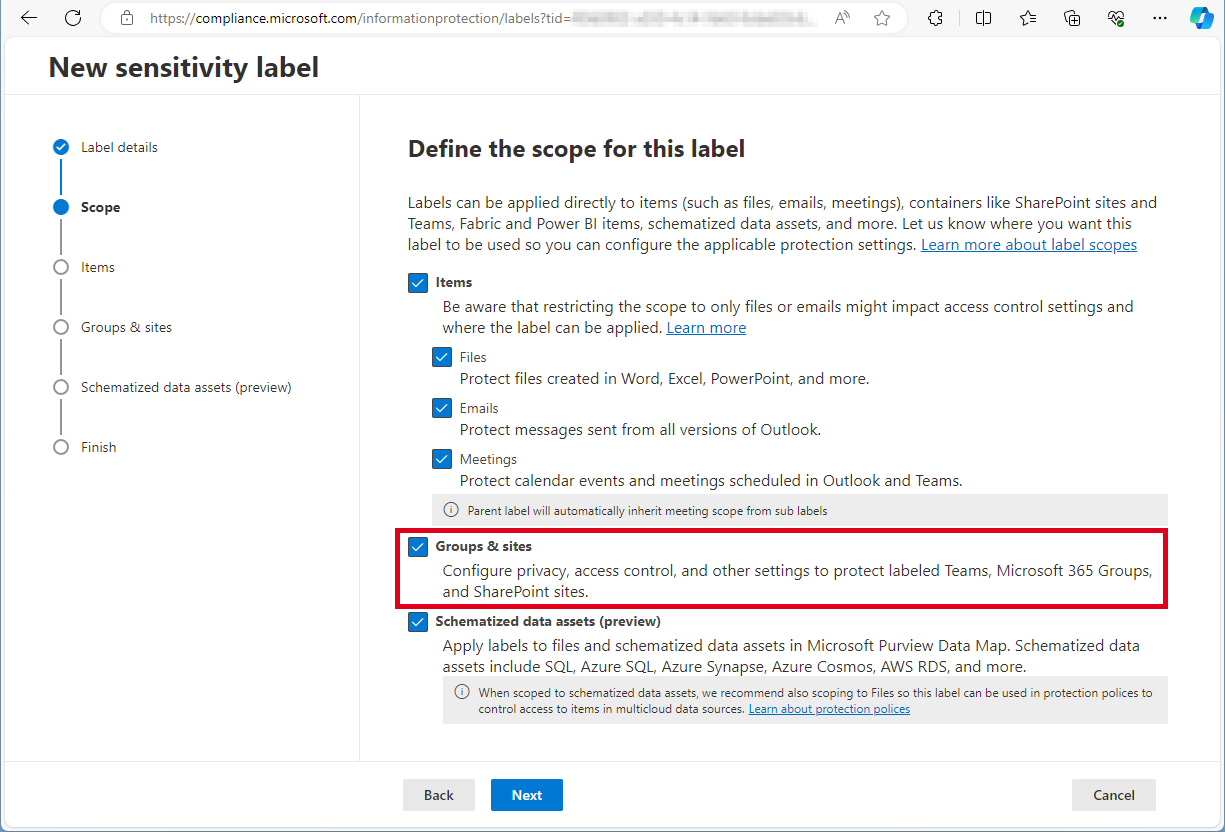
Need to activate the Microsoft 365 sensitivity labels for Groups and Sites? This must be done with PowerShell. Find the current working script here. The article Assign sensitivity labels to Microsoft 365 groups in Microsoft Entra ID describes basically how to activate the Groups and Sites settings with Microsoft Beta Graph PowerShell: “…To apply published labels to groups, you must first enable the feature. These steps enable the feature in Microsoft Entra ID….”. My colleague Christoph Wilfing corrected and completed the script so that it optimizes module loading times and works in all cases. Thx Christoph! ...

April 22, 2024 · 1 min · Toni Pohl
Create a new Viva Engage Community with Graph

Create a new Viva Engage Community with Graph

In early 2023, Microsoft renamed Yammer to Viva Engage. This year we see the first small integration of Viva Engage with Microsoft Graph in beta. This article shows how to provision a new Viva Engage community, add owners and members using Graph in an Azure Logic app. The goal is to automatically create a new Viva Engage Community which means technically, to create a Microsoft 365 group that is enabled as – sorry, I’m still using the old name - Yammer Community. Currently, Microsoft Graph beta provides a preview feature. See the details at Use the Microsoft Graph API to work with Viva Engage (preview). When using this method, remember that APIs under the /beta version in Microsoft Graph are subject to change. ...

April 2, 2024 · 3 min · Toni Pohl
Delegate365 changelog 9.7-SharePoint Sharing

Delegate365 changelog 9.7-SharePoint Sharing

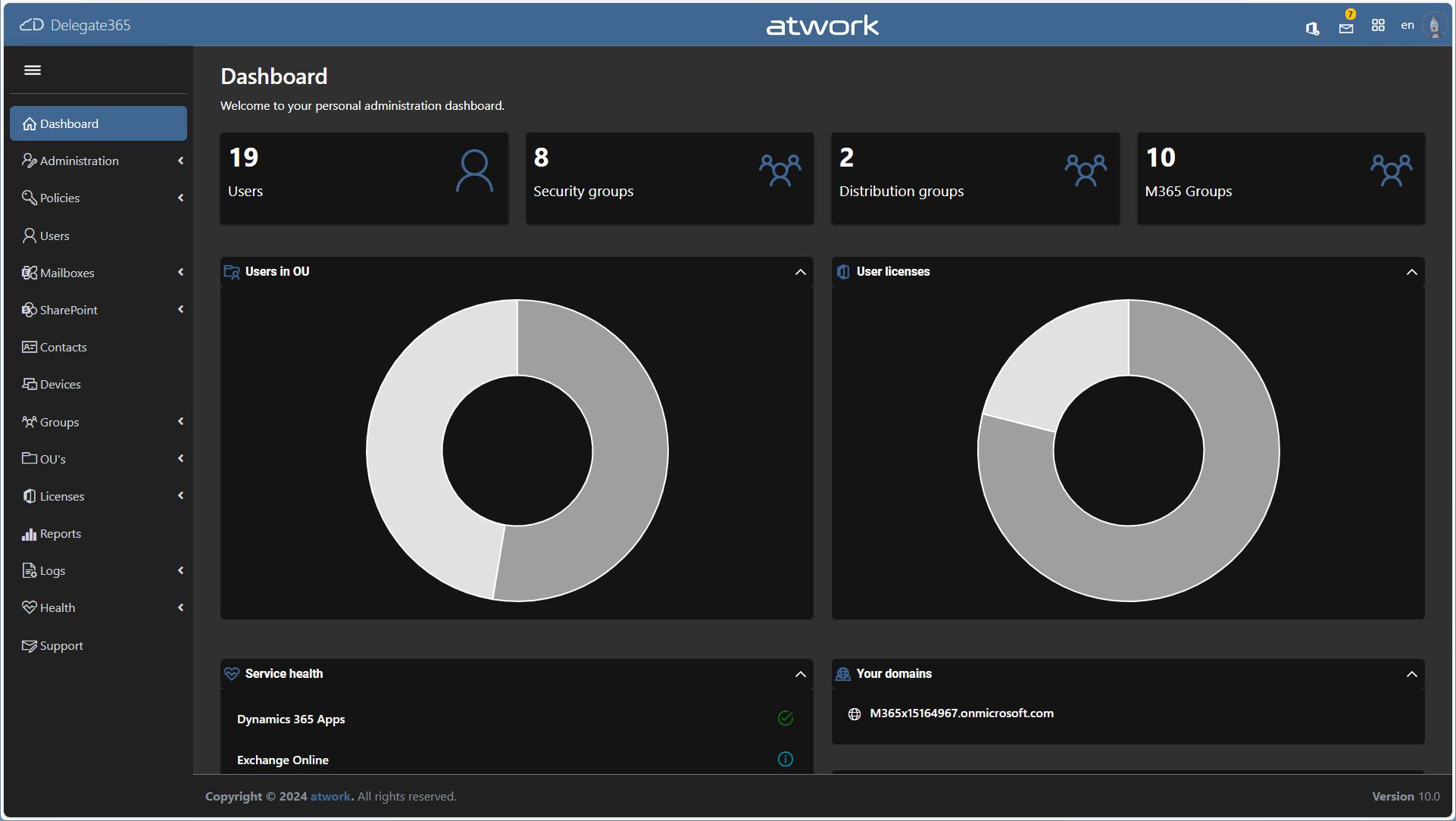
In December and January some features and fixes have been added to Delegate v9.7. In this update, administrators can allow or block sharing settings of SharePoint sites to comply with company policies. Global Sharing settings: In the SharePoint Admin Center, Global Administrators can control the sharing settings for their Microsoft 365 tenant (see more at Manage sharing settings for SharePoint and OneDrive in Microsoft 365). These settings apply to the entire organization in SharePoint and OneDrive. The screenshot below shows a typical setting for organizations that allow external and anonymous sharing to certain SharePoint sites, but want to restrict sharing from the OneDrive personal space. ...

February 14, 2024 · 4 min · Toni Pohl

M365 Copilot for everyone

As announced yesterday, Microsoft is removing the 300 seat purchase minimum for commercial plans and making Copilot available to Office 365 E3 and E5 customers upon purchasing the Copilot license. This change will make it easier for more people and businesses to access the benefits of the M365 Copilot. Microsoft Copilot is an AI-powered tool that assists users in their daily tasks. The goal is to give every user the opportunity to use Copilot as an everyday AI companion to support their daily tasks on their computers with familiar software. Microsoft also has introduced Copilot Pro, a new premium subscription for individuals that provides a higher tier of service for AI capabilities. ...

January 16, 2024 · 1 min · Martina Grom
A year in review. 2023 is a wrap!

A year in review. 2023 is a wrap!

2023 was the year when we finally overcame the pandemic that affected many aspects of our lives. We resumed our normal activities while also applying the lessons we learned from a challenging situation, where we had to limit our travel, social interactions, and work remotely. From a business perspective, the year was very rewarding for us. Our company, atwork, received the Innovation award 2023 from Microsoft Austria for our AI4Good project, which uses AI to assist with sign language communication in various scenarios. ...

December 31, 2023 · 2 min · Martina Grom