Use multiple Node.js versions on your computer and develop a SPFx webpart

Use multiple Node.js versions on your computer and develop a SPFx webpart

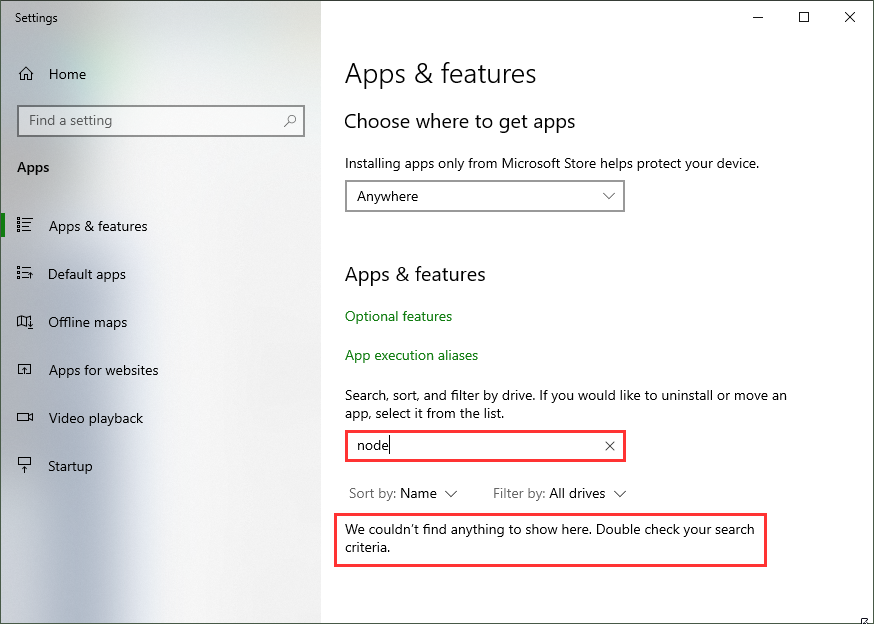
As developer, it often makes sense to have multiple versions of a framework installed on a single computer. For example, when developing SPFx applications with Node,js v10.x and developing web applications using Angular and Node.js v14.x you need both versions. Thankfully, with Node Version Manager, we can. To dive directly into the commonly used Node.js versions: SPFx apps require Node.js LTS 10.x, see Set up your SharePoint Framework development environment. All other versions of Node.js are not supported with SharePoint Framework development. ...

January 23, 2021 · 4 min · Toni Pohl
Azure Logic Apps Toolbox 5-Custom JSON payloads

Azure Logic Apps Toolbox 5-Custom JSON payloads

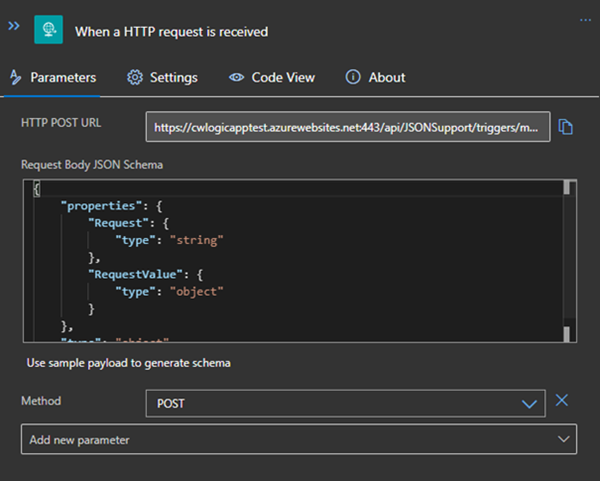
Did you ever have the problem of pushing different JSON payloads to a logic app and hitting errors due to JSON schema mismatches? The usual HTTP Request forces you to define the JSON Schema at the beginning. For every tiny difference in the later used properties you need to create your own Logic App even if the process is the same. I will show you an example of a single Logic App deciding at runtime which JSON schema to use for decoding the post body payload. Stay tuned! ...

January 14, 2021 · 3 min · Christoph Wilfing
Working with Azure AD schema extensions and Microsoft Graph

Working with Azure AD schema extensions and Microsoft Graph

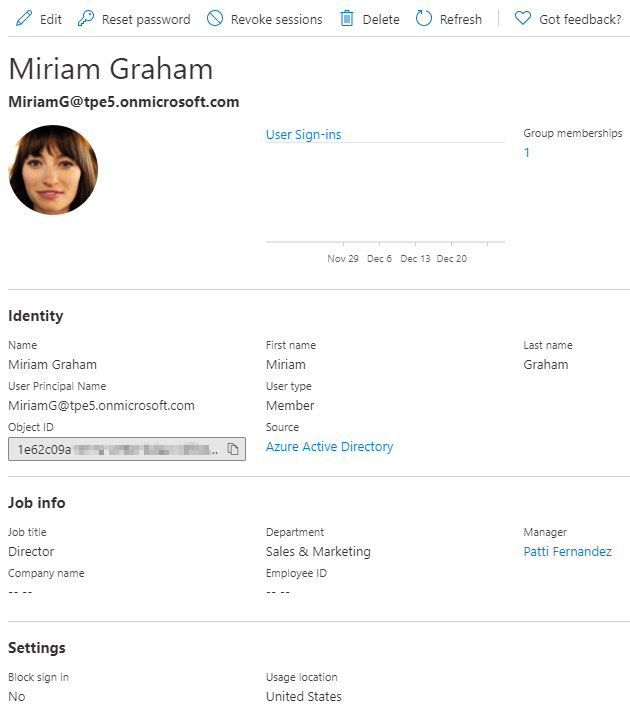
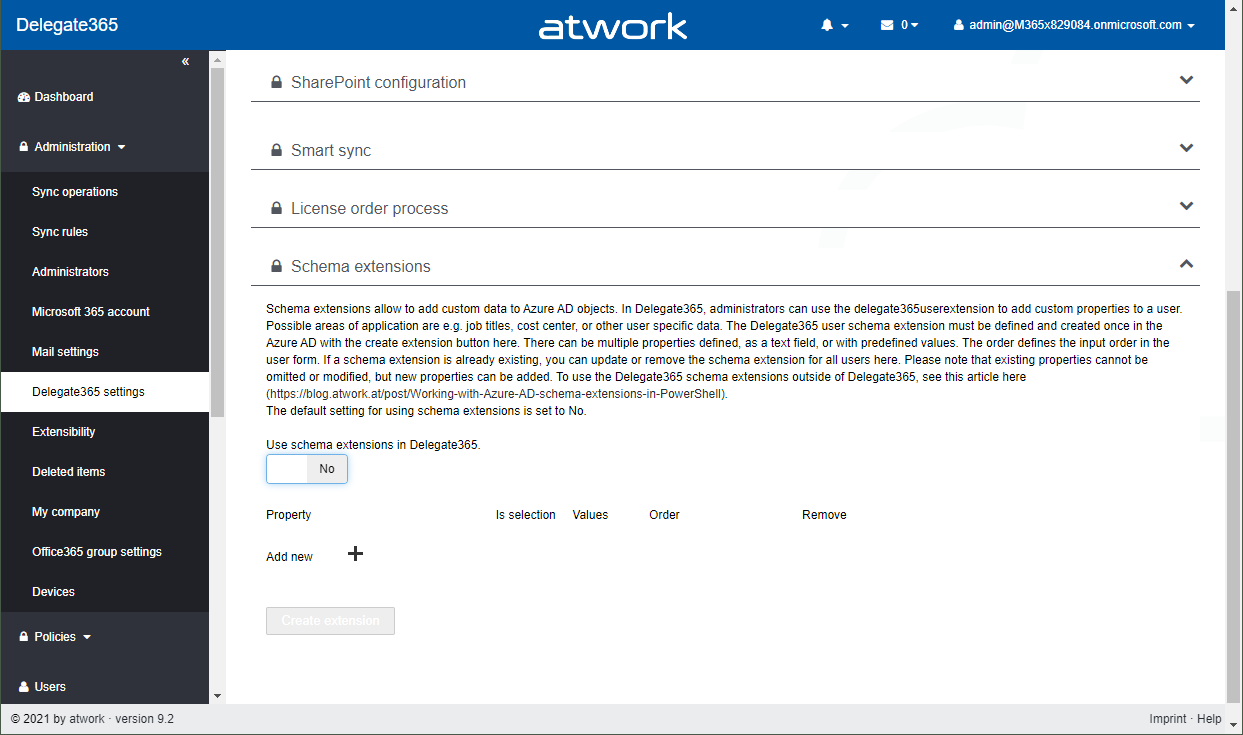
Azure Active Directory is Microsoft´s Cloud Identity system that stores user, license, group, apps, device data and more data in a secure way. As developers, we can extend many of these resources with custom extension. This can be useful to store additional metadata, such as a cost center or personal data for a user, for a group or other resource types. Unfortunately, there isn’t much documentation on that. Here’s how to do this step-by-step for the user resource with Azure AD schema extensions in real life. ...

December 29, 2020 · 13 min · Toni Pohl
Convert Word documents to Markdown, HTML or any other format

Convert Word documents to Markdown, HTML or any other format

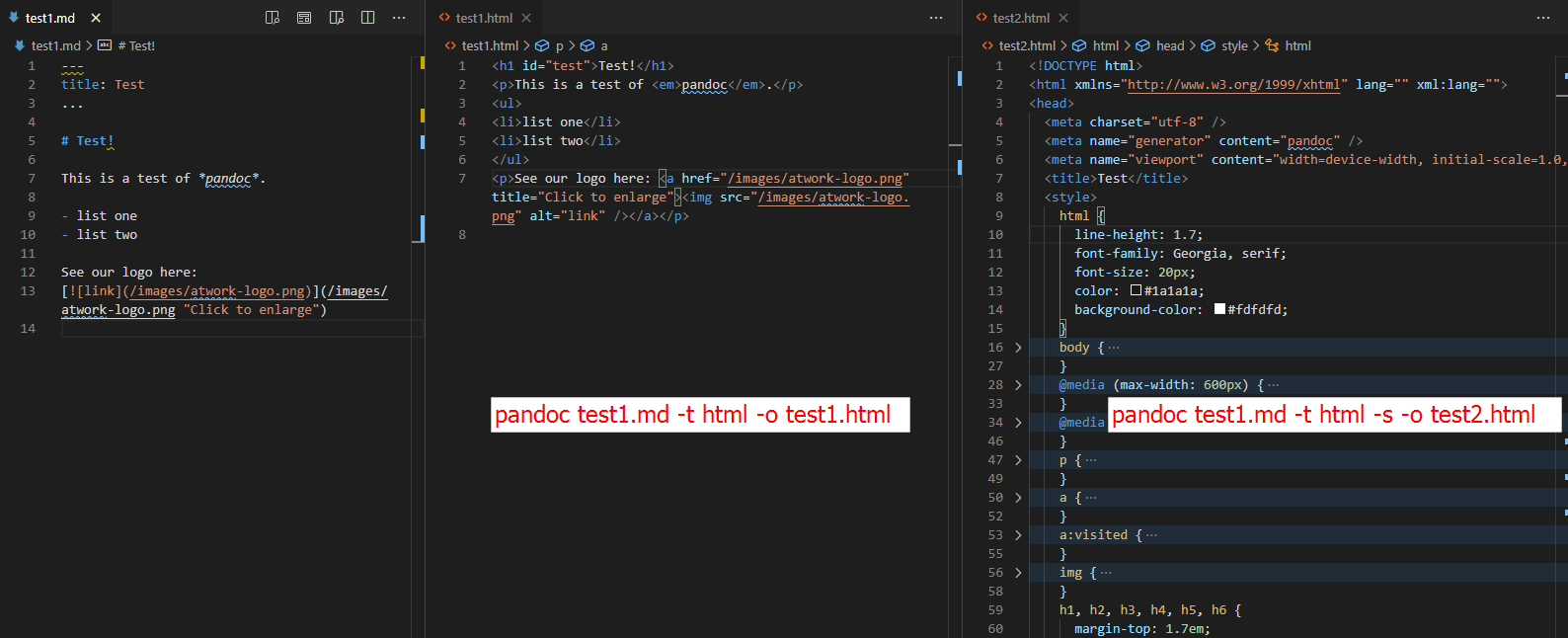
Sometimes it is useful to convert data in documents to another format. There are various tools for this. My favorite conversion tool is Pandoc. Pandoc supports a few dozen file formats, from Word to Markdown and many more. See how to convert a document with Pandoc here. Download the Pandoc tool Pandoc is a cost free and universal document converter, available for all platforms. You can download the command line tool from https://pandoc.org/installing.html. ...

November 3, 2020 · 4 min · Toni Pohl
Delegate365 changelog 9.2-improvements

Delegate365 changelog 9.2-improvements

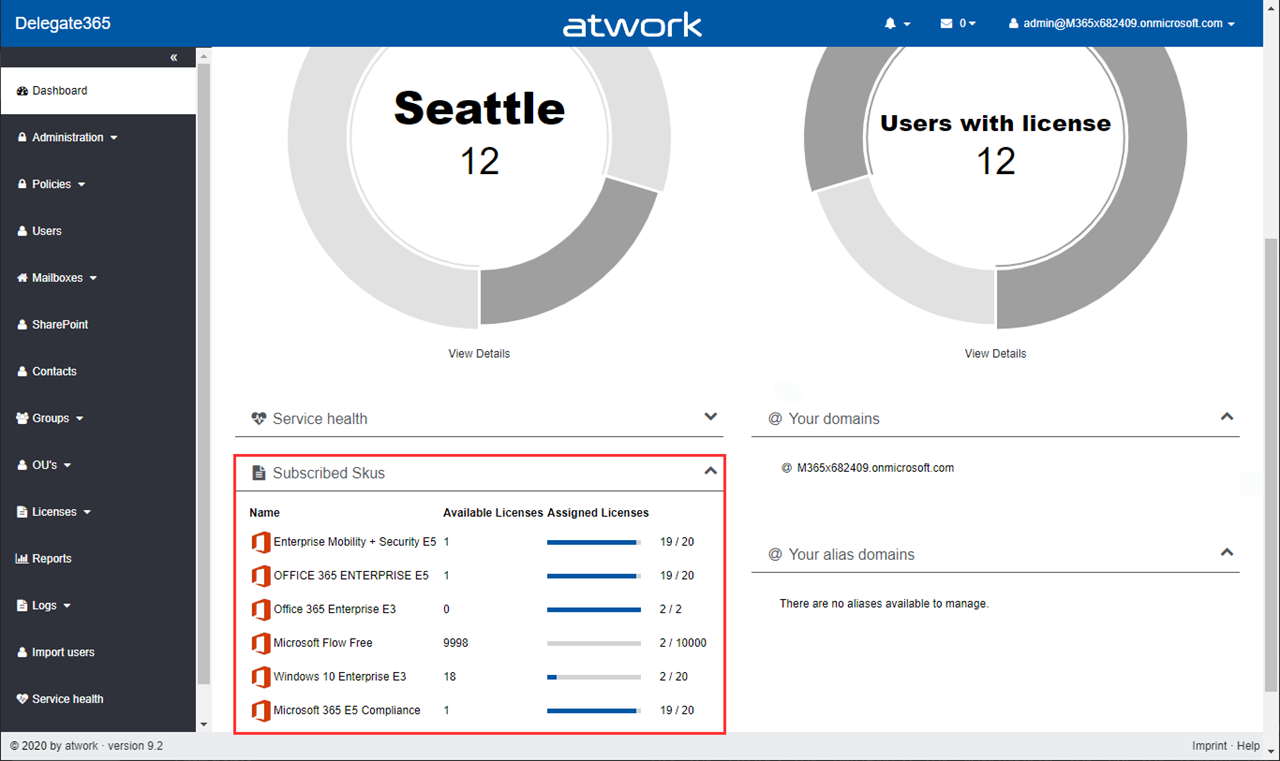
The next version of Delegate365 is here. Delegate365 v9.2 follows the last update v9.1. This update includes a bunch of helpful features and improvements such as SharePoint sites management, Group OU improvements, report improvements, a new message trace job and more. See a description of the new features here. License bars on the dashboard, for users and quotas: The license information is now visually improved for Portal Administrators. A license bar per license (SKU) shows how many licenses are in use and how many are available in total. The same applies to a user’s licenses… …and license quotas. The new display enables a quick view of the licenses. ...

October 22, 2020 · 6 min · Toni Pohl
Delegate365-Goodbye, Basic Authentication

Delegate365-Goodbye, Basic Authentication

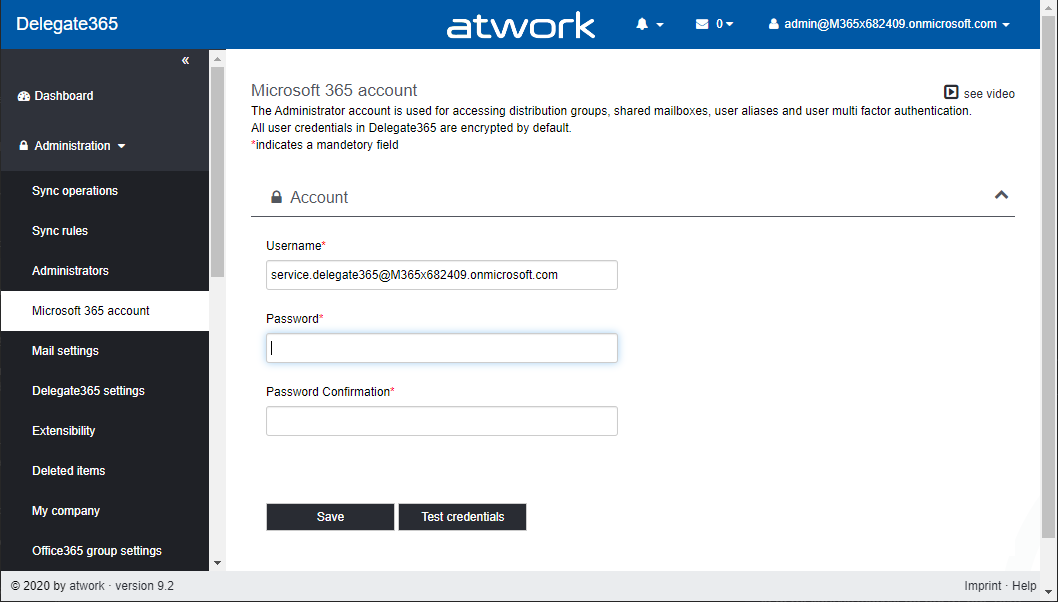
Delegate365 provides a toolbox for easy management of a Microsoft 365 tenant. Management ranges from Exchange Online to Azure AD, SharePoint Online, Reporting and Intune. Delegate365 communicates with the Microsoft 365 services via apps and Modern Authentication, wherever possible. However, a service account had to be used for some Exchange features and the multi-factor authentication management. This will change with the next versions. Some M365 background information So far, some Microsoft services such as Exchange Online (EXO) could only be reached with Basic Authentication, while other (new) services such as Microsoft Graph can be used with an app. Basic Authentication relies on sending usernames and passwords with every request increasing risk of attackers capturing users´ credentials. Therefore, Microsoft recommends that you stop using Basic Authentication. Basic Authentication is superseded by *Modern Authentication *based on OAuth 2.0 that is supported for the new Microsoft 365 services. ...

October 21, 2020 · 6 min · Toni Pohl
PowerShell package Az.Accounts failed to download

PowerShell package Az.Accounts failed to download

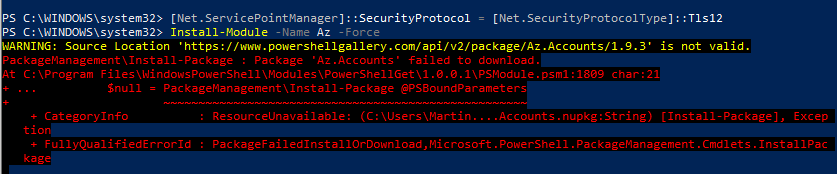
I recently ran into this problem: I had to install the Azure Az PowerShell module from the PowerShell Gallery on a new computer. Interestingly the installation with Install-Module -Name Az failed with the error message “WARNING: Source Location ‘https://www.powershellgallery.com/api/v2/package/Az.Accounts/1.9.3' is not valid.”. See my solution here. The Azure Az PowerShell module provides access to the world of Azure. See more at Introducing the new Azure PowerShell Az module. So, if you run into this issue when executing ...

September 20, 2020 · 2 min · Martina Grom
Join us at the Global Microsoft 365 Developer Bootcamp - Austria

Join us at the Global Microsoft 365 Developer Bootcamp - Austria

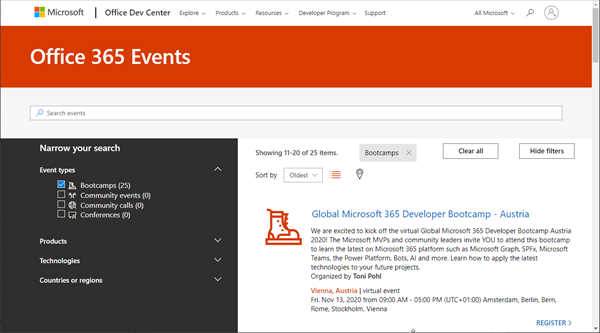
Global Microsoft 365 Developer Bootcamp is back! This year the event will take place virtually from more than 100 cities worldwide. Join us at our Microsoft 365 Developer Bootcamp - Austria on November, 13th, 2020! The Global Microsoft 365 Developer Bootcamp is here for the 4th year straight. Check out Microsoft 365 Events Bootcamps and join us at our bootcamp in Austria using Microsoft Teams. Register now! We are excited to kick off the virtual Global Microsoft 365 Developer Bootcamp Austria 2020! The Microsoft MVPs and community leaders invite YOU to attend this bootcamp to learn the latest on Microsoft 365 platform such as Microsoft Graph, SPFx, Microsoft Teams, the Power Platform, Bots, AI and more. Learn how to apply the latest technologies to your future projects. ...

August 18, 2020 · 1 min · Toni Pohl
Get Administrator roles and Privileged Identity Management roles of an Azure AD tenant

Get Administrator roles and Privileged Identity Management roles of an Azure AD tenant

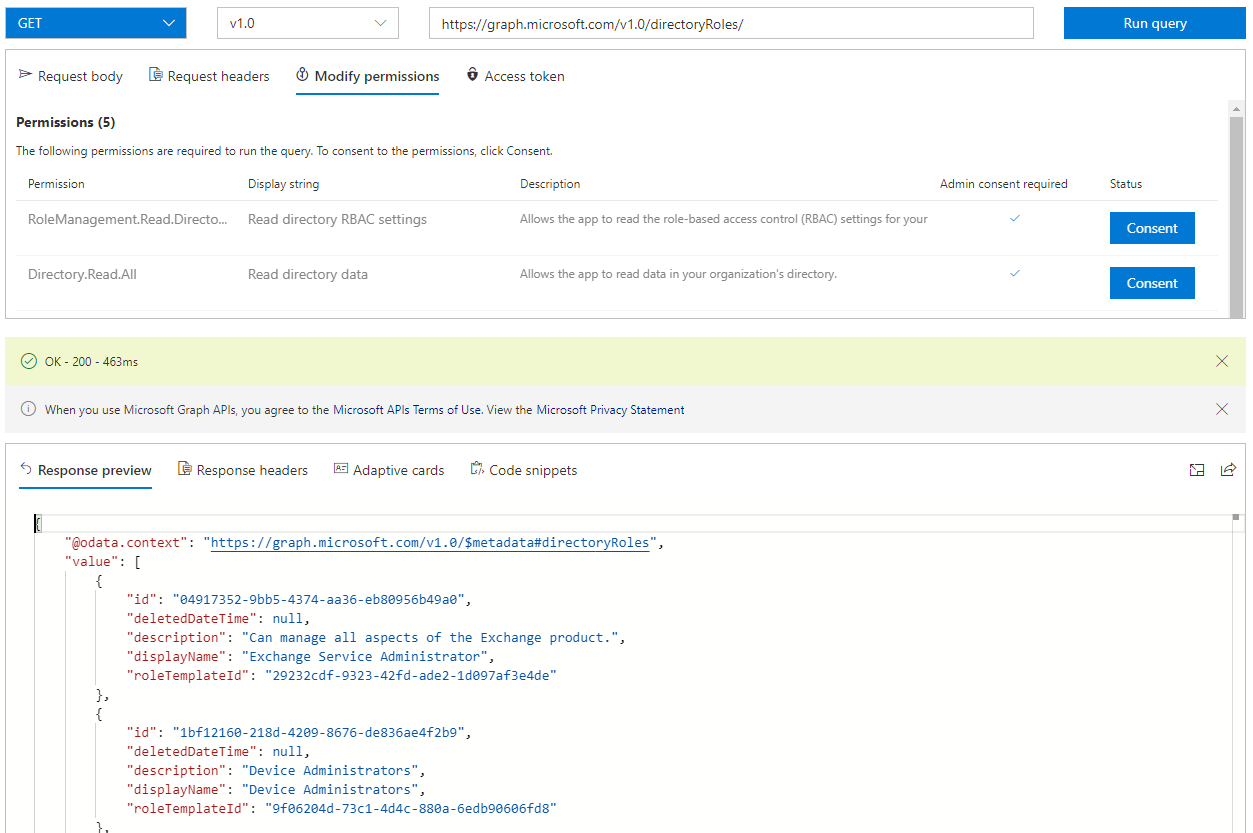
To ensure the security of your Microsoft 365 client, we recommend implementing an appropriate governance and security strategy. An effective measure is to determine the current administrators and their permissions. In this article, we want to identify administrators with permanent roles and administrators who can use roles with Privileged Identity Management (PIM). PIM provides just-in-time privileged access to Azure AD and Azure resources. See how to find all Administrators, including PIM, here. ...

July 16, 2020 · 6 min · Toni Pohl
Delegate365-Working with guest users

Delegate365-Working with guest users

Delegate365 supports working with guest users. Guest users or external users are users that are invited to the company tenant by email. Once they accept the invitation, they get access to corporate resources. For example, a guest user can be a member of a Microsoft team or collaborate in Planner or in a SharePoint site or similar. See some samples here. Invite a guest user In Delegate365, admins can invite a guest user by clicking on the “Invite guest user” icon next to the “+” icon (new user). If you don´t see this icon, ask your Delegate365 Portal Admin to enable that feature in the permission policies. ...

June 26, 2020 · 5 min · Toni Pohl